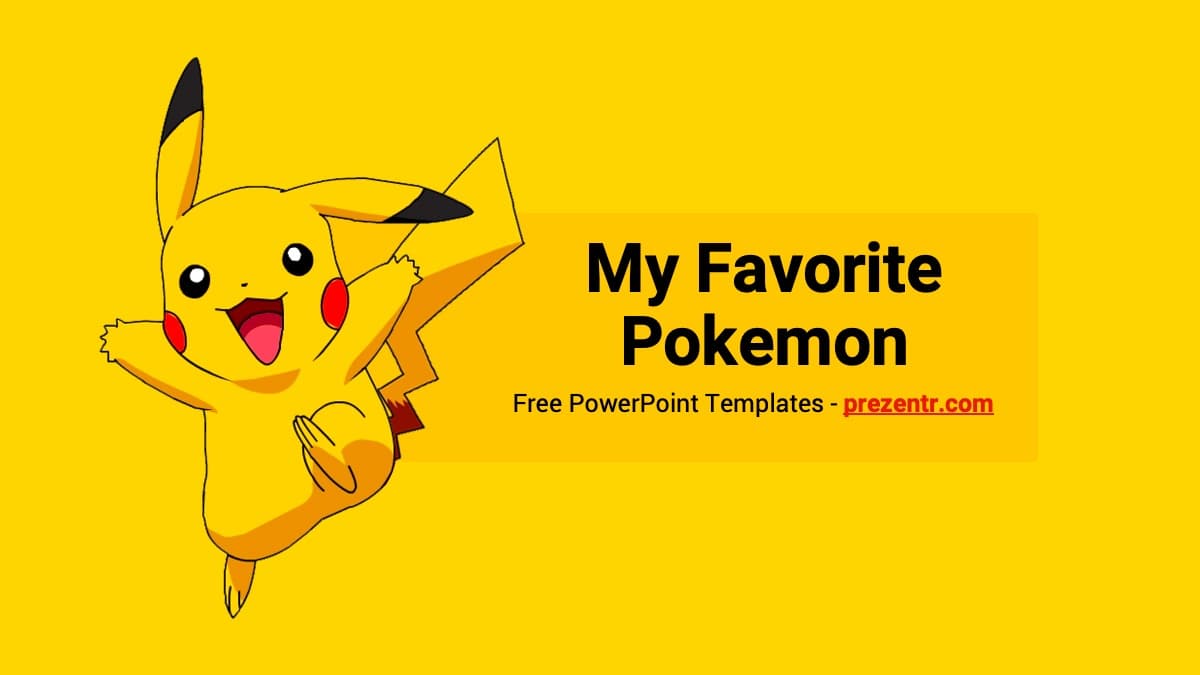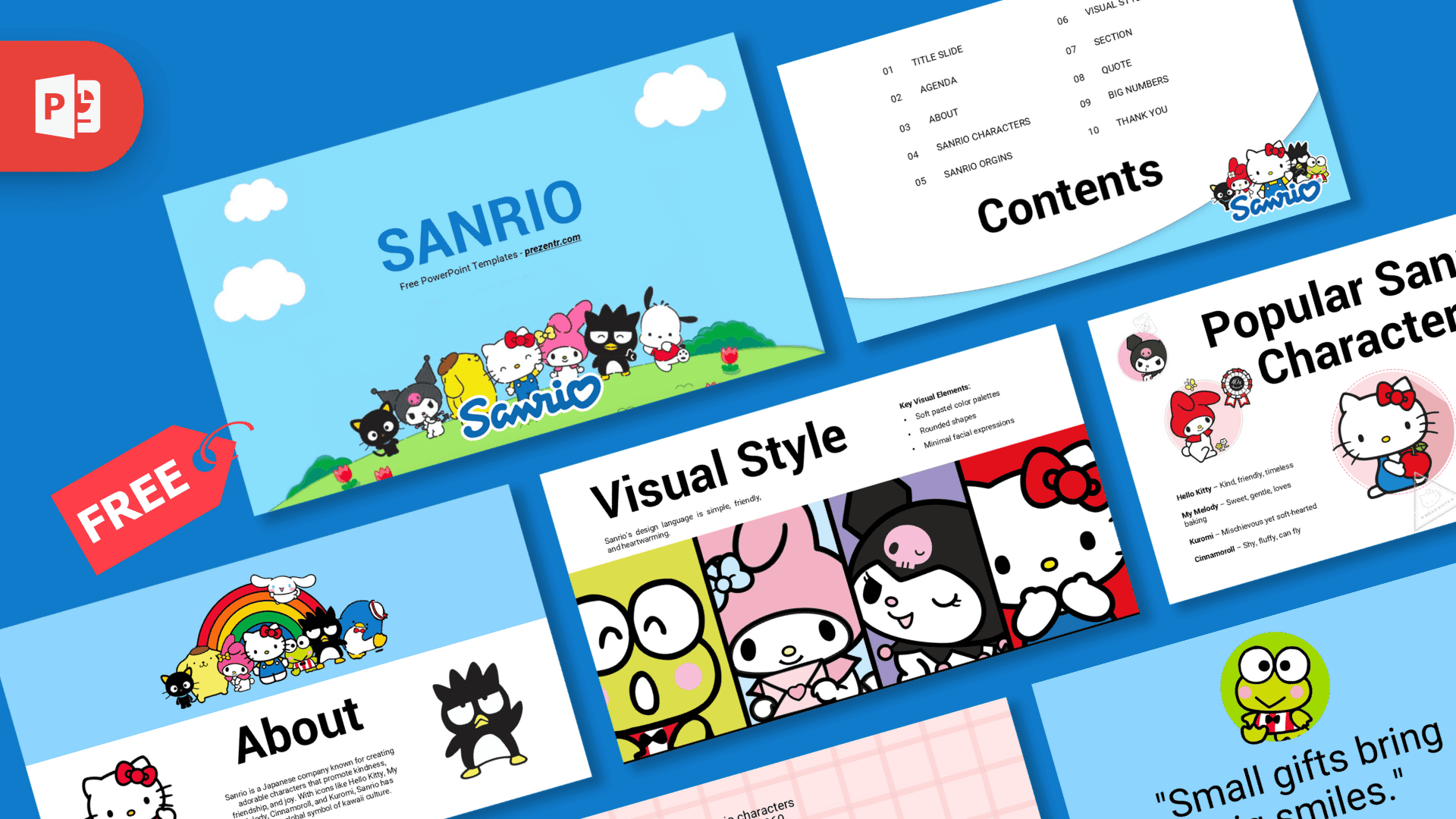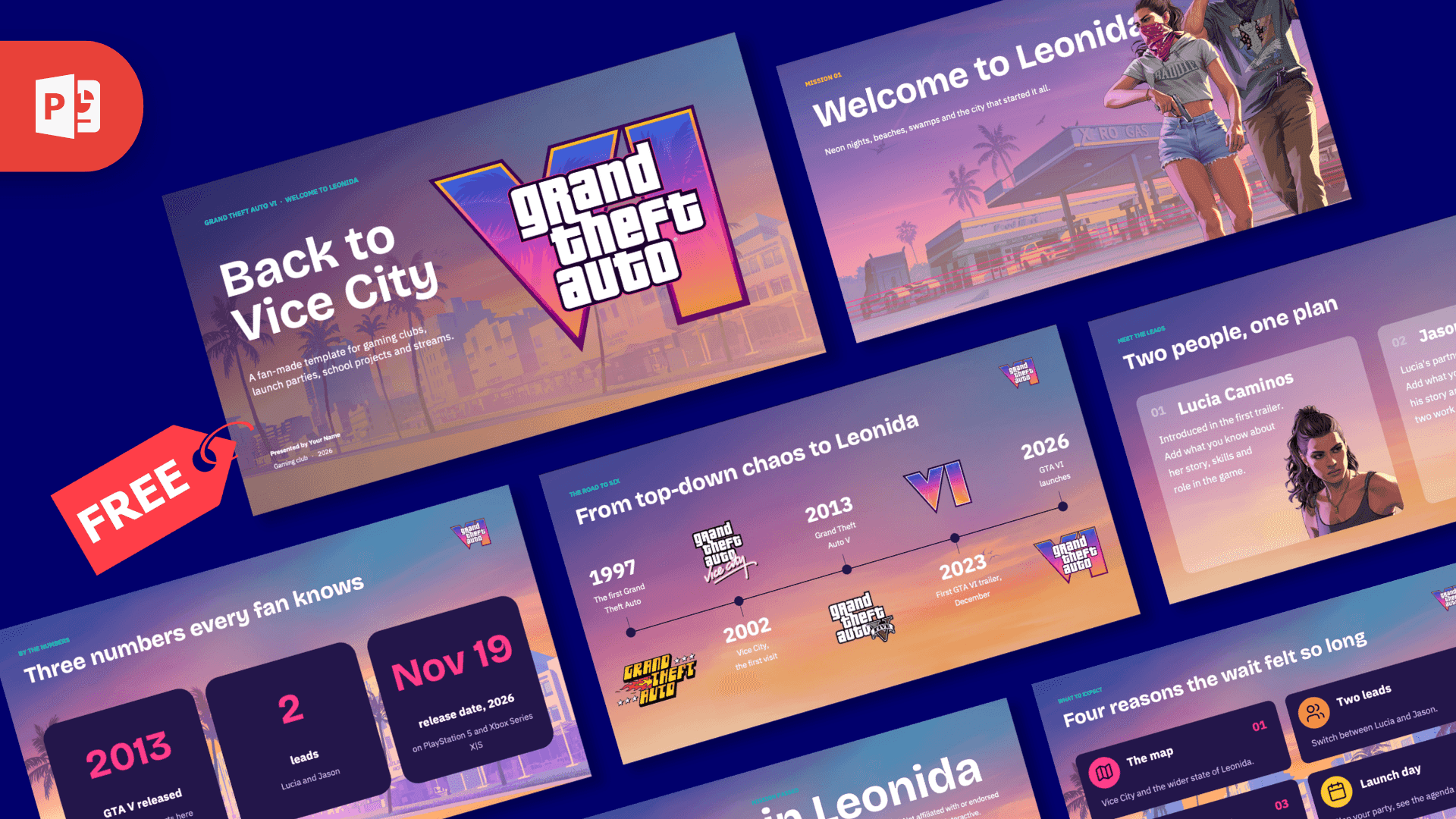
Updated October 2026: this template has been completely redesigned for the 30th anniversary of Pokémon, with 24 slides, new artwork and pre-filled content. The original 2020 version is still available as the legacy download on this page.
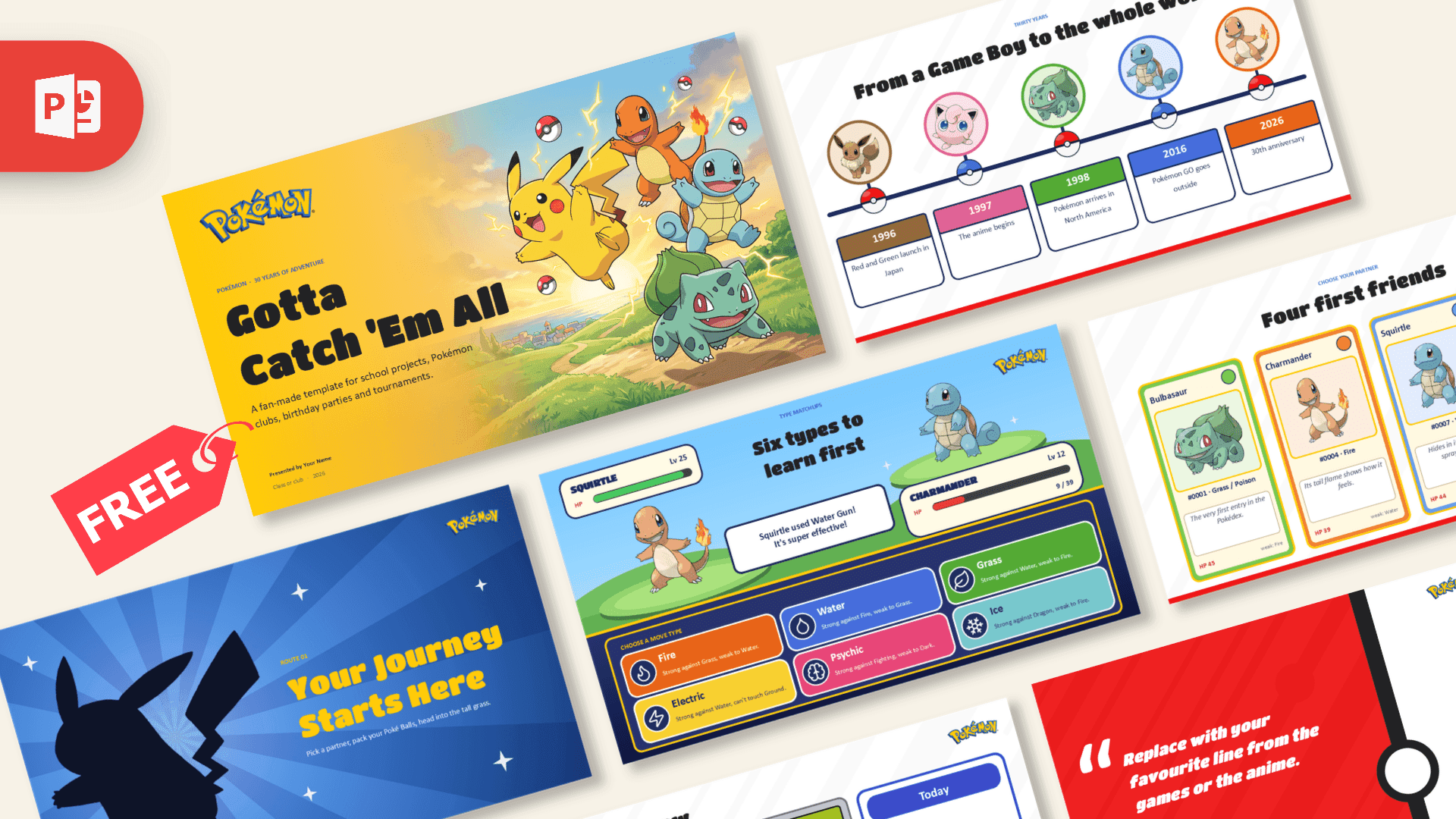
The Pokemon PowerPoint Template opens on a sunlit meadow with Pikachu, Charmander, Squirtle and Bulbasaur leaping across a yellow-to-orange cover, and keeps the Poké Ball as its running motif: a large one on the cover, a faint one behind the quote, a small one in the corner of every slide and a row of them along the timeline. Backgrounds switch between white, Pikachu yellow, sky blue and Poké Ball red, so each slide feels like a different route. Titan One gives the headlines a chunky cartoon weight and M PLUS Rounded 1c keeps the body text soft and easy to read for younger audiences. Entrance animations bring the cards and creatures in one at a time.
What's Inside
Ten content slides come pre-filled with Pokémon facts. After the "Gotta Catch 'Em All" cover there is a big-numbers slide (151 original Pokémon, 18 types, over 1,000 today), a timeline from Red and Green in 1996 through the anime, the North American launch and Pokémon GO to the 2026 anniversary, a "Your Journey Starts Here" section divider, a "Four first friends" slide with trading-card style profiles of Bulbasaur, Charmander, Squirtle and Pikachu, a "Six types to learn first" grid styled like a battle screen, a quote slide, a "Then and now" comparison table, a Pokémon birthday party agenda and a "See you next route" closing slide. Reference slides for fonts, elements and icons are included, plus blank copies of every layout so new pages match the rest.
Who Is This Template For?
Made for school projects and class presentations, Pokémon clubs and tournament organisers, birthday party planning, YouTube and stream intros, and anyone presenting about the games, the anime or the trading card game. The team cards work for any four favourites, the types grid becomes a matchup cheat sheet, and the agenda slide is ready for your own event timings. This is a fan-made template and is not affiliated with or endorsed by The Pokémon Company or Nintendo.
Related Templates
If you enjoyed this template, explore Animated Pokemon GO PowerPoint Template, Super Mario PowerPoint Template, Minecraft PowerPoint Template. Browse all Games templates.
Frequently asked questions
- Is the Pokemon PowerPoint template free?
- Yes, it is free to download from Prezentr for school, club and personal use. It is a fan-made design and is not an official Pokemon product or endorsed by its owners.
- How many slides are included?
- The file includes 4 designed slides: a title slide, a title and content slide, a section header and a blank slide. You can add more slides with the same design from the New Slide menu.
- Is there a Google Slides version of this Pokemon template?
- The download is a PowerPoint template file (.potx), and a separate Google Slides version is not listed for this design. It is built and tested for PowerPoint.
- Why does the file open as a new presentation?
- The template is saved in .potx format, so PowerPoint opens a fresh copy each time. Save that copy as a regular .pptx presentation and the original template stays clean for next time.
- Do I need to install any fonts?
- No. The template uses Trebuchet MS, which comes with most Windows and Mac computers, so the text should look the same on your screen as in the preview.
- Can I add my own Pokemon pictures?
- Yes. Use Insert, then Pictures, to place any image on the slides. PNG images with transparent backgrounds look best on the blue and yellow design.
This is a fan-made template inspired by Pokémon. Prezentr is not affiliated with, endorsed by, or selling assets from Pokémon. All brand names, logos, and trademarks belong to their respective owners.
Previous version
This is an updated version of the Pokemon PowerPoint Template, redesigned in October 2026. The original version, first published in July 2020, is still available here: