Google Slides Templates
598 templates
Free Google Slides themes that copy into your own Drive in one click, each with a matching PowerPoint download.
AllPowerPointTemplatesGoogle SlidesBrands and CompaniesTV Shows and MoviesBusiness and FinanceTechnologyEducationFood and DrinksHolidaysGeneralSportsMedical and HealthAbstract and TexturesNatureMusic, Culture and ArtPeopleGamesInternationalHistory
Loading…
How to use these Google Slides themes Click the Google Slides button on any template page. Google asks if you want to make a copy; confirm and the deck opens in your own Google Drive, ready to edit. Nothing to download or install, and it works on any computer or Chromebook.
Why Google Slides Google Slides is free, saves automatically and lets several people edit the same deck at once, which makes it the easiest choice for group projects and classrooms. Every theme here also comes as a PowerPoint download, so you can switch tools at any point.
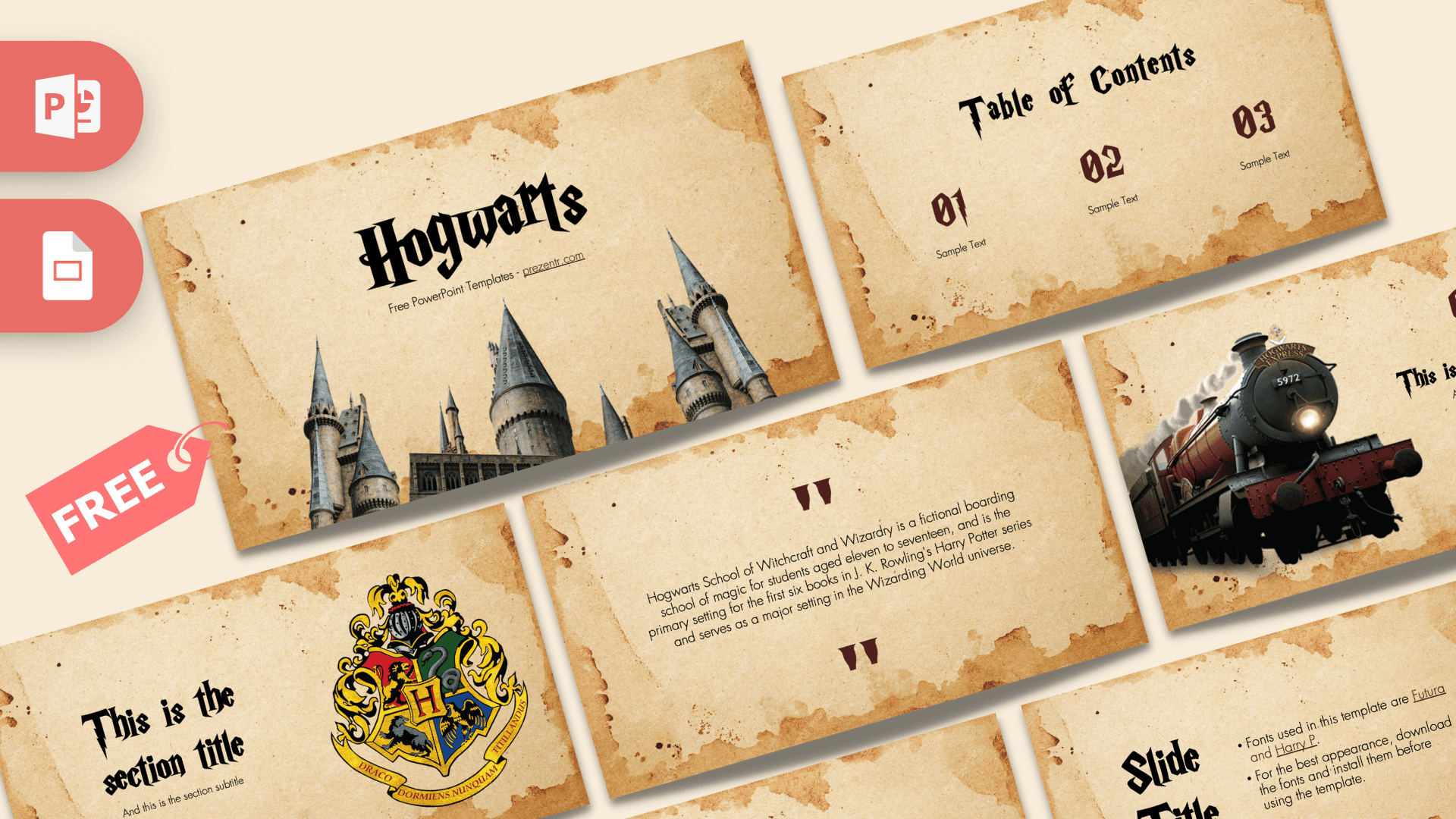
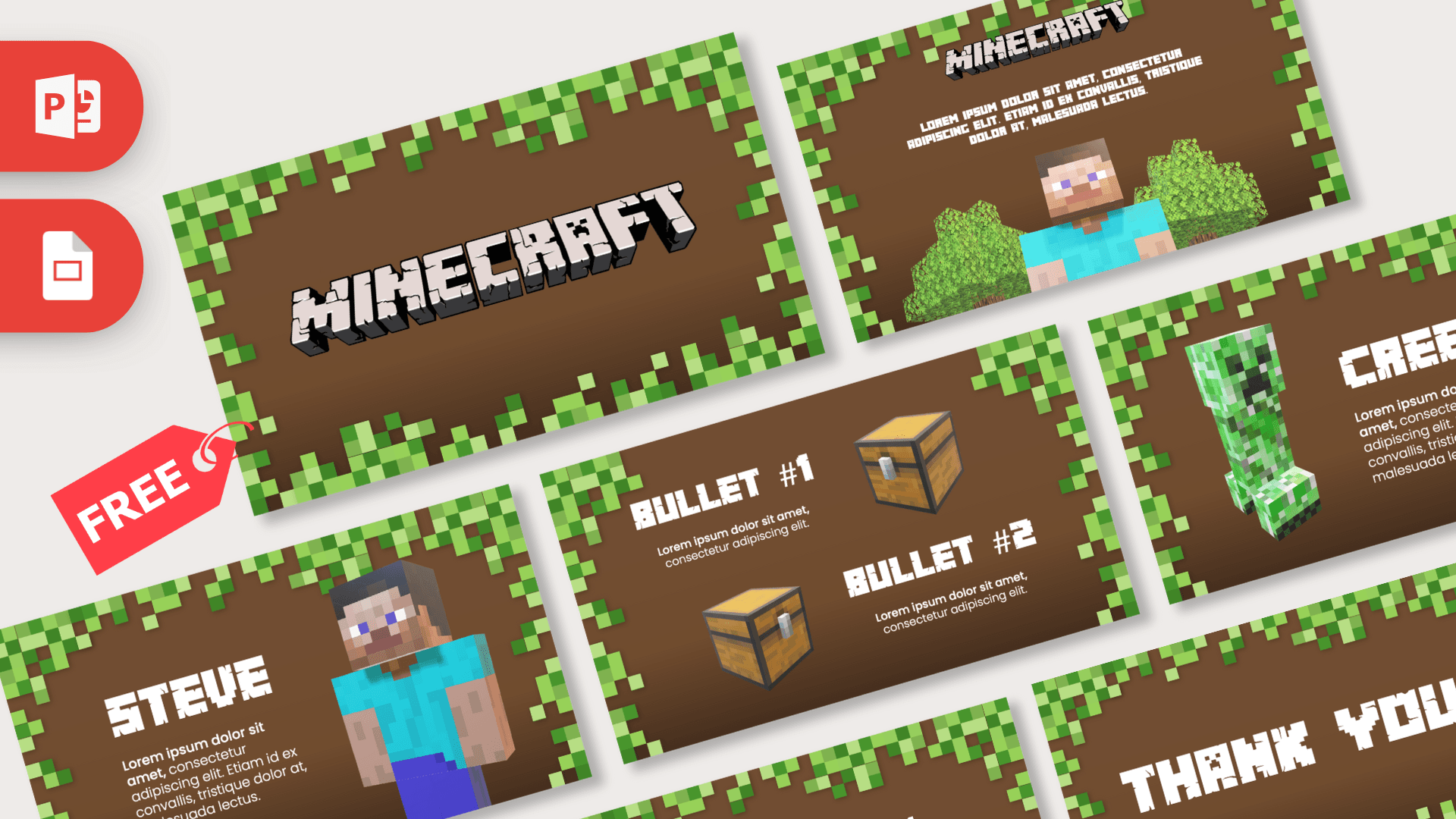
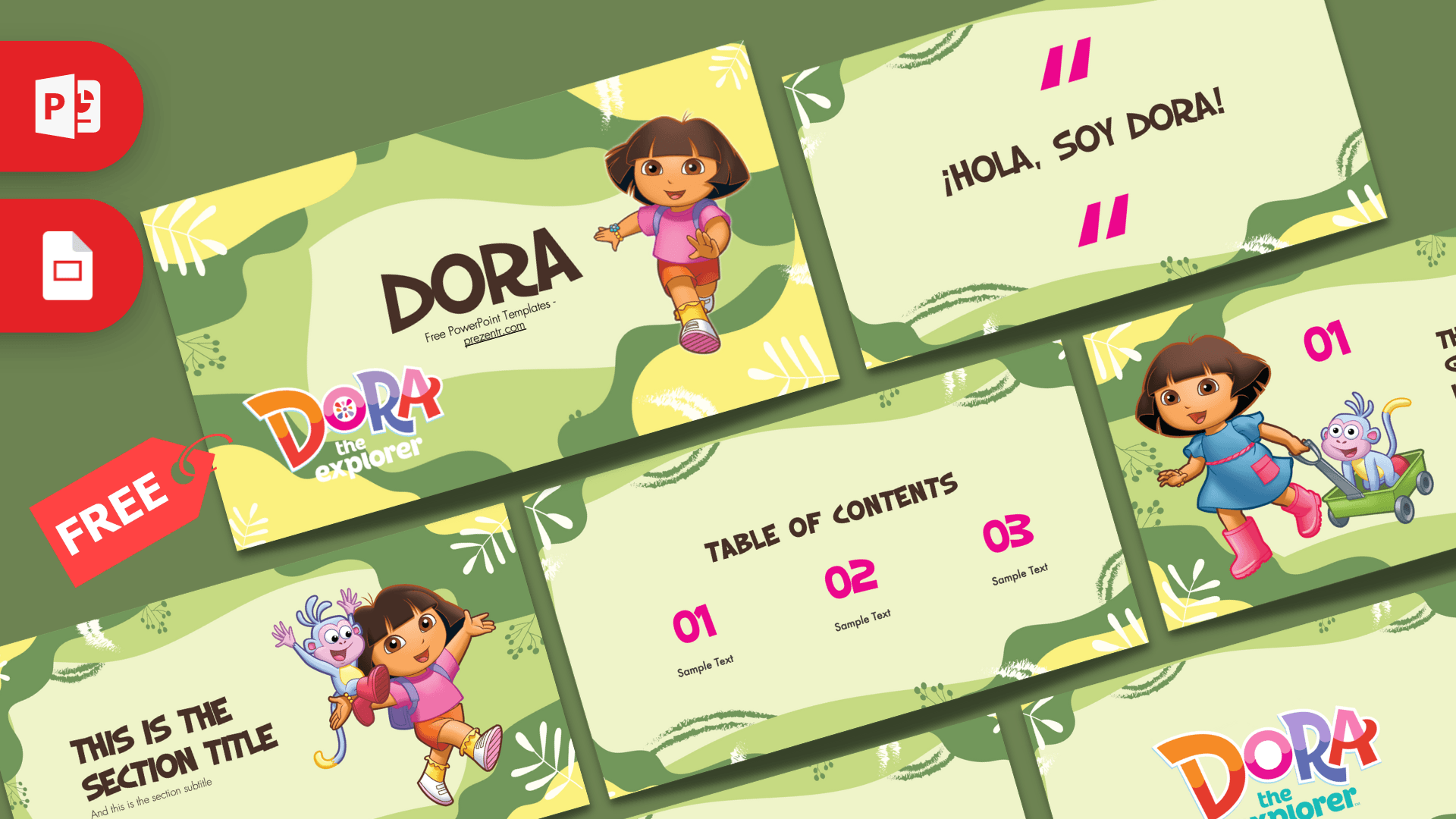
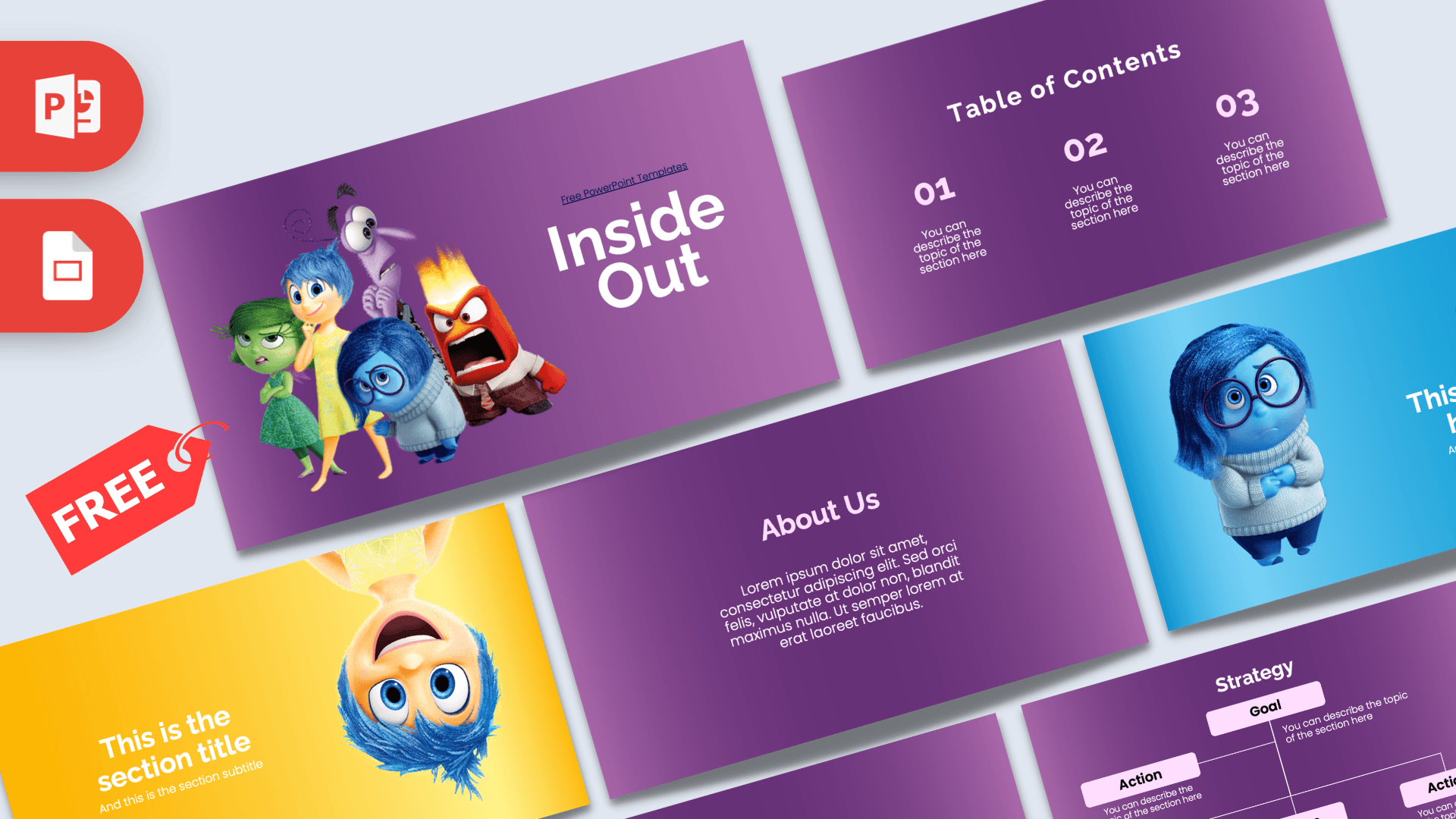
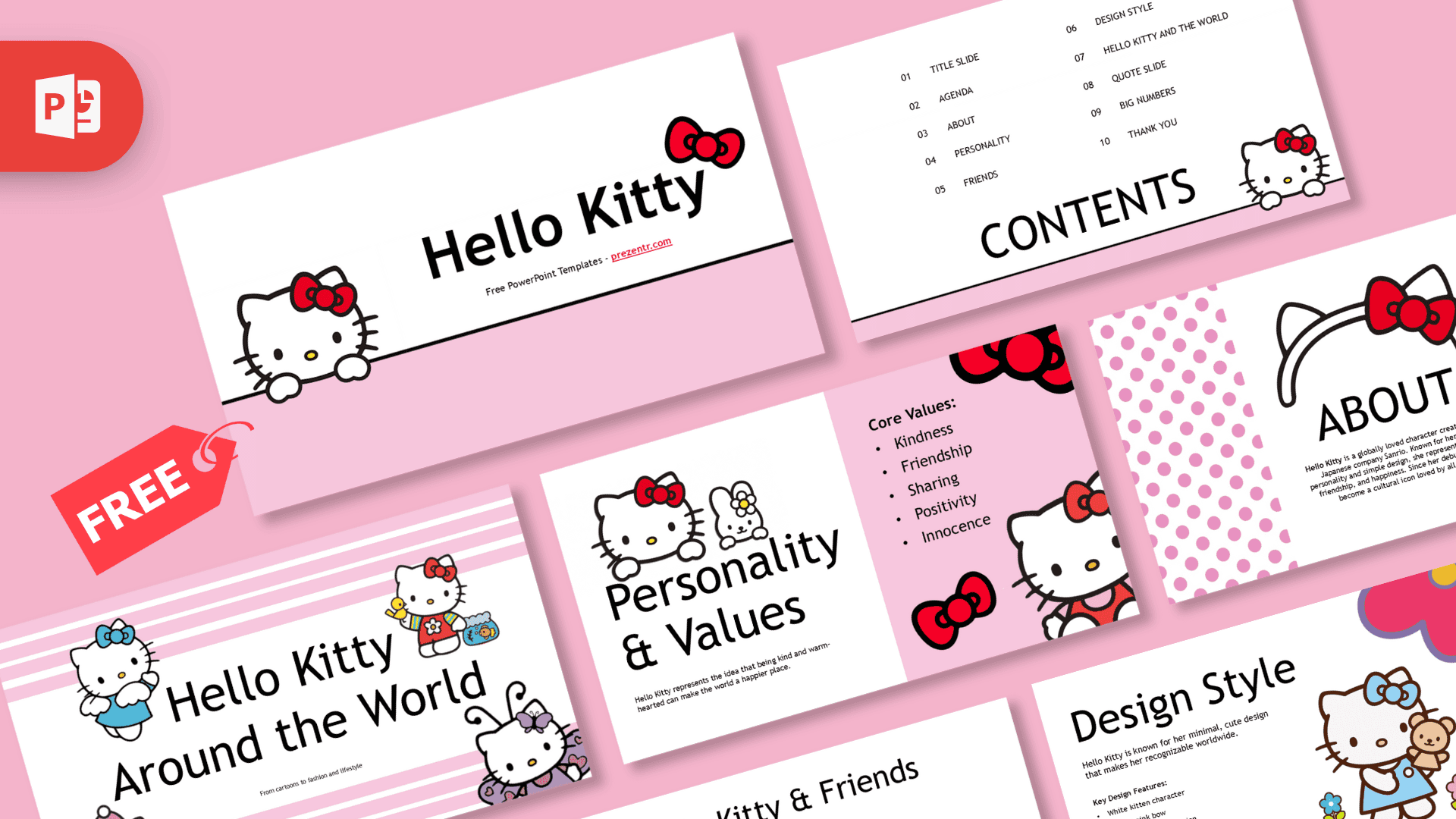
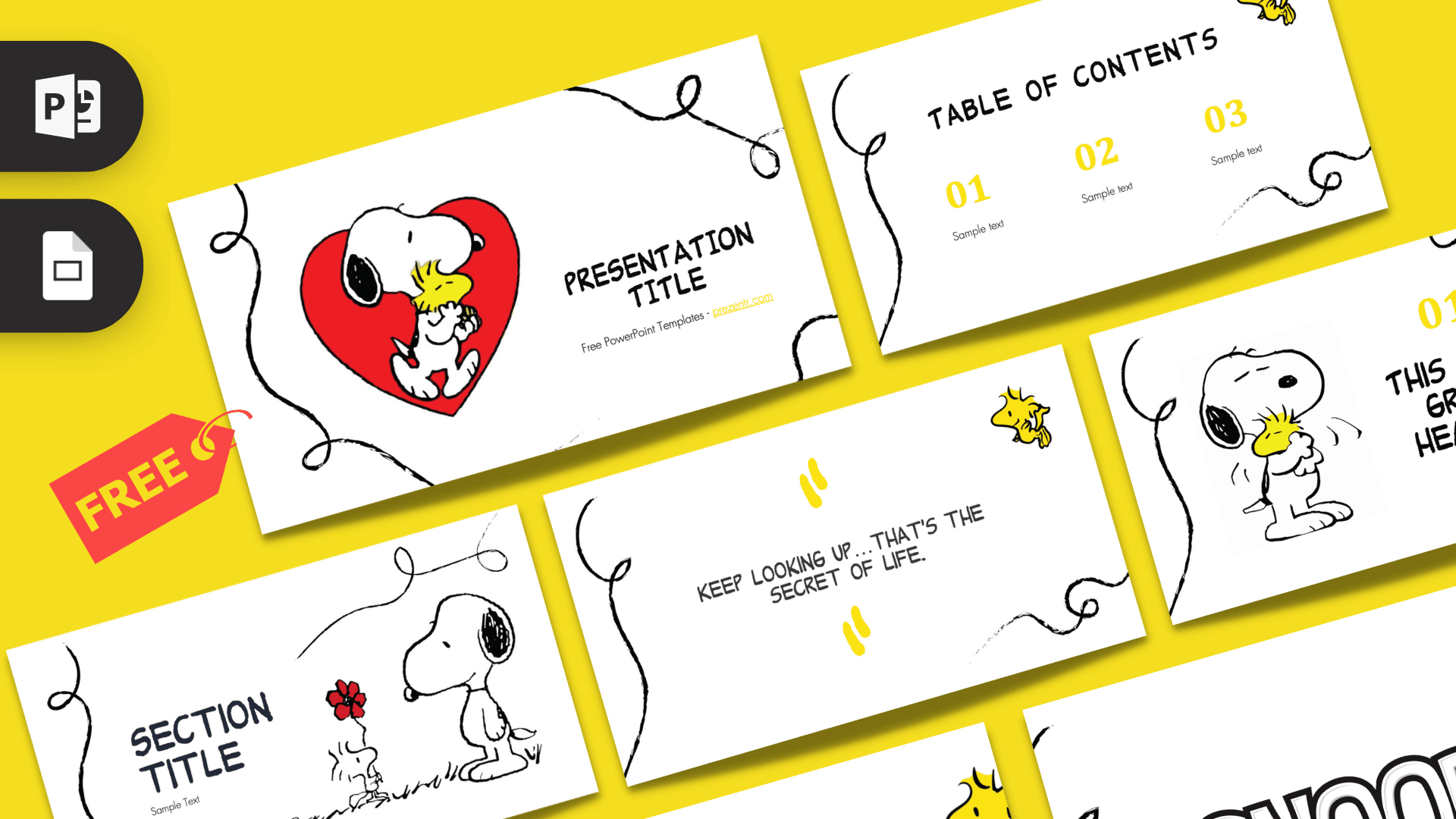
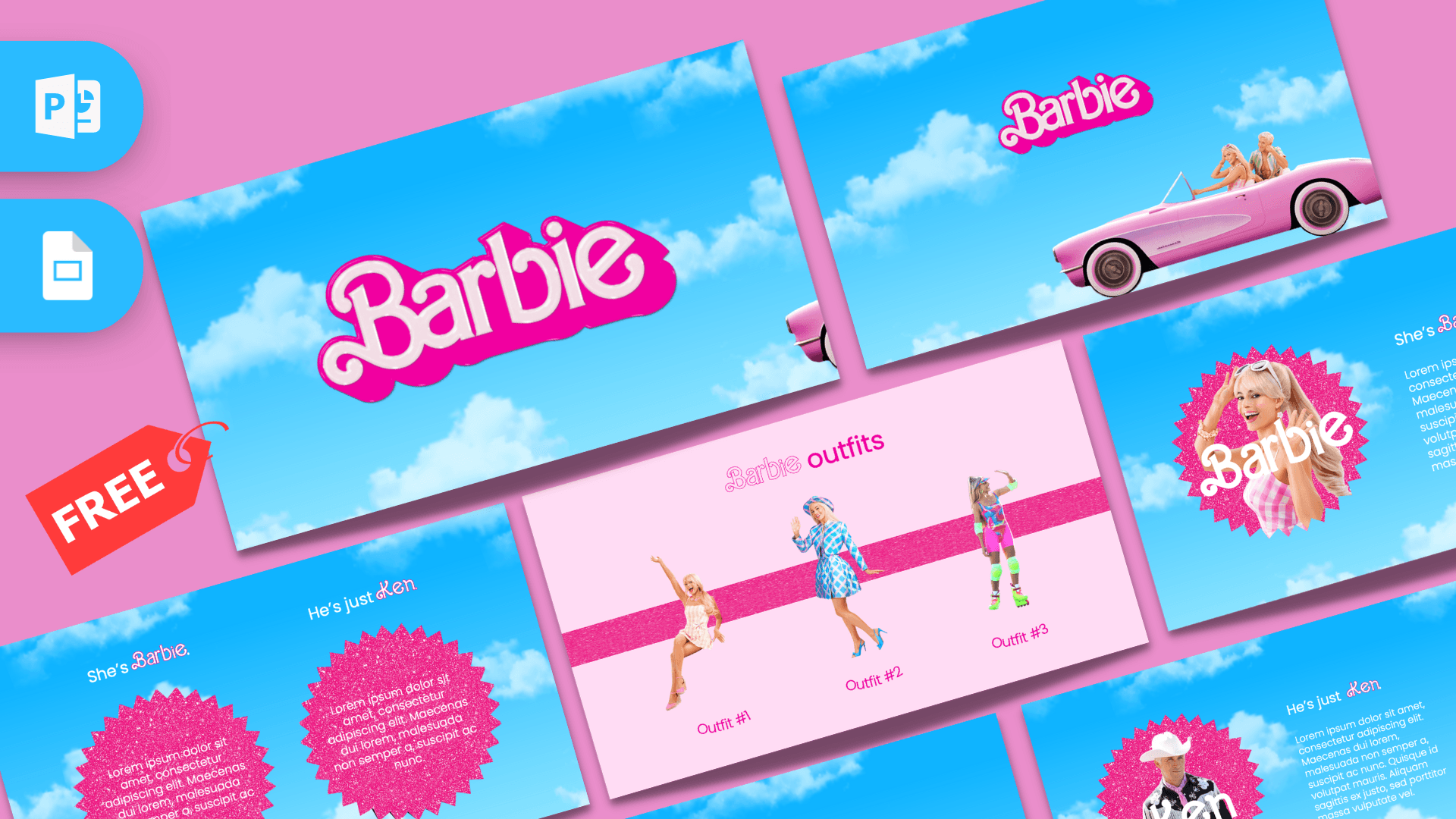
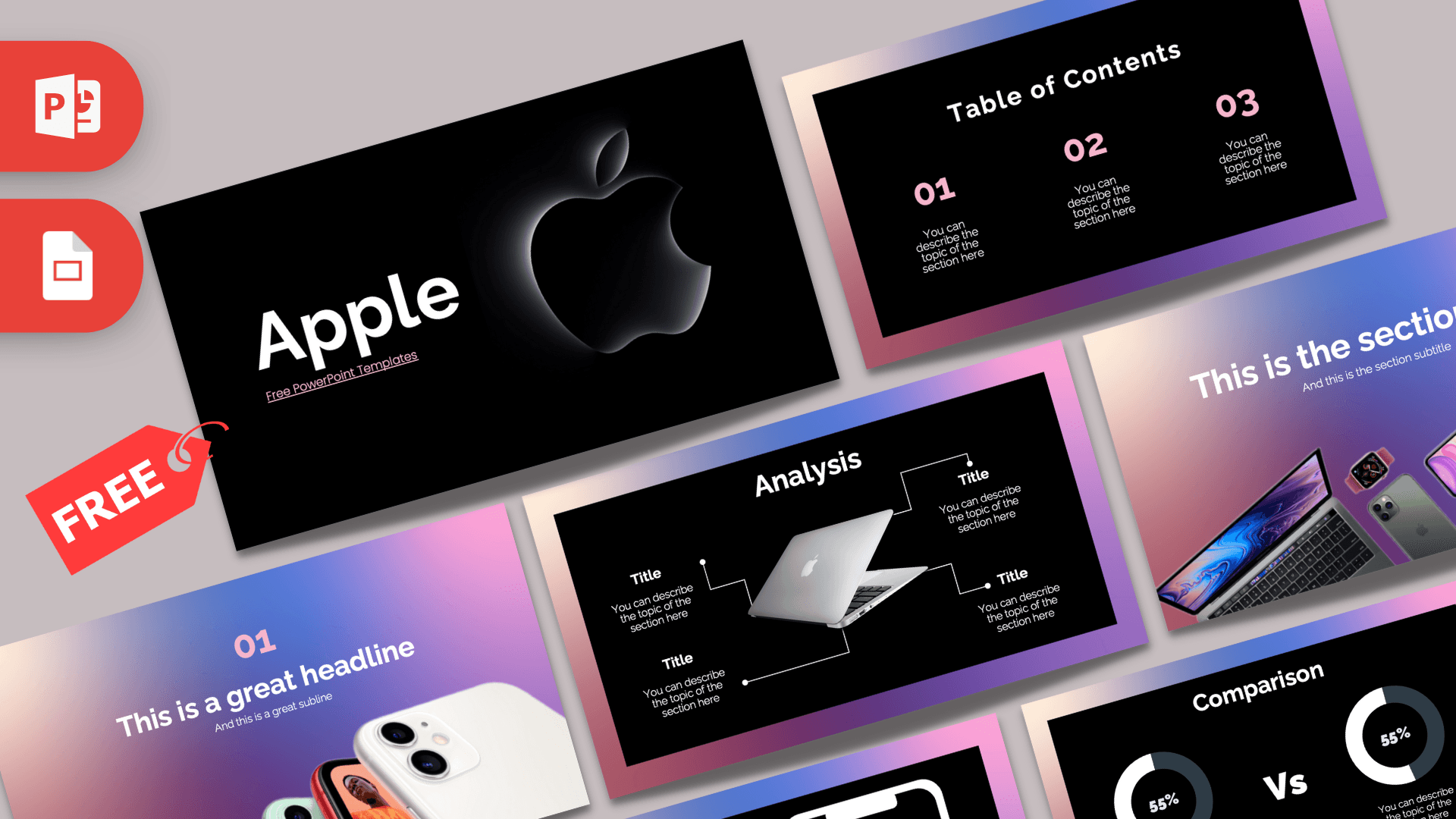
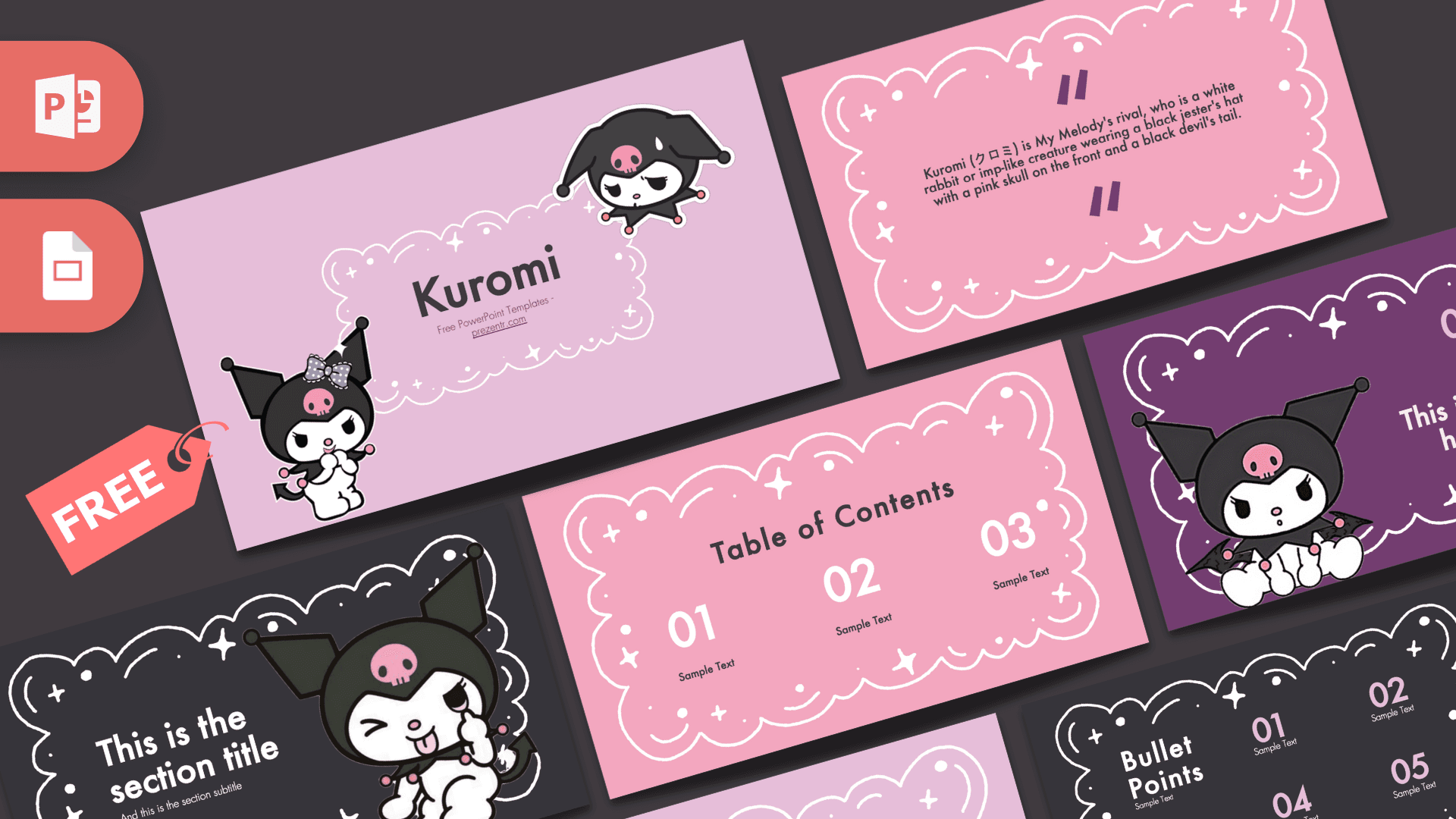
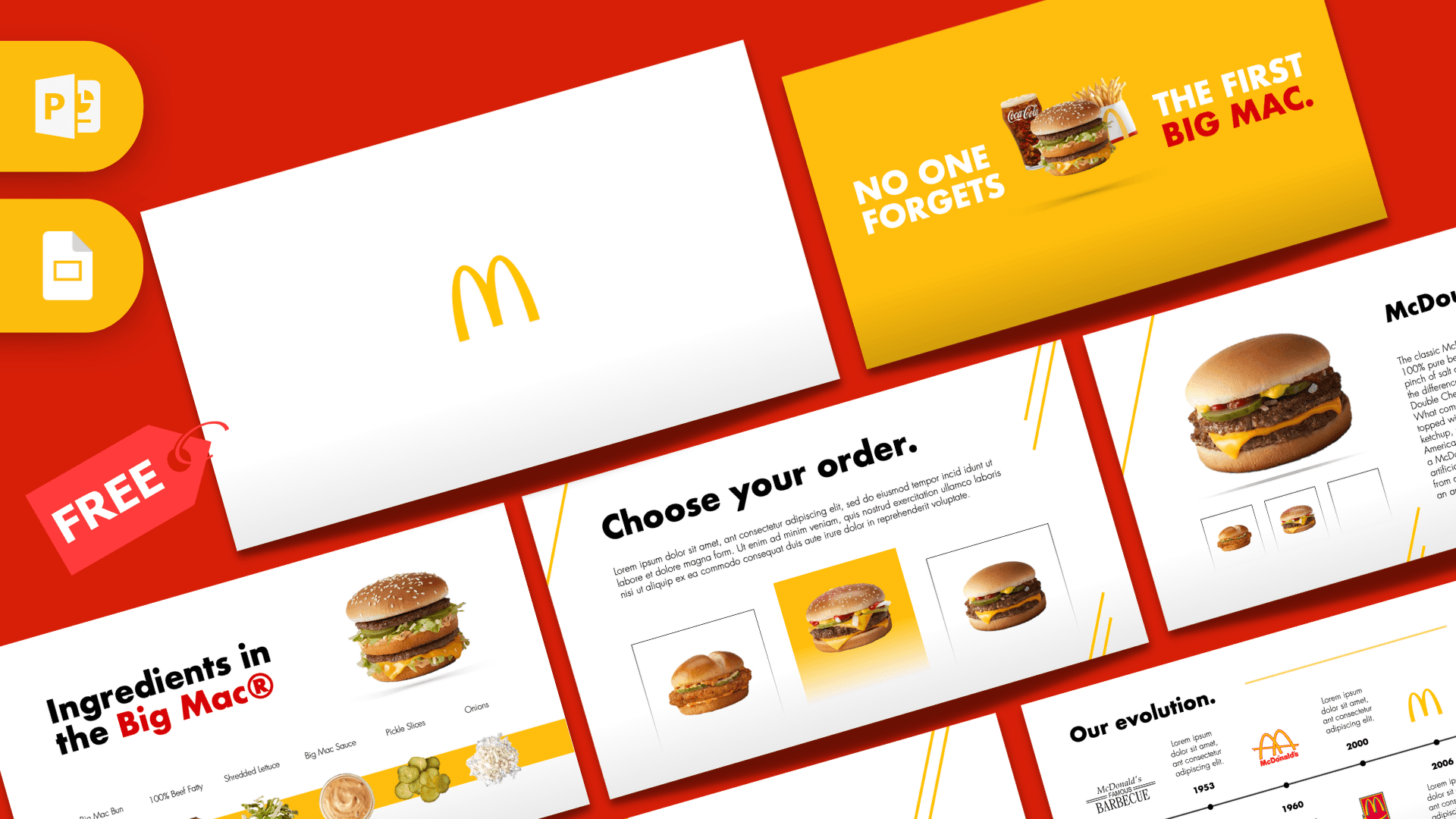
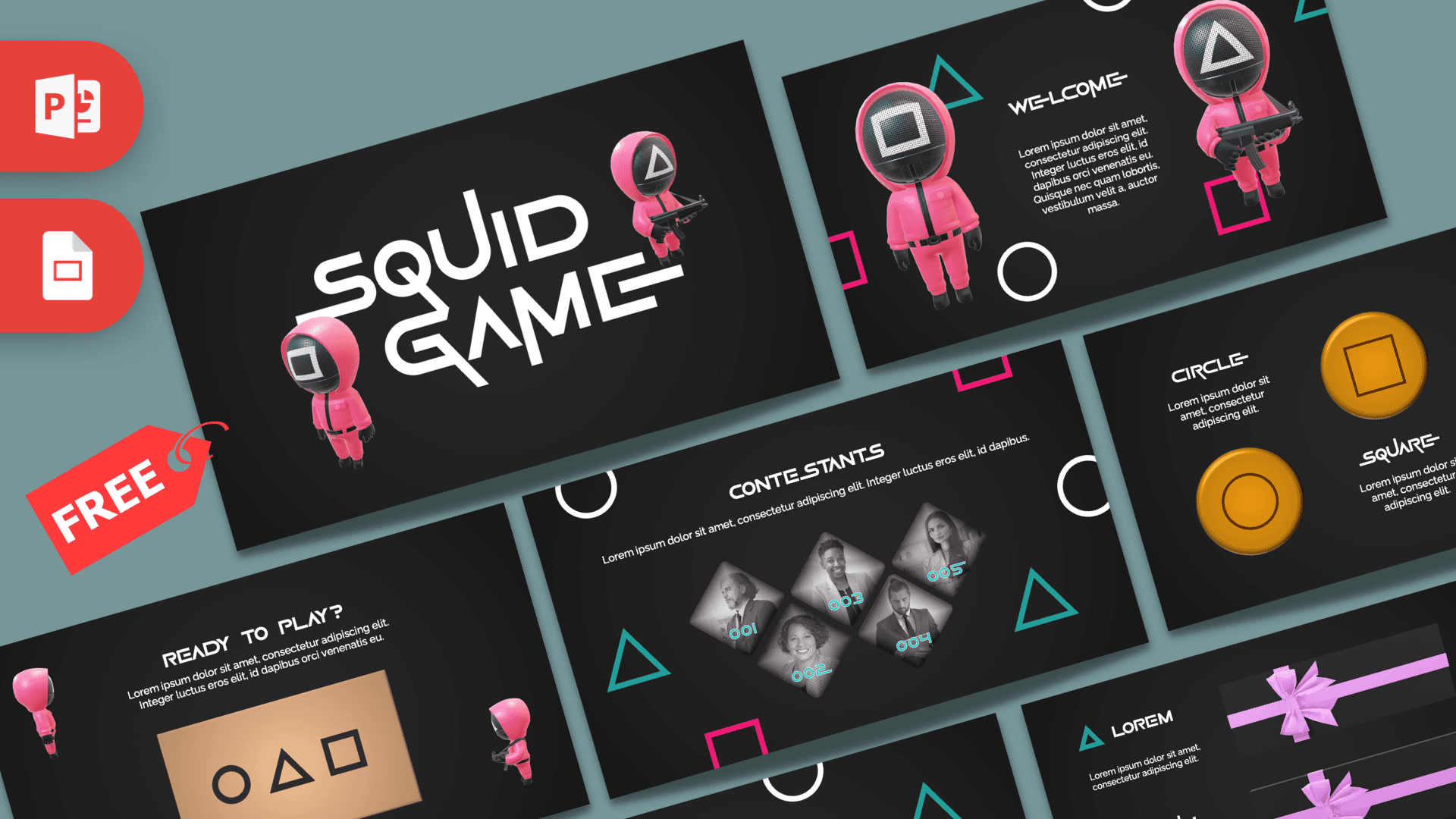
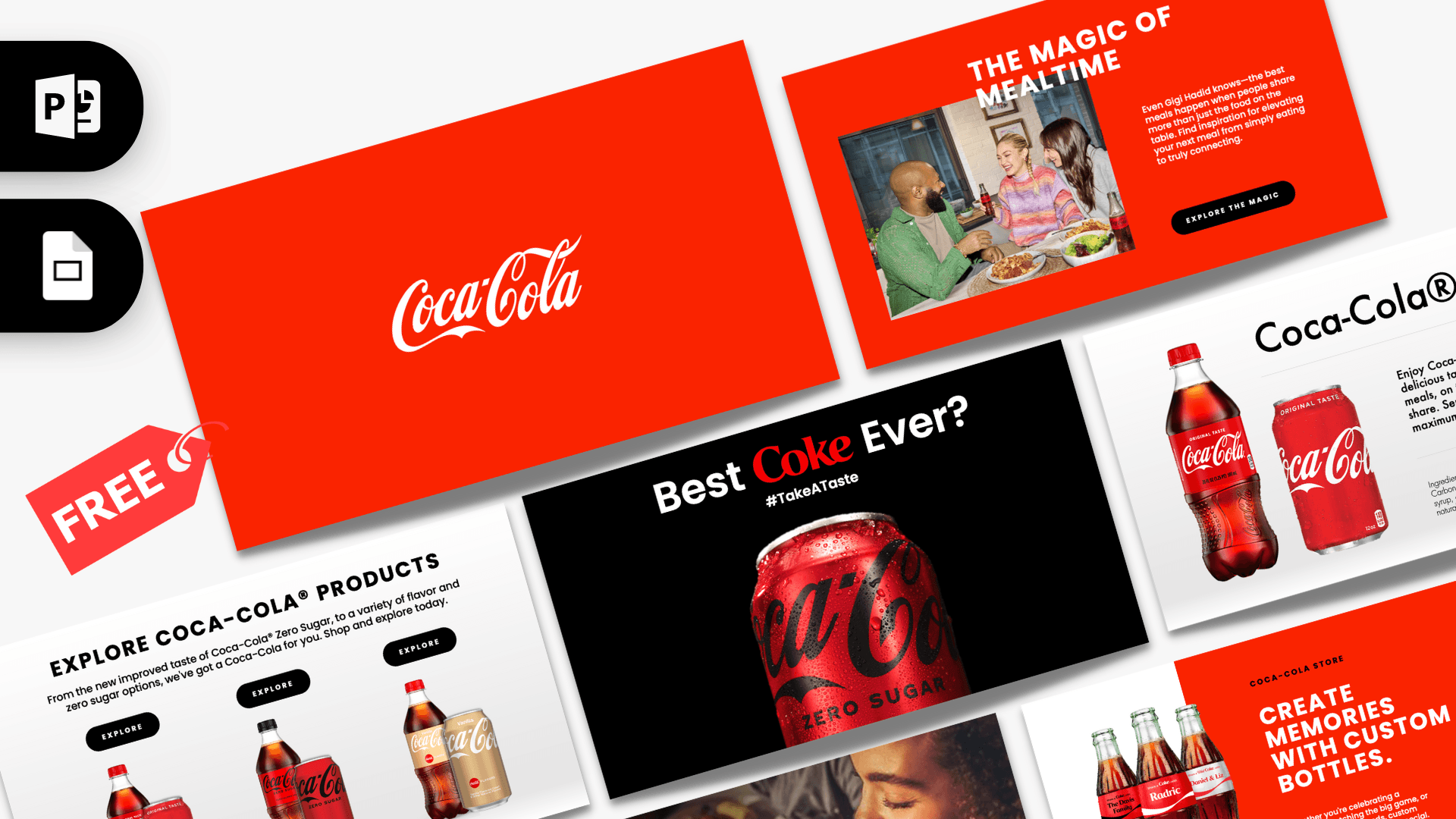
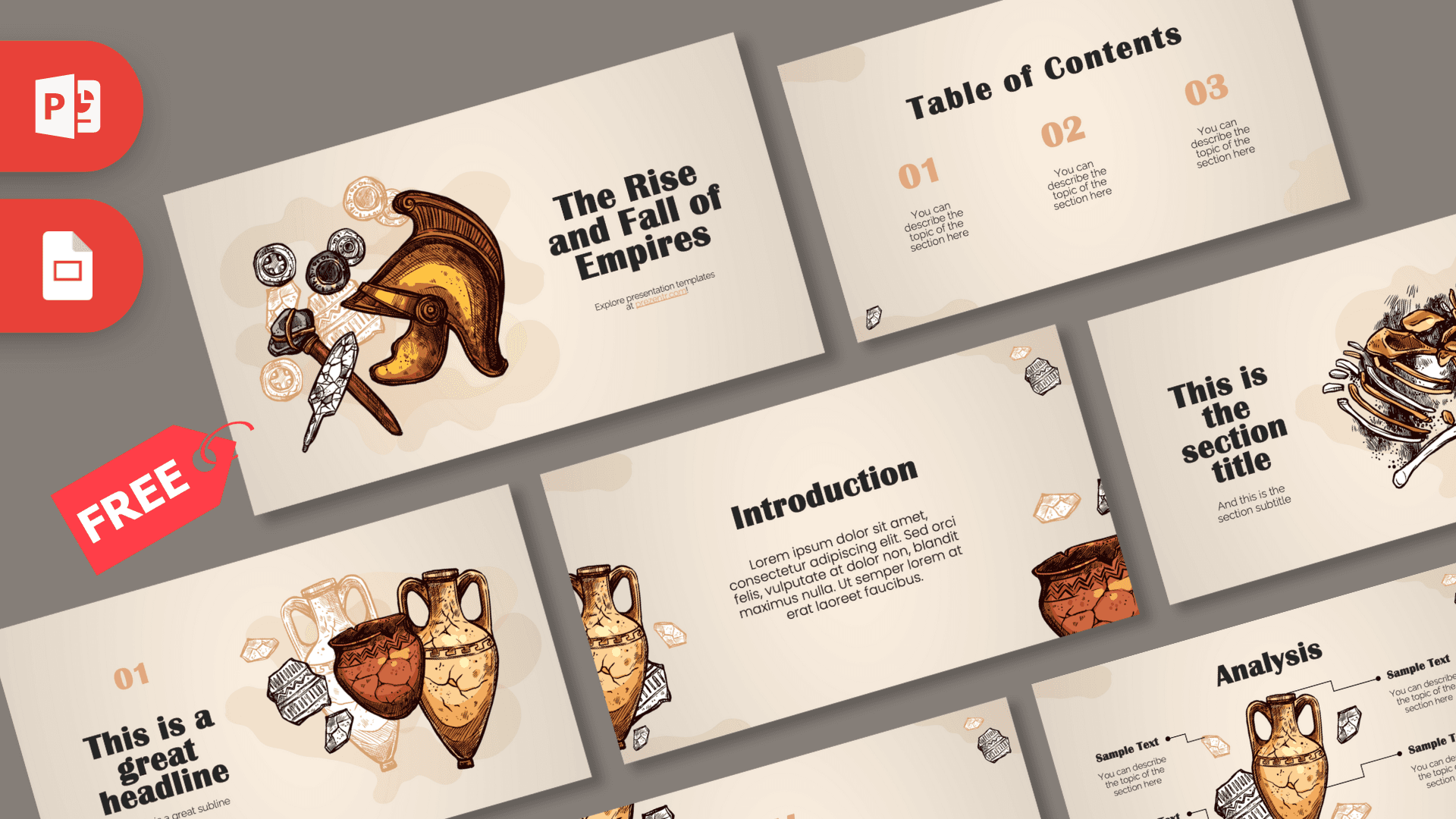
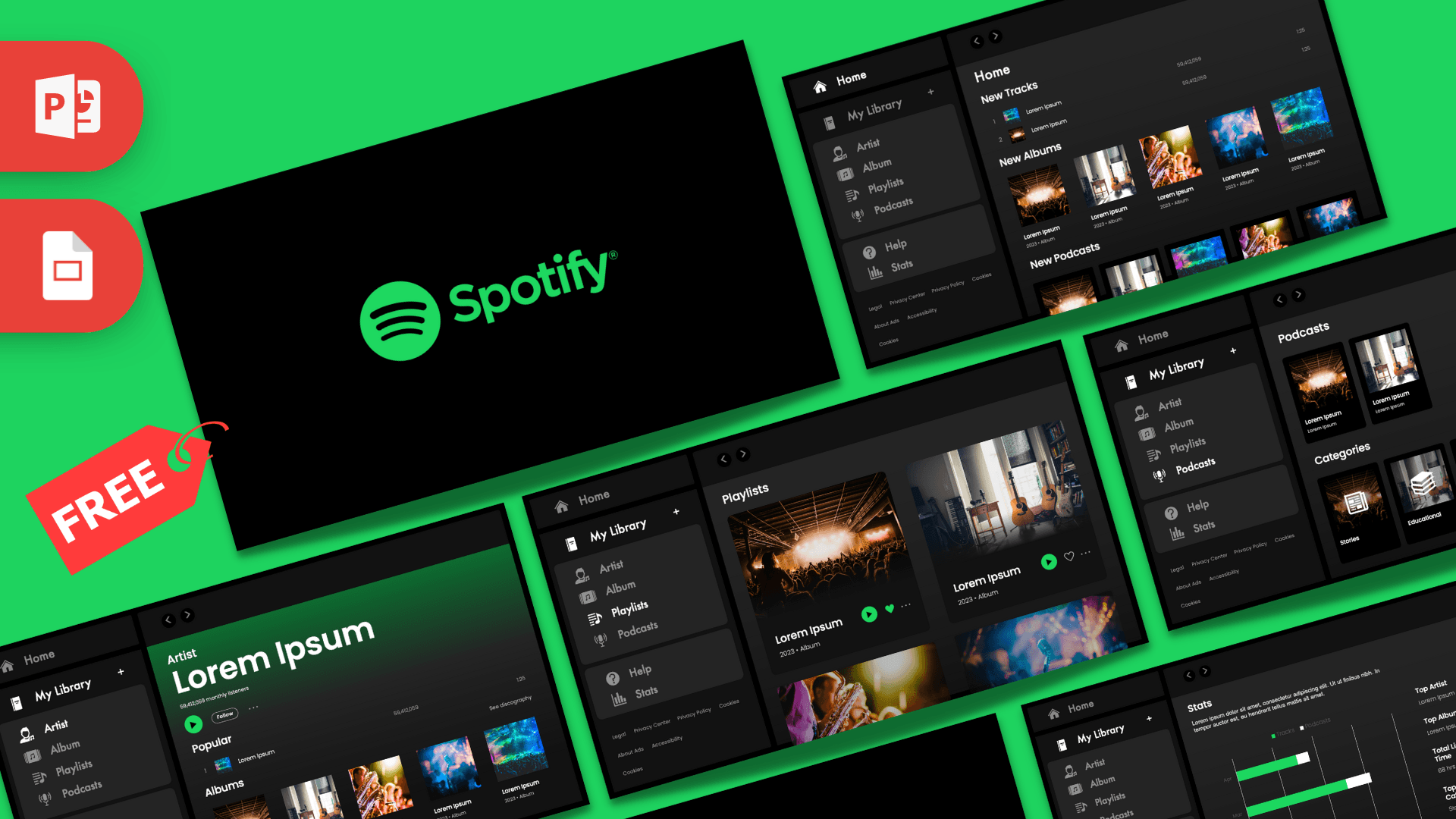
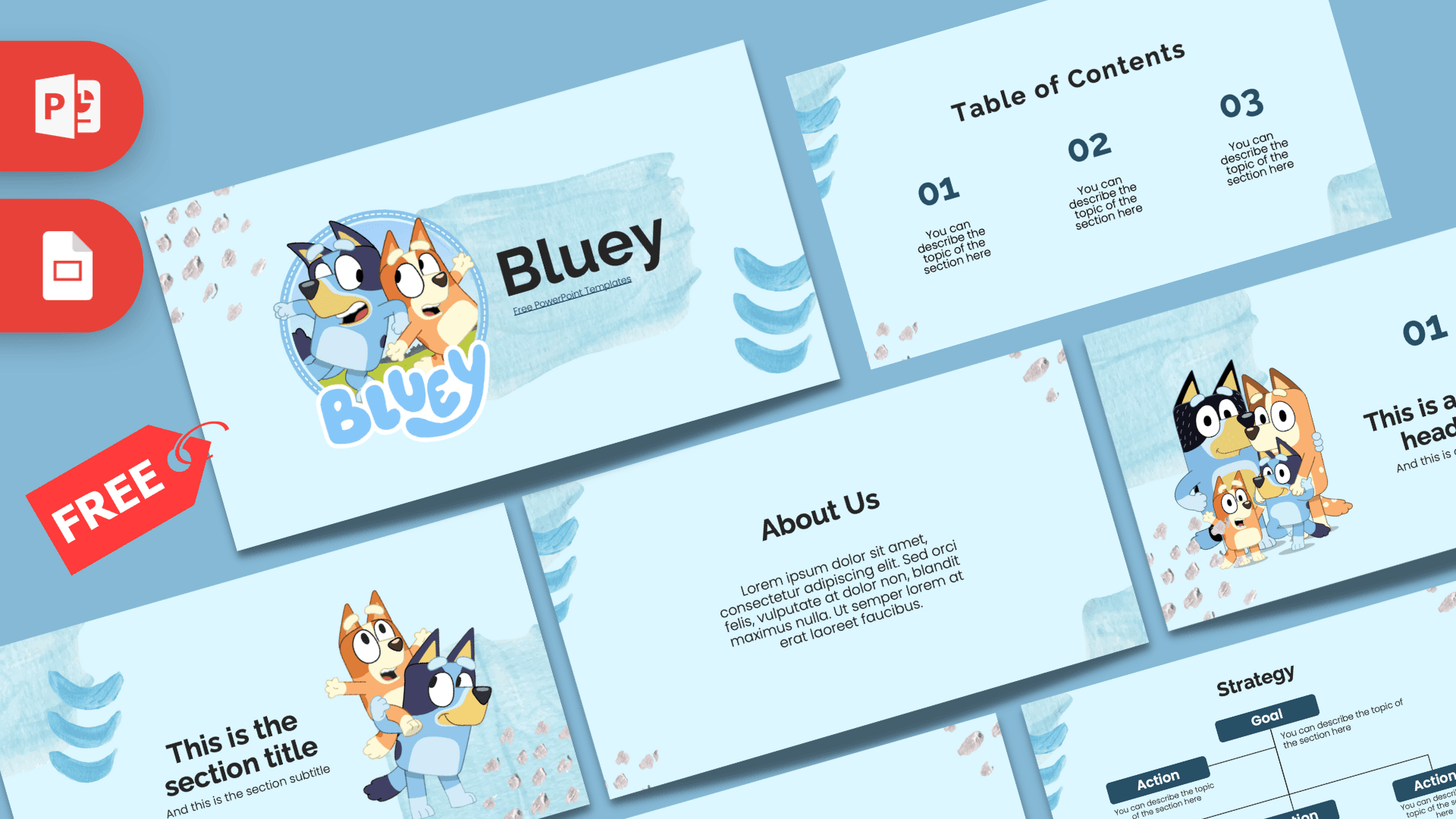
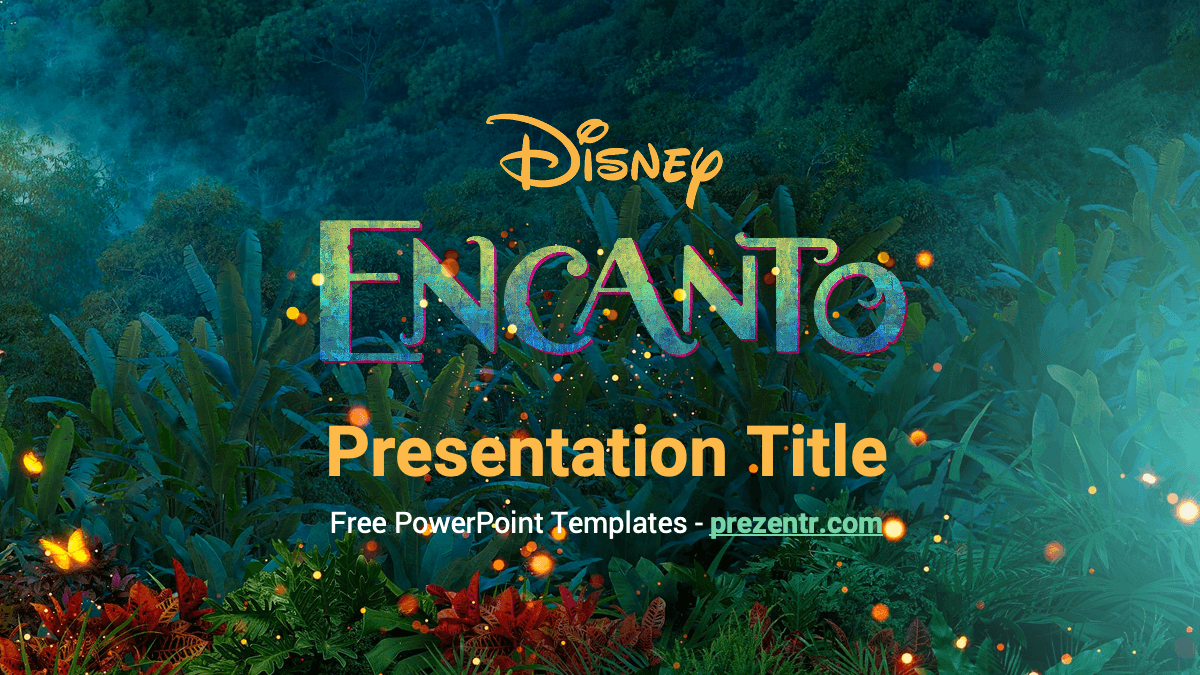
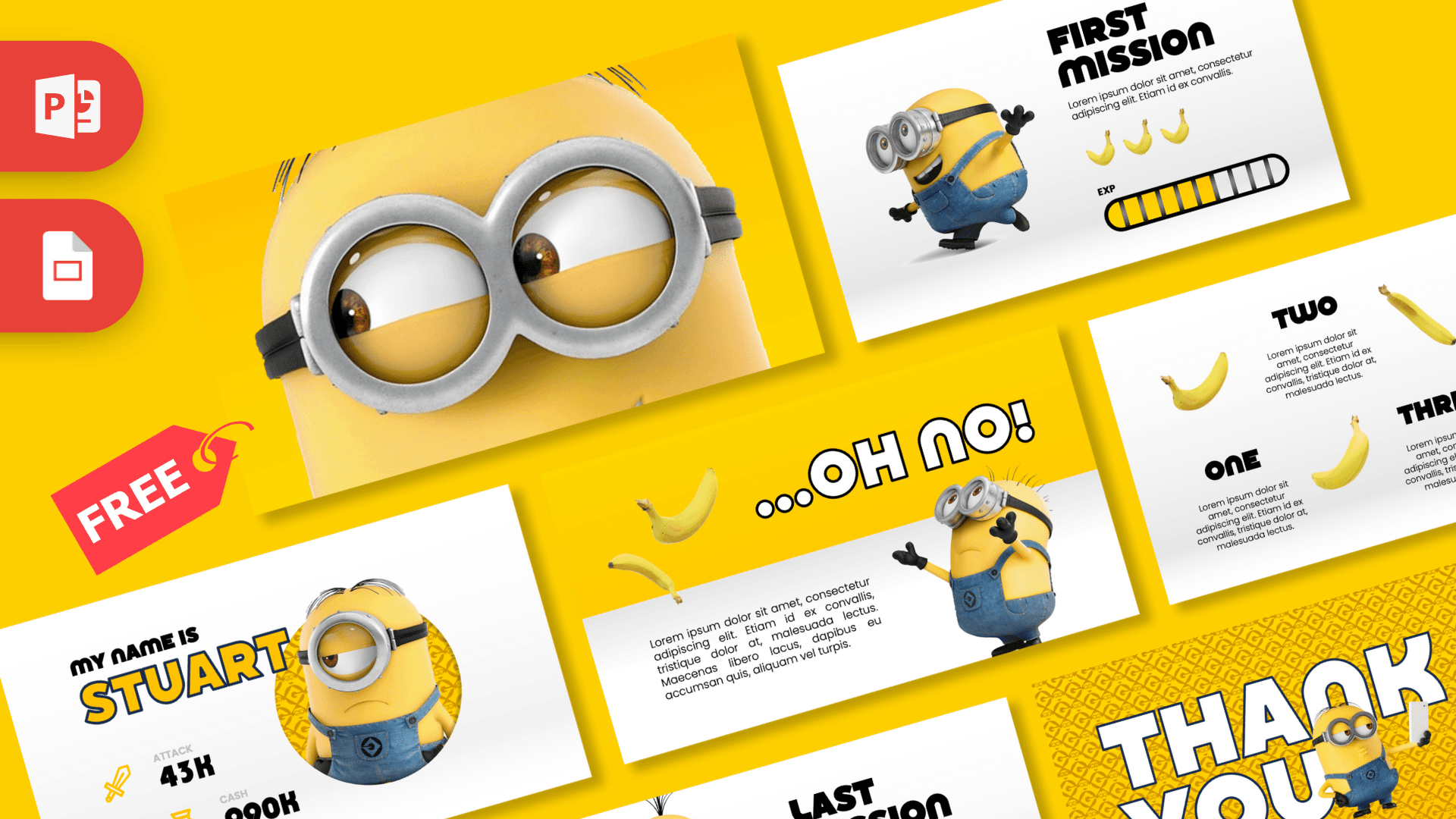
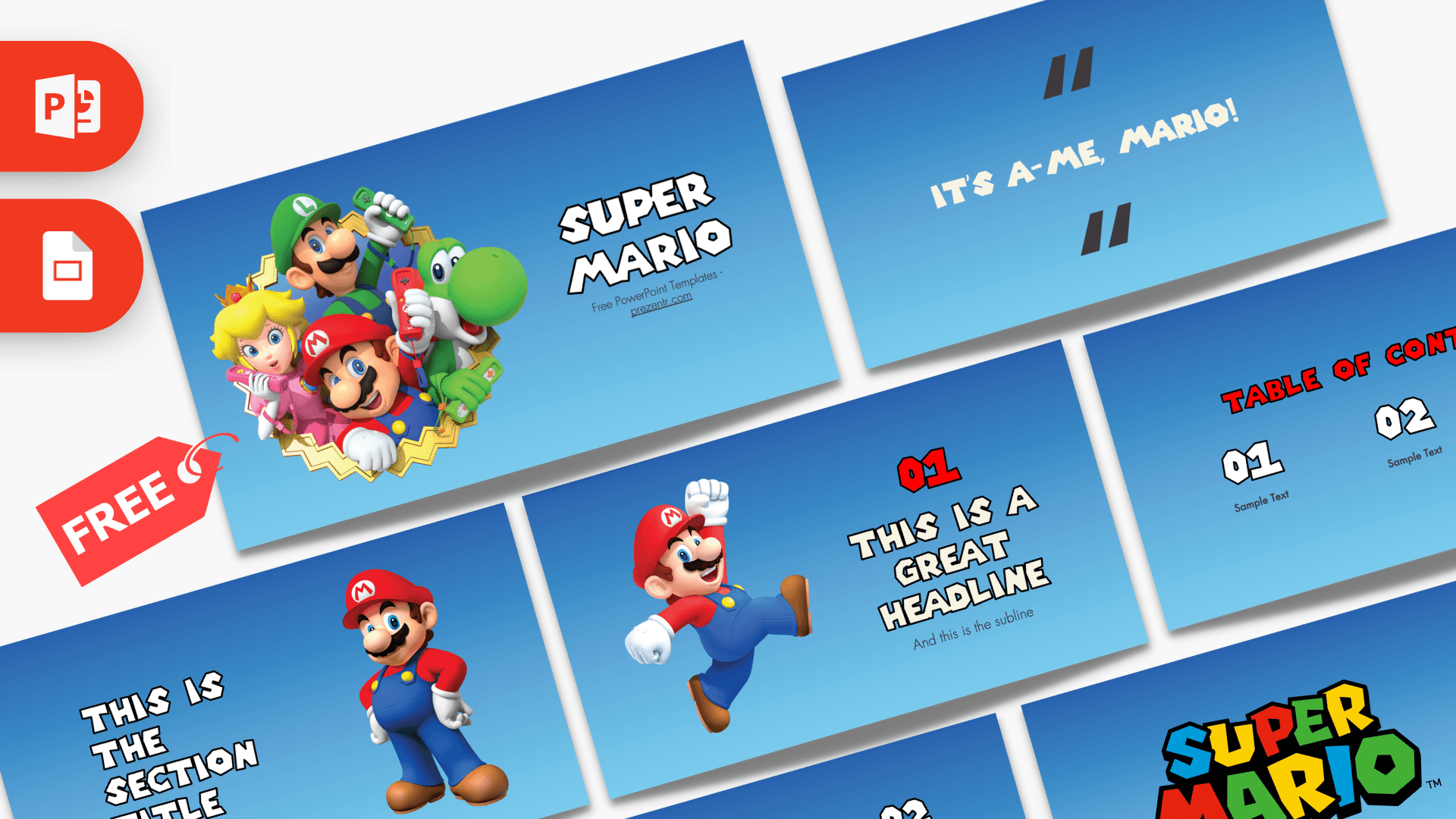
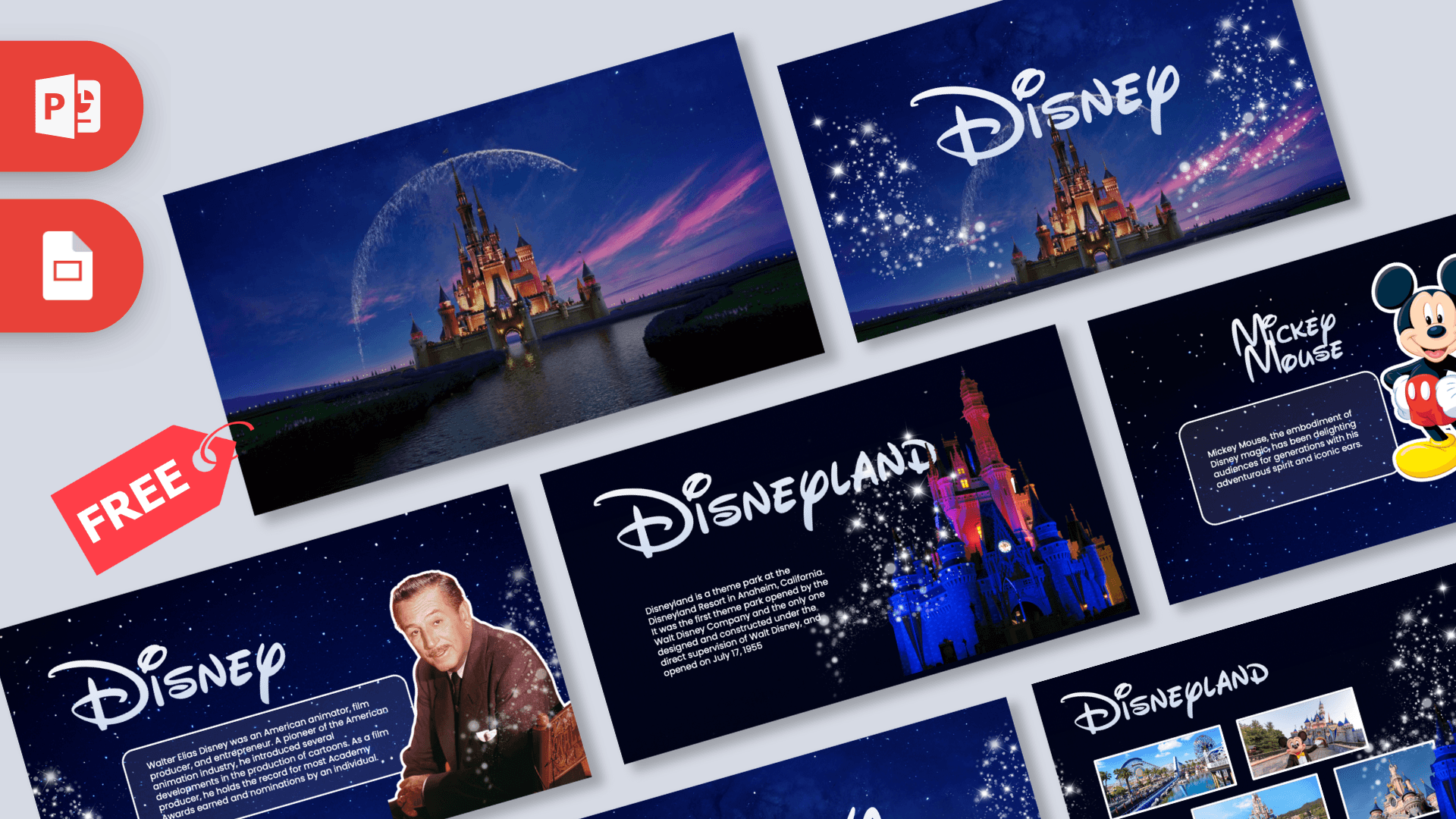
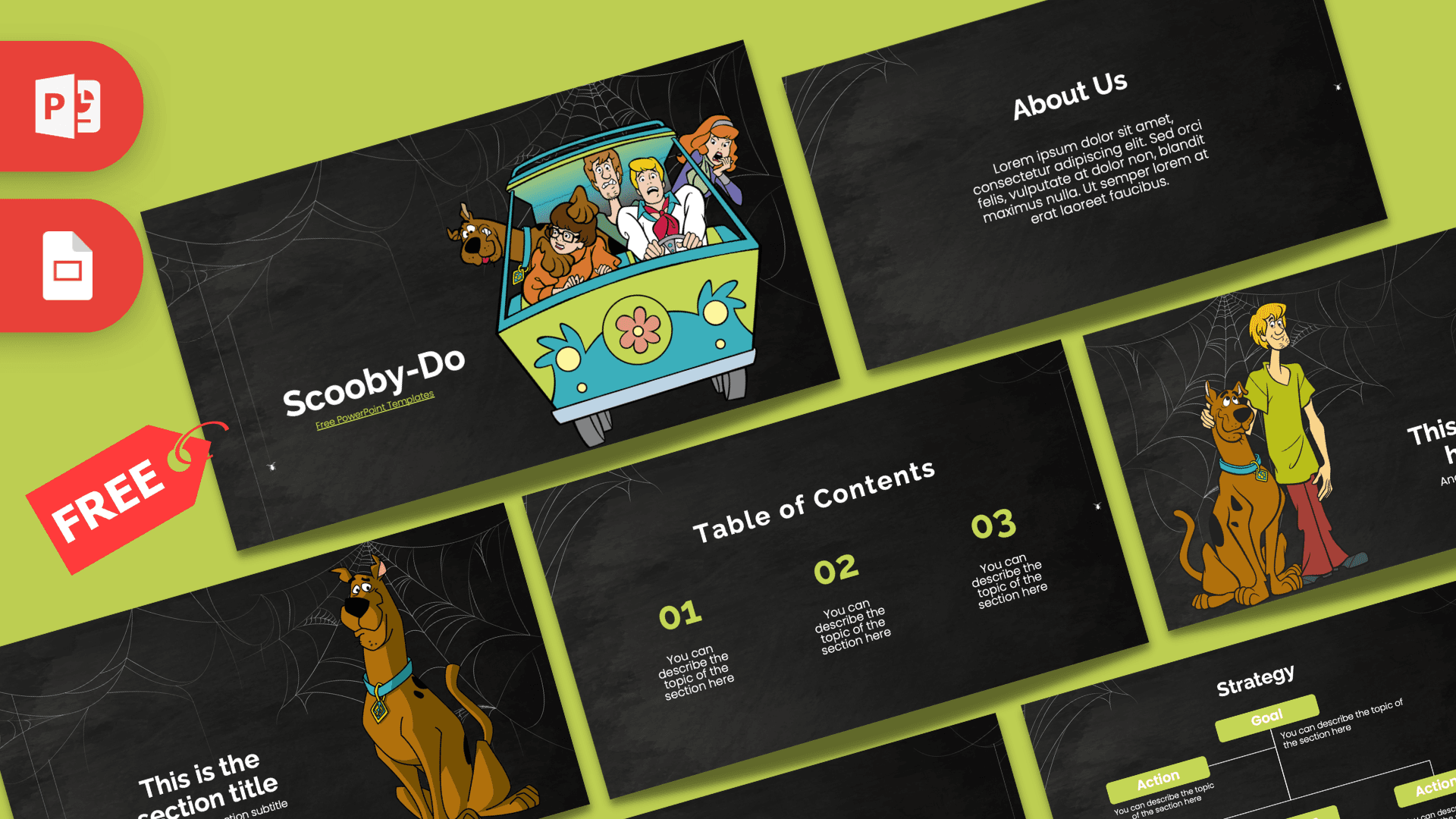
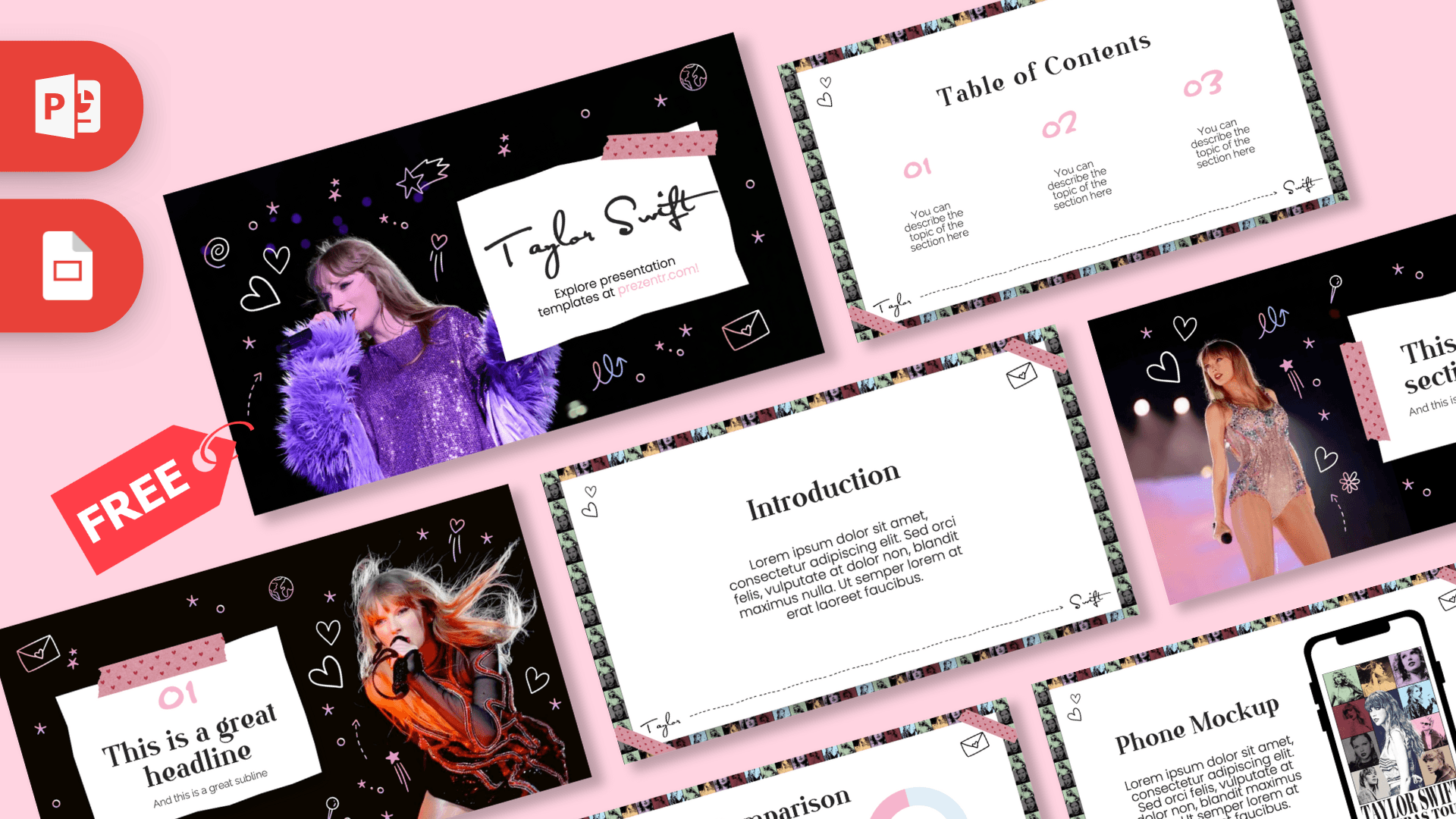
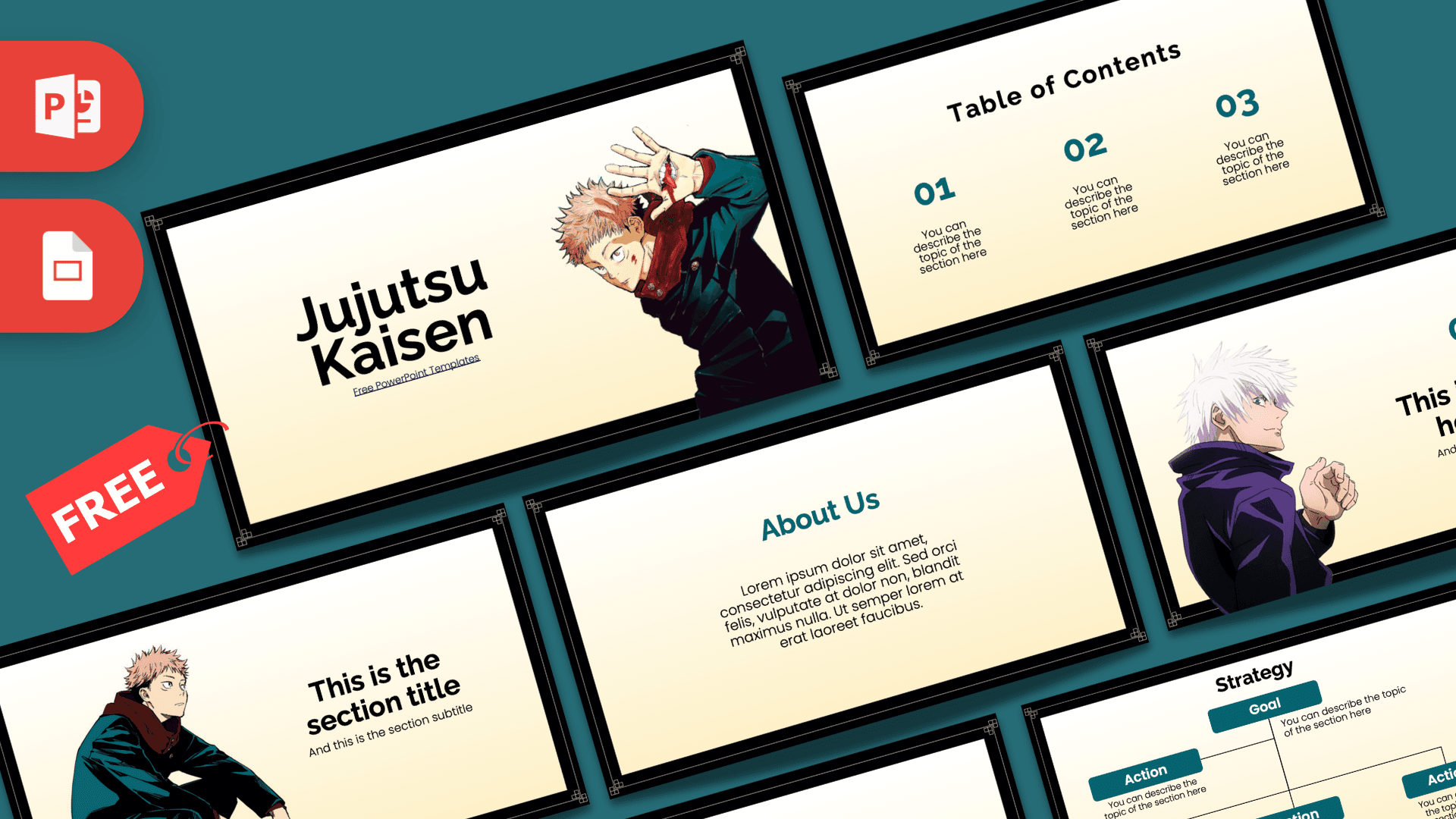
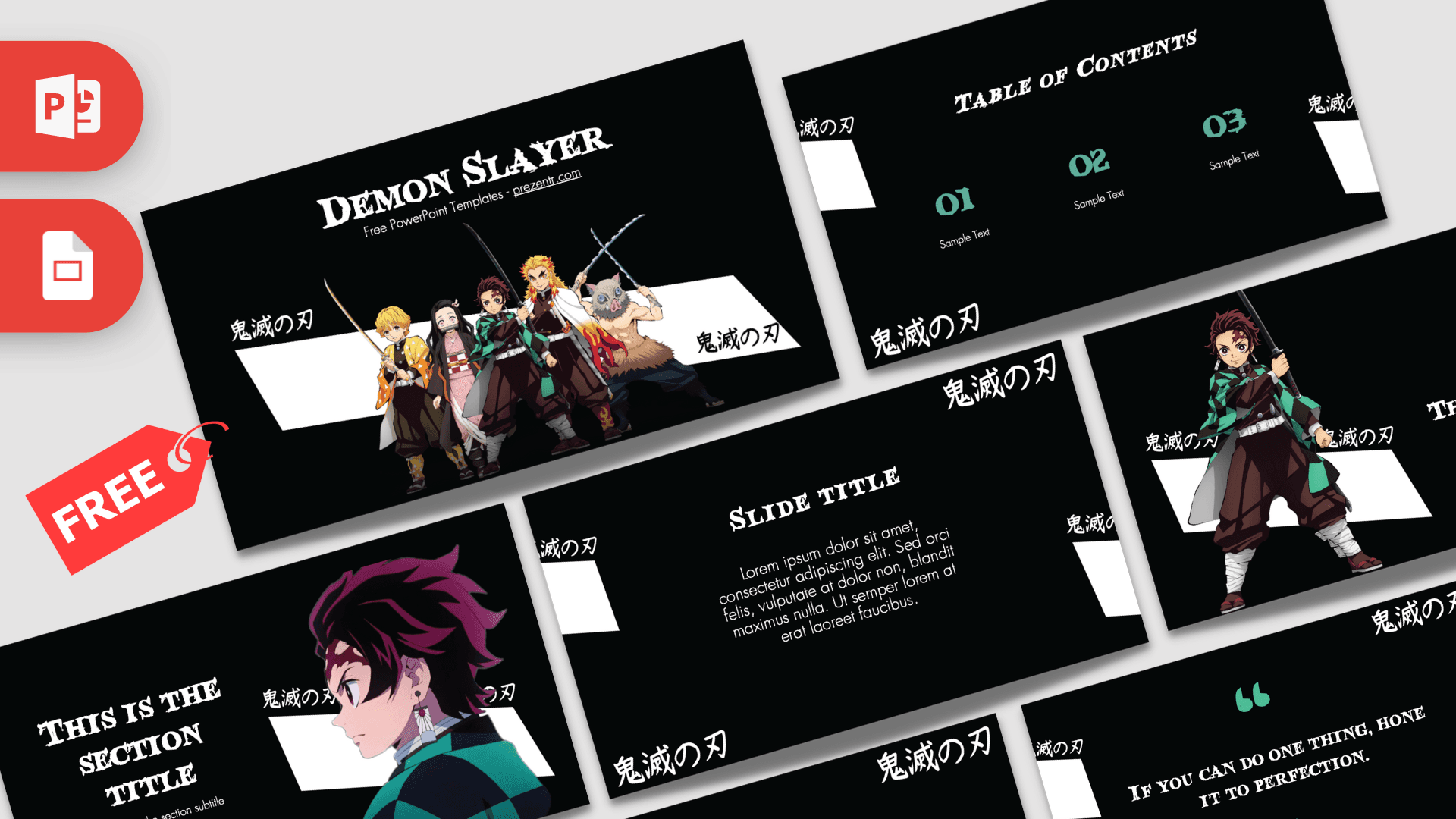
Popular themes The collection covers education, business, holidays, brands and pop culture, from simple minimalist themes to character designs students love.
Frequently asked questions
- Are these Google Slides themes free?
- Yes. Every theme is free and copies into your own Google Drive. You only need a Google account.
- How do I copy a template into Google Slides?
- Click the Google Slides button on the template page and choose Make a copy. The deck opens in your Drive and you can edit it right away.
- Can I use these templates in PowerPoint too?
- Yes. Each template has a .pptx download, and you can also export from Google Slides with File, Download, Microsoft PowerPoint.
- Do animations work in Google Slides?
- Simple transitions and entrance effects work. Advanced PowerPoint effects such as Morph do not, so use the PowerPoint file for animated templates.