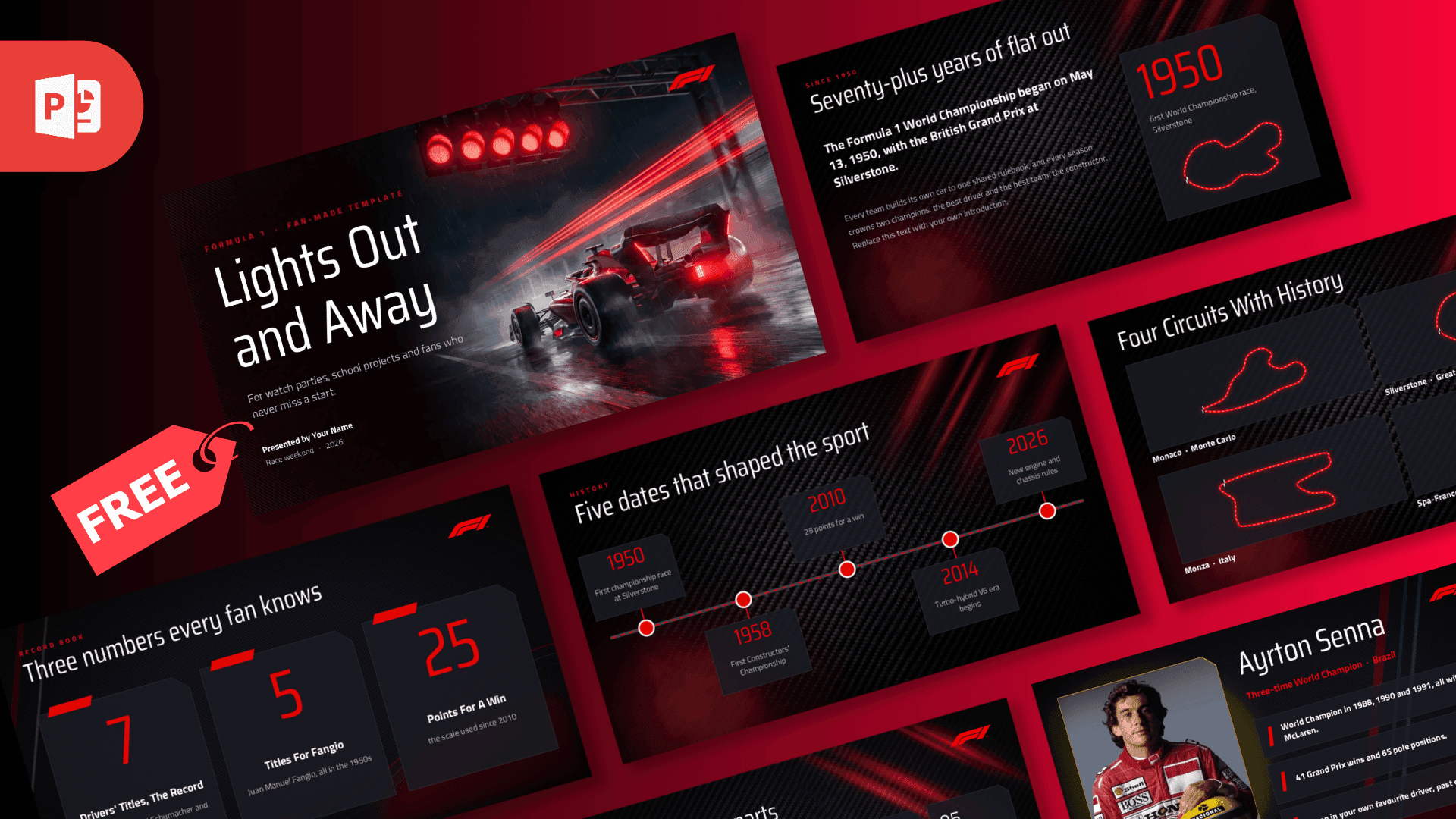
Animated PowerPoint Templates
77 templates
Browse our animated PowerPoint templates for presentations that come alive with movement and visual interest. Whether you're creating engaging educational content, entertaining marketing pitches, or dynamic brand storytelling, these templates use transitions and effects to capture attention and maintain audience engagement. All templates are available in .pptx format and work seamlessly with Google Slides, so you can edit and customize animations to match your message. Download for free and bring your presentations to life with smooth, professional animations.
What makes a template animated Every template in this collection has motion built in: slide transitions, objects that fly or fade in, and title slides that play like an intro. You do not need to set up a single animation yourself. Open the file, replace the text and images, and the effects keep working.
Almost every deck here has a video preview on its page, so you can watch exactly how the slides move before you download.
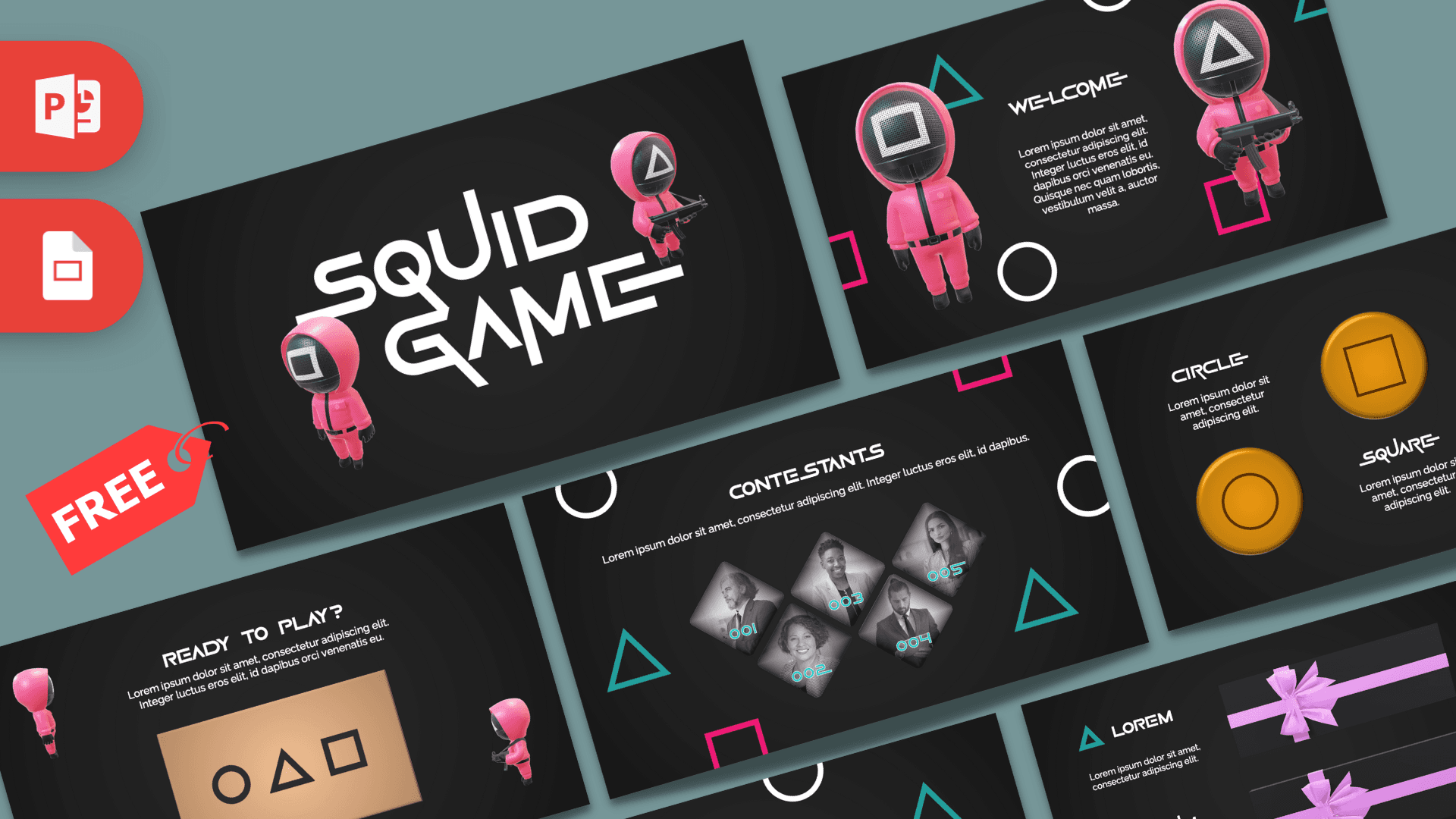
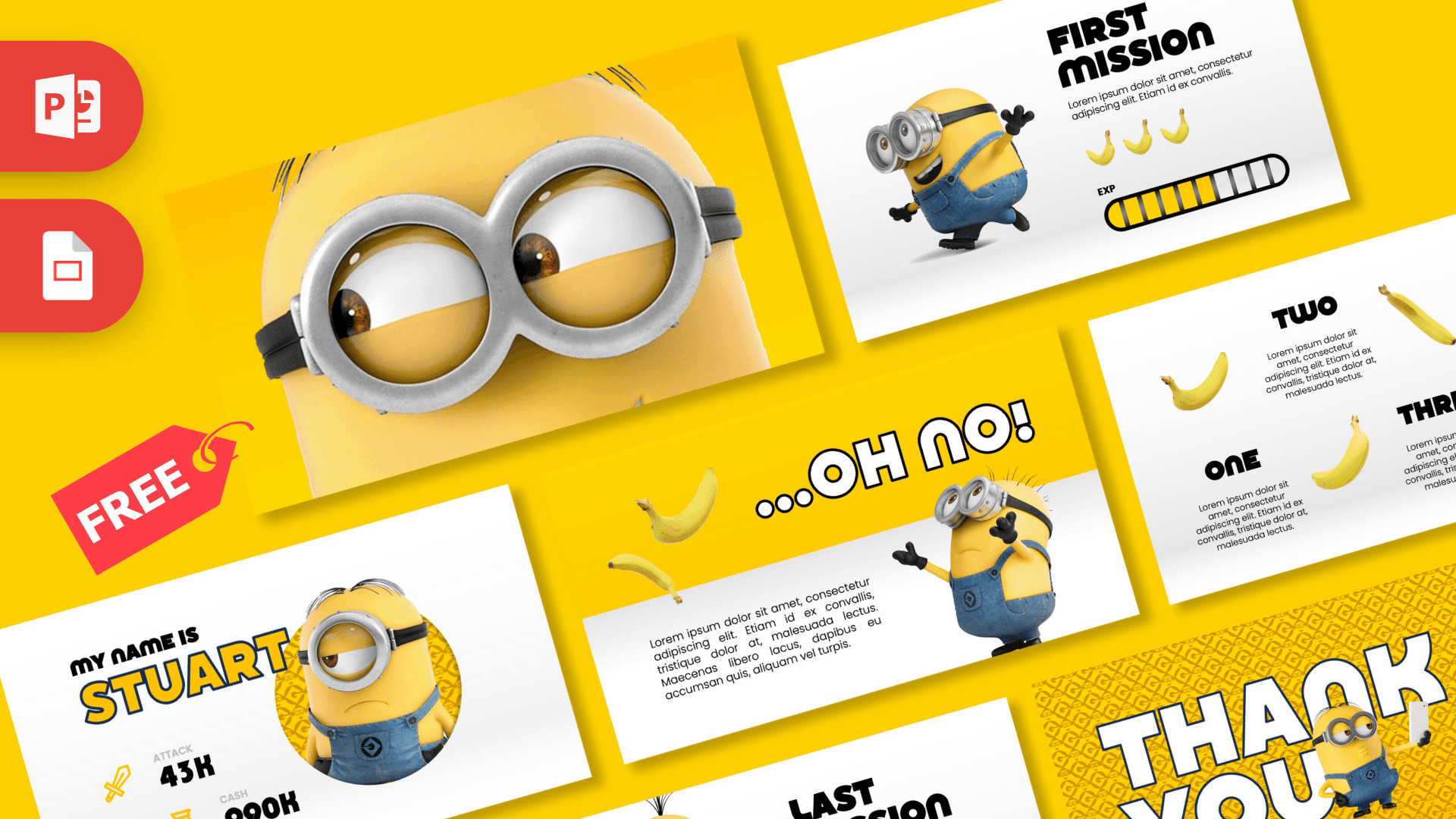
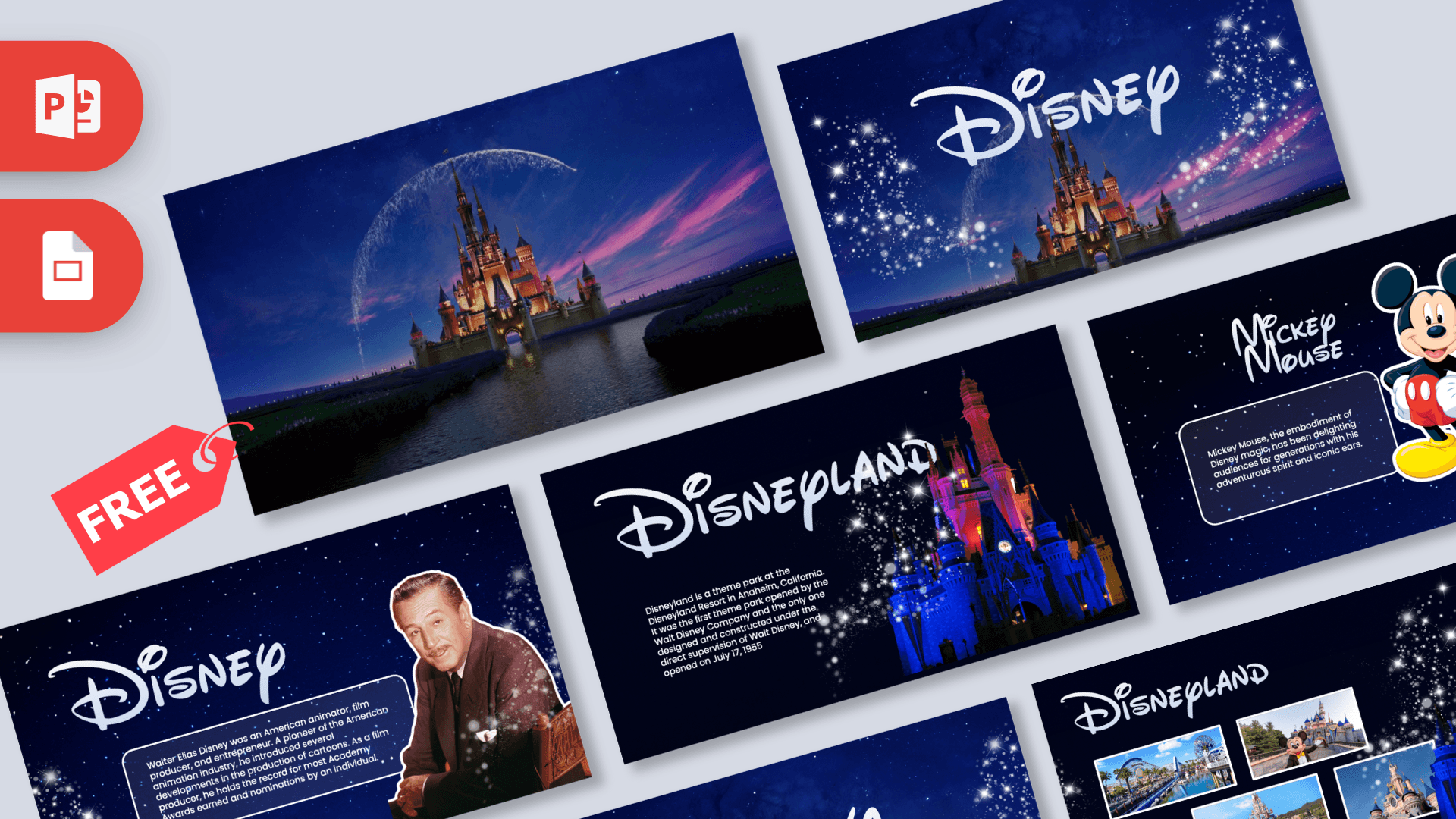
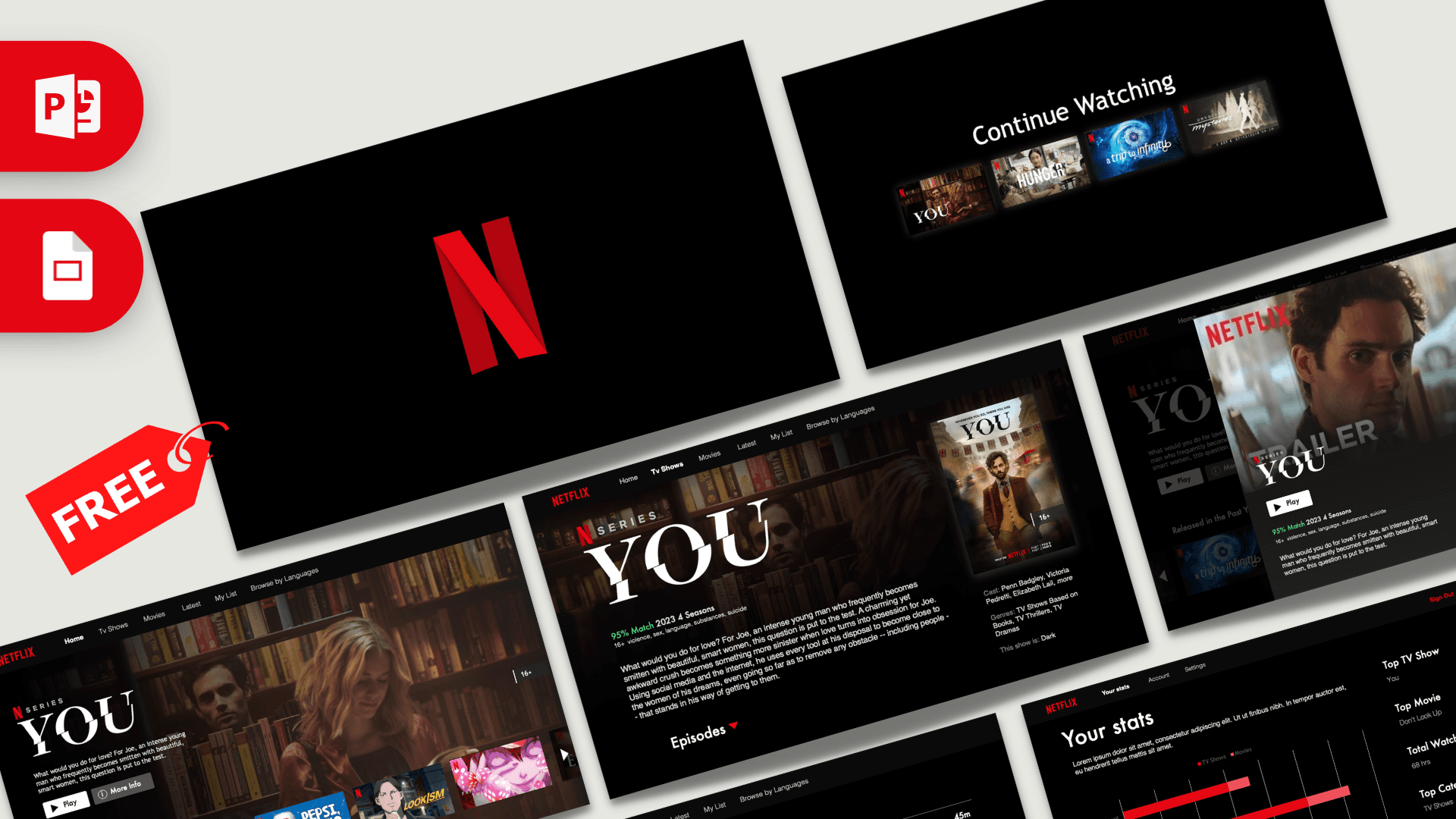
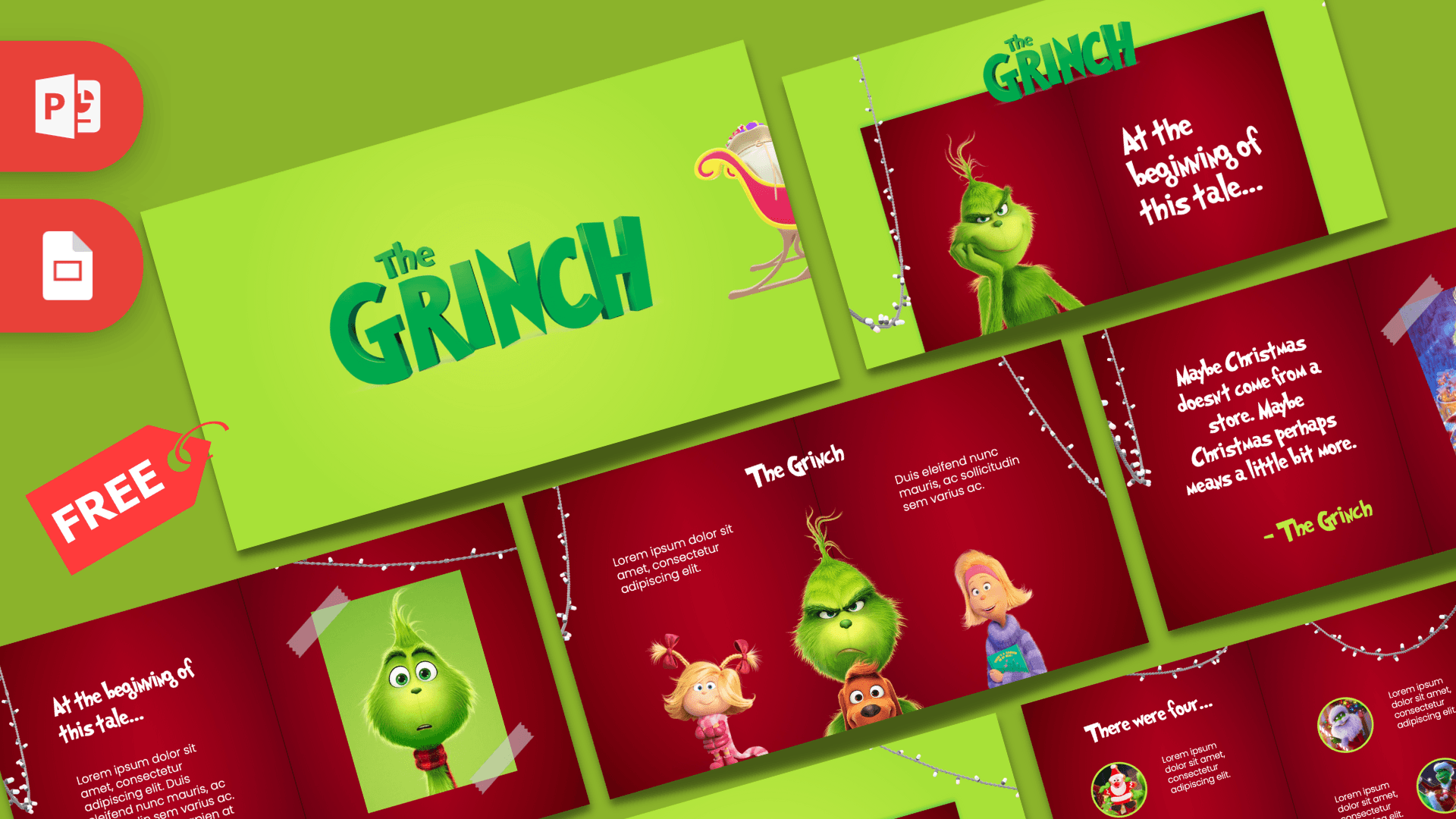
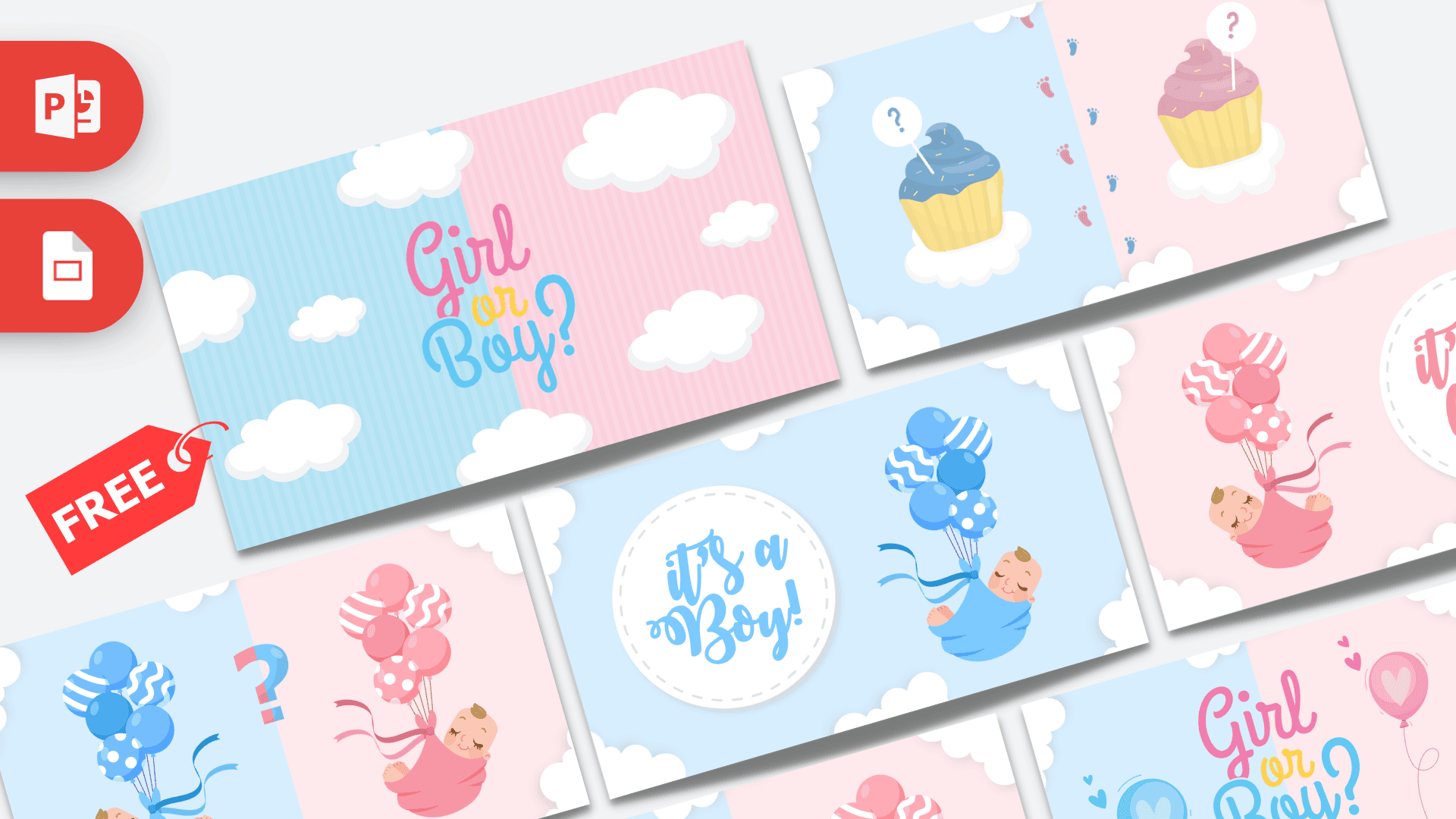
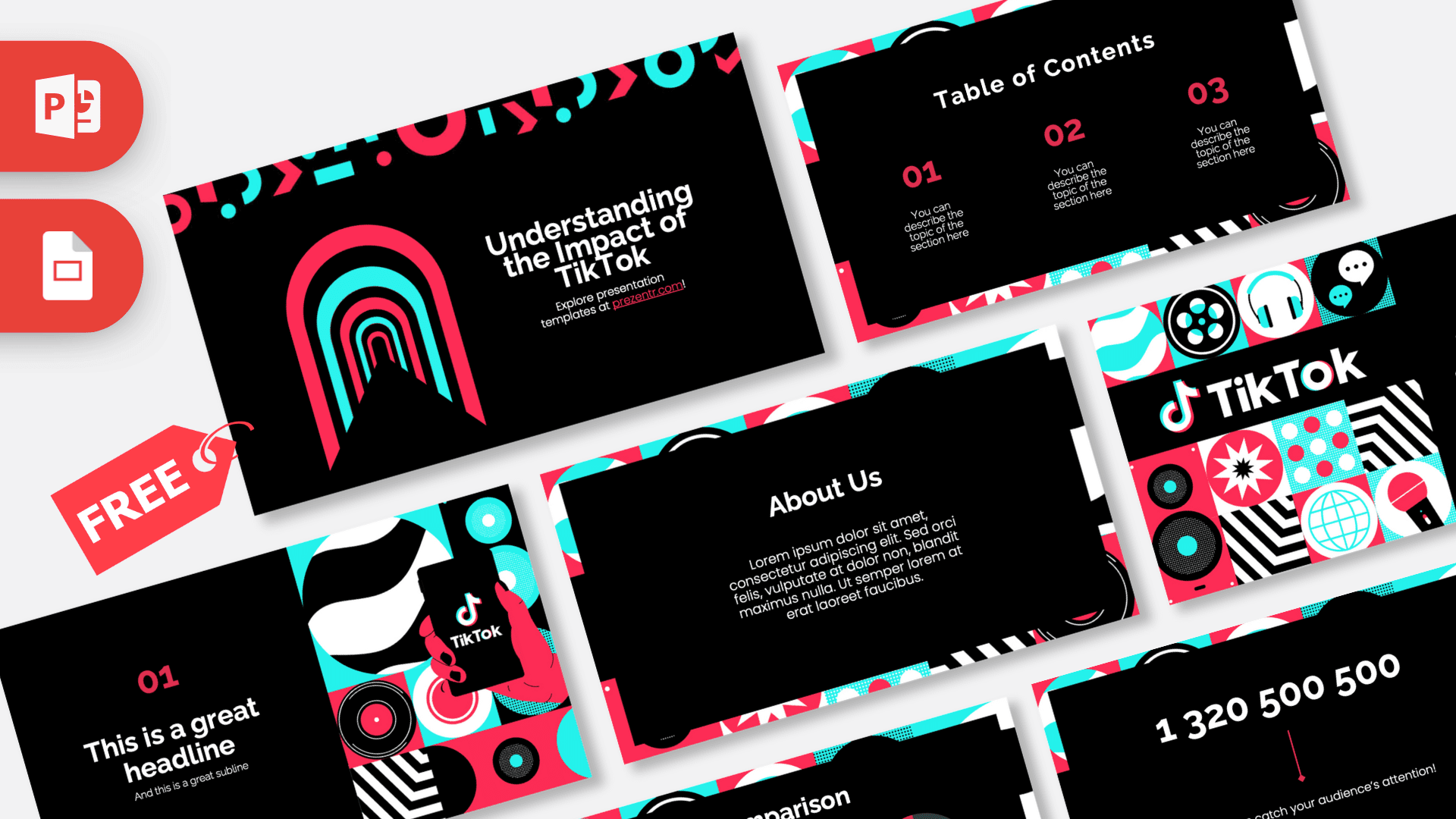
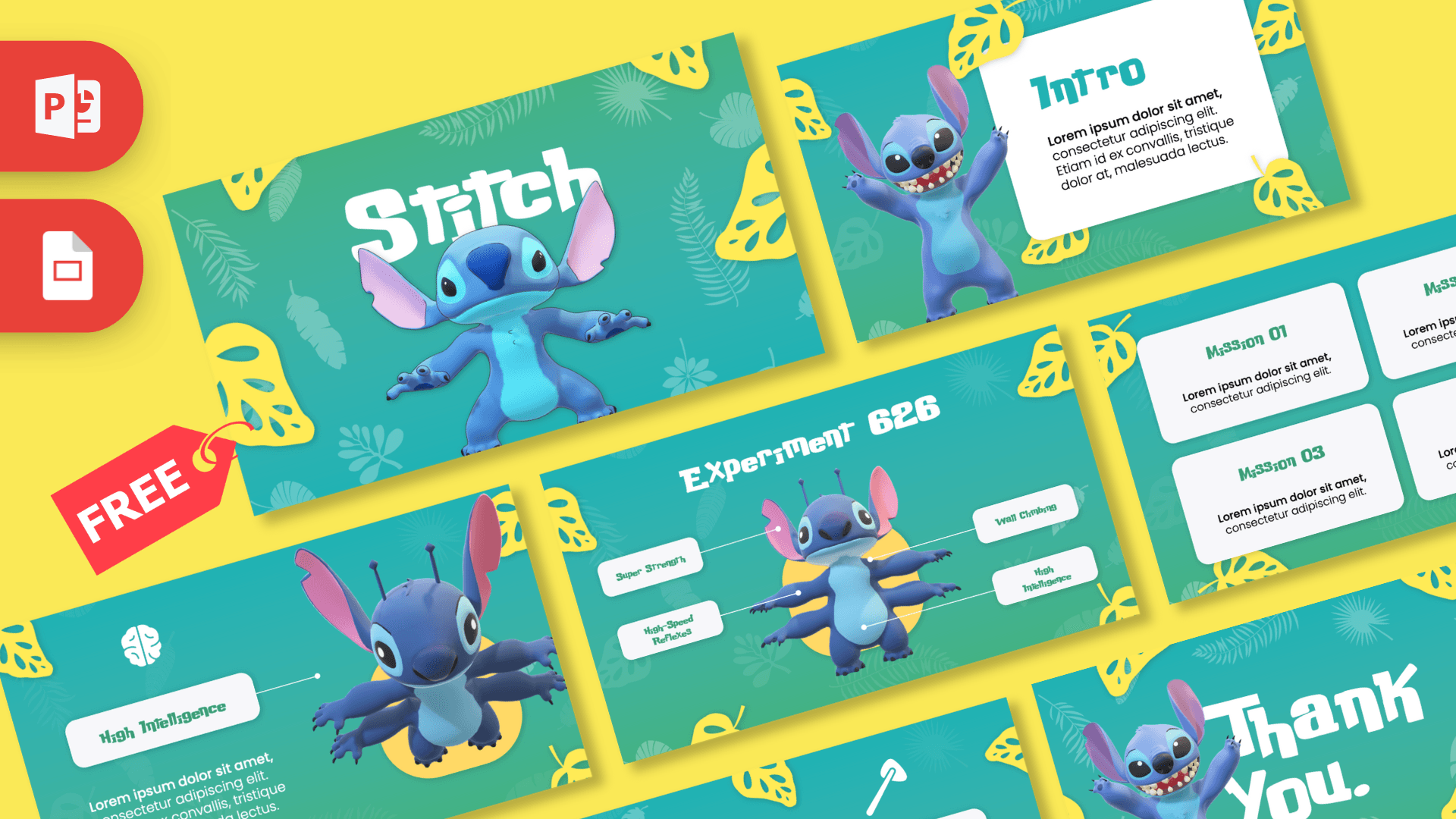
Popular animated templates The most downloaded designs are the animated Minecraft, Barbie, McDonald's, Squid Game, Coca-Cola, Minions, Disney and Netflix templates. They are fun for school projects, birthday and gender reveal presentations, brand pitches and class quizzes.
Editing the animations Click a shape and open the Animations tab in PowerPoint to change the effect, speed or order. Transitions between slides live under the Transitions tab. If you swap a picture, use Change Picture so the animation stays attached.
Some effects, especially Morph, play best in PowerPoint for Windows and Mac. Google Slides and Keynote can open the files, but complex animations may be simplified there.
Frequently asked questions
- Are these animated PowerPoint templates free?
- Yes. Every animated template on Prezentr is a free .pptx download with no signup and no watermark.
- Do the animations work in Google Slides?
- Basic transitions and entrance effects carry over, but advanced effects such as Morph only play in PowerPoint. For the full effect, present from PowerPoint for Windows or Mac.
- Can I change or remove the animations?
- Yes. Select any object and use the Animations tab to change, reorder or delete its effect. Slide transitions are under the Transitions tab.
- Can I see the animation before downloading?
- Most animated templates have a video preview on their page that shows every slide in motion.
- Which PowerPoint version do I need?
- PowerPoint 2019, 2021 or Microsoft 365 plays all effects. Older versions open the files but may replace Morph with a simple fade.