The Inside Out PowerPoint template is a free 10-slide deck built on rich purple gradients, with two bold color slides in sunny yellow and sky blue. The title slide brings together Joy, Sadness, Anger, Fear and Disgust, and Joy and Sadness each get a slide of their own. It works in PowerPoint and Google Slides and is ready for school projects, emotions lessons and fan presentations.
What's Inside
The deck covers the slides you need for a full talk, from introduction to data:
- Title slide: a big white "Inside Out" heading next to the five emotions standing together on a purple gradient.
- Table of Contents: three numbered sections (01, 02, 03) with a short description under each.
- Section title: a bright yellow gradient with Joy hanging upside down into the frame, a fun way to start a new part of your talk.
- Headline slide: a blue gradient with Sadness, plus a number, headline and subline. Great for an important point or a calmer moment.
- About Us: a centered heading and paragraph, for introducing yourself, your team or your topic.
- Bullet points (numbers): a heading and five numbered points (01 to 05) in a grid.
- Quote slide: large quotation marks framing one centered line of text.
- Bullet points (words): five points labeled ONE to FIVE, a softer alternative to numbers.
- Strategy diagram: a "Goal" box at the top connected to four "Action" boxes, each with a short description. Useful for plans, processes or a family tree of ideas.
- Big numbers: one large figure with an arrow pointing to a short explanation.
Design and Style
Most slides use a smooth purple gradient that shifts from deep violet to a lighter lilac at the edges, a calm backdrop that lets white text stand out. Two slides break the pattern on purpose: the section slide glows in warm yellow and orange, matching Joy, and the headline slide uses a bright blue gradient that matches Sadness. You can use these color slides to signal a change of mood in your presentation.
Typography is clean and modern, with rounded sans-serif headings and simple body text in white. Small pale pink boxes highlight the labels in the strategy diagram. The characters are crisp, full-color cutouts, so they sit naturally on the gradients without any boxes around them.
The result is playful and expressive but not cluttered. Text-heavy slides stay character-free, which keeps them easy to read, while the title, section and headline slides add the personality.
Think of the colors as tools. Purple slides carry the information, the yellow slide can introduce a happy or exciting topic, and the blue slide is a natural place for a serious point, a challenge or a reflection. Used this way, the Inside Out PowerPoint template helps your audience feel the change in tone even before they read the words.
The Inside Out slides are friendly enough for children and clean enough for adult workshops. They fit especially well for:
Who Is This Template For?
- Teachers and school counselors running lessons on feelings, empathy or social-emotional learning.
- Students presenting a film review, a psychology project or a report on emotions.
- Parents who want a friendly way to talk with kids about big feelings, or a themed birthday slideshow.
- Workshop leaders and coaches introducing emotional intelligence, team check-ins or wellbeing topics.
- Movie clubs and fans hosting a discussion night, quiz or character ranking.
- Psychology and health classes explaining how emotions work, with the strategy diagram mapping causes and responses.
How to Customize It
These Inside Out slides are quick to edit in PowerPoint:
- Replace the text. Click any placeholder, such as "You can describe the topic of the section here", and type your own content.
- Change the characters. Right-click a character image and choose Change Picture to use a different emotion, a photo or your own drawing. Transparent PNG images blend best with the gradients.
- Edit the diagram. Click the Goal and Action boxes to rename them, and copy a box with its connector line if you need more steps.
- Recolor elements. Select a shape or text box and choose a new fill or font color, for example to give each emotion its own color.
- Reorder slides. Drag thumbnails in the left panel, or right-click and choose Duplicate Slide to reuse a layout.
In Google Slides, open the Google Slides version, choose File, then Make a copy, and edit it the same way. To swap a picture, right-click it and choose Replace image.
If you want a slide for each emotion, duplicate the yellow section slide or the blue headline slide, change the background gradient color and replace the character picture with your own artwork or a photo. Keeping the same layout for every emotion makes the deck feel planned and easy to follow.
Presentation Ideas
- Meet the emotions: one slide for each feeling, with what it does and when it shows up.
- A social-emotional learning lesson on naming and handling feelings.
- A movie review covering the story, the characters and what the film teaches.
- A class check-in where students pick the emotion that matches their week.
- A wellbeing workshop using the strategy diagram to plan healthy habits.
- An animation project about how color and character design show emotion.
For younger groups, end with an activity: show the big numbers slide with a simple count, such as how many times the class felt joy this week, and ask students to share examples. For older audiences, the Inside Out PPT template works well for a short reflection on how emotions shape decisions.
Related Templates
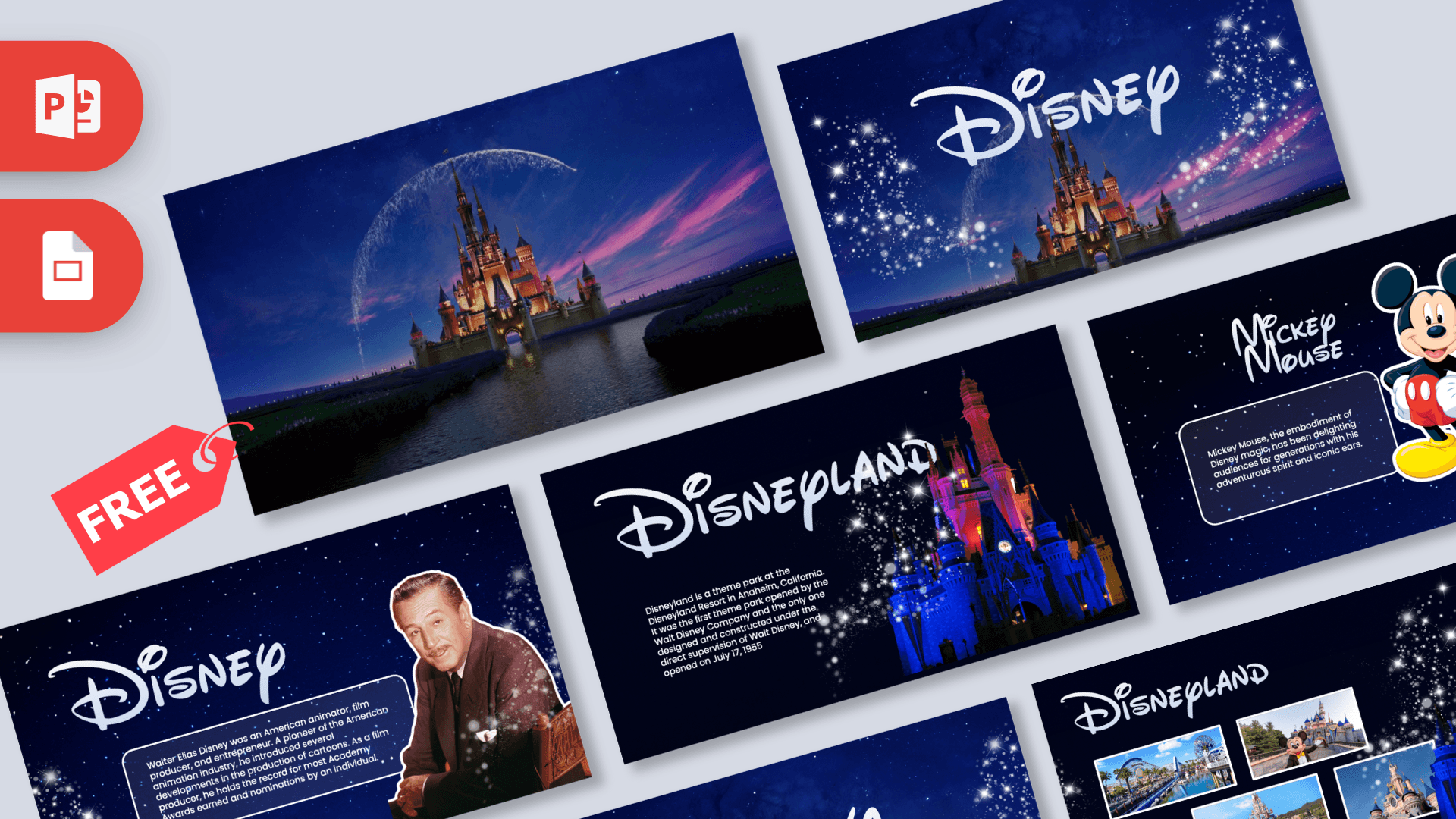
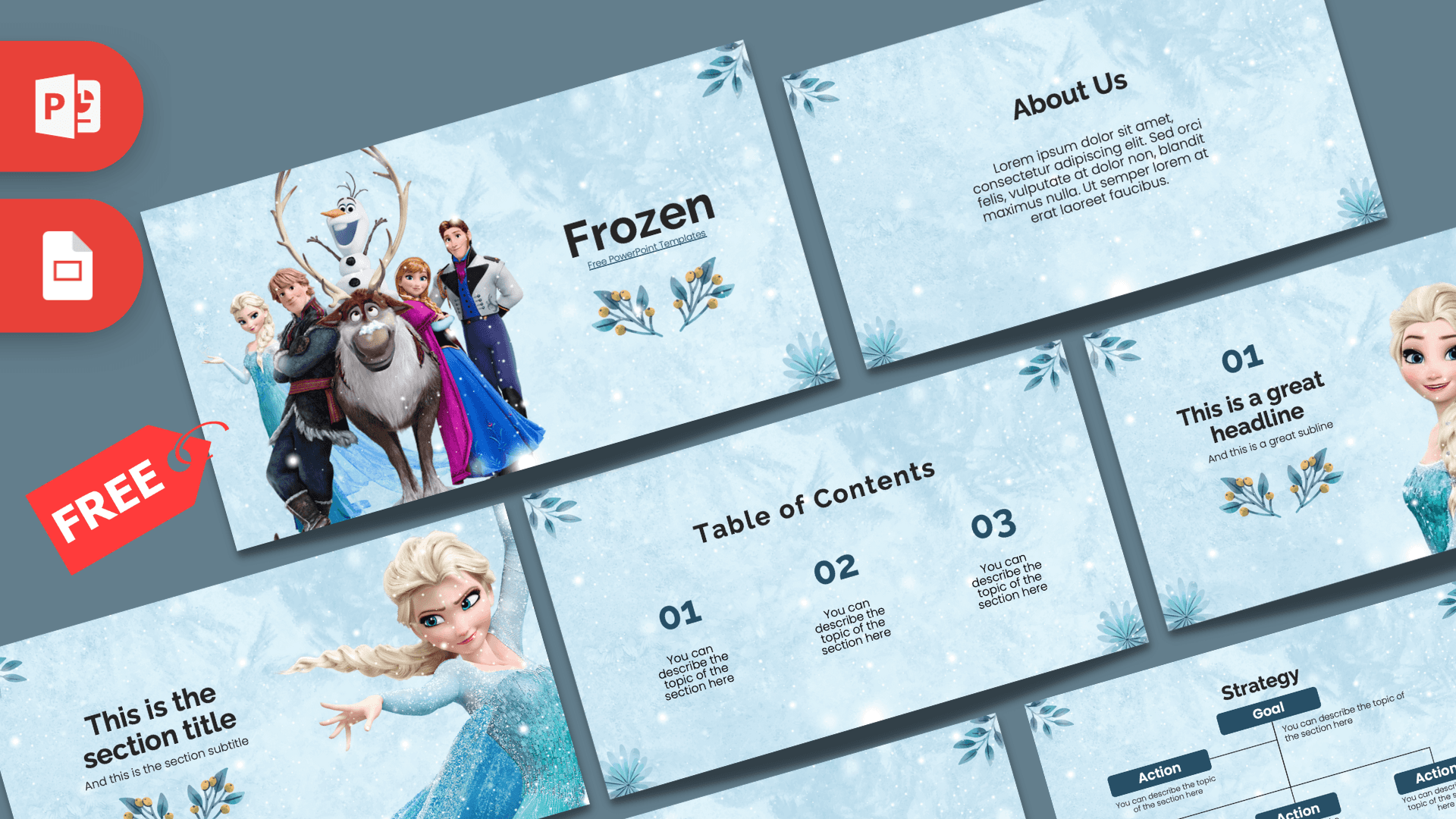
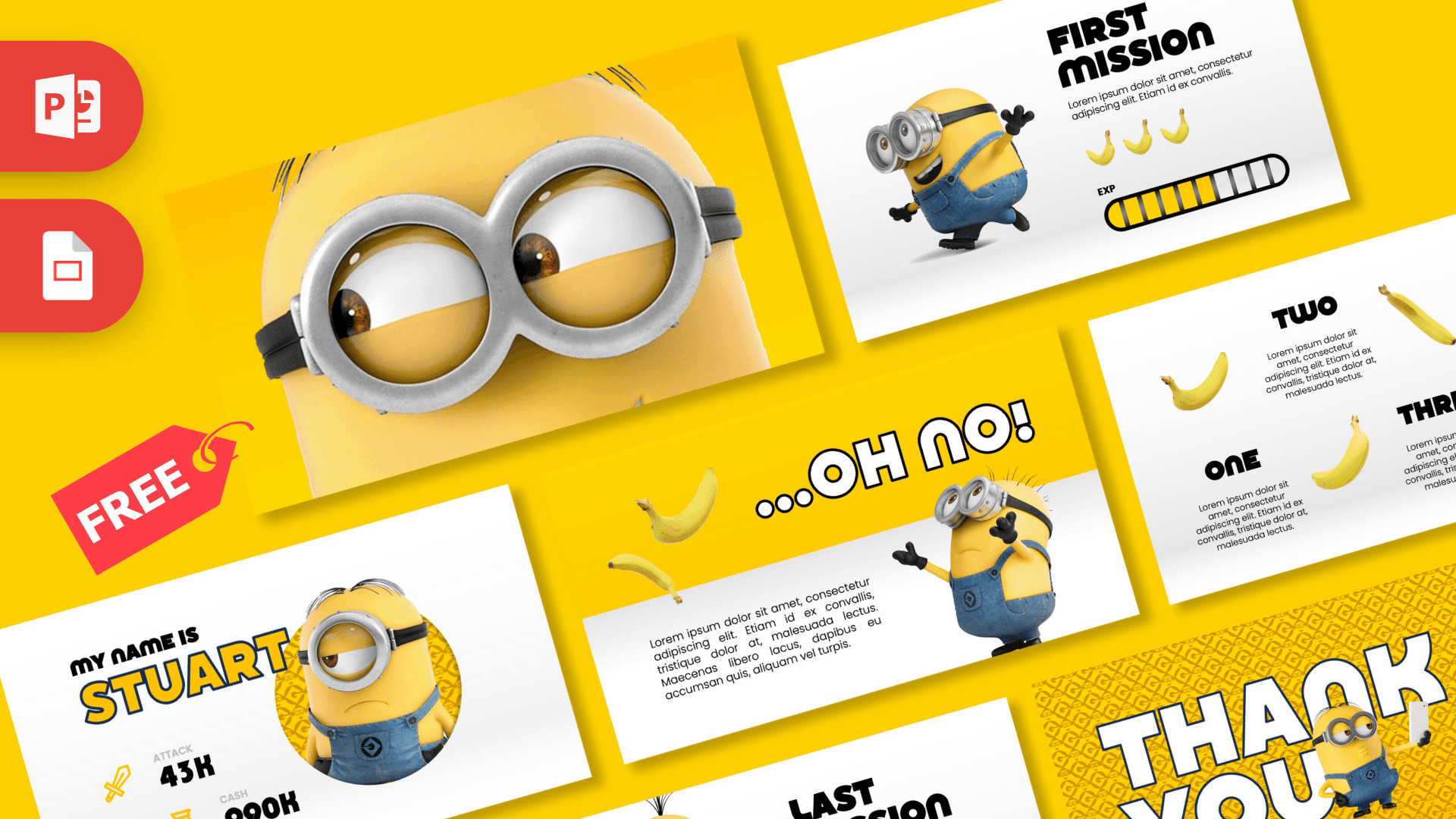
For more animated movie designs, try the Toy Story PowerPoint Template, the Disney PowerPoint Template, the Encanto PowerPoint Template or the Minions PowerPoint Template. You can also browse all TV shows and movies templates.
Frequently asked questions
- Is the Inside Out PowerPoint template free?
- Yes, you can download it free from Prezentr for school, personal and fan use. It is a fan-made design and is not an official Disney or Pixar product.
- How many slides does the Inside Out template include?
- It includes 10 slides: title, table of contents, section title, headline, About Us, two bullet point layouts, a quote, a strategy diagram and a big numbers slide.
- Which Inside Out characters appear in the slides?
- The title slide shows Joy, Sadness, Anger, Fear and Disgust together. Joy also appears on the yellow section slide and Sadness on the blue headline slide.
- Does it work with Google Slides?
- Yes. A Google Slides version is available, so you can make a copy in your Drive and edit it online.
- Can I use this template for an emotions lesson at school?
- Yes. The character slides help introduce feelings, and the bullet, quote and diagram layouts work well for explaining ideas and activities to a class.
- Is the Inside Out template animated?
- No, the slides are static. You can add your own transitions or animations in PowerPoint or Google Slides if you want movement.