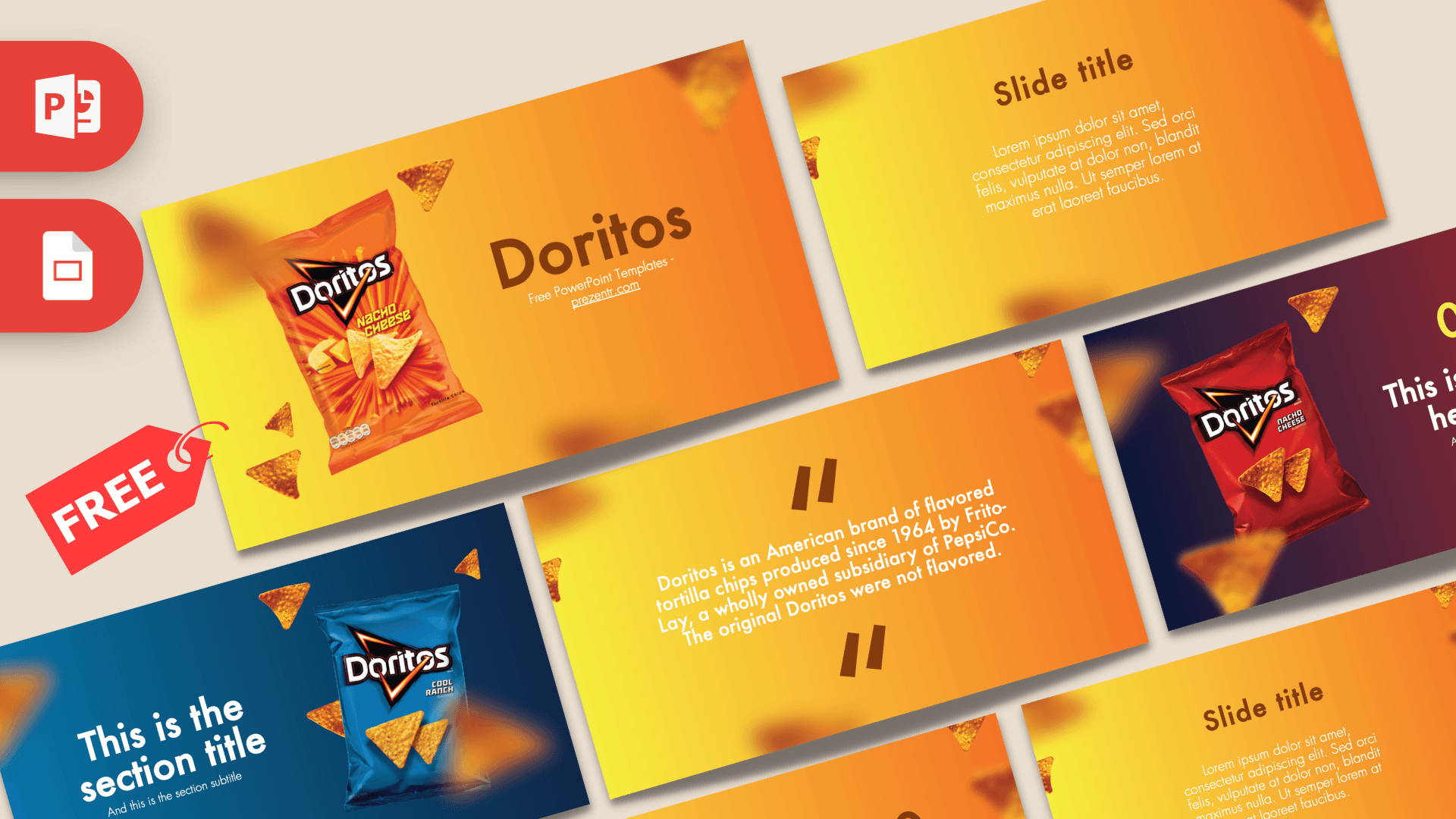
This free Doritos PowerPoint template is a bright, snack-themed deck with 10 slides in warm yellow-to-orange gradients, scattered tortilla chips and photos of Doritos bags. Two slides switch to bold blue and red-purple backgrounds to match the Cool Ranch and Nacho Cheese bags, which gives the deck variety without losing its look. It is a fun pick for marketing class projects, brand case studies or any talk that needs a lot of energy.
What's Inside
The template contains 10 widescreen slides. Most use the signature yellow-orange gradient with blurred chips floating around the edges:
- Title slide: a large "Doritos" heading in brown with an orange Nacho Cheese bag and flying chips on the left.
- Slide title with paragraph: a centered heading and short text block for an introduction or summary.
- Table of contents: three large numbers with short labels, ideal for an agenda.
- Section title (blue): a deep blue gradient with a Cool Ranch bag on the right and a white section title on the left.
- Quote slide: brown quotation marks around a short paragraph, set up with a brand fact you can replace with your own.
- Headline slide (red): a navy-to-red gradient with a red Nacho Cheese bag and a numbered yellow headline.
- Text and bullets: a big slide title on the left with bullet points on the right.
- Four bullet points: a 2x2 grid of numbered items.
- Five bullet points: a title block plus five numbered items, great for features or flavors.
- Big number: a huge figure with an arrow and caption for a sales stat or survey result.
The two colored product slides are the stars of the deck. Use them as chapter breaks: the blue one to open a new topic and the red one to introduce a key point. The gradient slides in between handle the everyday work of text, lists and numbers, so the deck stays easy to read even when you add more slides.
Design and Style
The Doritos PPT template feels loud in a good way. Gradients run from lemon yellow on the left to deep orange on the right, and chips are placed in the corners, some sharp and some blurred, which creates depth as if they are flying toward the camera. Headings and numbers are in a dark chocolate brown that is easy to read on orange, with white used for smaller text. The type is Futura, a round geometric sans serif that keeps everything modern and friendly. The product bags are realistic photos with strong colors, and the blue and red slides act as section breaks that wake the audience up halfway through.
The slides use lots of open space in the middle, so text never has to compete with the chips. That makes the template more practical than it first looks: you can run a serious brand analysis on it, and the playful details still keep people watching. If you want a calmer version, delete a few of the floating chips on the content slides and keep them only on the title and section slides.
Who Is This Template For?
The Doritos PowerPoint template is playful, but the layouts are general enough for real work. It fits especially well for:
- Marketing and business students writing a brand analysis, a SWOT or an advertising case study on a snack brand.
- Teachers running a lesson on packaging, branding or consumer behavior.
- Party planners making a game night or movie night slideshow with snacks as the theme.
- Food bloggers and reviewers ranking chip flavors or comparing snacks.
- Small teams pitching a playful product idea or snack-related promotion.
- Kids and teens who just want a bold, colorful design for a class talk on any topic.
How to Customize It
- Install Futura before you start so headings and lists keep their spacing.
- Edit the text: click any placeholder and type. Replace the quote slide fact with your own source or key message.
- Change pictures: right-click a chip bag, choose Change Picture and choose a new product shot. Transparent PNGs blend best with the gradients.
- Recolor: change the brown headings to another color via the font color menu, or adjust the background gradient under Format Background.
- Reorder: drag slides in the thumbnail pane and use Duplicate Slide to repeat the blue or red section slides.
- Add charts: use Insert, Chart for sales or survey data, then set the bars to brown or white so they match the deck.
To open the Doritos slides in Google Slides, upload the PPTX to Google Drive and select Open with Google Slides. The images, text and layouts remain editable, and you can invite classmates or coworkers to edit the same deck at the same time.
Presentation Ideas
Here are a few topics that fit the Doritos slides well:
- A marketing class case study on snack brand packaging and color, using the blue and red product slides.
- A flavor ranking or taste test results deck with scores on the five-point slide.
- A pitch for a new chip flavor, with target audience, price and launch plan.
- A game night slideshow with trivia questions and the final score on the big number slide.
- A lesson on how advertising uses bold colors, with examples on the four-point grid.
- A school fundraiser plan for a snack stand, with costs, prices and the profit goal on the big number slide.
- A fun "about me" slideshow for the first day of class, with your favorite snacks as a running theme.
Related Templates
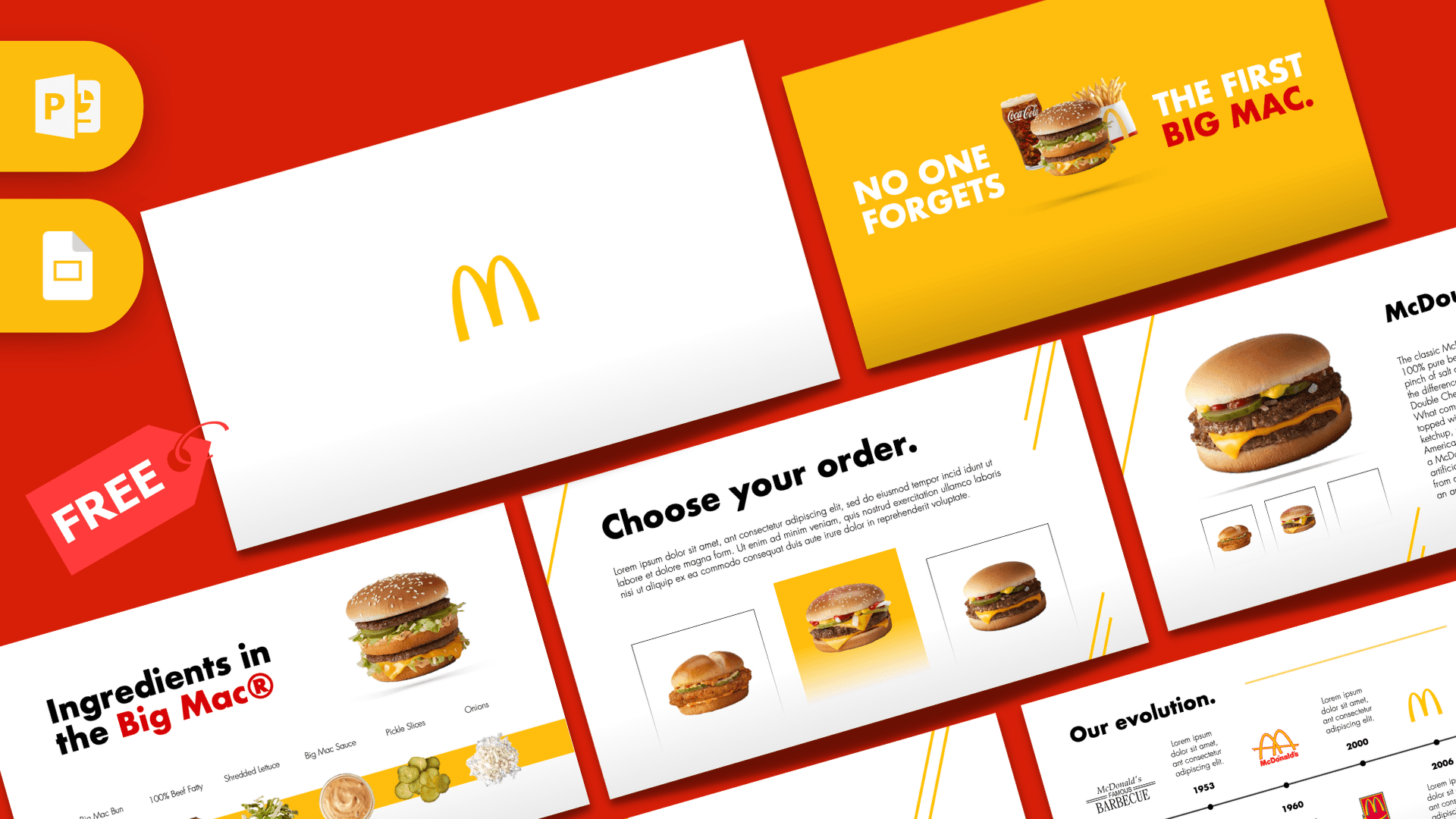
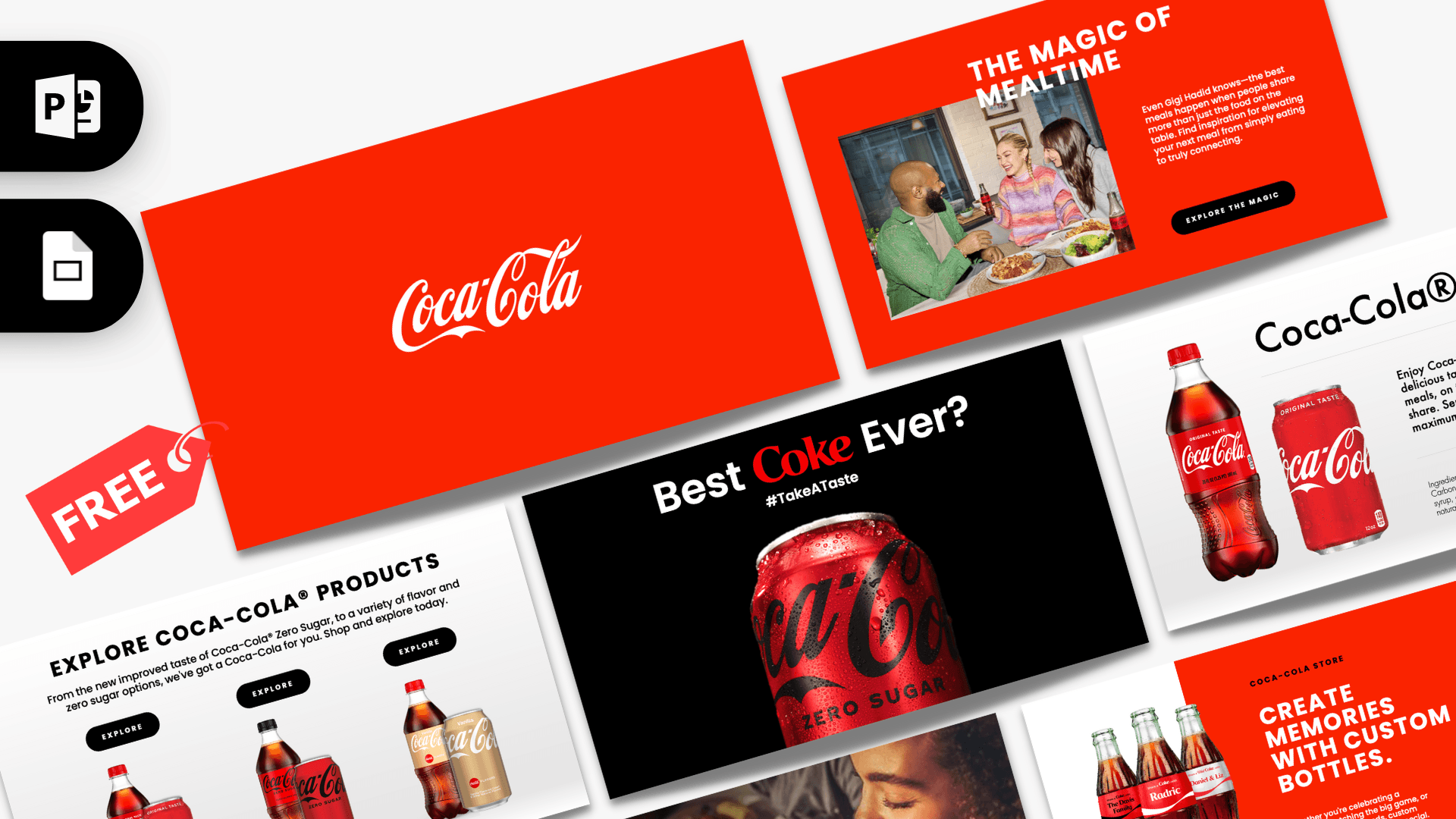
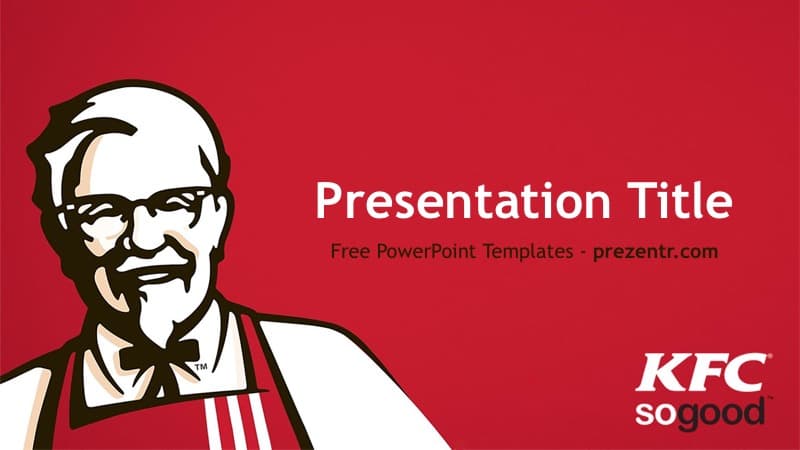
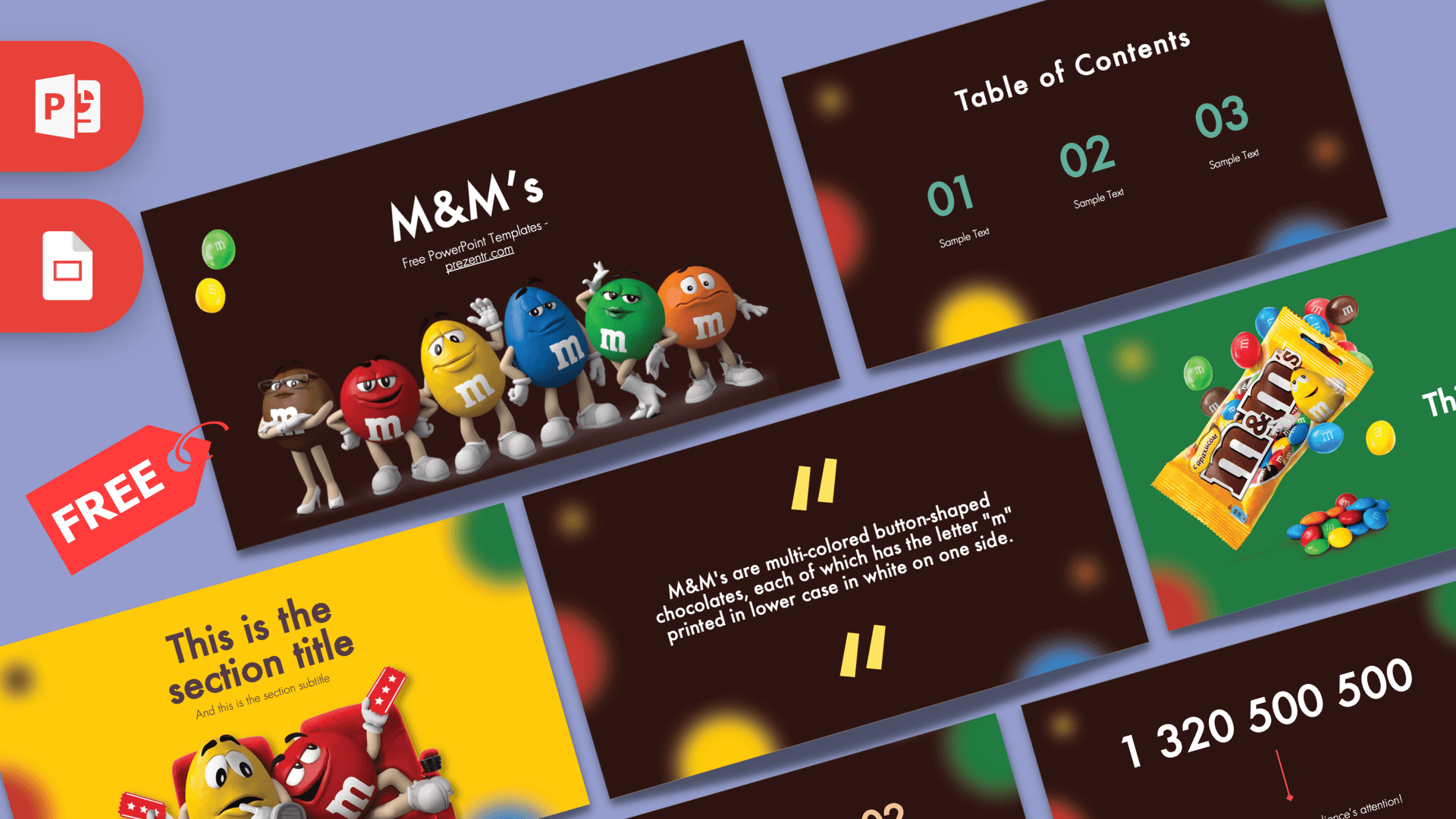
For more food and drink brand designs, see the Pepsi Cola PowerPoint Template, the KFC PowerPoint Template, the McDonald's PowerPoint Template and the Animated Coca-Cola PowerPoint Template. Browse every company design in our Brands and Companies templates.
Frequently asked questions
- Is the Doritos PowerPoint template free to download?
- Yes. You can download it free from Prezentr and use it for school, marketing practice or fun presentations.
- How many slides come in the Doritos template?
- There are 10 slides in 16:9, including a title slide, text slide, table of contents, two product slides, a quote, three bullet layouts and a big number slide.
- Does the Doritos template work in Google Slides?
- Yes. Upload the PPTX to Google Drive and open it with Google Slides. If Futura is missing, swap it for a similar rounded geometric font.
- Can I change the chip bags to other flavors or products?
- Yes. Right-click a bag image, choose Change Picture and insert your own product photo, ideally a cut-out PNG.
- Is this an official Doritos template?
- No. It is a free brand-inspired template made by Prezentr and is not affiliated with or endorsed by Doritos or its owners.