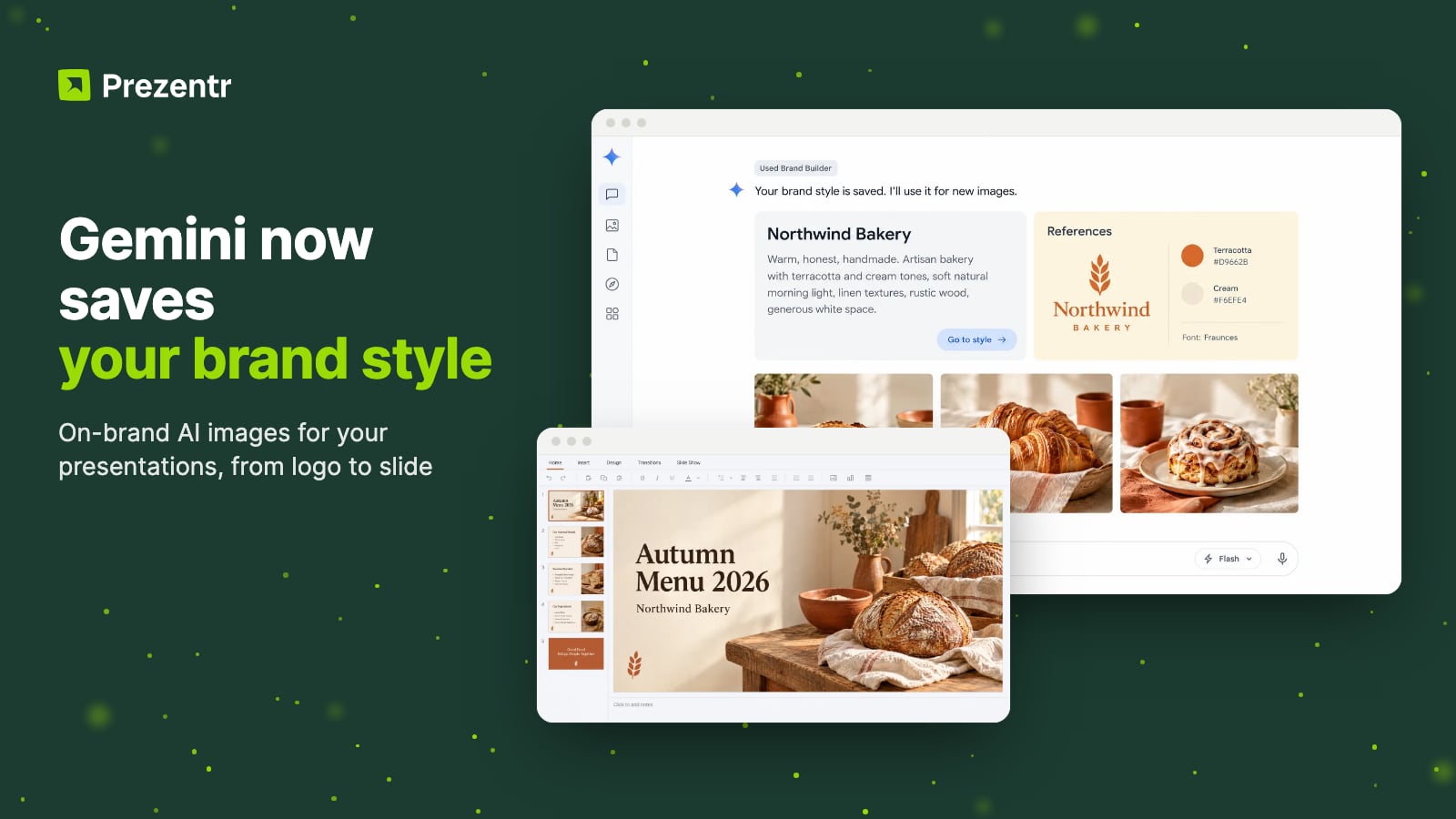
Quick answer: You can now upload your website, brand kit, fonts or colour palette to the Gemini app once and it will remember them as your brand style. Gemini then uses Nano Banana 2.1, Google's latest image model, to make visuals that match. Google announced the feature on October 20, 2026 as part of a new business landing page and says it is rolling out globally to all Gemini app users over the coming days. For presentations, it is a quick way to get cover images, section dividers and social cut-downs that look like they belong together.
AI image tools have one habit that drives brand managers mad. Every picture looks great on its own, and nothing looks like your company. The colours drift, the fonts change, and your deck ends up with ten slides in ten different styles.
Google is going after that problem. On October 20, 2026 it added a set of small-business tools to the Gemini app, and one of them lets you save your brand style once. After that, Gemini uses it every time it makes an image for you.
The feature is rolling out gradually, so the examples below use a fictional bakery as the brand. This post is the second in our series on AI slide tools this week, after ChatGPT Slides, alongside Gemini and NotebookLM slide decks and Claude Duet.
What Google announced
The brand style feature is part of a new business landing page inside the Gemini app. In its announcement on The Keyword, Google says tens of millions of small business owners already use Gemini, and this page puts the tools they need in one place:
- Brand style. Upload a website, brand kit, fonts or colour palettes once. Gemini keeps them and applies them to new visuals for product launches and ongoing campaigns, so you do not have to upload your guidelines again for every asset.
- Financial insights. Gemini turns spreadsheets, receipts and purchase records into financial graphics and interactive models.
- Marketing and finance skills. Ready-made skills for common business jobs. Google has not detailed them yet.
- Connected apps. Google Business Profile, Google Ads and Google Workspace, plus Adobe, Canva, Dropbox, Shopify, Wix, Zoho and Xero.
One of Google's examples is a venue owner in Jakarta who used Gemini to develop a "Brazilian-street" look for a sports and entertainment hub, then designed merchandise and partnership proposals in that style. That is exactly the kind of consistency presenters want across a deck.
Larger companies that need admin controls and data governance are pointed to Gemini for business instead. The new landing page, the skills and the new connected apps are beginning to roll out globally for all Gemini app users, so it may take a few days to appear in yours.
How to set up your brand style in Gemini
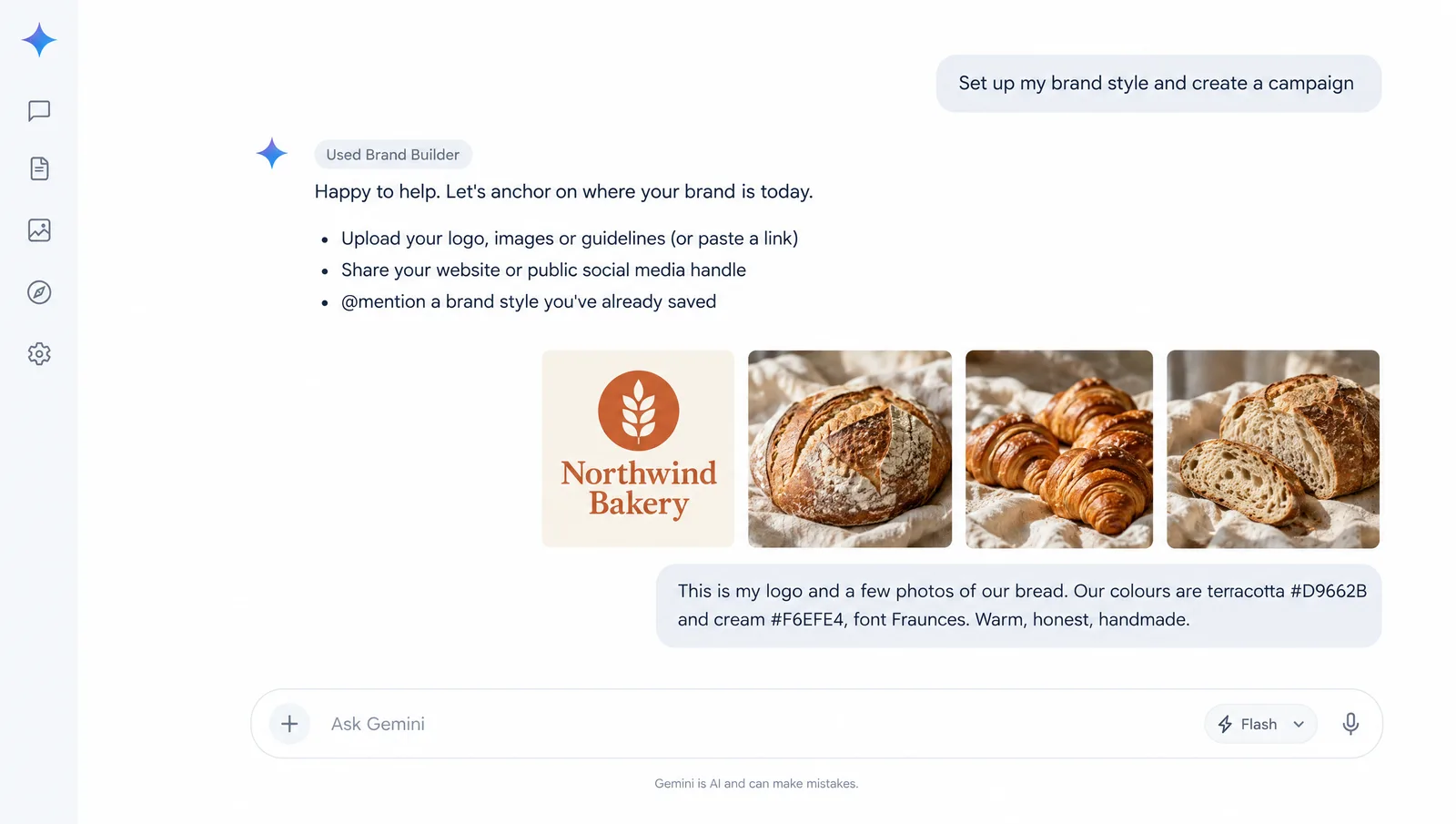
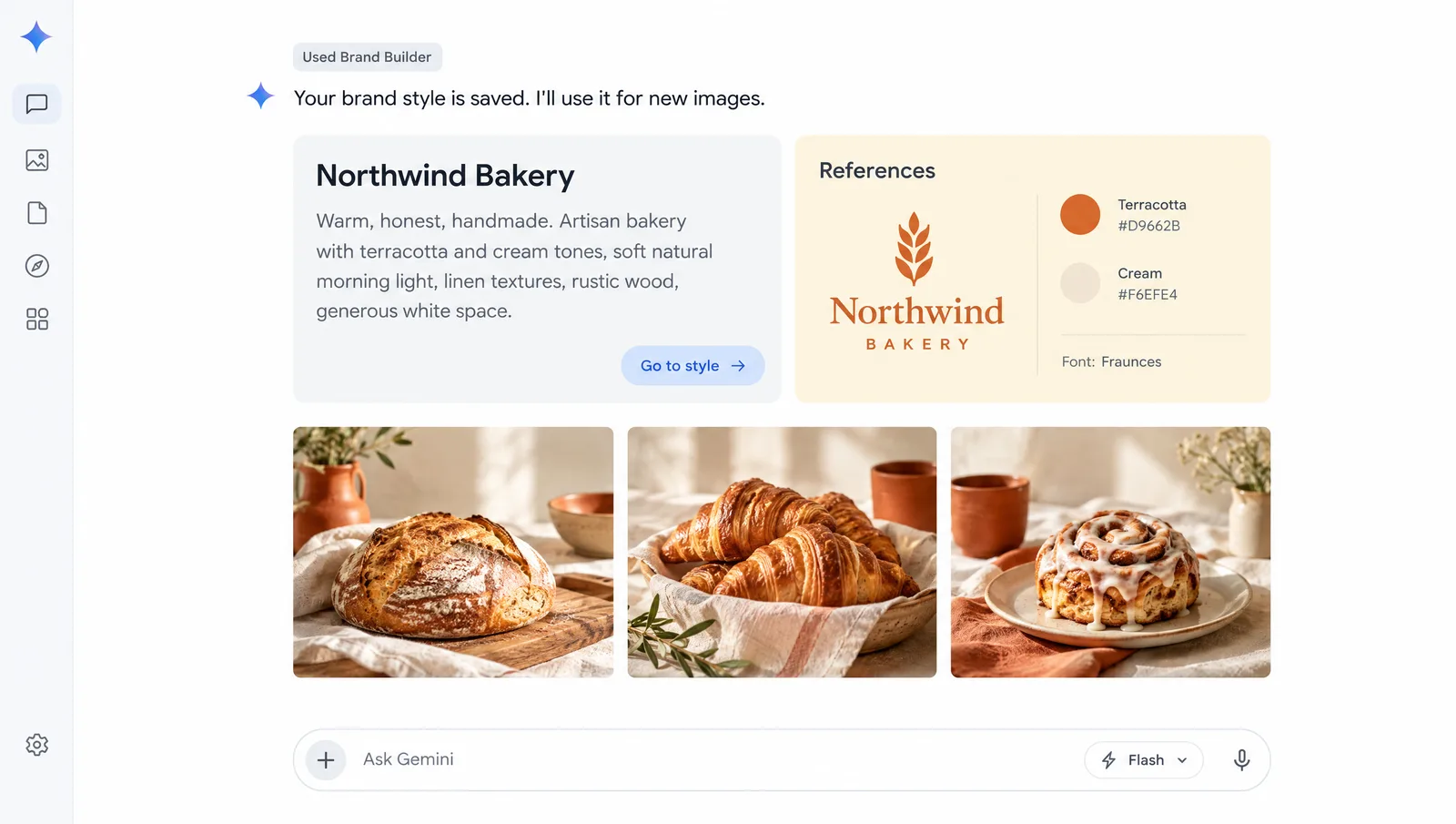
Google has not published a step-by-step guide yet. In its demo, you start from a prompt chip such as "Set up my brand styles and create a campaign", Gemini answers with a "Used Brand Builder" label and offers three ways in: upload your logo, images or guidelines (or paste a link), share your website or a public social media handle so it can pull out your colours, fonts and voice, or @mention a brand style you already saved. The result is a brand style card with a short description of the look and a "Go to style" button. Based on that, this is the process we recommend. We will update it with exact menu names once the feature reaches our account.
- Update the Gemini app and look for the new business landing page. Rollout is gradual, so it may not be there on day one.
- Gather your real brand files. Your logo, the exact colour codes (HEX values), your font names and two or three images that show the look you want.
- Upload the brand kit, not just your website. A website works if it is all you have, but Gemini will learn from whatever is on it, including old campaign banners and colours you stopped using years ago. A clean brand kit gives it less to misread.
- Describe the feel in words. For example: "Clean and bright, lots of white space, warm natural light, no stock-photo smiles."
- Run a test. Ask for three images for the same purpose and check them against your brand guide by eye. If the colours drift, upload the palette file directly.
- Save it and reuse it. From then on you should not need to upload your guidelines again. In a new chat, mention the saved style by name.
Using on-brand Gemini images in your presentations
This is where the feature earns its place in a presenter's toolkit. A deck only feels designed when its images share a look. These are the slide images worth generating with a saved brand style:
| Slide | What to ask for | Tip |
|---|---|---|
| Title slide | A wide hero image in your brand colours | Ask for empty space on the left for the title |
| Section dividers | A set of 3 to 5 images in one style | Request them in one prompt so they match |
| Product slides | Your product in a real setting | Upload a product photo as reference |
| Data slides | A simple infographic or diagram | Check every number, AI can get them wrong |
| Closing slide | A calm background for your call to action | Keep it simple so the text stands out |
| Social cut-downs | Square and portrait versions of key slides | Promote the talk before and after |
A prompt that works well for slide backgrounds:
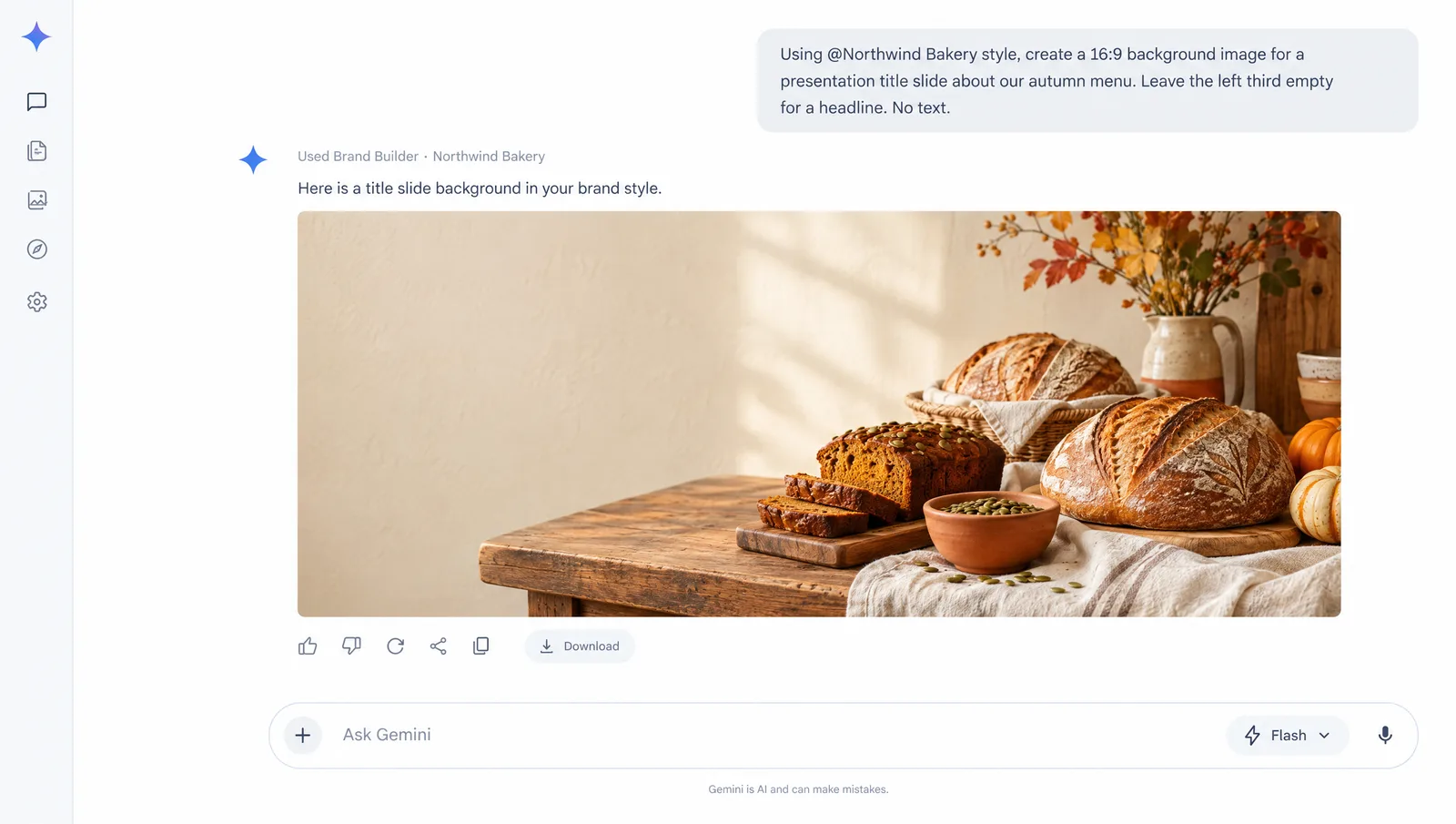
Using my brand style, create a 16:9 background image for a presentation title slide about our autumn menu. Leave the left third empty for a headline. Do not add any text.
Ask for no text whenever you plan to add your own titles on the slide. Text inside an image cannot be edited later, and it often clashes with your template's fonts.
The images still need a home. Drop them into one of our free PowerPoint templates or Google Slides templates, replace the placeholder pictures, and you have a deck where the template and the images speak the same visual language. For a bakery or café, the Bakery PowerPoint template is an obvious fit; for a launch deck, try the Digital Marketing template or the Marketing Strategy Proposal template. If you want motion on top, the animated templates work the same way.
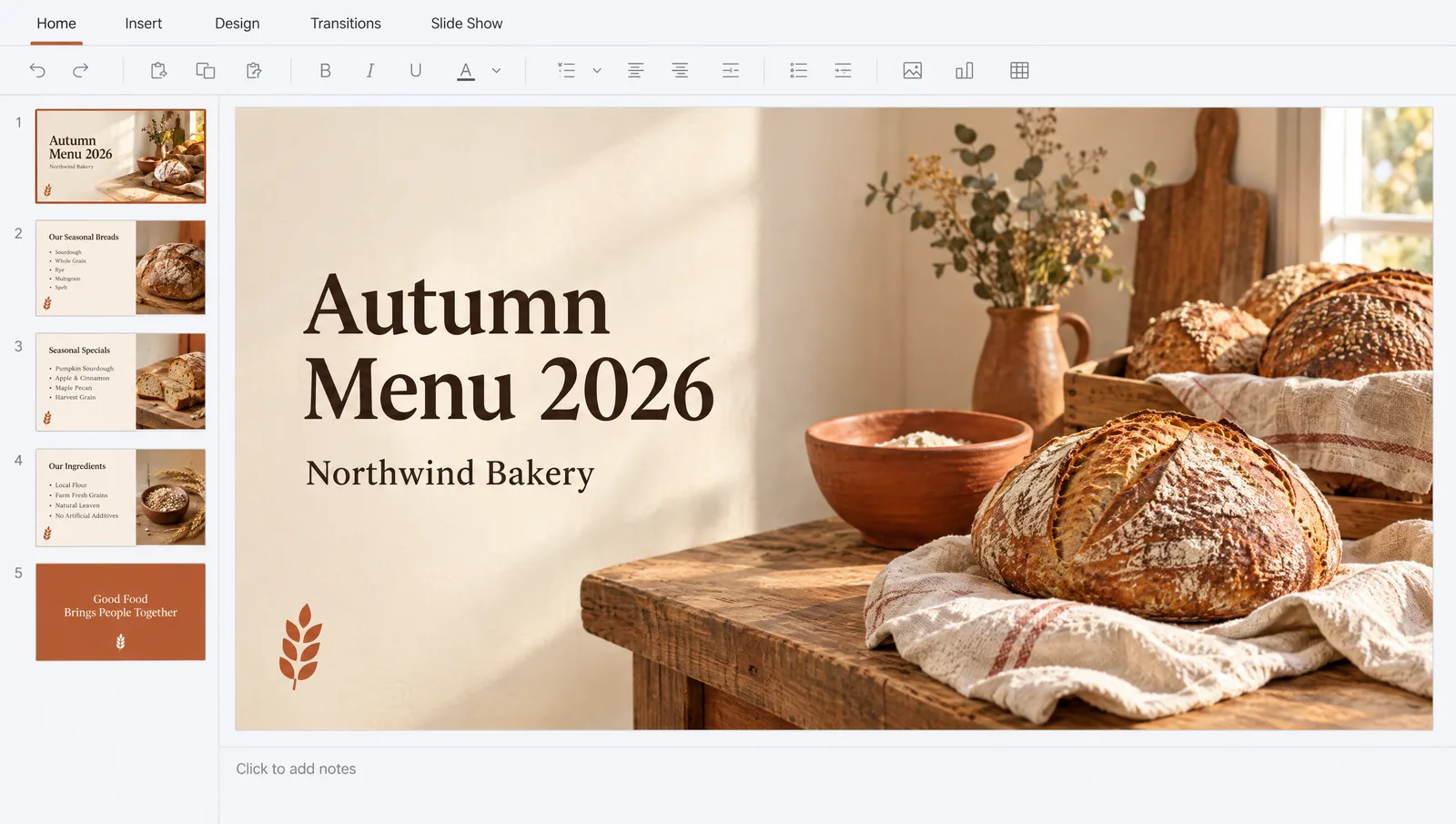
What Nano Banana 2.1 brings to slide images
Nano Banana is the nickname of Google's Gemini image model, and 2.1 is the version Google calls its latest image generation model. According to Google DeepMind's model page, it can:
- Render legible text directly in images. Useful for posters and mock-ups, though we still prefer real, editable text on slides.
- Keep things consistent. It can hold up to five characters and fourteen objects steady across a series of images, which helps with section dividers and storyboards.
- Edit part of an image with mask-based editing, without redrawing the rest, for example placing your product in a new scene.
- Switch aspect ratios between square, portrait and landscape, and upscale to 2K or 4K. Ask for 16:9 for full-bleed slide images.
- Use real-world knowledge from Gemini and web search to draw diagrams and infographics more accurately.
- Translate or localise text in an image for multilingual decks.
Every image carries an invisible SynthID watermark that identifies it as AI-generated. Keep that in mind if your company or your client has rules about disclosing AI images.
Limits, and how it compares with a Canva Brand Kit
There is a lot Google has not told us yet. We do not know how many brand styles you can save, whether agencies can switch between client brands, which file types are accepted or how many images you can make per day on each plan. Google has gated image generation by plan before, so "all Gemini app users" may not mean unlimited. We will update this post when we know more.
If you already use Canva, its Brand Kit does a related but different job, so it helps to see them side by side:
| Gemini brand style | Canva Brand Kit | |
|---|---|---|
| Main job | Makes new AI images in your style | Applies your logos, colours and fonts to designs |
| Output | Images | Editable designs, including presentations |
| Text on slides | Baked into the image if you ask for it | Live, editable text in your brand fonts |
| Best for | Unique visuals, backgrounds, product scenes | Building the deck itself |
They are not either-or. Canva is one of the apps you can connect to Gemini, so a sensible workflow is to make the pictures in Gemini and assemble the deck in Canva, PowerPoint or Google Slides. If you would rather have an AI build the whole deck, see our guide to making slides in Claude and the post on ChatGPT Slides, then bring the Gemini images in as the final design layer.
Two cautions before you use these images with clients. First, check every number and word Gemini puts into an image, because AI still invents details. Second, do not upload confidential material (unreleased products, client logos you do not own) into a consumer account unless your company's AI policy allows it.
