Usually, AI assistants wait for you. You open the app, type a request and get an answer. Claude Duet works the other way round. It watches your connected apps, tells you what needs attention and keeps working after you close it.
Anthropic opened the waitlist for Claude Duet on October 21, 2026. It is not a presentation tool, but it changes how deck work can get done. Anthropic itself names building a deck as one of the bigger jobs you can hand over.
Quick answer: Claude Duet is a separate Anthropic app for iOS, Android and claude.ai. It sends a morning brief, monitors apps like Gmail, Slack and HubSpot, and does tasks in the background on its own cloud computer. It asks before it sends, pays, signs or deletes anything. It is a research preview for US Pro and Max subscribers, by waitlist, included in the plan, but its work counts toward your usage limits.
Duet is still a waitlist preview. Everything below is based on Anthropic's announcement and its launch video, applied to a presentation example.
What Claude Duet is
Claude Duet is a proactive agent that Anthropic designed around Claude Opus 5.5. It lives in its own app, separate from the main Claude app, but it carries over your Claude memory, skills and connected apps. Here is how it works:
- A morning brief. Each morning it sends a short summary of the most important items across your connected apps.
- Check-ins during the day. Every few hours it looks through your accounts and messages you only when something needs you. You can tell it what you want to hear about and how often.
- Background work. It runs on a virtual machine with its own browser, so your phone and laptop can be off. You get a notification when a task is done or needs review.
- One thread. You talk to it by text or voice in a single ongoing conversation. Tasks can be small, like scheduling a meeting, or large, like a dashboard, a forecast or a deck.
- Thousands of connectors. It can use more than 6,000 connectors and plugins, including Gmail, Slack, HubSpot, Docusign, Stripe, QuickBooks, Shopify and Canva.
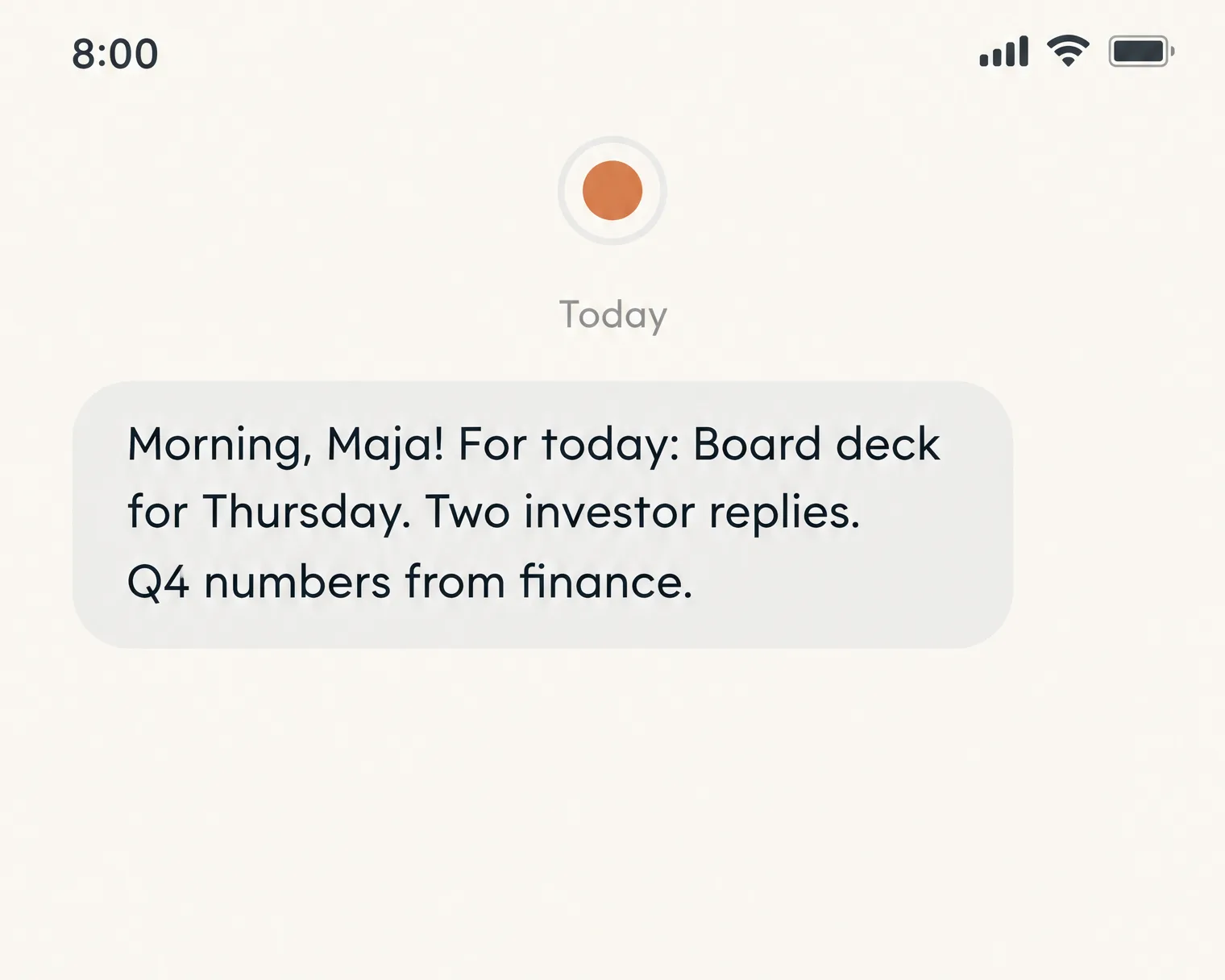
Anthropic's examples are very practical. A brand strategist had Duet prepare a brief for a client call. It noticed the call was right before her flight and offered to move it. A property broker got a warning about a showing booked on the wrong day, without asking for it.
What it means for people who make presentations
Most of the time spent on a deck goes on finding things, not on design: last quarter's numbers, the client's latest email, the slide someone made in March. That is exactly the work an always-on agent is good at. These are the presentation jobs we would hand to Duet first:
- Meeting prep packs. "Before every external meeting, collect the latest emails, CRM notes and open deals for that client and draft five talking points."
- Weekly update decks. "Every Friday, pull the numbers from our sales dashboard and draft the Monday update deck." Anthropic notes that a deck is one of the larger tasks, so it takes more of your usage.
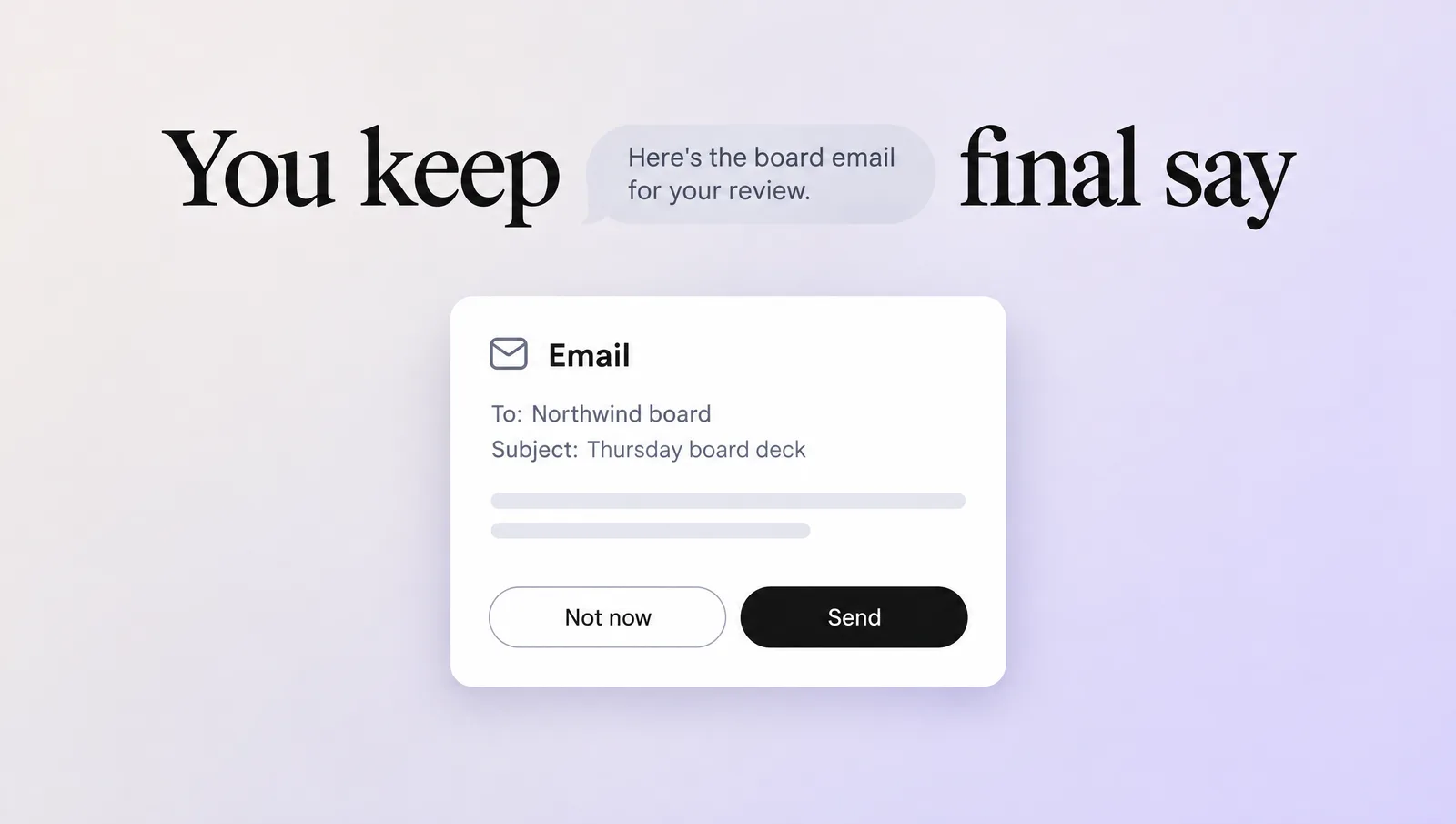
- Follow-ups after the talk. "After my pitch, draft a thank-you email with the deck attached and a summary of the three questions they asked." It will show you the email and wait for approval before sending.
- Social versions of your slides. Duet can use Canva, and Anthropic's own example is turning a product launch into a social campaign.
- Deadline watching. "Remind me three days before any presentation in my calendar if no deck has been shared yet."
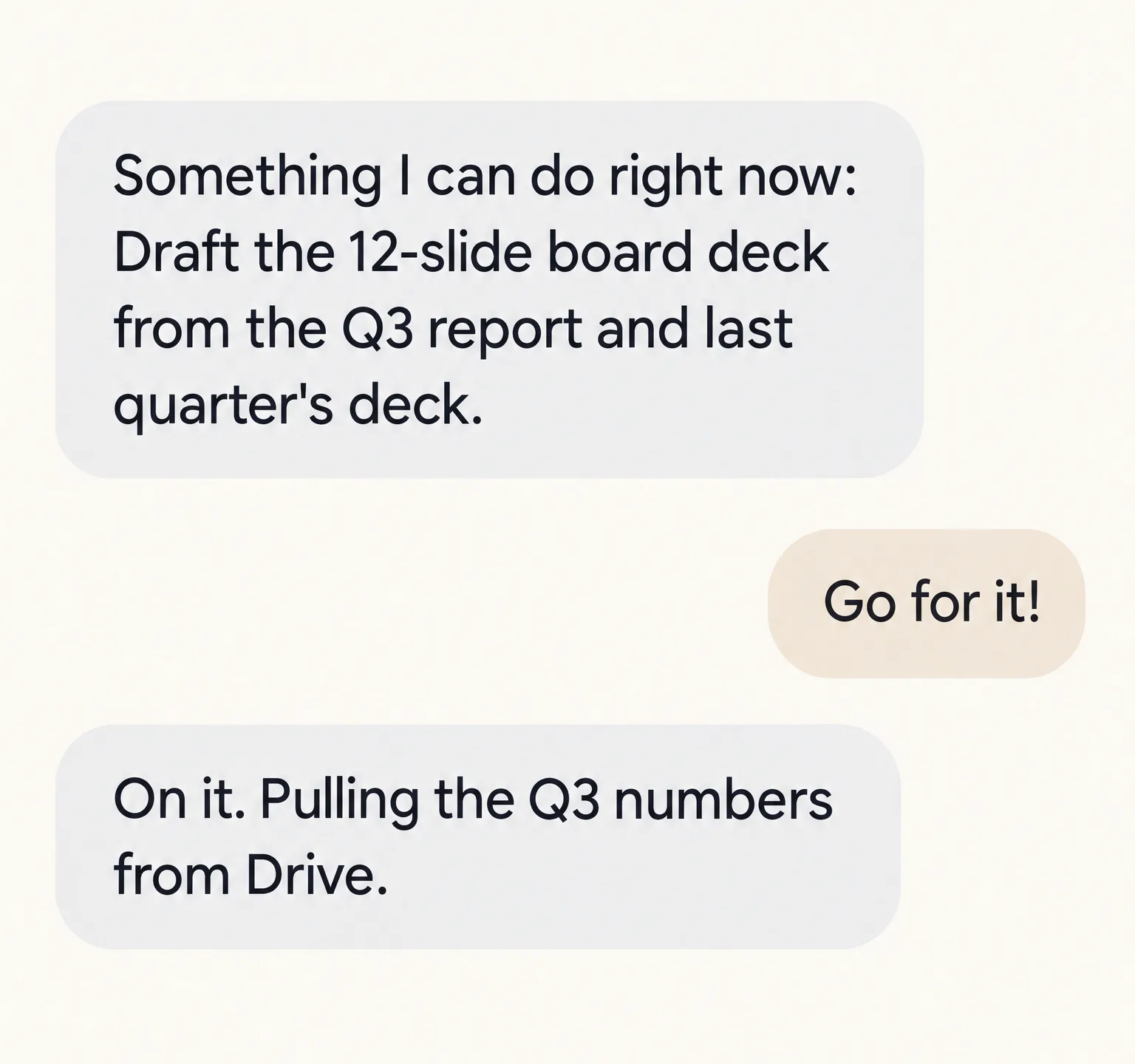
Here is how we picture a deck job running overnight. You approve the task in the evening. Duet reads last quarter's deck and the new report, builds a draft and leaves it in the thread. In the morning there is a card waiting for you, and a notification that it needs review.
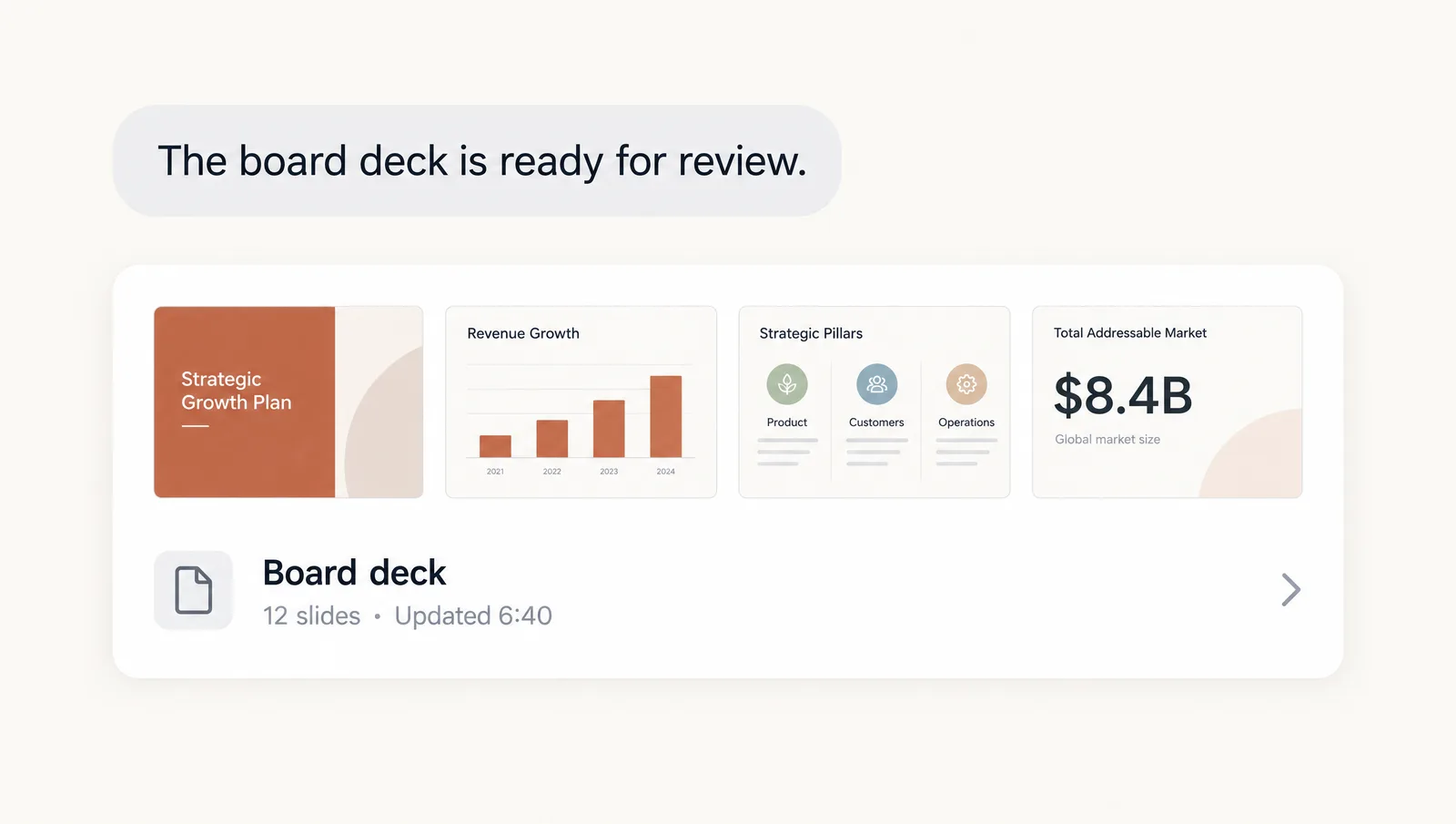
Where Duet stops: it prepares and drafts, but you are still the presenter. Treat its decks like a capable assistant's first draft, check the numbers and put them into your own template. For building the slides themselves, our guide to making slides in Claude covers Claude Slides step by step, from the first prompt to the PowerPoint export.
Who can get Claude Duet, and how to join
- Plans: Claude Pro and Max subscribers in the US. Team and Enterprise plans are not included yet, though Anthropic says it plans to expand.
- Access: Join the waitlist on the Claude Duet product page. Anthropic says it will email you when it is ready for you.
- Platforms: Standalone app on iOS and Android, plus claude.ai.
- Price: Included in Pro and Max. Duet shares your plan's usage limits, and background check-ins count toward them too.
Once you are in, start small. Connect your email and calendar first, set the morning brief to cover only meetings and urgent messages, and add more apps once you trust what it flags.
Claude Duet vs ChatGPT Dots vs Meta Muse
Duet is Anthropic's answer to a wave of always-on agents launched over the past few weeks. OpenAI introduced dots at DevDay (we covered the same event in our post on ChatGPT Slides), and Meta added small business skills to Muse. Here is how the three compare:
| Claude Duet | ChatGPT Dots | Meta Muse | |
|---|---|---|---|
| Announced | October 21, 2026 | September 29, 2026 | September 8, 2026 |
| Who can use it | US Pro and Max, by waitlist | ChatGPT Pro and Business Premium | US and Canada, free for most needs |
| Runs on | Its own cloud computer | Always-on in the background | Muse Secure VM in the cloud |
| Approvals | Before sending, paying, signing or deleting | Works with minimal oversight | Before publishing, sending or spending |
| Canva connection | Yes | Not announced | Yes |
| Best fit | Professionals and small business owners | Teams with ongoing goals | Small businesses on Facebook and Instagram |
For presentation work, the Canva connection and the approval step are what we would look at first. An agent that can draft a deck and its social posts, but has to show you everything before it goes out, is a safer bet than one that ships on its own.
What to watch out for
Anthropic is upfront about the limits of this preview, and so should we be:
- It can misjudge. Duet may misread a thread or get urgency wrong. Check what it flags before you act on it.
- It uses your limits. Background checks and big jobs like decks take more of your usage than a normal chat.
- You can't watch it browse yet. Its browser works out of sight, so you see results, not the process.
- Personal errands are weaker than work tasks, by Anthropic's own account.
- It is a separate app from the main Claude app for now.
On safety, Duet asks before it sends a message, makes a payment, signs a document or deletes anything. Even with approval it will not trade securities or move money between accounts. It never sees your passwords directly, and you can disconnect any app at any time. If you work with client material, check your company's AI policy before connecting work accounts.
Give the draft a real design
An agent can collect the material and draft the story. It cannot make the deck look like yours. Whatever Duet or Claude Slides hands you, move it into a template with a proper colour palette, font pairing and layout set before it goes in front of a board or a client. Three free templates that fit decks about AI agents and this launch:
- Claude PowerPoint Template: for explaining Claude, Duet and how your team could use them.
- AI Agents PowerPoint Template: for strategy decks about automation and agents.
- OpenAI ChatGPT PowerPoint Template: for comparing Duet with dots in a training session.
Not presenting about AI? Browse the free PowerPoint templates on the home page and pick the one that fits your topic. And if your team works in Google's tools instead, we published two more posts today: one on slide decks from Gemini and NotebookLM and one on keeping Gemini decks in your brand style.
