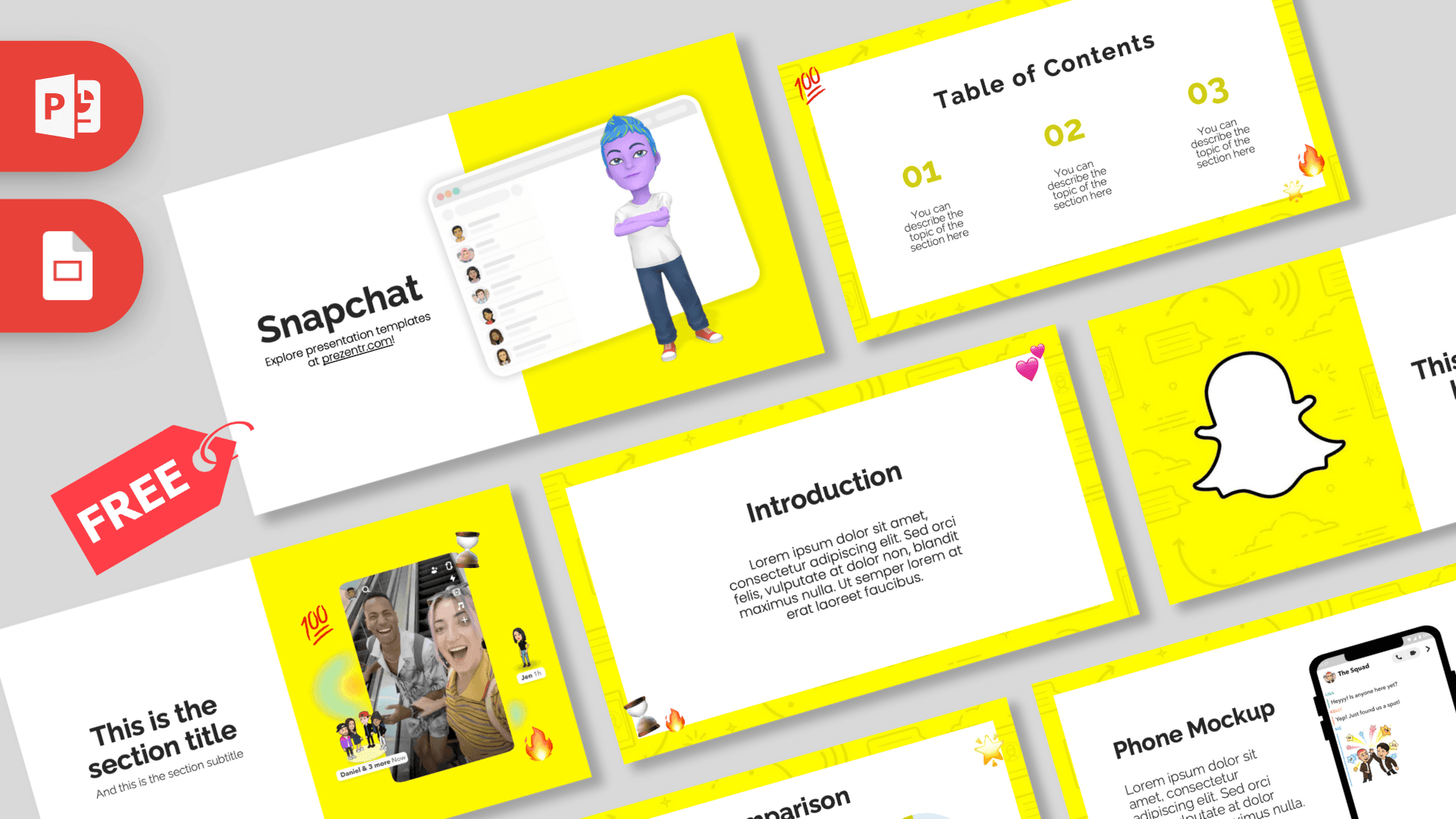
The Snapchat PowerPoint template is a free 10-slide deck in the app's unmistakable bright yellow, paired with clean white panels, a big white ghost logo and a cheerful 3D avatar on the title slide. Emoji stickers like fire, hearts, stars, an hourglass and a "100" pop up in the corners, so the slides feel like a chat thread with friends. It works in PowerPoint and Google Slides.
What's Inside
The current download of the Snapchat PowerPoint template is a 10-slide PPTX with these layouts:
- Title slide: a white half with the "Snapchat" heading and a yellow half showing a 3D avatar with blue hair standing in front of a chat list window.
- Table of Contents: three yellow numbers (01, 02, 03) with short descriptions on a white card, with fire, star and "100" emoji stickers.
- Section title: your heading next to a phone-shaped photo of two smiling friends taking a selfie, decorated with small avatar figures and emoji.
- Headline slide: the white ghost logo on a yellow patterned background beside a "01," headline and subline.
- Introduction: a heading and paragraph on a white card framed in yellow.
- Five bullet points: five numbered items (01 to 05) with a heading and short description.
- Quote slide: large yellow quotation marks around a centered quote, with hourglass and fire stickers.
- Big numbers: one large figure with a caption and a thin yellow arrow.
- Phone mockup: a smartphone showing a group chat screen next to a heading and paragraph. Ideal for app screenshots.
- Comparison: two yellow donut charts showing percentages with "Vs" in the middle, for comparing two options or results.
Placeholder text is lorem ipsum or short instructions, so you can see exactly where your content goes. The download page also lists an older legacy version, but the 10-slide layout above is the newest one.
Design and Style
Yellow is the star: most slides use a bright yellow frame with a faint pattern of doodled icons such as chat bubbles, arrows and clouds, wrapped around a clean white content card. Numbers, quote marks and chart segments repeat the same yellow, and text is black for strong contrast.
Headings use a bold, rounded sans-serif and the body text a lighter sans-serif, giving the slides a friendly, modern feel. The 3D avatars, selfie photo and emoji stickers add personality, while the white cards keep your content easy to read. The mood is upbeat and social, a good fit for anything about apps, young audiences or online marketing.
The yellow frame is bright, so the white content cards do an important job: they give your text a calm, readable area. Keep headings short, use the yellow for highlights only, and let the stickers add the fun.
The phone mockup and donut charts are the most practical slides in the deck. They make it easy to show an app screen or compare two numbers without building anything from scratch.
Who Is This Template For?
The Snapchat PPT template works for both classroom projects and real marketing meetings.
- Marketing and business students writing a case study on Snapchat or social media platforms.
- Social media managers presenting a campaign plan or monthly results.
- App designers and startups showing screens with the phone mockup slide.
- Teachers leading a lesson on digital citizenship, online safety or social media habits.
- Youth groups and friends making a fun slideshow for a party or school event.
- Small businesses and creators pitching a content plan or influencer collaboration aimed at younger audiences.
How to Customize It
- Replace the text. Click any heading or placeholder and type your own words.
- Add app screenshots. Right-click the screen inside the phone mockup and choose Change Picture to show your own app or chat.
- Update the charts. Edit the percentage labels on the Comparison slide and adjust the donut segments to match your numbers.
- Move or delete stickers. Each emoji is a separate image, so you can drag, resize or remove it.
- Reorder slides. Drag thumbnails in the left panel, or duplicate the layouts you need more of.
To edit the Snapchat slides in Google Slides, upload the PPTX to Google Drive and open it with Google Slides. Layouts, photos and stickers carry over, and you can adjust fonts from the toolbar if needed.
When your slides are ready, export a PDF from the File menu to share the deck online or send it to a client. If you present from a laptop, check the emoji stickers display correctly, since they are images and do not depend on installed fonts.
You can also delete the stickers on slides where you want a more serious, business-like tone.
Presentation Ideas
- A case study on how Snapchat reaches younger audiences.
- A social media marketing plan with goals, content ideas and results.
- A comparison of two social apps using the donut chart slide.
- A class talk on online safety and privacy settings.
- A walkthrough of a new app feature using the phone mockup.
- A fun "year in review" slideshow for friends or a school club.
- A content calendar for a brand account, with one section per month.
- A pitch for a creator or influencer collaboration.
Tip: if you present campaign results, use the big numbers slide for your best result and the Comparison slide for before-and-after figures. Short, punchy numbers fit the style of the app and keep the audience with you.
For a longer deck, duplicate the phone mockup to walk through several screens step by step.
Related Templates
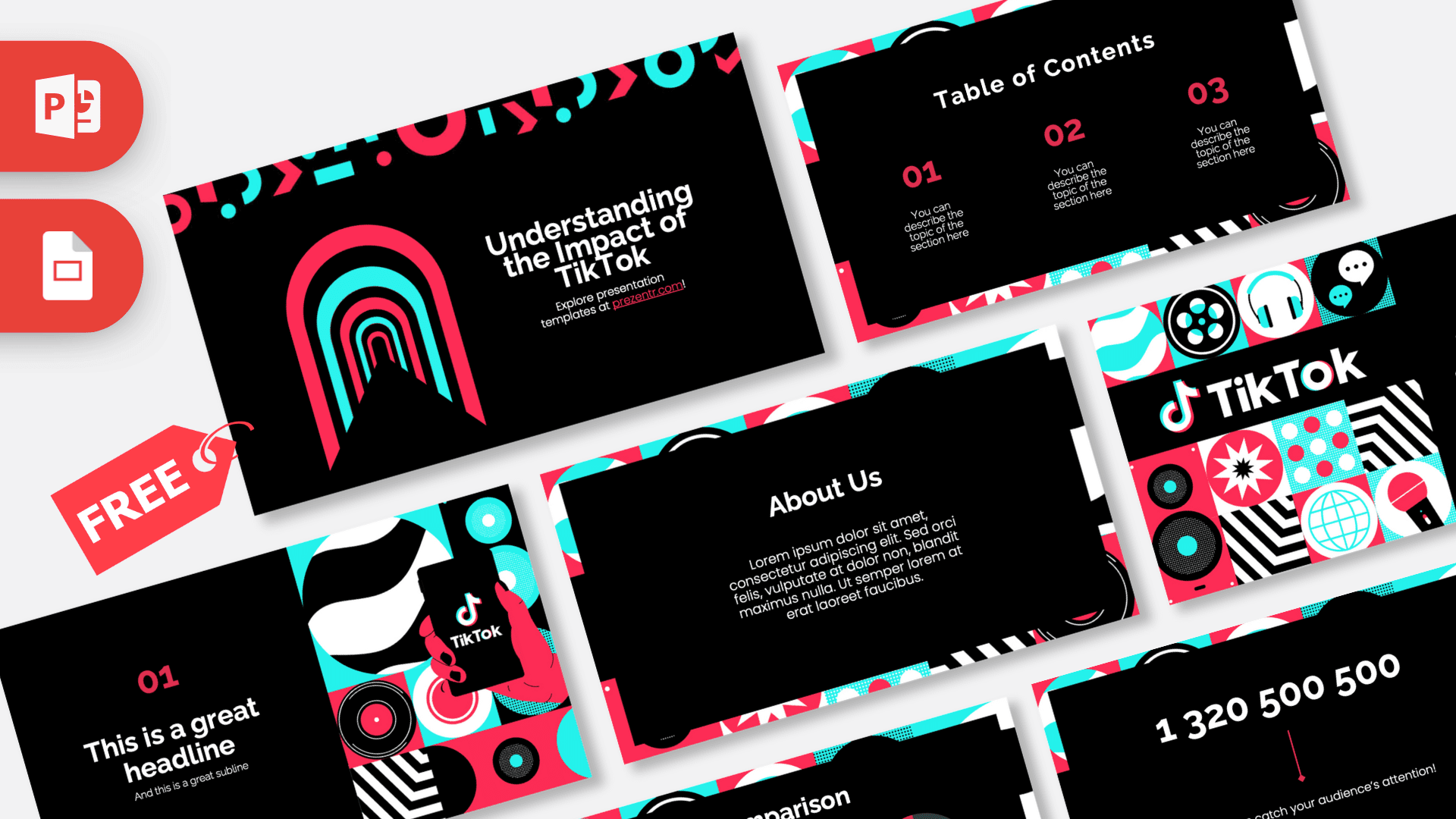
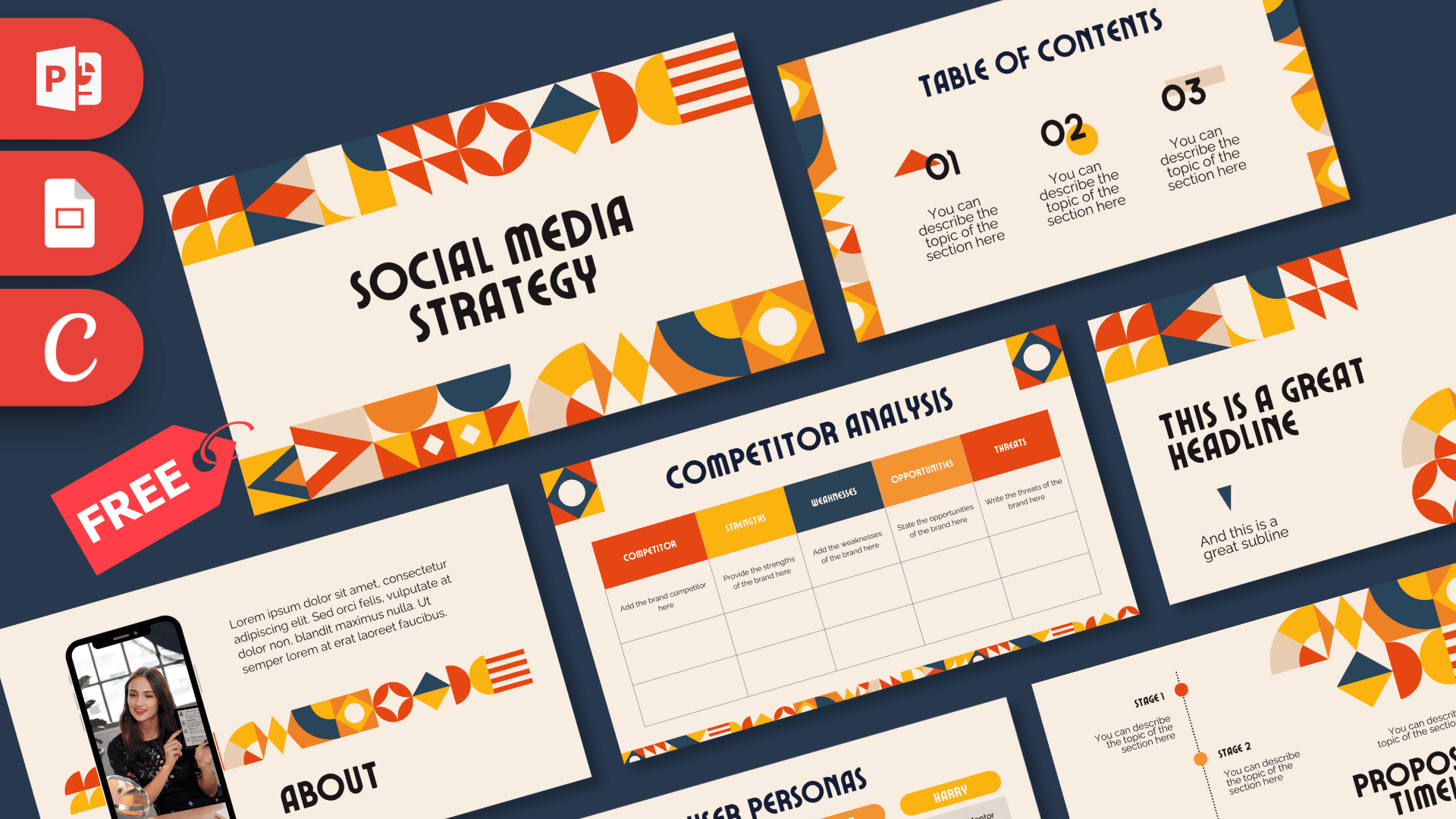
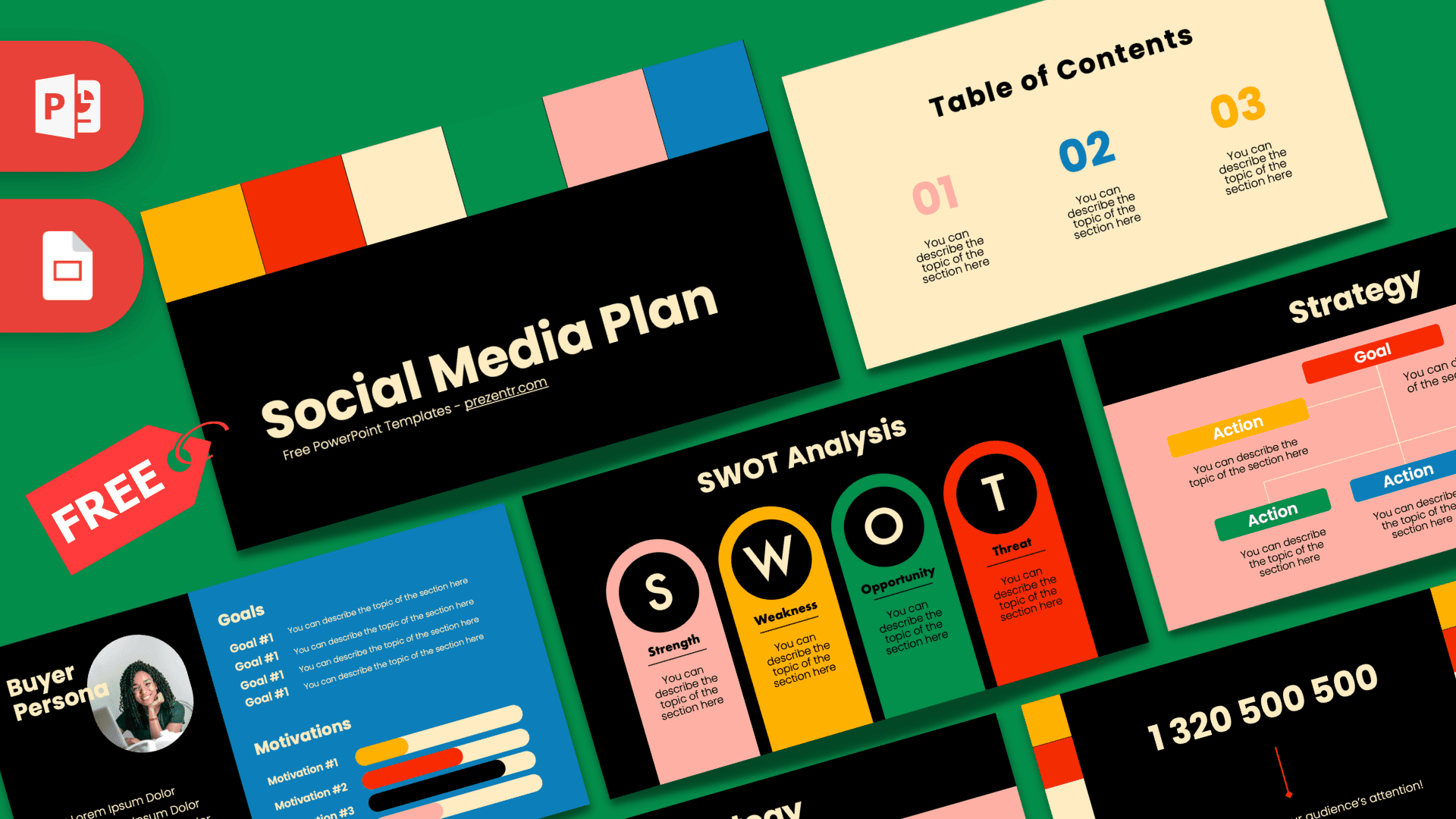
If you like the Snapchat PowerPoint template, try more social apps such as the Instagram PowerPoint Template, the TikTok PowerPoint Template, the Tinder PowerPoint Template and the Social Media Marketing PowerPoint Template. Browse more brand and company templates.
Frequently asked questions
- Is the Snapchat PowerPoint template free?
- Yes, it is free to download from Prezentr. It is a fan-made, brand-inspired design and is not an official Snapchat or Snap Inc. product.
- How many slides does the Snapchat template include?
- The current version has 10 slides, including a title, table of contents, section and headline slides, five bullet points, a quote, big numbers, a phone mockup and a comparison slide.
- Can I use the Snapchat template in Google Slides?
- Yes. Upload the PPTX to Google Drive and open it with Google Slides.
- Can I put my own screenshots in the phone mockup?
- Yes. Right-click the screen image inside the phone and choose Change Picture to replace it with your own screenshot.
- Are the charts editable?
- Yes. The Comparison slide has two donut charts with percentage labels that you can change to fit your own data.
- Is the Snapchat template animated?
- No, the slides are static. You can add animations or transitions yourself in PowerPoint.
This is a fan-made template inspired by Snapchat PowerPoint Template. Prezentr is not affiliated with, endorsed by, or selling assets from Snapchat PowerPoint Template. All brand names, logos, and trademarks belong to their respective owners.
Previous version
This is an updated version of the Snapchat PowerPoint Template, redesigned in October 2024. The original version is still available here: