The K-pop Demon Hunters PowerPoint template is a free, fan-made deck inspired by the animated Netflix film about a K-pop girl group that secretly fights demons. It has 16 slides in 16:9, black backgrounds lit up with neon pink, purple and cyan, and 3D character art of the three idol heroes. Every slide uses Morph transitions, so the deck already moves like a music video when you click through it.
What's Inside
This K-pop Demon Hunters template is a full story deck, not just a background. Here is what you get, slide by slide:
- Title slide: a big "KPOP DEMON HUNTERS" logo in a bold display font next to a concert scene with the three heroes on stage, a city skyline and a crowd of demons below.
- Agenda: a 12-item numbered list (introduction, world and characters, music and performance, timeline, charts, quote, big numbers and more) beside a wide-eyed blue tiger creature and glowing pink wave lines.
- About and Core Content: a short "About" text block with neon hearts and a finger heart sign, followed by four content blocks: idol group, demons and lore, music and choreography, and fan engagement.
- Section slide: a pink and blue gradient banner with the title repeated in large outline letters, perfect for opening a new part of your talk.
- Characters: Rumi, Mira and Zoey, each in a glowing neon ring, with sample fields for role, personality and power that you can rewrite.
- Visual Stage Concept: a slide for describing outfits, props and the stage, written as a "stage plus battlefield" idea.
- Timeline: two "Journey of the Hunters" slides with five numbered steps from debut to a final battle and celebration.
- Impact: six circular stat badges (streams, merch sales, social followers, fan art, concert attendance and global reach) with sample numbers you replace with your own.
- Quote slide for one strong line, and a Big Numbers slide with three large figures.
- Thank You slide to close the show.
- Extras: a fonts guide, an elements page with text boxes and shapes, an icons page, and a final Prezentr page you can delete.
Design and Style
The look is pure concert night. Most slides sit on deep black, so the neon details pop: pink and cyan hearts, music notes, sparkles and flowing light lines that look like stage lasers. The section slide flips this with a bright pink to blue gradient and huge outline lettering, which gives the deck a nice rhythm between dark and bright.
Titles use Blanka, a wide, futuristic display font, and body text uses Lato Light, as listed on the fonts slide. The 3D character renders, the demon crowd and the blue tiger creature make the slides feel like a poster set, while the text areas stay simple and easy to read. Because every slide uses Morph, characters and shapes slide smoothly between positions instead of jumping, which suits a music-themed talk.
All the numbers and story beats in the deck are placeholder text written in the spirit of the film. Treat them as examples and swap in your own facts.
Who Is This Template For?
- Fans who want to present their favorite characters, songs or scenes to friends or a fan club.
- Students doing a report on animated movies, K-pop culture or how music and storytelling work together.
- Teachers looking for a fun, familiar theme to grab attention in a media, music or art lesson.
- Dance crews and school clubs planning a performance, cover routine or talent show set.
- Party hosts making a birthday quiz or a movie night intro for a K-pop loving kid or teen.
- Content creators pitching a fan video, cosplay idea or social media series.
How to Customize It
- Install the fonts first: check the fonts slide and install Blanka and Lato so the titles look as designed. Without them, PowerPoint swaps in a default font.
- Replace the text: click any text box and type. The agenda numbers, character fields and timeline steps are all regular text.
- Swap images: right-click a picture and choose Change Picture to keep its size and position. This works well for the character renders.
- Edit the stats: type your own numbers into the Impact and Big Numbers slides. Keep labels short so they fit inside the circles.
- Keep the Morph effect: Morph works best when an object keeps the same name on two slides in a row. If you duplicate a slide and move items, PowerPoint animates the change for you. You can check it under Transitions.
- Recolor: select a shape and use Shape Fill or Shape Outline to change neon colors.
- Reorder or remove slides in the thumbnail panel. Delete the fonts, elements, icons and Prezentr pages before you present.
Presentation Ideas
- A character profile talk comparing the three heroes and their roles in the group.
- A school report on how K-pop idol groups train, perform and connect with fans.
- A movie review with a story timeline, favorite songs and a final rating on the Big Numbers slide.
- A fan club meeting agenda with upcoming watch parties and cover dance plans.
- A birthday party quiz about the film, with one question per slide.
- A design class project on neon color, lighting and poster style in animation.
A simple flow that works for most of these: open with the title slide, show the agenda, introduce the characters, walk through the timeline, back it up with the Impact and Big Numbers slides, then finish with a quote and the Thank You slide. That is about 12 slides, which fits a five to ten minute talk.
Related Templates
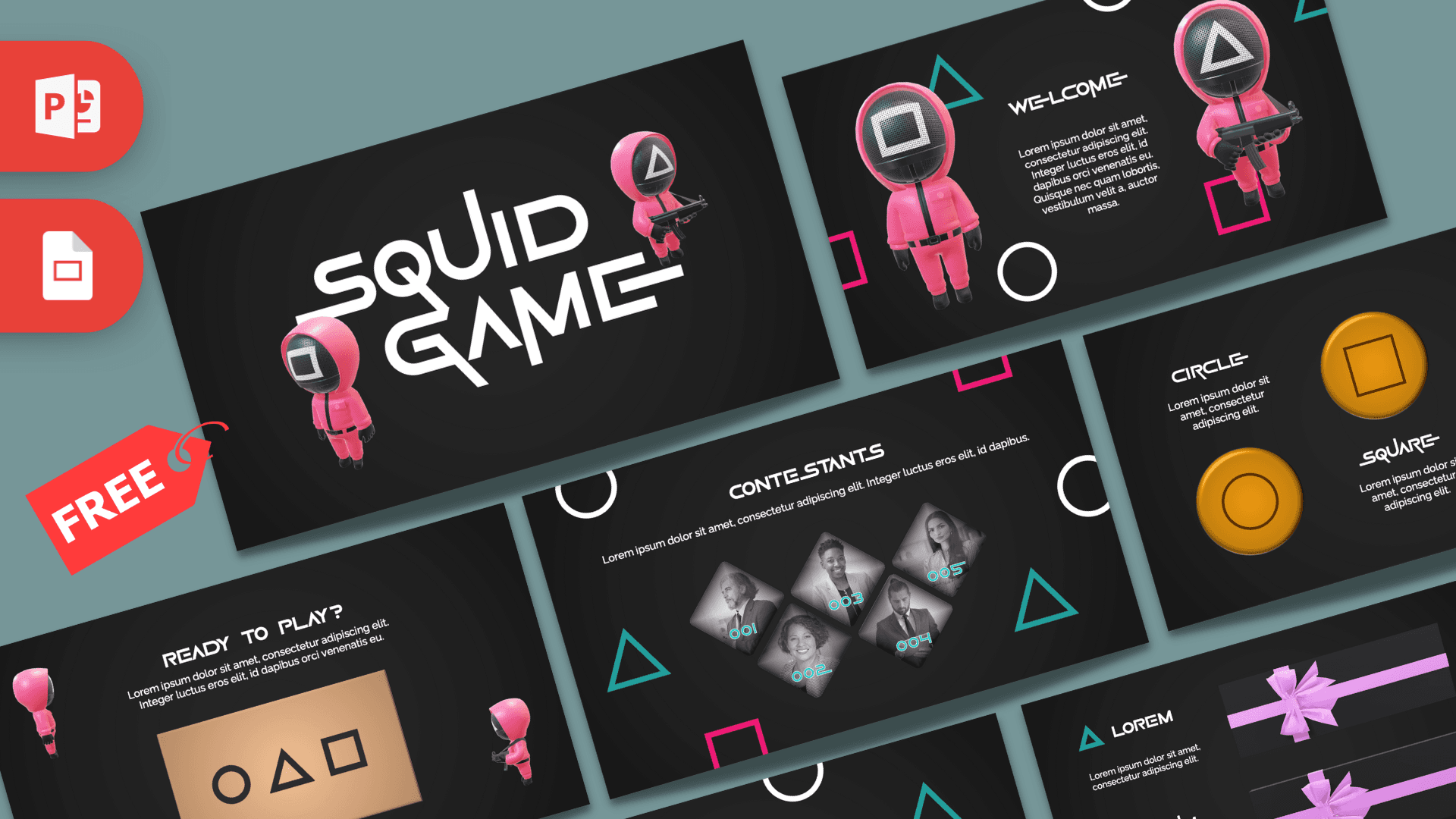
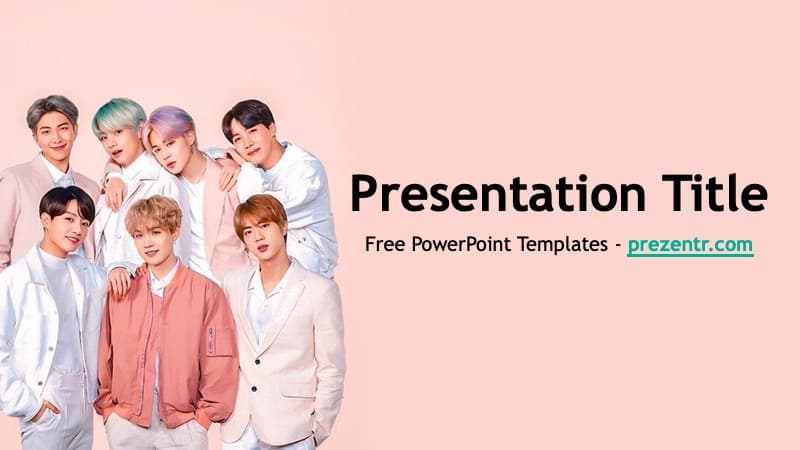
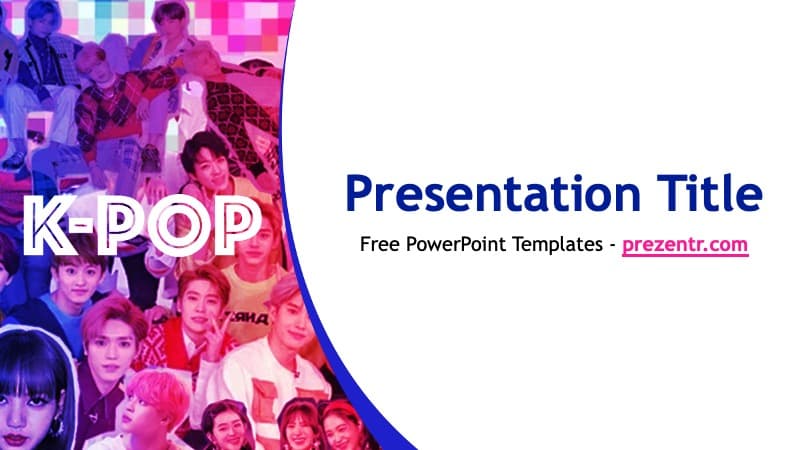
For more K-pop themes, try the K-pop PowerPoint Template and the BTS PowerPoint Template. If you love demon-fighting heroes, the Demon Slayer PowerPoint Template is a good match, and the Squid Game PowerPoint Templates bring another Korean-themed Netflix hit to your slides. Browse more film and series decks in our movies and Netflix PowerPoint templates.
Frequently asked questions
- Is the K-pop Demon Hunters PowerPoint template free?
- Yes, it is free to download on Prezentr. It is a fan-made design and is not affiliated with or endorsed by Netflix or the film's creators.
- How many slides are in the K-pop Demon Hunters deck?
- The file has 16 slides in 16:9: 12 content slides from title to thank you, plus a fonts guide, an elements page, an icons page and a closing Prezentr page.
- Is this template animated?
- Yes. Every slide uses the Morph transition, so characters and shapes glide between slides. Morph needs PowerPoint 2019, PowerPoint 2021 or Microsoft 365.
- Can I change the characters and their descriptions?
- Yes. The role, personality and power lines are regular text you can rewrite, and you can replace any character image with Change Picture.
- Does it work in Google Slides?
- The deck is built for PowerPoint. We have not confirmed a Google Slides version, and Morph transitions do not carry over to Google Slides.
- Which fonts does it use?
- Titles use Blanka and body text uses Lato Light. Install both before editing so the slides look like the preview.