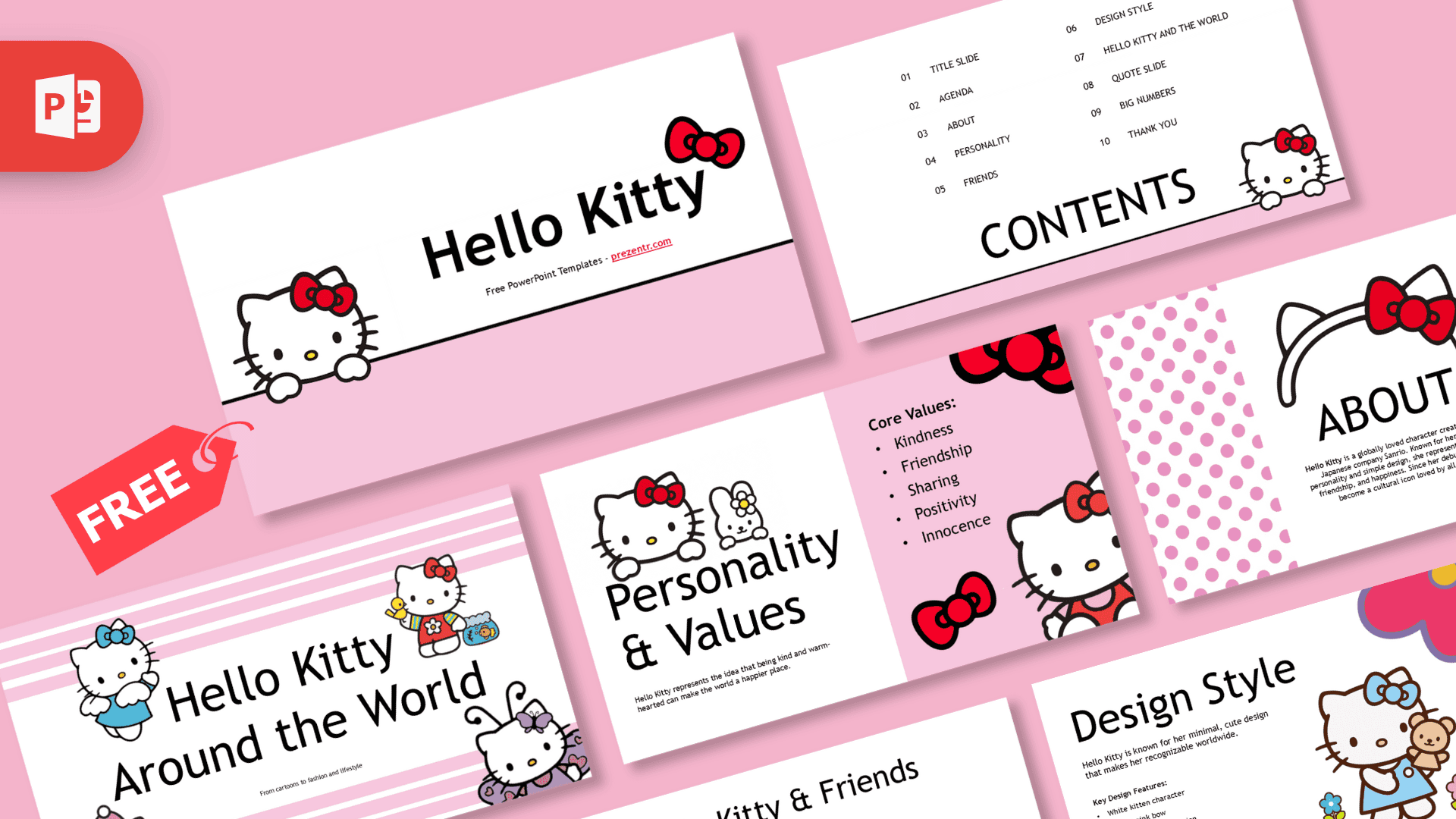
The Hello Kitty PowerPoint template is a free, cute deck with 10 main slides in soft pink and clean white, decorated with red bows, polka dots, stripes and lots of Hello Kitty artwork. Smooth Morph transitions and built-in animations make the slides feel lively, and four bonus slides with fonts, design elements and icons help you add your own pages. It works in PowerPoint and Google Slides, so it is easy to use for school or a fan project.
What's Inside
The 10 main slides are already filled with sample content about Hello Kitty, so you can present as is or replace everything with your own topic:
- Title slide: Hello Kitty peeking over a pink band, with a large title and a red bow.
- Contents: a ten-point agenda in two columns, with Hello Kitty in the corner.
- About: a short introduction framed by pink polka dot panels and a giant bow headband.
- Personality and Values: a list of core values (kindness, friendship, sharing, positivity, innocence) next to Hello Kitty and a little bunny friend.
- Hello Kitty and Friends: a group illustration of Sanrio friends standing together under a pink arch.
- Design Style: a bullet list of key design features beside Hello Kitty in a blue dress holding a teddy bear, with pink flowers.
- Hello Kitty Around the World: four outfits on a striped background, for travel, fashion or culture topics.
- Quote slide: a large italic quote under a simple Hello Kitty face.
- Big numbers: one large number with whisker-style accents and the Hello Kitty logo on a pink striped side panel.
- Thank You: a closing slide to end your talk.
The four extra slides are a toolkit: a Fonts guide explaining the title and body styles, an Elements slide with bows and decorative shapes to fill empty spaces, an Icons slide with a matching icon set, and a final slide pointing to more templates on Prezentr.
Design and Style
The palette is classic and sweet: pastel pink, white and black outlines, with red bows as the main accent and small touches of blue, purple and yellow in the illustrations. Patterns change from slide to slide, from polka dots on the About slide to pink and white stripes on the Around the World slide, which keeps the deck from feeling repetitive.
The template uses Trebuchet MS for titles and body text. Titles are large and simple, so they read clearly from the back of a classroom, and the Fonts slide recommends setting titles in caps at a big size for the cleanest look.
Motion is part of the charm. Most slides are linked with Morph transitions, so bows and characters glide into place as you click through, and several slides include entrance animations for text and images. The preview video on this page shows the effect.
Because the sample text is real, readable content, the Hello Kitty PowerPoint template also works as a ready-made character presentation. Younger students can practice presenting with it as is, then gradually replace the text with their own research.
These Hello Kitty slides are made for anyone who loves a soft, cute look and wants a deck that feels finished from the first click:
Who Is This Template For?
- Kids and students giving a school project, a show-and-tell or a "my favorite character" talk.
- Teachers who want a cheerful, cute theme for lessons on friendship, kindness or Japan.
- Parents planning a birthday party who need a pink welcome screen, schedule or photo slideshow.
- Fans and collectors sharing a collection, a ranking of favorite Sanrio friends or a fan club update.
- Small creators and shop owners presenting cute products, crafts or a mood board.
How to Customize It
Here is how to adapt these Hello Kitty slides in PowerPoint:
- Edit the text. Click any text box and type over the sample content. Use the Contents slide to list your own sections.
- Replace pictures. Right-click a character image and choose Change Picture to use your own photo or artwork.
- Use the extras. Copy bows and shapes from the Elements slide, or icons from the Icons slide, and paste them onto your own pages. The icons slide links to an icon pack in SVG format so you can change icon colors directly.
- Keep the motion. Duplicate a slide when you need a new one, so Morph can animate between matching objects. Open the Animations tab to change or remove entrance effects.
- Recolor accents. Select a shape and pick a new fill color to match party decorations or your school colors.
- Reorder slides. Drag thumbnails in the left panel, and delete the bonus slides before presenting.
In Google Slides, open the Google Slides version, choose File, then Make a copy, and edit the text and images the same way. Google Slides does not offer Morph, so transitions there will be simpler.
Presentation Ideas
- All about Hello Kitty: her personality, friends and design, using the slides as they are.
- A lesson on kindness and friendship built around the core values slide.
- A Hello Kitty birthday party slideshow with photos and the day's schedule.
- A show-and-tell about your collection of toys, stickers or plushies.
- A school project about character design and why simple shapes are easy to recognize.
- A cute mood board for a craft, baking or small shop project.
Whatever the topic, start from the Contents slide and plan one slide per agenda item. With 10 ready layouts and a set of elements and icons, the Hello Kitty PPT template gives you enough variety for a full school presentation without needing to design anything from scratch.
Related Templates
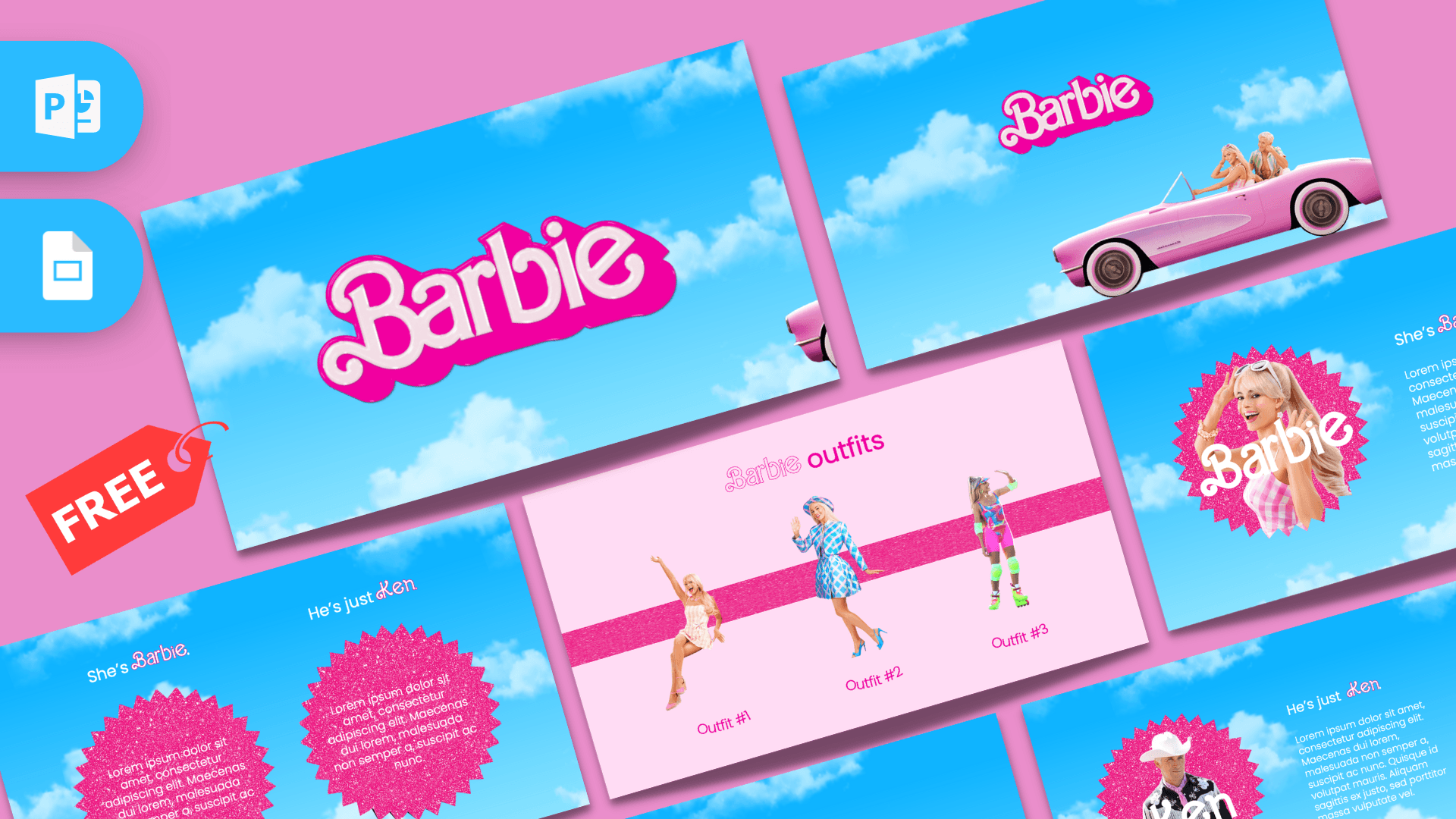
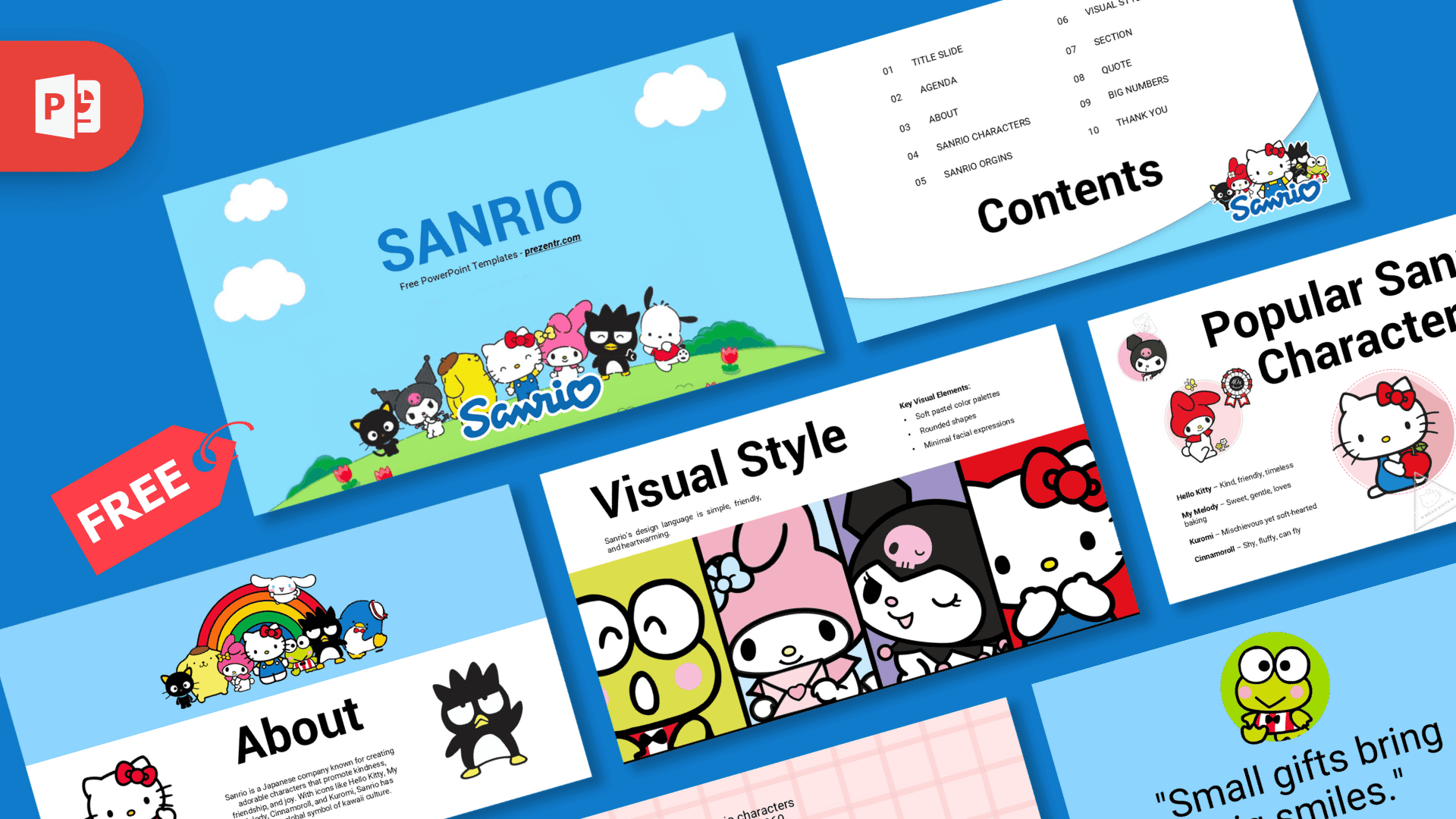
For more from the same world, try the Sanrio PowerPoint Template and the Kuromi PowerPoint Template. If you like pink and playful designs, the Barbie PowerPoint Template is another fun option. You can also browse all brands and companies templates.
Frequently asked questions
- Is the Hello Kitty PowerPoint template free?
- Yes, it is free to download from Prezentr for school, party and personal projects. It is a fan-made design and is not an official Sanrio product.
- How many slides are in the Hello Kitty template?
- There are 10 main slides plus 4 bonus slides: a fonts guide, decorative elements, an icons slide and a closing slide about more templates, 14 in total.
- Does the Hello Kitty template work in Google Slides?
- Yes. A Google Slides version is available. Morph transitions are a PowerPoint feature, so slide changes look simpler in Google Slides.
- Are the Hello Kitty slides animated?
- Yes. Most slides use Morph transitions and several have entrance animations, so characters and text move into place as you click through in PowerPoint.
- Can I replace the sample text about Hello Kitty?
- Yes. Every text box is editable, so you can keep the sample content for a character presentation or replace it with any topic you like.
- Which font does the template use?
- It uses Trebuchet MS for both titles and body text, which is already installed on most computers, so no extra downloads are needed.
This is a fan-made template inspired by Hello Kitty PowerPoint Template. Prezentr is not affiliated with, endorsed by, or selling assets from Hello Kitty PowerPoint Template. All brand names, logos, and trademarks belong to their respective owners.