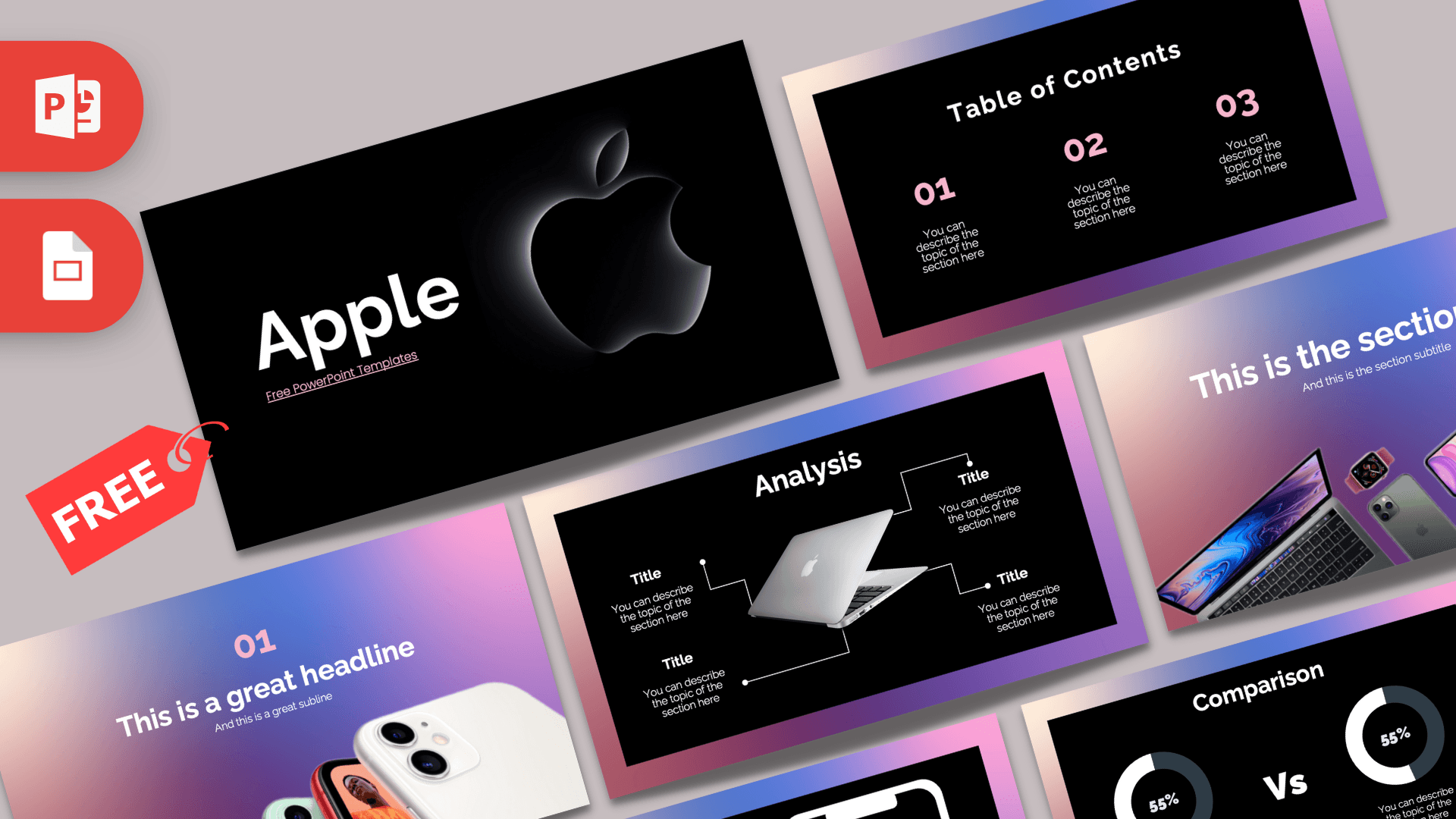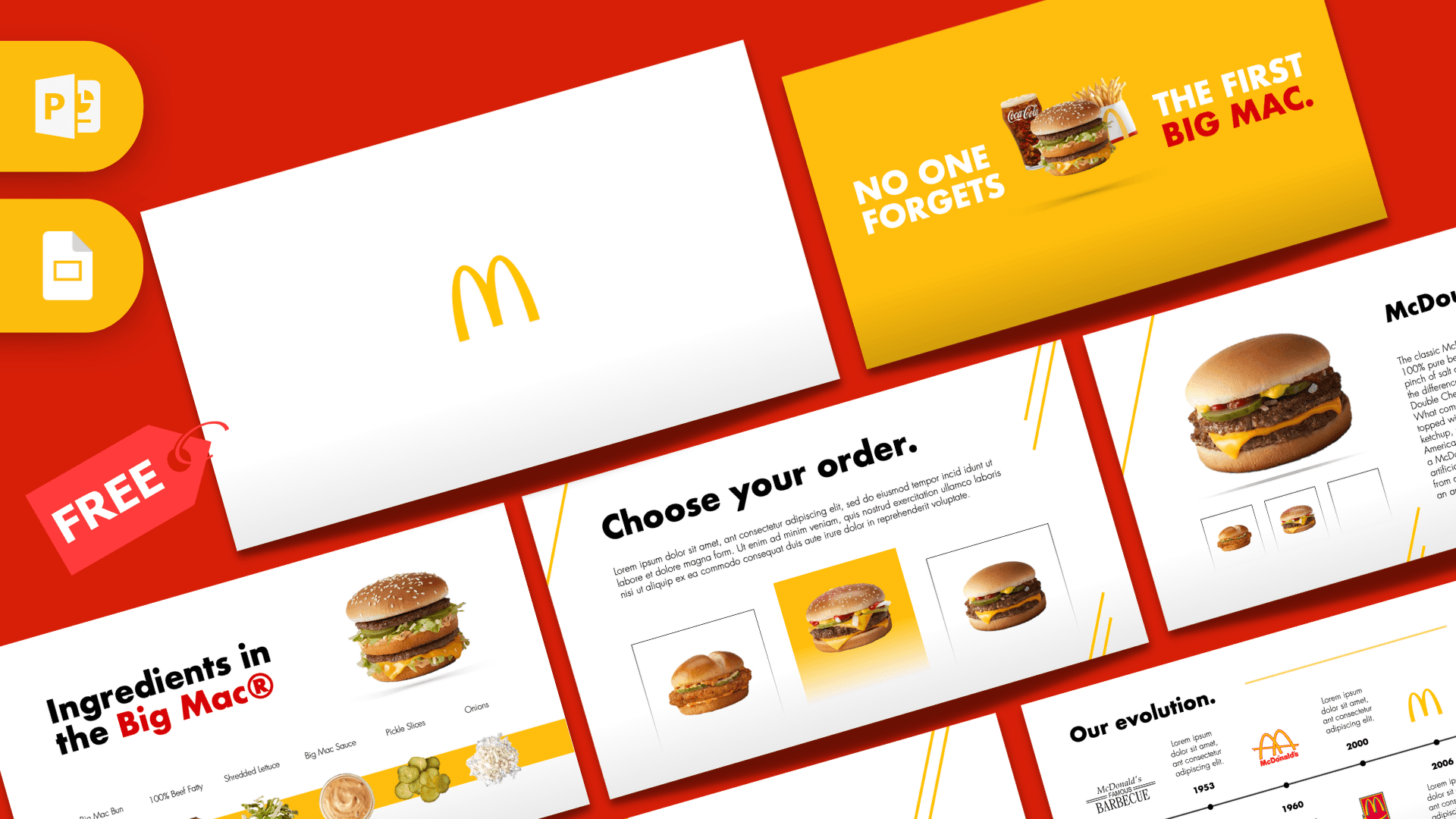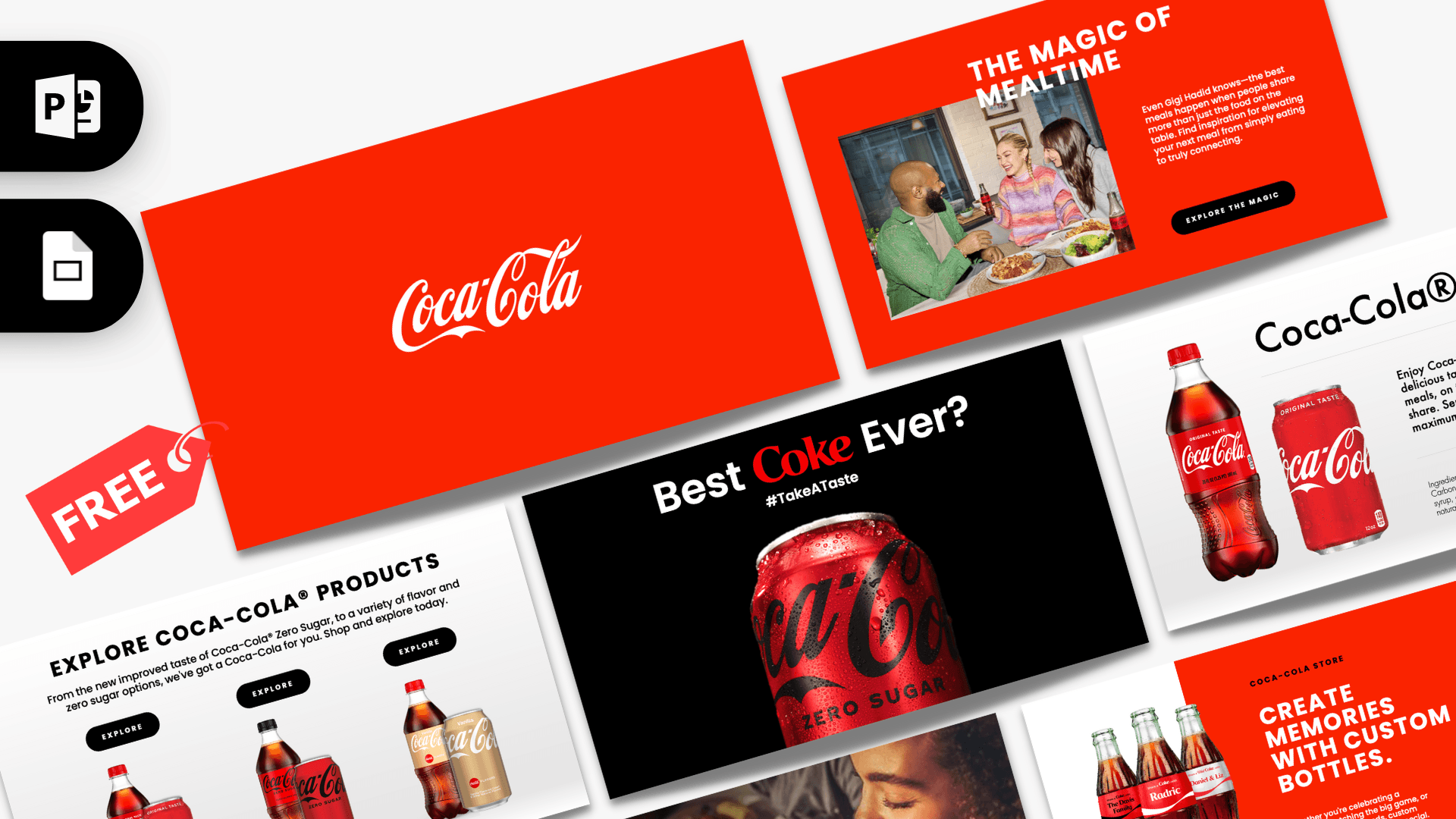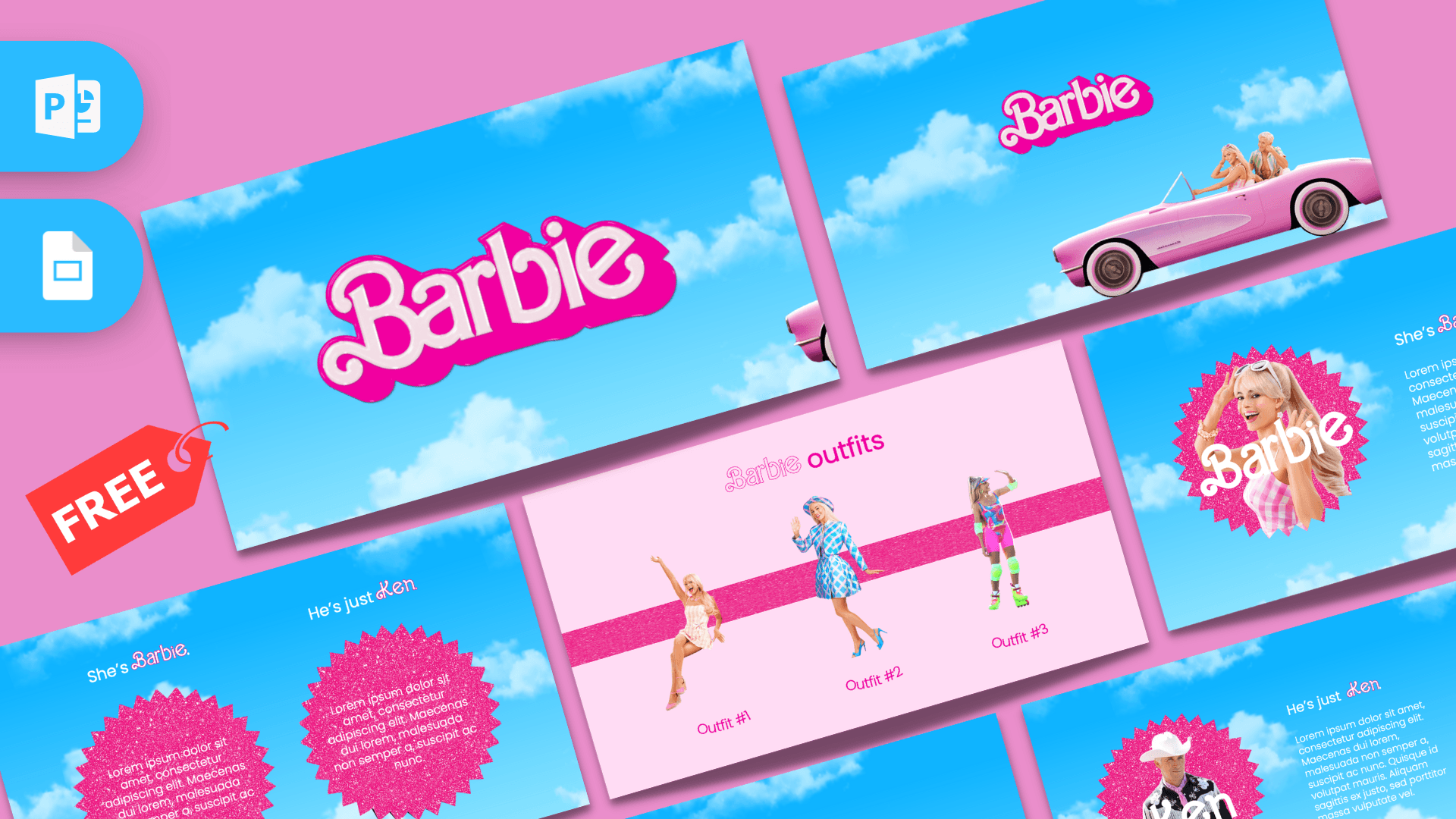
This free Barbie PowerPoint template is a fan-made, animated deck with 10 slides inspired by the Barbie movie look: hot pink logo lettering, a bright blue sky full of clouds and glittery pink starbursts. It uses PowerPoint's Morph transition and object animations, so logos, photos and shapes glide from one slide to the next. It is a quick way to give a talk, party slideshow or class project a bold, pink personality.
What's Inside
The file contains 10 animated slides in 16:9. Instead of a long list of generic layouts, the deck plays out like a short story, with each slide flowing into the next:
- Logo opener: the pink Barbie-style logo floating on a blue sky with clouds. A strong first slide for any title.
- Mirror photo slide: a large photo of Barbie winking into a heart-shaped pink mirror, with a small logo in the corner.
- Convertible slide: the logo above a pink convertible carrying Barbie and Ken.
- Barbie and Ken intro: two glittery pink starburst badges side by side, each with a short text block, labeled "She's Barbie." and "He's just Ken."
- "She's Barbie." profile: one starburst with a Barbie photo, a script-style name and a paragraph of text. Ideal for a character or person profile.
- "He's just Ken." profile: the matching profile slide for Ken, built the same way.
- "She's everything." text slide: a large light pink starburst with a heading and a centered paragraph, good for a key message or quote.
- Barbie outfits (two slides): three full-length outfit photos lined up across a glittery pink band, labeled Outfit #1, #2 and #3. Use them for comparisons, options or a top three.
- Thank You slide: big pink script-style "Thank You" on the sky background to close.
Design and Style
The color palette is simple and loud: sky blue backgrounds with soft white clouds, hot pink for the logo and headings, and a light blush pink for the outfits and text slides. Pink glitter textures on the starbursts and the outfit band add sparkle without making the slides hard to read.
Body text is set in Poppins, a clean, rounded sans serif, while names like Barbie and Ken use a curly script that echoes the logo. The images are photo cutouts in the style of the live-action Barbie movie, so this Barbie PPT template feels more like a movie poster than a cartoon. Movement is a big part of the style: Morph transitions slide objects into new positions between slides, and entrance, exit and motion path animations bring photos and shapes in and out.
Who Is This Template For?
The deck has a strong personality, so it works best when you want people to smile, not when you need a formal report. Think celebrations, fan projects and creative class work.
- Barbie fans making a fun "all about Barbie" presentation or a movie night slideshow.
- Birthday party planners who want a pink, Barbie-themed welcome screen, agenda or thank-you slide.
- Students preparing a film review, a project on toy history or a presentation about fashion.
- Teachers looking for an eye-catching deck for a media studies or pop culture lesson.
- Friends and coworkers putting together a playful team intro, farewell or celebration slideshow.
- Fashion and style hobbyists who want to present outfit ideas side by side.
How to Customize It
The text boxes are fully editable, and the layouts are easy to reuse. A few tips will help you keep the animations working:
- Replace the text. Click the placeholder paragraphs and headings and type your own content. Keep text lengths similar to the originals so it fits inside the starbursts.
- Swap the photos. Right-click a photo and choose Change Picture to drop in your own image. Photos with a transparent background (PNG cutouts) look best on the sky and pink backgrounds.
- Recolor elements. Select a shape or text box and change its fill or font color if you want a different shade of pink or a new accent color.
- Keep Morph intact. Morph works by matching the same object on two neighboring slides. If you replace a photo on one slide, replace it on the next slide too, and keep the object in both places so the motion still lines up.
- Edit animations. Open the Animations tab and the Animation Pane to change timing, remove an effect or add a new one. Slide transitions are under the Transitions tab.
- Reorder or duplicate slides. Drag thumbnails to change the order, or duplicate a profile slide to introduce more people.
You can also open the deck as a Barbie Google Slides theme: upload the PPTX to Google Drive and open it with Google Slides to edit text and images. Keep in mind that Morph is a PowerPoint feature, so the smooth movement between slides will not play the same way in Google Slides. For the full animated effect, present from PowerPoint.
Presentation Ideas
- A Barbie-themed birthday party slideshow with the schedule, games and a group photo slide.
- A movie review or film club presentation about the Barbie film.
- A school project on the history of fashion dolls and toys.
- A "Top 3 Outfits" style presentation for a fashion class or a styling workshop.
- A fun "Meet the team" deck, using the Barbie and Ken profile slides for each person.
- A pink-themed bachelorette or girls' night agenda.
Tip: the outfit slides are not just for fashion. Swap the photos for products, team members or book covers, and you have a quick "top three" slide for almost any topic.
Related Templates
Looking for more toy and doll themes? Try the LOL PowerPoint Template and the Gabby's Dollhouse PowerPoint Template. For more pink, playful designs, see the Hello Kitty PowerPoint Template and the Purple & Pink PowerPoint Template. Want more motion? Browse all of our animated templates. This is an unofficial, fan-made design and is not affiliated with or endorsed by Mattel or the Barbie film.
Frequently asked questions
- Is the Barbie PowerPoint template free to download?
- Yes. The animated Barbie template is free on Prezentr, so you can download the PPTX file without paying anything.
- How many slides are in the Barbie template?
- There are 10 slides: a logo opener, a mirror photo slide, a convertible slide, a Barbie and Ken intro, two profile slides, a text slide, two outfit slides and a Thank You slide.
- Is the Barbie template animated?
- Yes. It uses Morph transitions plus entrance, exit and motion path animations, so the logo, car and photos move between slides when you present in PowerPoint.
- Will the animations work in Google Slides?
- You can open and edit the file in Google Slides, but Morph is a PowerPoint feature, so the motion between slides will not look the same there. Present from PowerPoint to see the full effect.
- Can I replace the Barbie and Ken photos with my own?
- Yes. Right-click any photo and choose Change Picture. If a photo also appears on the next slide, replace it there too so the Morph transition still works.
- Can I use the Barbie template for a birthday party?
- Yes. The pink logo slide, the outfit layouts and the Thank You slide work well as a party slideshow, welcome screen or agenda.
This is a fan-made template inspired by Barbie PowerPoint Template. Prezentr is not affiliated with, endorsed by, or selling assets from Barbie PowerPoint Template. All brand names, logos, and trademarks belong to their respective owners.