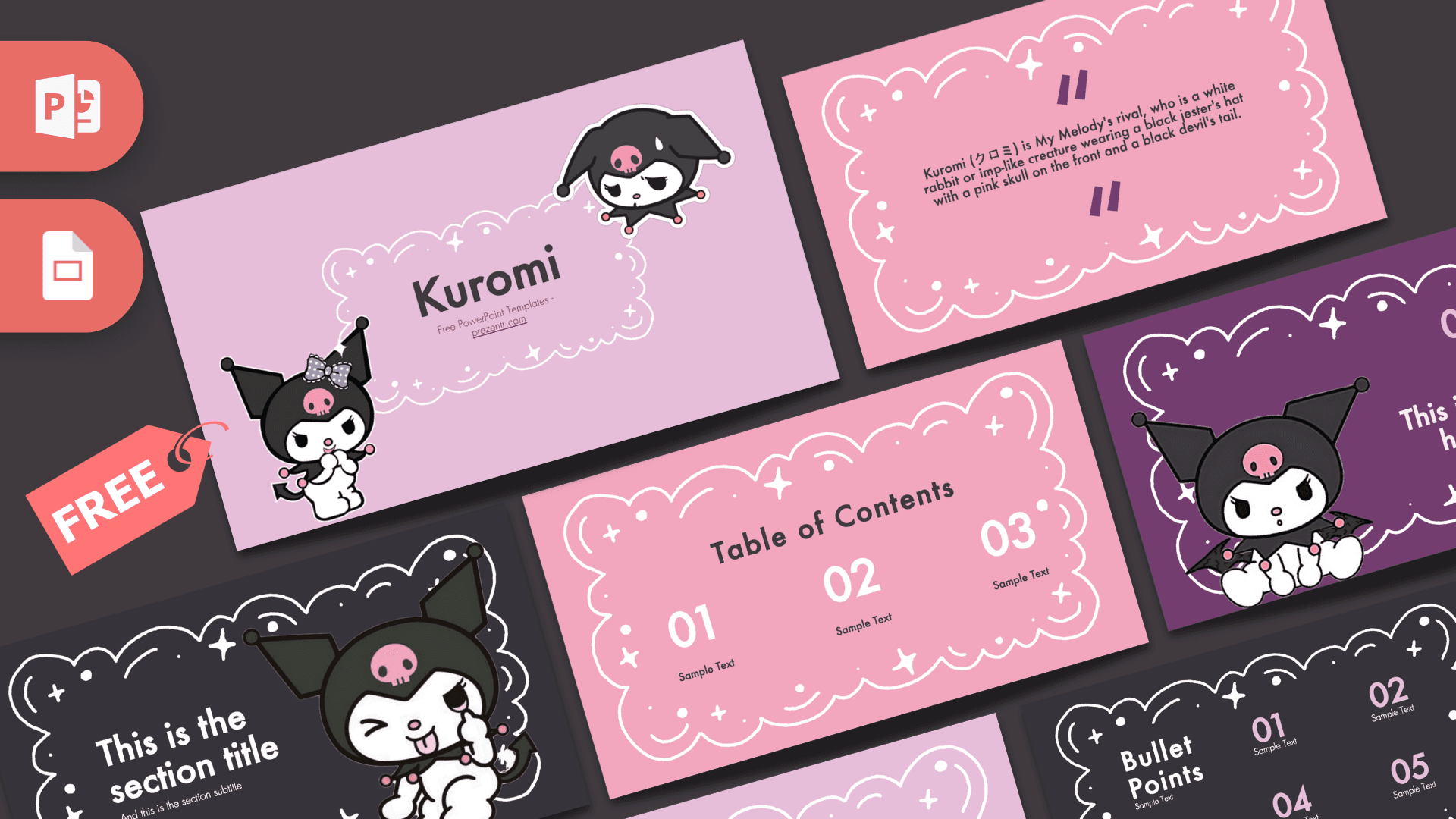
This free Kuromi PowerPoint template is a fan-made, 10-slide deck starring the mischievous little character in her black jester hat with the pink skull. The slides mix soft lavender, bubblegum pink, deep purple and charcoal backgrounds, all framed by white doodle clouds and sparkles. It is cute, a little edgy and easy to edit, which makes it a great fit for school projects, fan presentations and kawaii-themed parties.
What's Inside
The download contains 10 slides in 16:9, covering everything you need for a short, well-organized presentation:
- Title slide: two Kuromi illustrations, one with a lilac bow, around a doodle cloud frame holding the title. A lavender background keeps it soft.
- Table of contents: three big numbered sections on pink, each with a short label, so your audience knows what is coming.
- Section header: a charcoal slide with a winking Kuromi and a large section title plus subtitle.
- Quote slide: a pink doodle frame with purple quotation marks. The sample text is a short description of who Kuromi is, which you can replace with your own quote or key message.
- Headline slide: a deep purple slide with Kuromi sitting beside a numbered headline and subline, perfect for introducing a main point.
- Title and content: a big slide title on the left and bulleted text on the right, for explanations and notes.
- Three bullet points: three numbered items in a row with a short heading.
- Four bullet points: four numbered items in a two-by-two grid.
- Five bullet points: a charcoal slide with five numbered points for steps, tips or facts.
- Big number: one large figure in purple with an arrow pointing to a caption, made for a stat or a fun number.
Design and Style
The style is playful and kawaii, with a slightly darker twist that suits the character. Four background colors rotate through the deck: pale lavender, warm pink, rich purple and near-black charcoal. Every slide is framed by the same hand-drawn white cloud outline, decorated with little stars, dots and sparkles, so the deck feels consistent even as the colors change.
Kuromi appears as a cartoon illustration on the title, section and headline slides, in a few different poses and expressions, from cheeky to sweet. Text is set in Futura, a clean geometric sans serif, in charcoal, white or purple depending on the background. The numbers are big and bold, which makes this Kuromi PPT template easy to read from the back of a classroom.
The doodle frames leave a generous open area in the middle of each slide, so there is always space for your text without crowding the decorations. The result is cute without being messy.
Who Is This Template For?
The deck is simple enough for younger students to edit on their own, yet the bold colors and clear structure keep it looking polished for older audiences too.
- Students who want a cute theme for book reports, science projects or an "about me" presentation.
- Teachers looking for a fun deck for class rules, reading lists or a quiz game.
- Kuromi and Sanrio fans making a character profile, a collection showcase or a fan club meeting deck.
- Party planners creating a slideshow for a Kuromi-themed birthday or sleepover.
- Anime and kawaii culture clubs preparing a talk about Japanese pop culture and cute character design.
- Small creators and sellers presenting kawaii-style crafts, stickers or merch ideas to friends or a class.
How to Customize It
Editing the template takes just a few minutes in PowerPoint:
- Install Futura. The content slide notes that the template uses Futura. Install it before editing so the text looks the same as in the preview.
- Replace the text. Click on any title, number or "Sample Text" placeholder and type. Delete numbered items you do not need, or duplicate one to add more.
- Add pictures. Use Insert > Pictures to place photos inside the cloud frames. To swap an image later, right-click it and choose Change Picture, which keeps the size and position.
- Change colors. Select a text box or number and choose a new font color. To change a background color, right-click the slide and choose Format Background.
- Reorder slides. Drag slides in the thumbnail panel to change the order, or right-click and pick Duplicate Slide to reuse a layout, such as several headline slides for different chapters.
- Add animations if you like. The slides are static, but you can add simple entrance effects from the Animations tab to reveal bullet points one at a time.
Prefer Google? The deck also works as a Kuromi Google Slides theme. Upload the PPTX to Google Drive, open it with Google Slides and edit the text and images there. If Futura is not available, choose a similar geometric sans serif from the Fonts menu.
Presentation Ideas
- An "All About Me" introduction for the first week of school.
- A character profile comparing Kuromi with other Sanrio characters.
- A Kuromi-themed birthday party slideshow with games, schedule and a group photo.
- A school presentation on kawaii culture and Japanese character design.
- A book report or reading log with one numbered slide per chapter.
- A class quiz or trivia game using the bullet point and big number slides.
Tip: use the four background colors to signal structure. For example, keep pink slides for regular content, purple for key headlines and charcoal for section breaks, so your audience always knows where they are in the presentation.
Related Templates
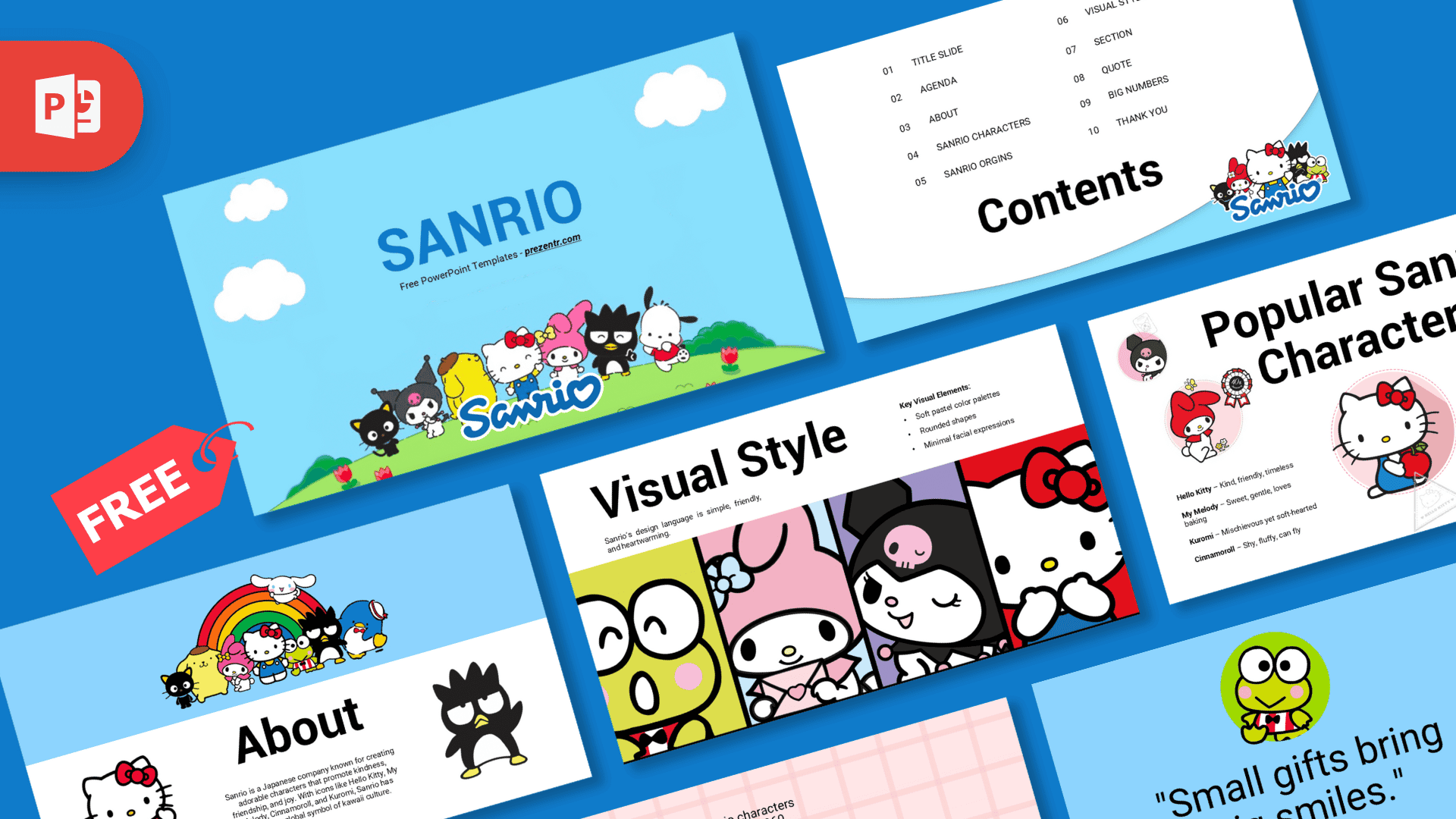
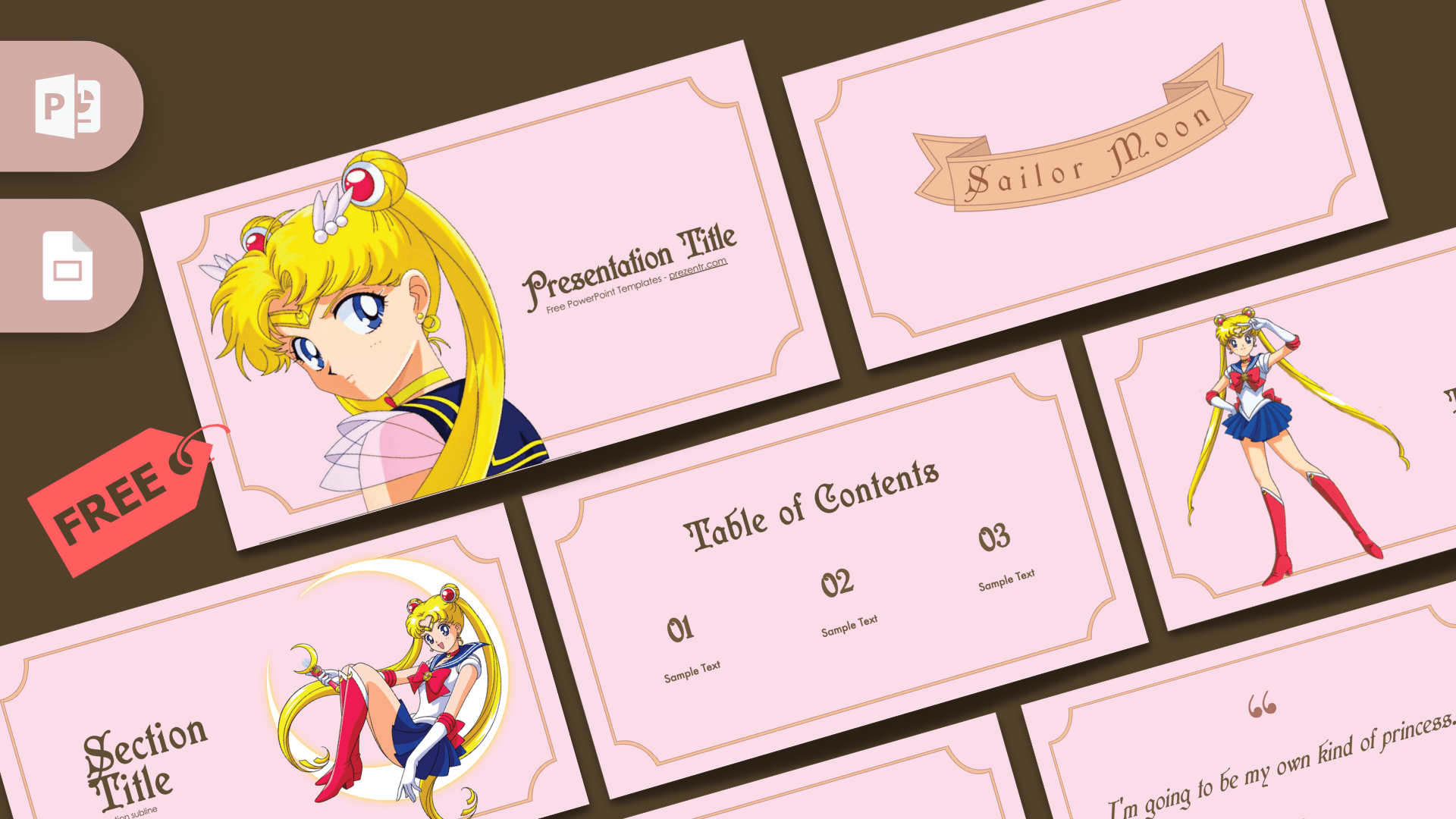
Kuromi fans will also like the Hello Kitty PowerPoint Template and the Sanrio PowerPoint Template. For more cute and colorful designs, try the Kawaii PowerPoint Template and the Anime PowerPoint Template. You can also explore all of our Google Slides templates. This is an unofficial, fan-made design and is not affiliated with or endorsed by Sanrio.
Frequently asked questions
- Is the Kuromi PowerPoint template free?
- Yes. You can download the Kuromi template from Prezentr for free.
- How many slides are in the Kuromi template?
- It has 10 slides: title, table of contents, section header, quote, headline, title and content, three, four and five bullet point layouts, and a big number slide.
- Does the Kuromi template work with Google Slides?
- Yes. Upload the PPTX file to Google Drive and open it with Google Slides. If Futura is missing, pick a similar sans serif from the Fonts menu.
- Can I change the background colors?
- Yes. Right-click a slide and choose Format Background in PowerPoint, or Change Background in Google Slides, to pick a new color.
- Is the Kuromi template animated?
- No. The slides are static, but you can add your own entrance effects or transitions in PowerPoint.
- Is the Kuromi template suitable for kids and school projects?
- Yes. The layouts are simple, the numbers are large and easy to read, and the cute style works well for classroom presentations.