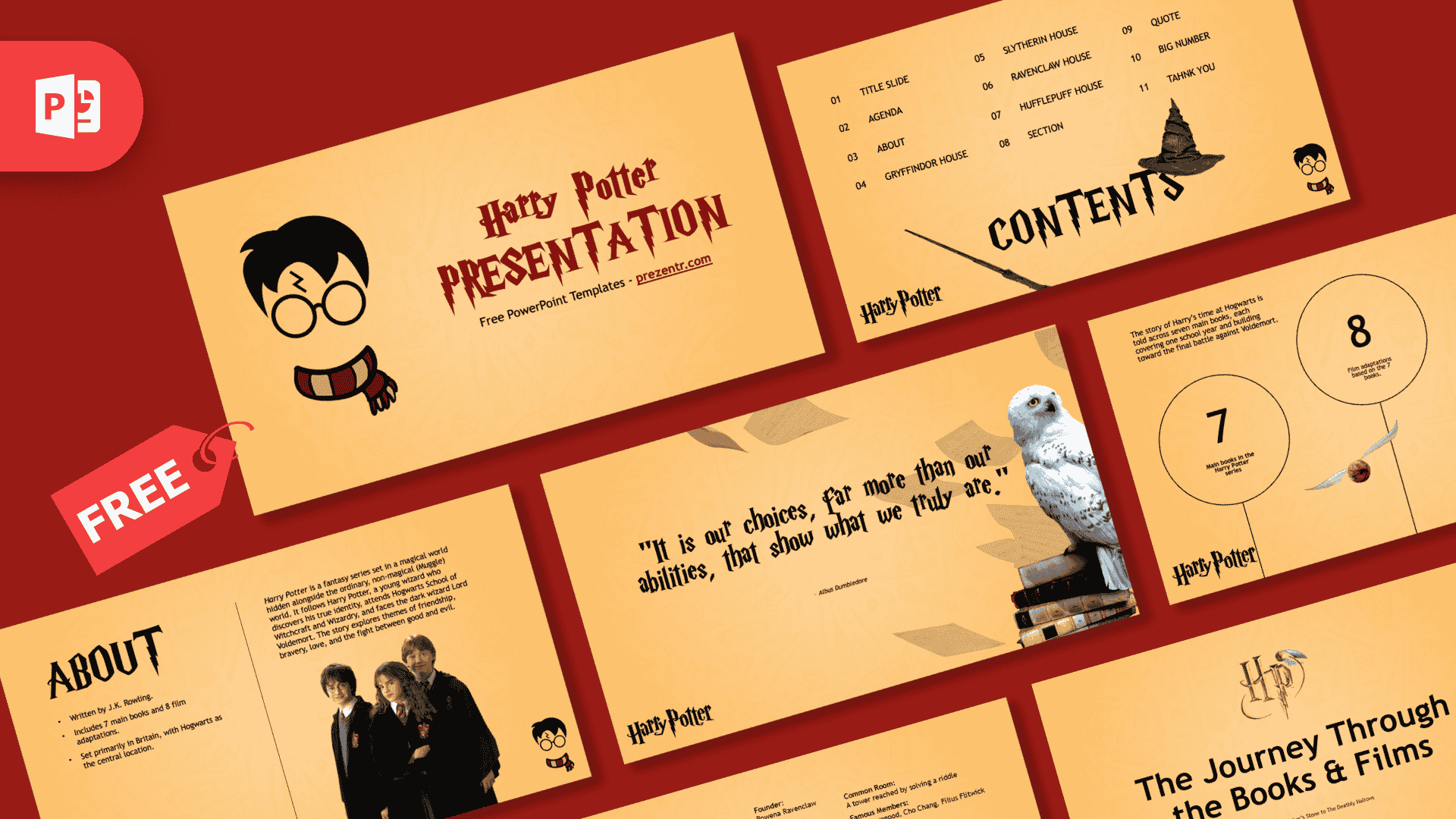
This free Harry Potter PowerPoint template is a 15-slide, fan-made deck on a warm golden yellow background, led by a cartoon Harry with messy black hair, a lightning scar, round glasses and a red and gold striped scarf. It comes filled in with a short introduction to the series and a profile slide for each of the four Hogwarts houses, so you can present it almost as it is or replace the text with your own topic.
What's Inside
The download is a ZIP file with one PowerPoint template file (POTX) in 16:9 format. It holds 15 slides: 11 slides for your presentation and 4 helper slides at the end.
- Title slide: the cartoon Harry face on the left and "Harry Potter Presentation" in dark red, lightning-bolt letters on the right.
- Contents: an 11-item numbered list in three columns, with a wand and the Sorting Hat next to a large CONTENTS heading.
- About: three short facts on the left (written by J.K. Rowling, 7 main books and 8 film adaptations, set mainly in Britain), a paragraph about the story on the right and a photo of three students in Hogwarts robes.
- Gryffindor House: founder, house colors, house animal, common room, famous members and four core values, next to the red lion crest.
- Slytherin House: the same layout with the green snake crest.
- Ravenclaw House: the same layout with the blue eagle crest.
- Hufflepuff House: the same layout with the yellow badger crest.
- Section slide: a gold HP emblem with a Golden Snitch above the heading "The Journey Through the Books & Films".
- Quote slide: the Dumbledore line "It is our choices, far more than our abilities, that show what we truly are", beside a snowy owl sitting on a stack of old books while loose pages fly across the slide.
- Numbers slide: three large circles for 7 main books, 8 film adaptations and 100+ languages and countries reached, with a Golden Snitch flying between them.
- Thank you slide: two words in the lightning-bolt font, centered on the page.
- Helper slides: a fonts guide, an elements slide with spare graphics, an icons slide and a final slide that points to prezentr.com. Delete these four before you present.
The layout menu has matching layouts too (Title Slide, Agenda Slide, About Slide, Content Slide, Section Slide, Quote Slide, Big Number Slide and Thank You Slide), so new slides keep the same look.
Design and Style
The whole deck sits on a flat golden yellow that fades a little toward orange at the edges. Look closely and you will see a faint pattern of line drawings behind the content: wands, books, potion bottles and other wizard items. Headings are black and use a jagged, lightning-bolt letter style, and the cover title is dark red. Body text is plain black Trebuchet MS.
The art mixes two styles. The cartoon Harry is flat and simple, and he comes back as a small icon in the bottom right corner of most slides, with a Harry Potter wordmark in the bottom left. Next to him you get realistic cut-out pictures: the wand, the Sorting Hat, the owl, the Golden Snitch and four painted house crests on silver shields. The result is a bright, friendly Harry Potter PPT template built around characters and houses. If you would rather have an aged parchment look with the castle on the cover, pick the Hogwarts PowerPoint Template instead.
Who Is This Template For?
- Teachers planning a reading lesson, a book week or a class sorting activity.
- Students who need a book report or a presentation about the series, its characters or its author.
- Fans and fan clubs putting together a house guide, a quiz or a movie night introduction.
- Librarians and book clubs starting a reading challenge or a discussion of one of the seven books.
How to Customize It
- Install the title font first. The fonts guide slide says titles use Harry P at size 96 and body text uses Trebuchet MS at size 14. The file does not embed its fonts, so install Harry P before you edit, or the headings will show in a different font.
- Replace the text. Click any heading, list or paragraph and type. The four house slides also work for characters, books or teams: keep the labels you need and rename the rest.
- Update the contents list. The 11 entries match the sample slides, so retype them to match your own agenda.
- Swap the pictures. Right-click a crest or photo and choose Change Picture to put your own image in the same spot.
- Use the extras. Copy graphics from the elements slide and icons from the icons slide onto any slide that looks empty.
To use it as a Harry Potter slides template in Google Slides, open the POTX in PowerPoint and save it as a PPTX. Then upload the PPTX to Google Drive and open it with Google Slides.
Presentation Ideas
- A book report on one of the seven books, using the About and Numbers slides for the key facts.
- A classroom sorting day, with one house slide for each team and its values.
- A trivia night: put the question on a section slide and show the answer on the numbers slide that follows.
- A birthday party slideshow with the plan for the day, the games and a thank you slide at the end.
Related Templates
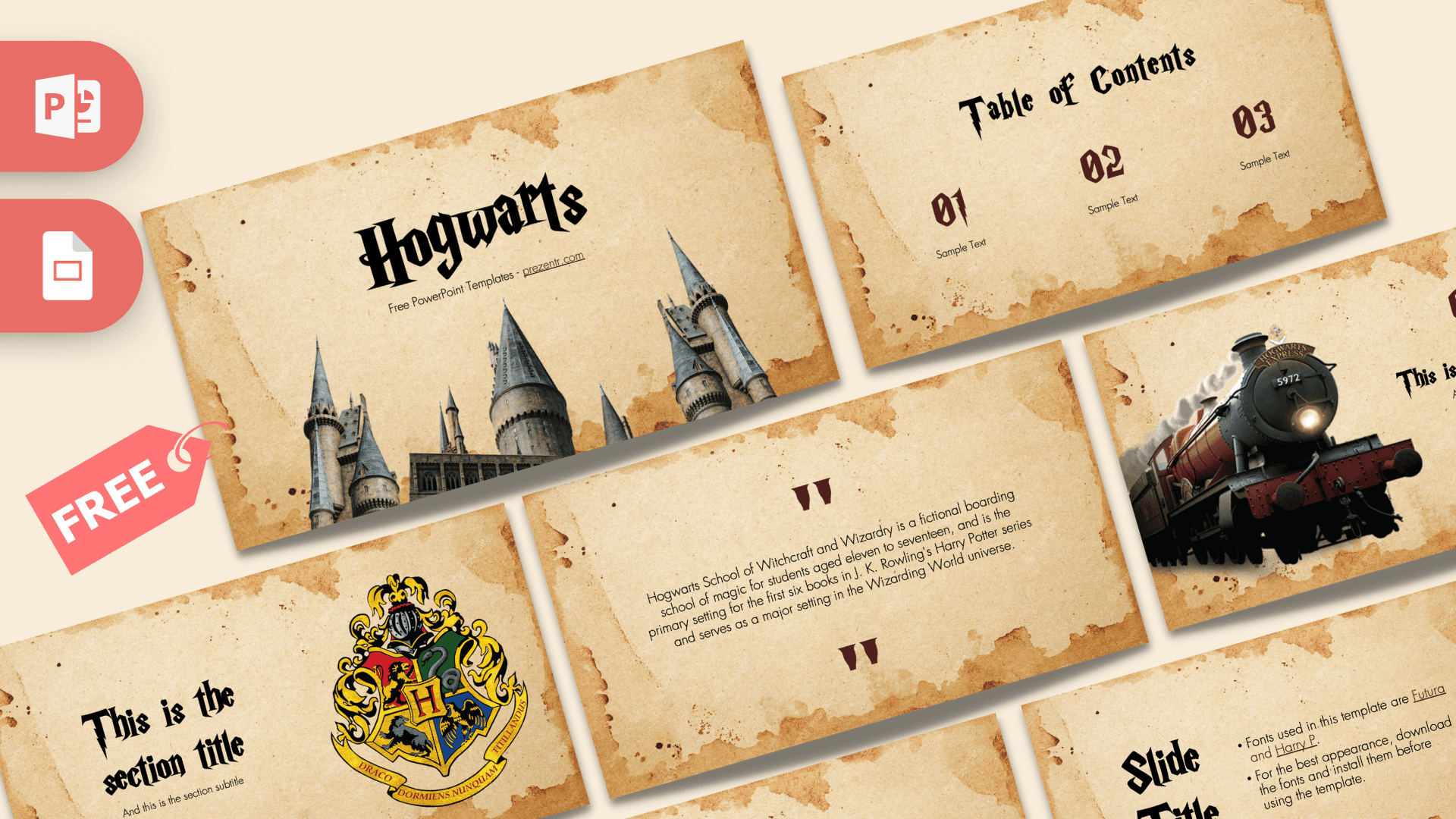
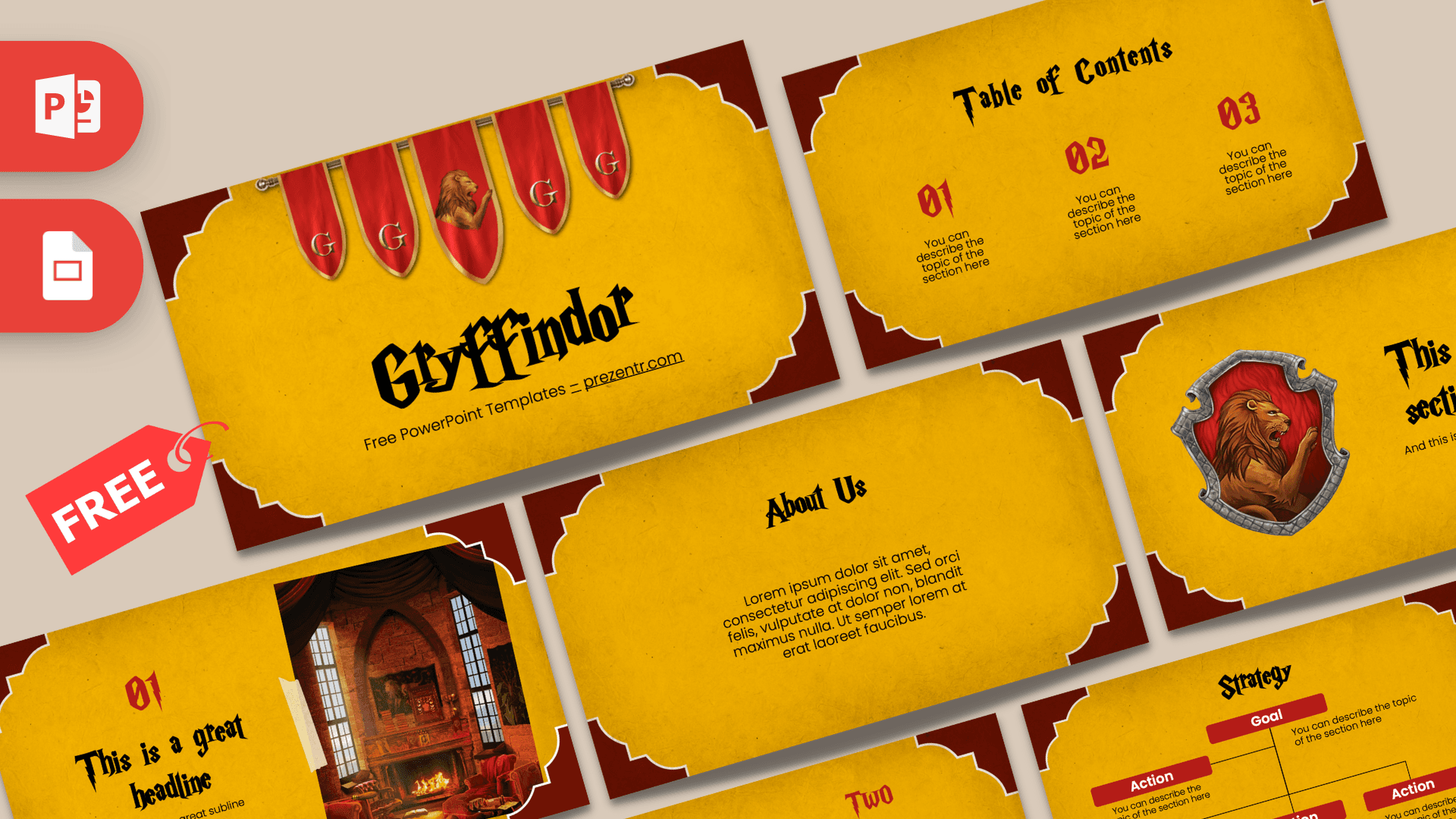
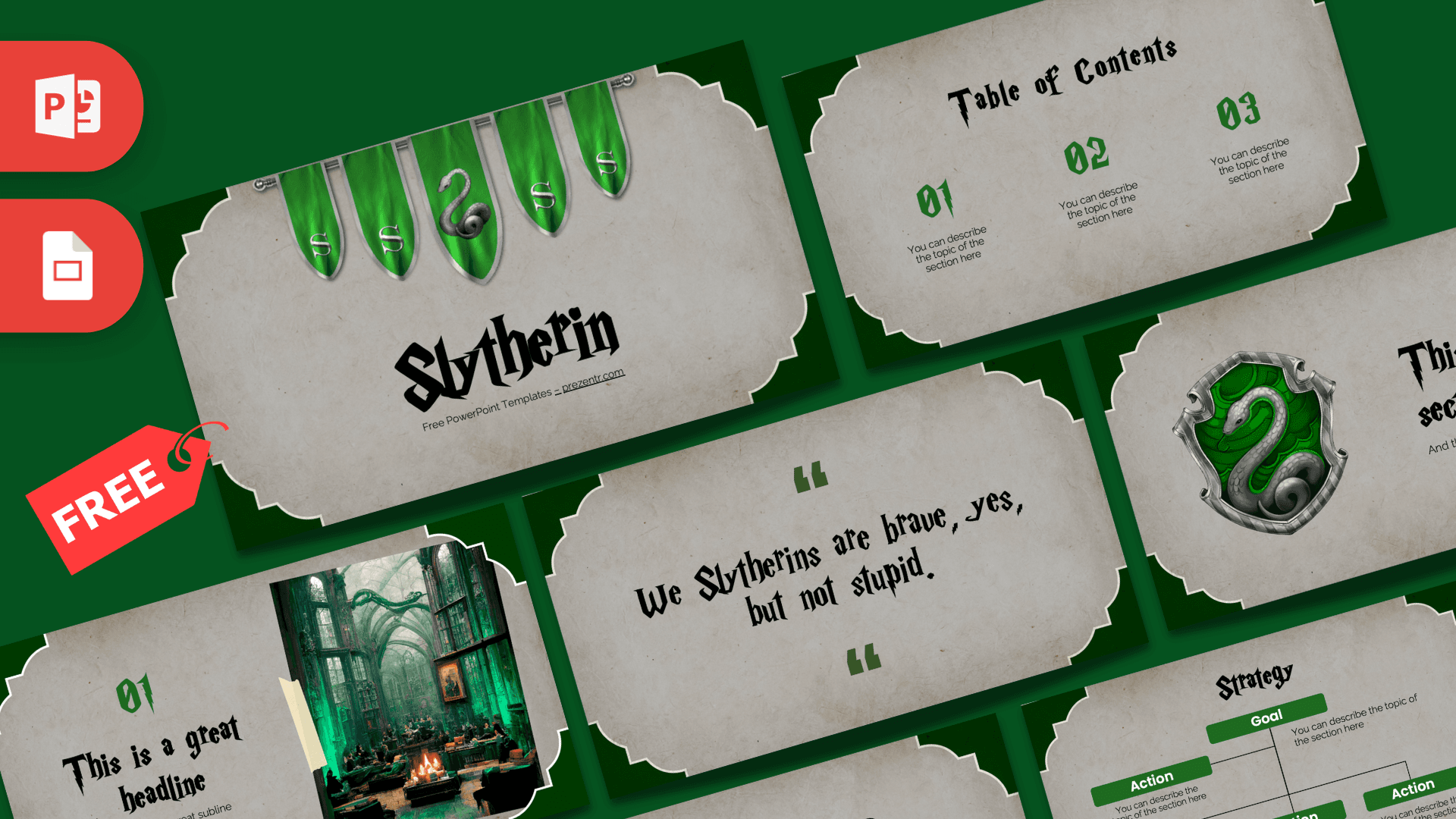
For a parchment-style deck, see the Hogwarts PowerPoint Template. If you want slides for a single house, try the Gryffindor PowerPoint Template or the Slytherin PowerPoint Template. You can also browse all of our Harry Potter PowerPoint templates. This is an unofficial, fan-made design and is not affiliated with or endorsed by J.K. Rowling, Warner Bros. or any other owner of Harry Potter.
Frequently asked questions
- Is the Harry Potter PowerPoint template free?
- Yes. The download is free, and the license on the page is free for personal use.
- How many slides does it have?
- The file has 15 slides: 11 presentation slides (title, contents, about, four house profiles, section, quote, numbers and thank you) plus 4 helper slides with the fonts guide, spare elements, icons and a prezentr.com link.
- Can I use it in Google Slides?
- Yes. The download is a POTX file, so open it in PowerPoint and save it as a PPTX first. Then upload the PPTX to Google Drive and open it with Google Slides.
- Which fonts does the template use?
- The fonts guide slide lists Harry P for titles at size 96 and Trebuchet MS for body text at size 14. The fonts are not embedded in the file, so install Harry P before editing.
- How is it different from the Hogwarts PowerPoint template?
- This deck is bright golden yellow with a cartoon Harry and a filled-in profile slide for each of the four houses. The Hogwarts template uses an aged parchment background with the castle on the cover.
- Do I have to keep the Harry Potter text on the slides?
- No. All of the text is editable, so you can keep the house facts, the quote and the numbers for a talk about the series or replace them with your own content.