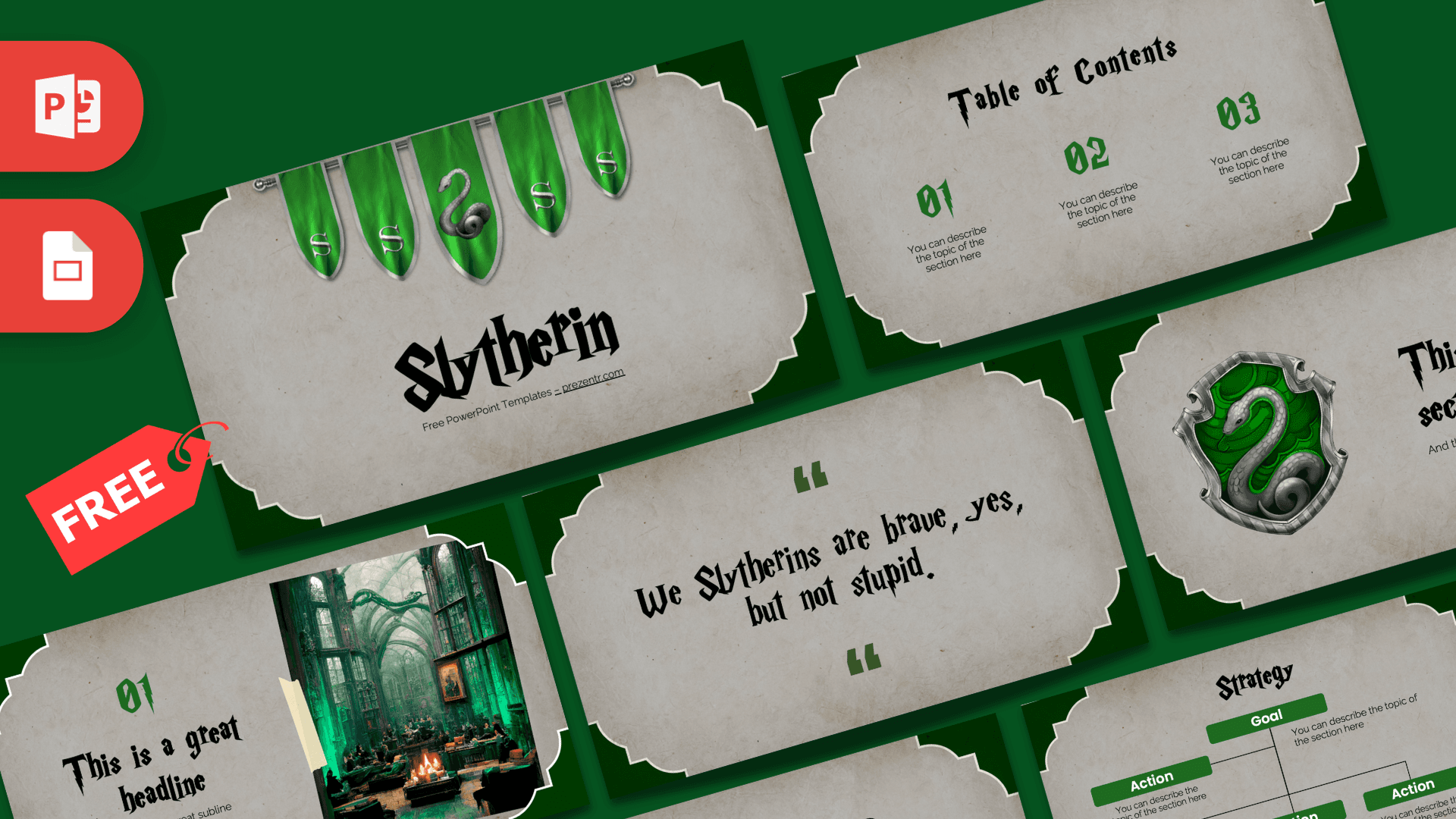
The Slytherin PowerPoint template is a free 10-slide deck in the house colors of emerald green and silver gray. Aged gray parchment sits inside a deep green frame with cut-out corners, green banners with silver snakes hang across the title slide, and spiky wizard-style headings complete the look. It works in PowerPoint and Google Slides and is ready for your own text from the first slide.
What's Inside
The 10 slides of the Slytherin PowerPoint template give you a full structure for a house-themed presentation:
- Title slide: five green banners with silver "S" letters and a central snake banner hang from a rail above a big "Slytherin" heading.
- Table of Contents: three green numbers (01, 02, 03) with short descriptions, for a clear agenda.
- Section title: a silver-framed crest with a coiled silver snake on a green shield, beside your heading and subtitle.
- Headline slide: a green "01," headline and subline next to a photo of a dim, green-lit stone hall with tall windows and a fireplace, pinned to the page with tape.
- About Us: a centered heading and paragraph, ideal for an introduction or a character profile.
- Numbered bullet points: five items labeled 01 to 05 with a heading.
- Quote slide: green quotation marks around a short, witty house line in the display font, which you can keep or replace with your own quote.
- Word bullet points: five items labeled ONE to FIVE in green.
- Strategy: a tree diagram with green Goal and Action boxes, for plans, goals and steps.
- Big numbers: one large figure with a caption and a thin green arrow.
Placeholder text is lorem ipsum or short instructions, so it is always clear where your words go. The crest and photo slides work best as openers and chapter breaks, and the text slides hold your details.
Design and Style
The backgrounds look like worn, gray-beige parchment with soft stains, framed by dark green shapes in every corner. Emerald green is the accent color for numbers, labels, arrows and diagram boxes, while black handles the headings. Together they give the deck a cool, slightly mysterious mood that fits the house well.
Headings use a sharp, pointed display font in the style of the films' lettering, and body text uses a clean, rounded sans-serif that stays readable. Imagery is focused: the banners, the snake crest and the green common room photo. The rest of the slides keep generous space for your content. This deck shares its layout with our Gryffindor template, so the two make a natural pair for house comparisons.
Because the parchment is a neutral gray-beige, the green accents stand out clearly, and black text stays easy to read. The deck looks good on a classroom projector and prints without heavy ink use, since most of each slide is light.
If you want a darker, moodier feel, you can add a dark green rectangle behind a slide's content, but the default design already keeps a strong house identity.
Who Is This Template For?
This Slytherin PPT template suits young readers and adult fans alike.
- Students presenting a book report, a house profile or a character analysis.
- Teachers running a Harry Potter themed reading unit or house points system.
- Fan and book clubs planning a meetup, quiz or movie night.
- Party hosts throwing a wizard-themed birthday or Halloween party.
- Proud Slytherins who want a sleek green look for a personal project or club pitch.
- Escape room and game hosts creating clue slides or a story intro for a wizard-themed game.
How to Customize It
- Replace the text. Click any heading or "You can describe the topic" placeholder and type your own words.
- Swap the photo. Right-click the common room image and choose Change Picture to use your own photo.
- Check the fonts. If the wizard-style headings show up in a plain font, install a similar decorative font or pick one you like from the font menu.
- Recolor accents. Change the green on numbers or Strategy boxes from the Home tab if you want a lighter or darker shade.
- Reorder and duplicate. Drag slides in the thumbnail panel and duplicate any layout you need more of.
To use the Slytherin slides in Google Slides, upload the PPTX to Google Drive and open it with Google Slides, then swap the heading font if it is not available.
When your slides are finished, export a PDF from the File menu for printing or sharing. The light parchment backgrounds keep handouts readable, and the green accents still show clearly in color prints.
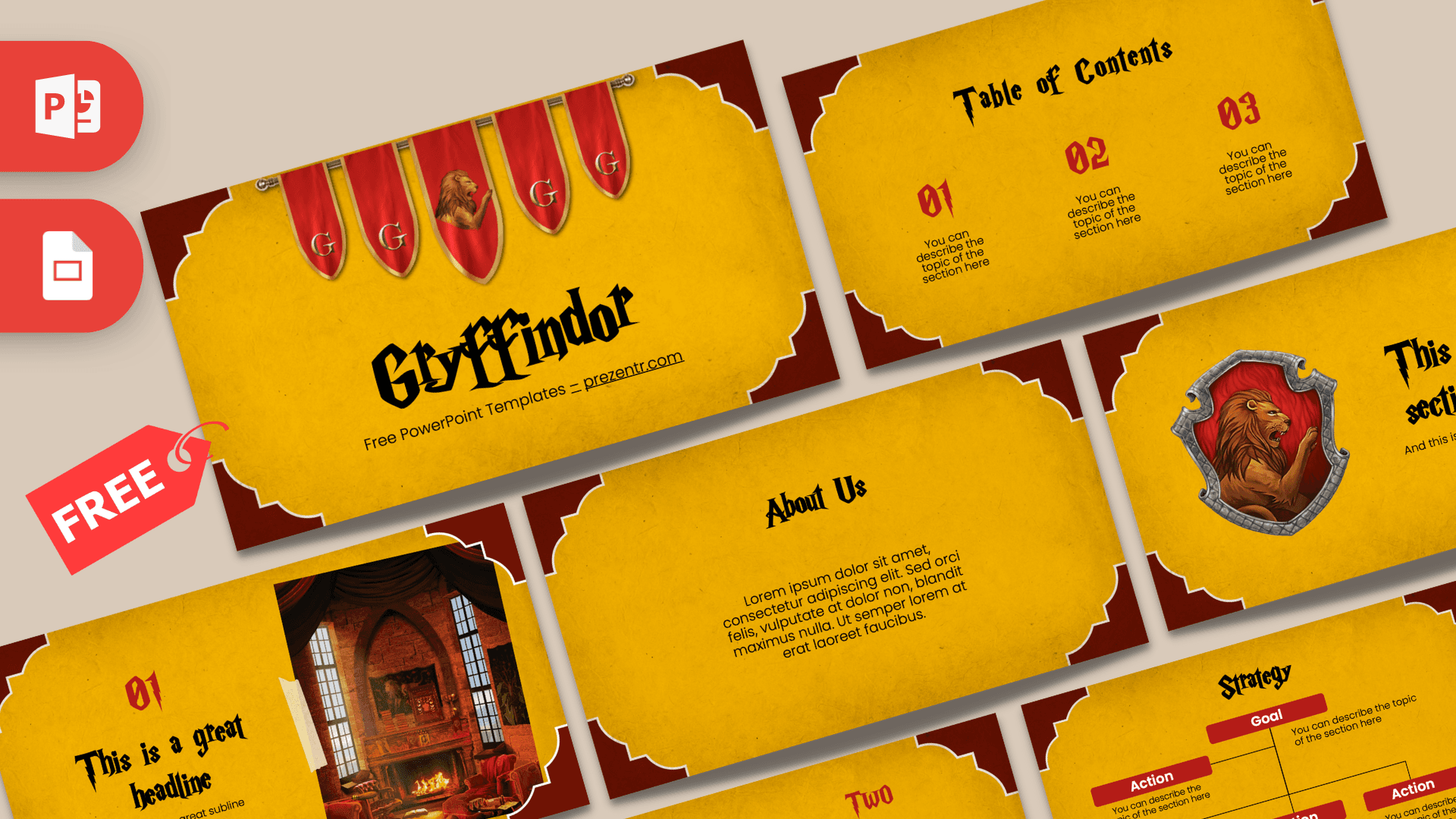
If you made a matching Gryffindor deck, you can copy slides from one file into the other and keep the formatting of each by choosing Keep Source Formatting when you paste.
Presentation Ideas
- A house profile: traits, colors, crest and well-known members of Slytherin.
- A character analysis of a Slytherin student from the books.
- A debate on whether Slytherin deserves its reputation.
- Comparing all four Hogwarts houses, side by side with the Gryffindor template.
- A wizard-themed party plan with sorting, games and snacks.
- A school talk on ambition, using the quote slide as your opener.
- A wizard-themed escape room or quiz, with clues hidden on each slide.
Tip: keep the decorative headings short, two to four words, and let the clean body font carry longer text. That keeps the wizard style fun without making slides hard to read.
For a house comparison, alternate slides from this deck and the Gryffindor deck for a clear visual contrast.
Related Templates
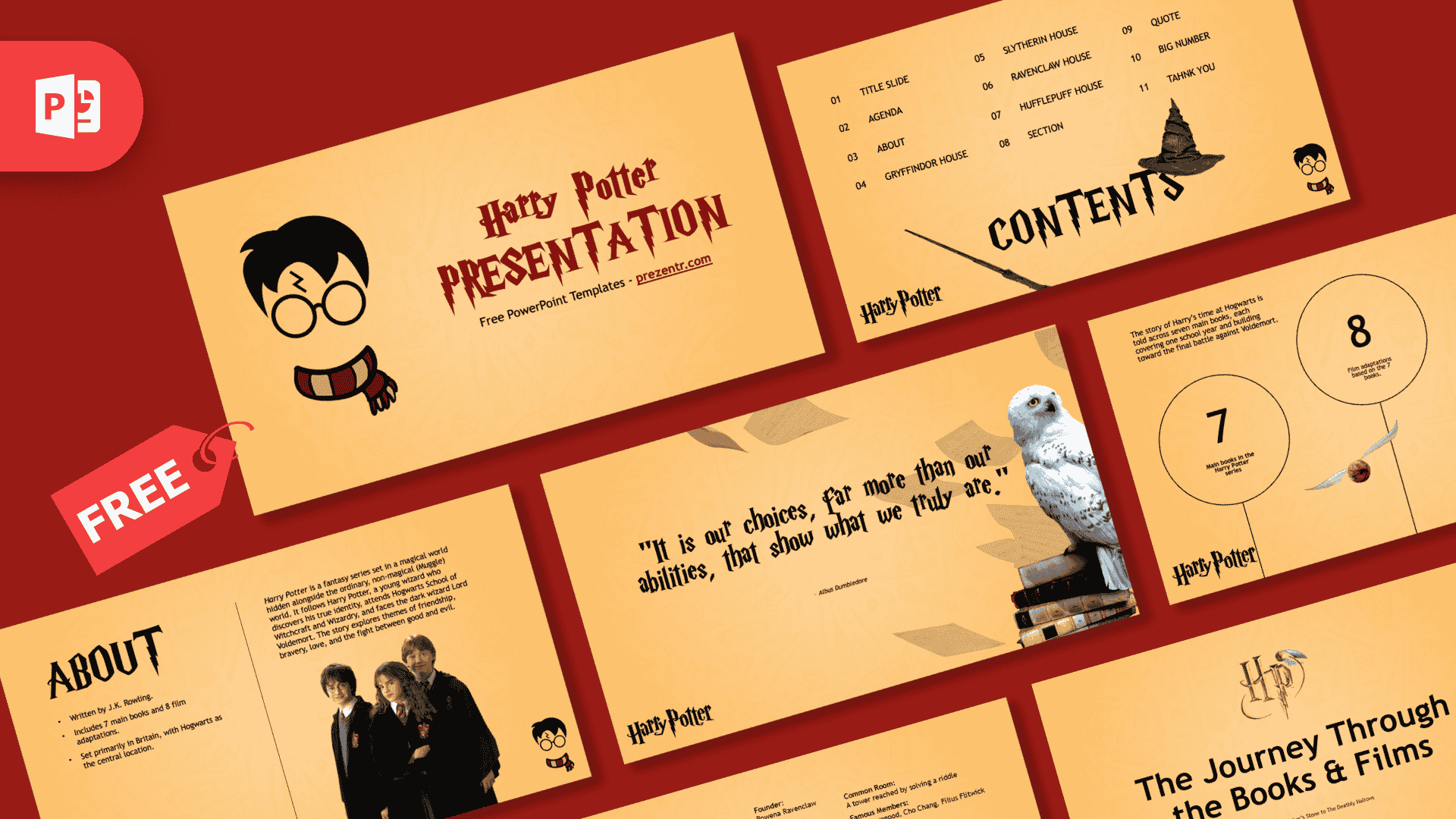
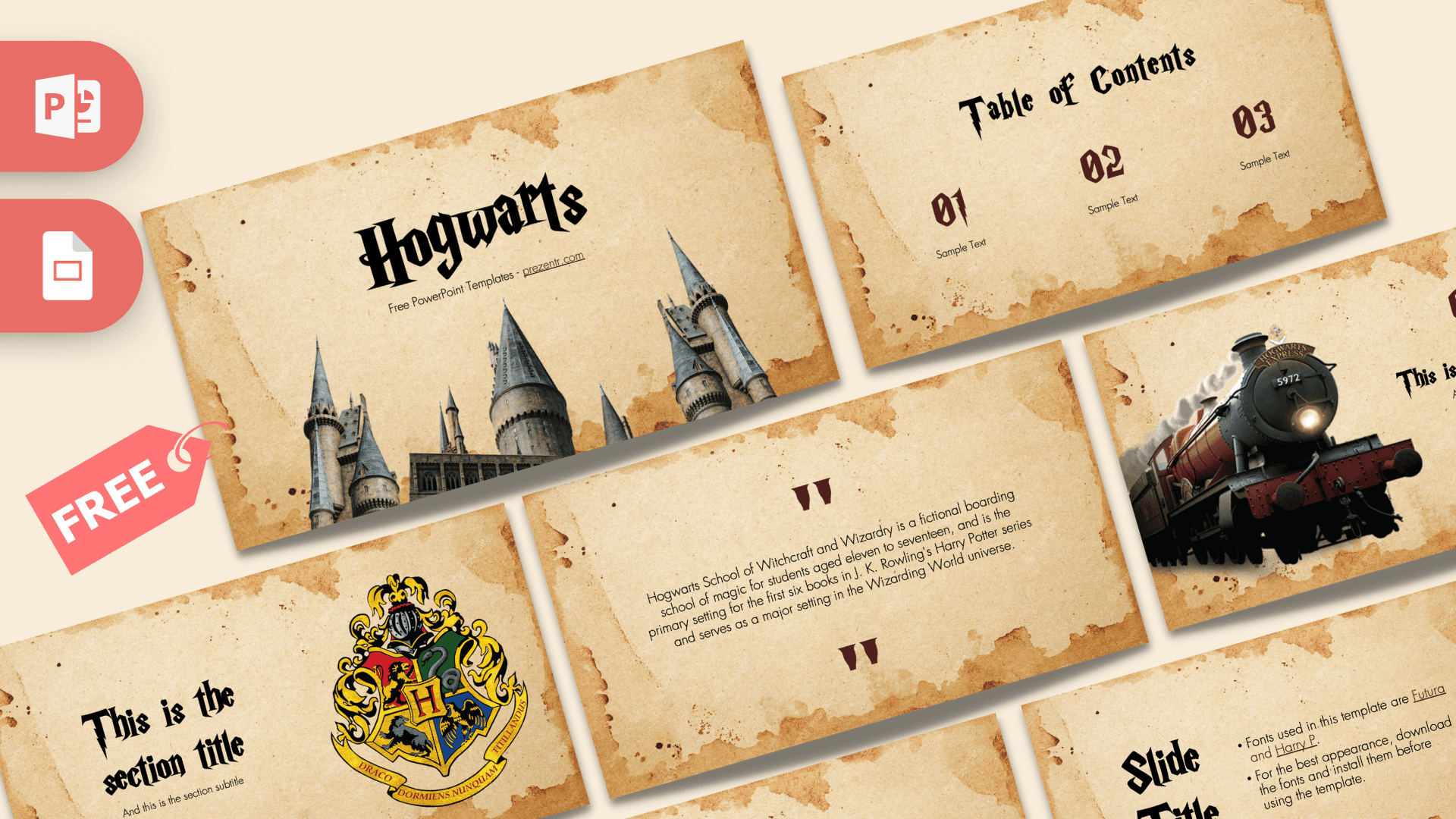
Pair the Slytherin PowerPoint template with the rival Gryffindor PowerPoint Template, explore the castle with the Hogwarts PowerPoint Template, or use the Harry Potter PowerPoint Template for the whole series. Browse all movie and TV templates.
Frequently asked questions
- Is the Slytherin PowerPoint template free?
- Yes, it is free to download from Prezentr. It is a fan-made design inspired by Harry Potter and is not an official or endorsed product.
- How many slides does the Slytherin template have?
- It has 10 slides: title, table of contents, section title with crest, headline with photo, About Us, two bullet point layouts, a quote, a Strategy diagram and a big numbers slide.
- Does the Slytherin template work in Google Slides?
- Yes. Upload the PPTX to Google Drive and open it with Google Slides. You may need to choose a similar decorative font for the headings.
- Can I use the Slytherin and Gryffindor templates together?
- Yes. Both share the same layout set, so they work well side by side for a house comparison.
- Can I change the green color?
- Yes. Numbers, labels and diagram boxes are standard shapes and text, so you can change their color from the Home tab.
- Is the Slytherin template animated?
- No, the slides are static. You can add transitions and animations in PowerPoint if you want.