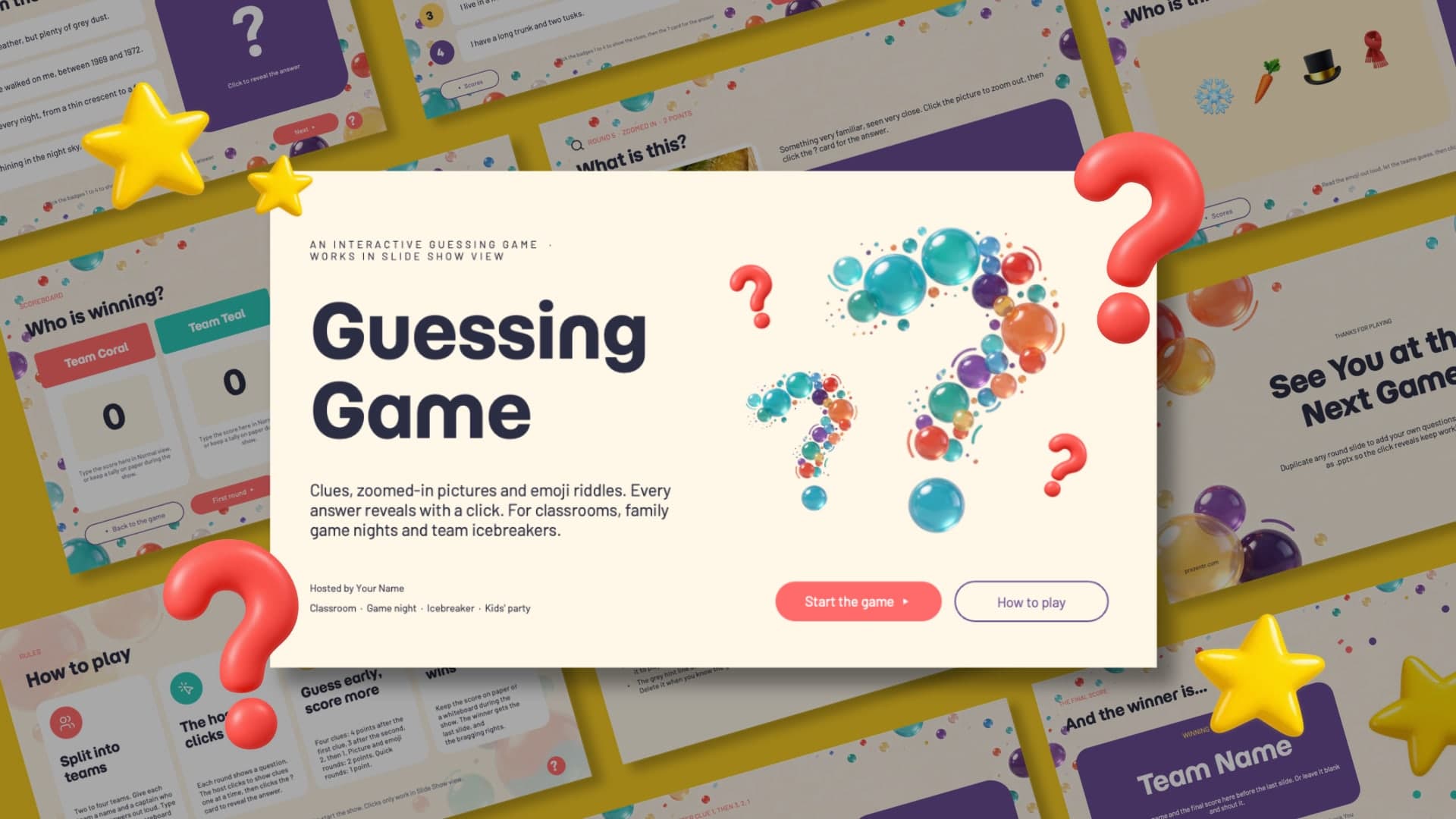
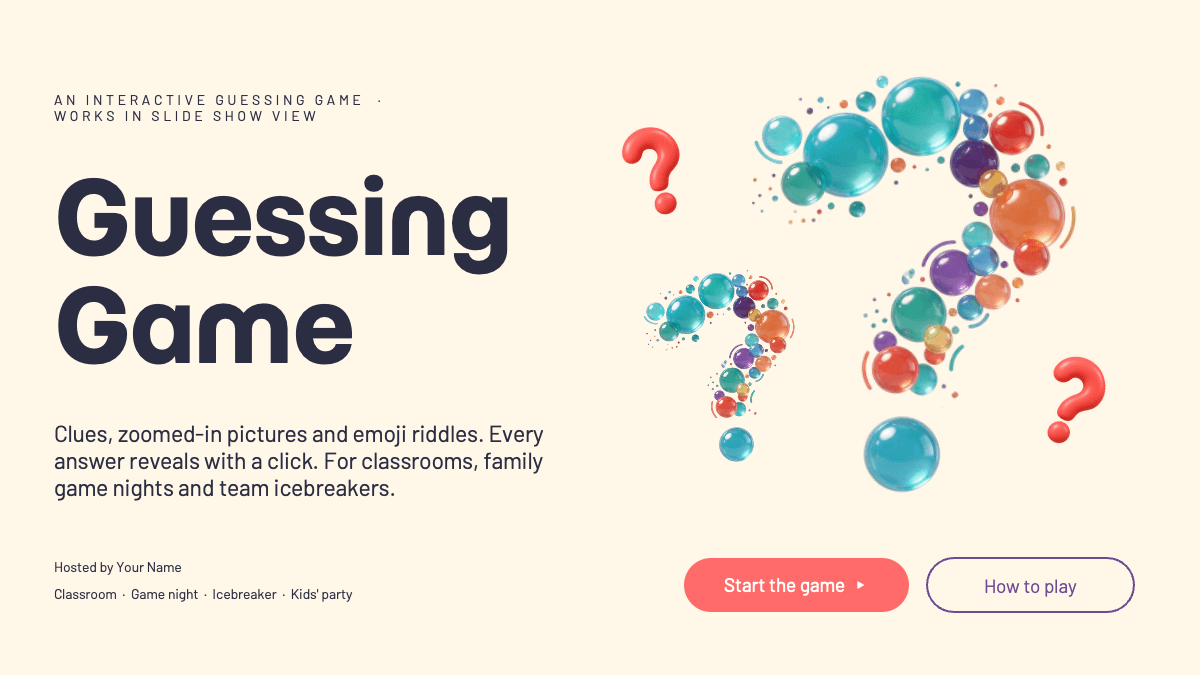
The Guessing Game PowerPoint Template is an interactive quiz deck for a room full of players. It sits on a warm cream background scattered with glossy 3D bubbles and confetti dots in coral, teal, yellow and purple, and every round has a big purple ? card that hides the answer until the host clicks it. Momo Trust Display gives the titles a bold, rounded look and Barlow keeps the clues easy to read from the back of the room. The click reveals, buttons and links between slides are built with PowerPoint triggers, so they work in Slide Show view in PowerPoint on Windows and Mac. Google Slides, Keynote and Canva drop the click triggers and show everything at once, so play it in PowerPoint.
What's Inside
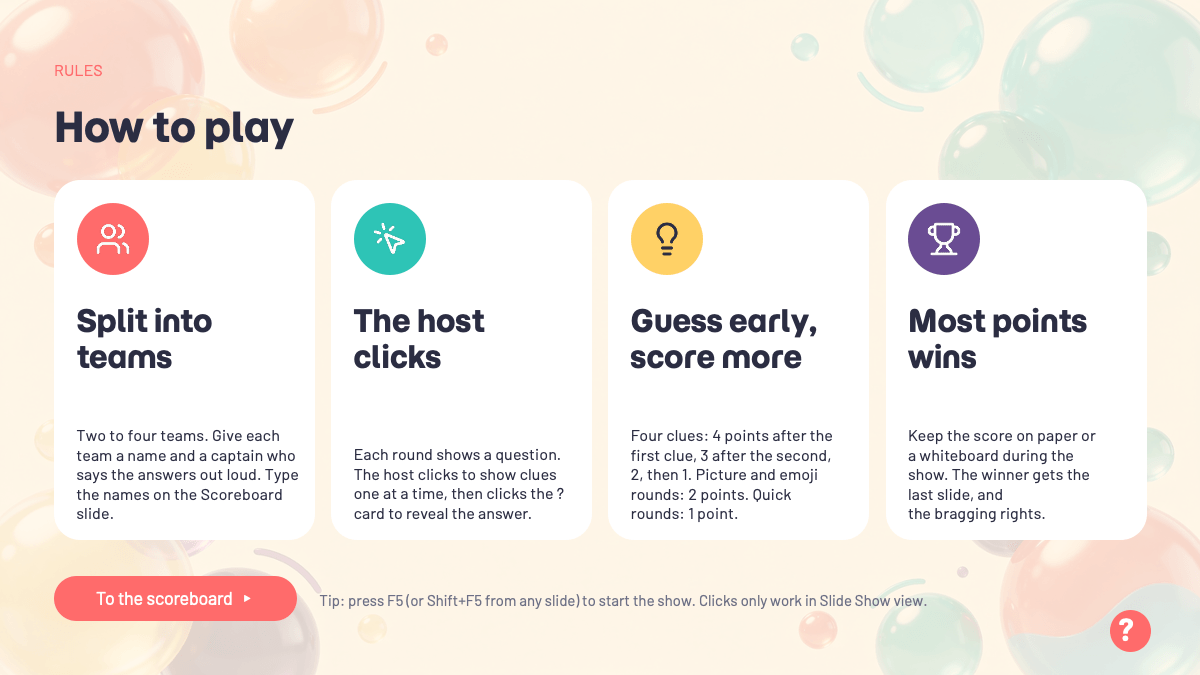
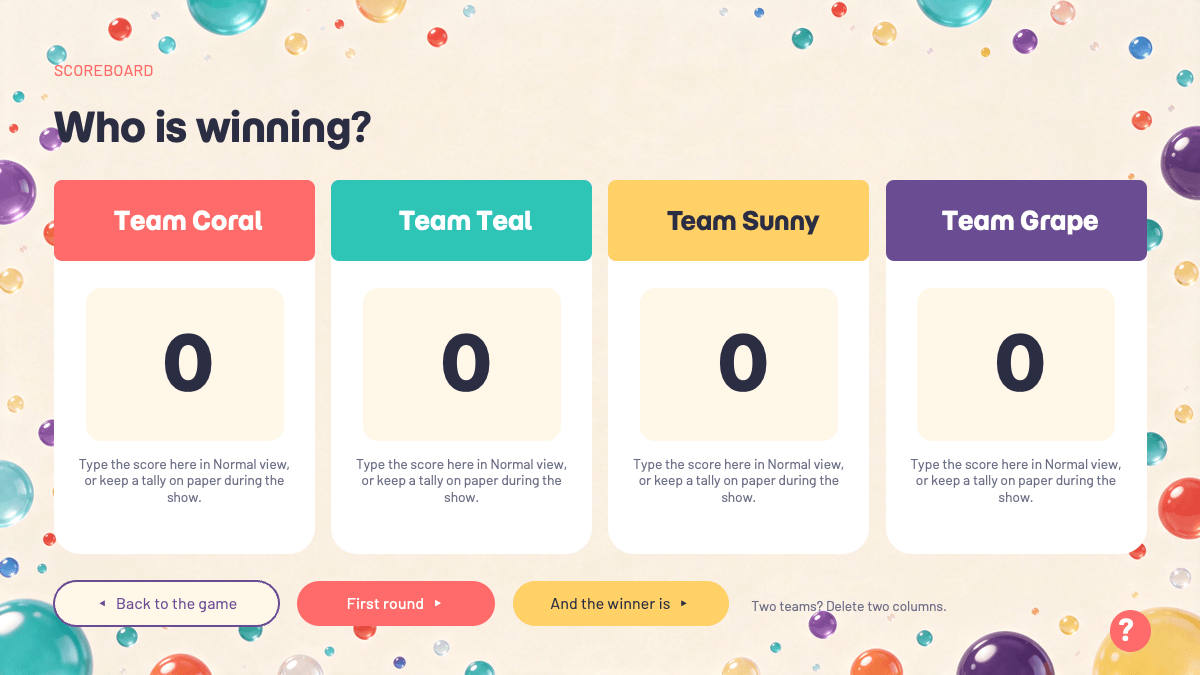
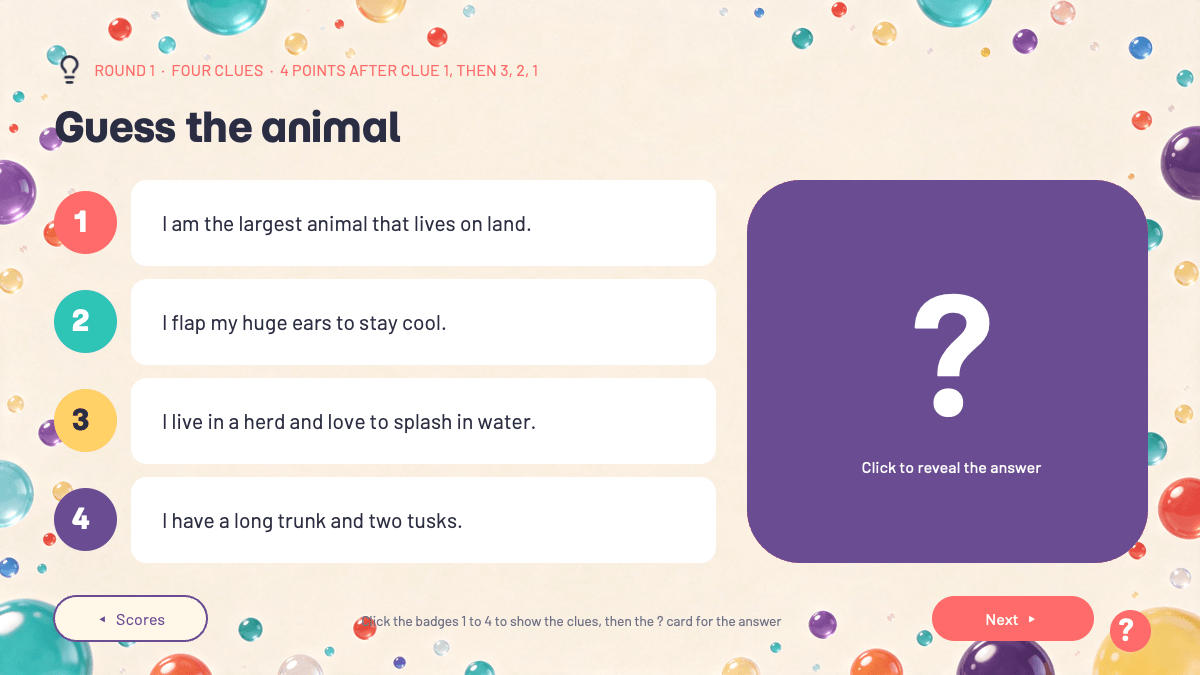
The free version has ten ready-made rounds of three kinds. After the cover with Start the game and How to play buttons there is a rules slide, a scoreboard for four teams, and four Four Clues rounds (guess the animal, the thing in the sky, the food and the country) where the host shows the clues one by one and the points drop from 4 to 1. Three Zoomed In rounds show a close-up photo that zooms out on click, and three Emoji Riddle rounds ask what a row of emoji stands for. A final score slide and a "See You at the Next Game" thank you slide close the game. A hidden host guide slide explains how to edit every clue, answer and reveal card, and reference slides for fonts, elements and icons are included.
The full version doubles the game to twenty rounds and adds three new round types: four Who Am I rounds (a planet, a job, an animal and an invention), three Picture Quiz rounds with A, B and C options, three Odd One Out rounds where a wrong pick turns red and the right one green, and a bonus Lightning round with six quick clues.
Who Is This Template For?
Made for teachers who want a review game or a Friday quiz, family game nights and kids' parties, team icebreakers and office parties, and youth leaders and clubs. Duplicate any round slide to add your own questions, and keep the file as .pptx so the click reveals keep working.
Related Templates
If you enjoyed this template, explore Interactive Jeopardy PowerPoint Template, Family Feud PowerPoint Template. Browse all Interactive templates.
Frequently asked questions
- Is the Guessing Game PowerPoint template free?
- Yes. The free version with ten rounds is free to download for classroom, party and personal use. The full version with twenty rounds and three more round types is a paid upgrade.
- How many slides and rounds are included?
- The free file has 20 slides: a cover, rules, a scoreboard, ten rounds, a final score slide, a thank you slide, a hidden host guide and reference slides for fonts, elements, icons and more templates. The full version has 31 slides with twenty rounds and a bonus lightning round.
- Do the click reveals work in Google Slides, Keynote or Canva?
- No. The reveals are PowerPoint click triggers, and they work in Slide Show view in PowerPoint on Windows and Mac. Google Slides, Keynote and Canva drop the triggers and show everything at once. If you have to use one of them, put one clue per slide instead.
- How do I add my own questions?
- Click any clue, emoji or answer and type. To change an answer, hide the reveal card in the Selection Pane, type, then show it again. To add a round, duplicate a round slide and check the Next button links after reordering. The hidden host guide slide walks through every step.
- How do teams keep score?
- Type the scores on the Scoreboard slide in Normal view between rounds, or keep a tally on paper or a whiteboard. PowerPoint cannot take typing during a slide show.
- Which fonts does it use?
- Momo Trust Display for titles and Barlow for body text. Install them before opening the file so the slides look like the preview.
Unlock the full version
Premium template, part of Prezentr Pass
 +27 slides
- 31 slides, 11 more than the free version
- Same style, fonts and colors, fully editable
- Use it as a style in Prezentr Slides
Pass from €19. Pay once, no automatic renewal. The free version stays free.