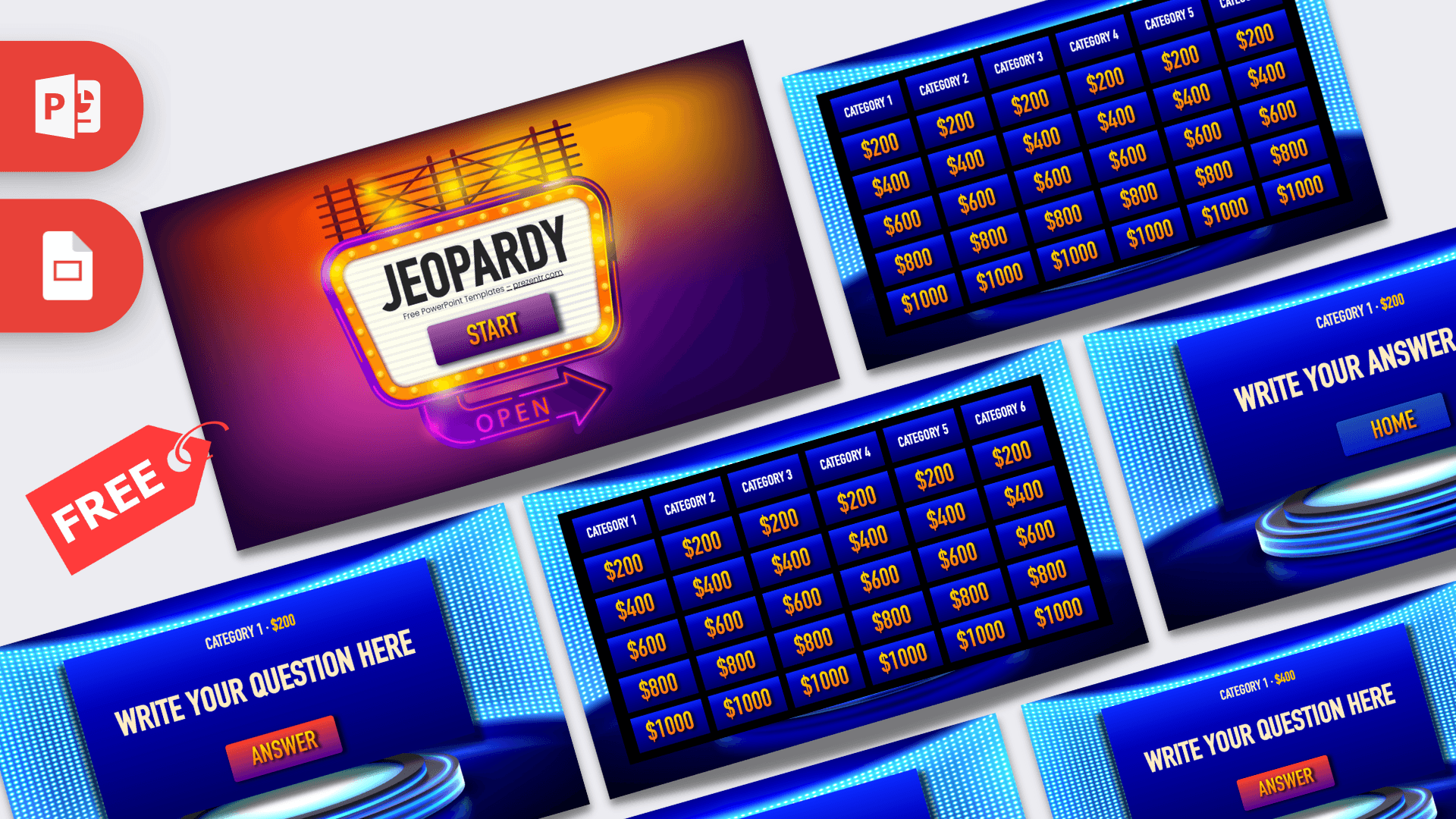
This free Jeopardy PPT template is a quiz game you can run from one file. It has 62 slides: a cover, a clickable game board and 30 question and answer pairs. The board holds 6 categories with 5 dollar values each, from $200 to $1000, and every value is linked to its own question slide. Type in your questions, start the slideshow and you have a full review game for your class.
What's Inside
The download is a zip with one 16:9 PowerPoint file and a small text file with a font link. This is how the 62 slides of the Jeopardy PowerPoint template are organized:
- Slide 1, cover: a glowing marquee sign with the game title and a START button that jumps to the board.
- Slide 2, game board: six category headers (Category 1 to Category 6) and 30 tiles worth $200, $400, $600, $800 and $1000. Each dollar value is a link to the matching question slide.
- Slides 3 to 62, questions and answers: 30 pairs. A question slide shows the category and value at the top, your question in large letters and an ANSWER button that moves to the next slide. The answer slide shows the correct answer and a HOME button that takes you back to the board.
The pairs run in a fixed order. Category 1 uses slides 3 to 12, Category 2 uses slides 13 to 22, and so on up to Category 6 on slides 53 to 62. Inside each category the order is $200, $400, $600, $800, $1000. There is no Final Jeopardy slide, no Daily Double and no scoreboard in the file, so plan to keep score on a whiteboard or on paper.
Design and Style
The cover uses purple, orange and pink tones with a light bulb sign and a neon OPEN arrow. After you press START, the look changes to a deep blue TV studio with walls of glowing LED dots. The board is a grid of blue tiles with white category names and dollar values in a gold to orange gradient. Question and answer slides show a large blue screen above a round, glowing stage platform, with cream colored text that is easy to read from the back of a room. The file names DIN Condensed and Futura as its main fonts. The tall, narrow letters leave room for longer questions.
Who Is This Template For?
- Teachers who want a test review, a vocabulary round or an end of unit quiz in any subject.
- Students who need a Jeopardy game template for a class project or a club meeting.
- Trainers and team leads who want to close a workshop with a short quiz.
- Families and friends planning a trivia night or a birthday quiz.
How to Play
- Make teams. Split the class into two to four teams and pick one person to keep score.
- Start the slideshow from slide 1 and click START to open the board. The buttons and tiles only work in slideshow mode.
- Let a team pick a category and a value, then click that dollar amount. Click right on the number. A click on an empty part of the slide moves to the next slide, as in any slideshow.
- Read the question out loud. When the team has answered, click ANSWER to show the answer slide.
- Give the points to the team if they were right, then click HOME to go back to the board.
- Keep going until all 30 tiles have been played. The team with the most points wins.
How to Add Your Own Questions
- Name your categories. On slide 2, replace CATEGORY 1 to CATEGORY 6 with your topics. The same label sits at the top of the question and answer slides, so change it there too. The Replace tool in PowerPoint (Home, then Replace) can update all of them in one go.
- Type your questions. On each question slide, click WRITE YOUR QUESTION HERE and type. The label at the top tells you which tile the slide belongs to, for example Category 1, $200.
- Type the answers. The slide right after each question holds its answer. Replace WRITE YOUR ANSWER HERE.
- Sort by difficulty. Put the easiest question of a category on $200 and the hardest on $1000.
- Keep each answer right after its question. The ANSWER button simply moves to the next slide, and the board tiles point to specific slides, so do not delete slides or split a pair.
- Want a final round? Duplicate one question and answer pair and move the two copies to the end of the file. During the game, type that slide number and press Enter to open it.
- Test it. Run the slideshow once and click a few tiles before class.
You can also use the file as a Jeopardy template for Google Slides. Upload the PPTX to Google Drive and open it with Google Slides. The game was built in PowerPoint, so check in Present mode that the tiles, the ANSWER button and the HOME button jump to the right slides before you play with a class.
Presentation Ideas
- A review game before a unit test, with one category for each chapter.
- A vocabulary or spelling round in a language class.
- A history, science or math quiz with one category per topic.
- A back to school game with fun facts about the teacher and the class.
- A staff training quiz at the end of a workshop.
- A family trivia night with categories like movies, music and sports.
Related Templates
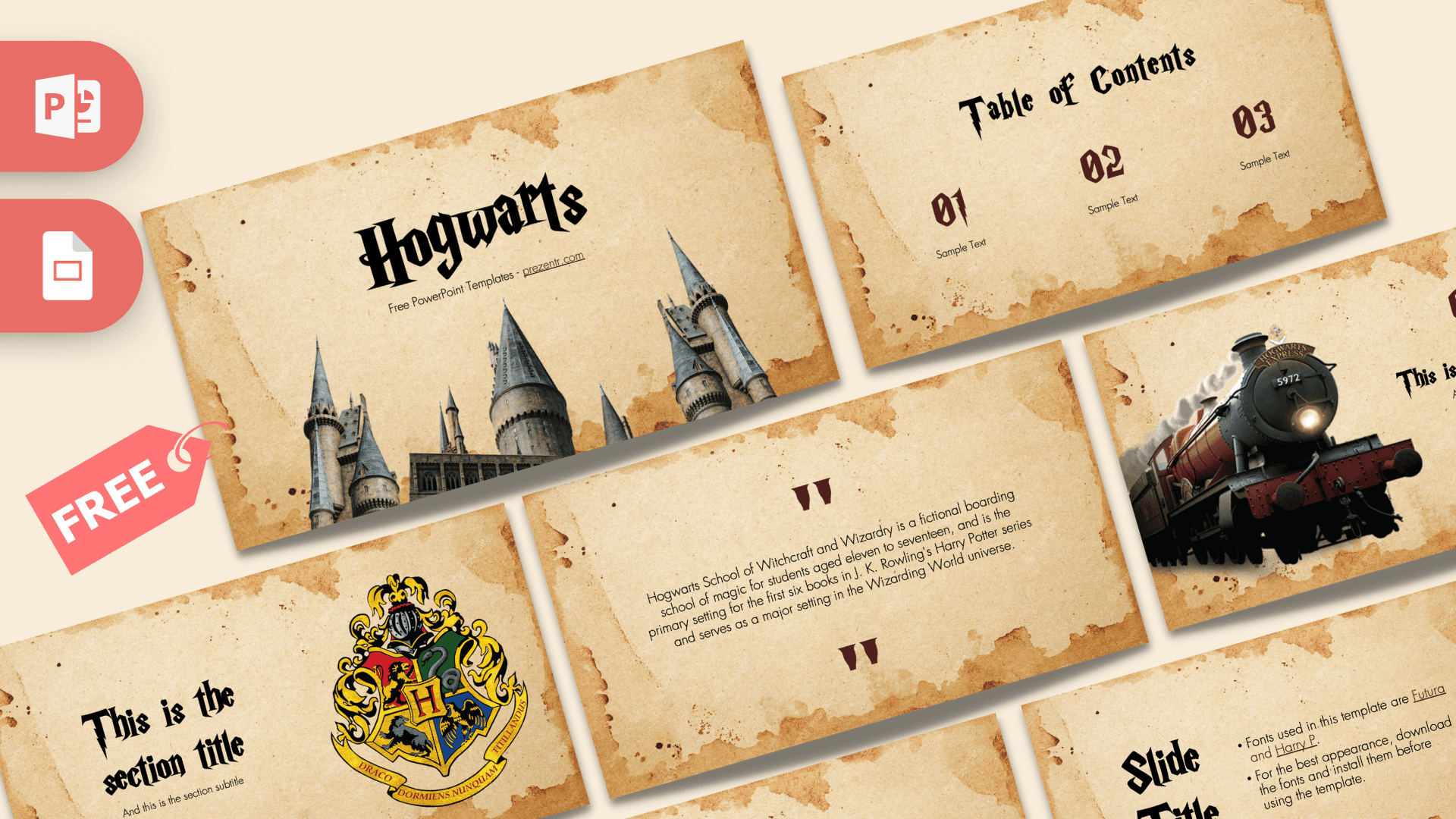
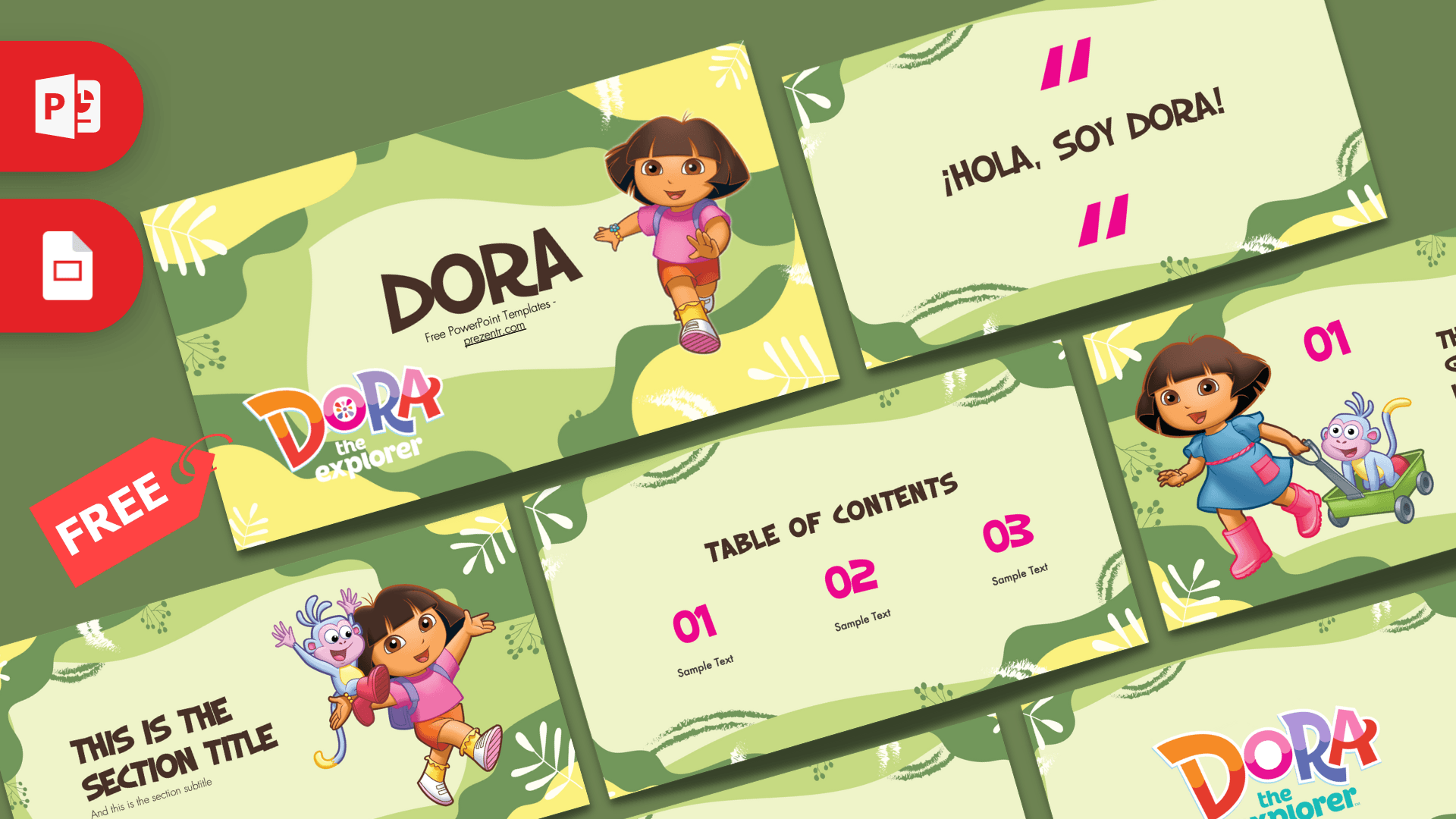
For another TV game show format, try the Family Feud PowerPoint Template. If you need a themed deck for the lesson itself, take a look at the Hogwarts PowerPoint Template and the Dora PowerPoint Template, or browse all of our interactive templates. This is an unofficial, fan-made design and is not affiliated with or endorsed by the owners of Jeopardy.
Frequently asked questions
- Is the Jeopardy PPT template free?
- Yes. You can download it from Prezentr at no cost, with no payment needed.
- How many slides and questions does the Jeopardy template have?
- The file has 62 slides: a cover, one game board, 30 question slides and 30 answer slides. The board has 6 categories with 5 values each, from $200 to $1000.
- Is the game board clickable?
- Yes. Each of the 30 dollar values on the board links to its question slide, the ANSWER button moves to the answer and the HOME button returns to the board. The links work only in slideshow mode.
- Does the template include Final Jeopardy or a scoreboard?
- No. There is no final round slide, no Daily Double and no scoreboard in the file. Keep score on a whiteboard, and duplicate a question and answer pair at the end if you want a final round.
- Can I use this Jeopardy template in Google Slides?
- Upload the PPTX to Google Drive and open it with Google Slides. The game was built in PowerPoint, so test the board links in Present mode before you use it with a class.
- Which fonts does the Jeopardy template use?
- The file names DIN Condensed, Futura and Poppins. The zip also contains a short text file with a link for the Futura font.