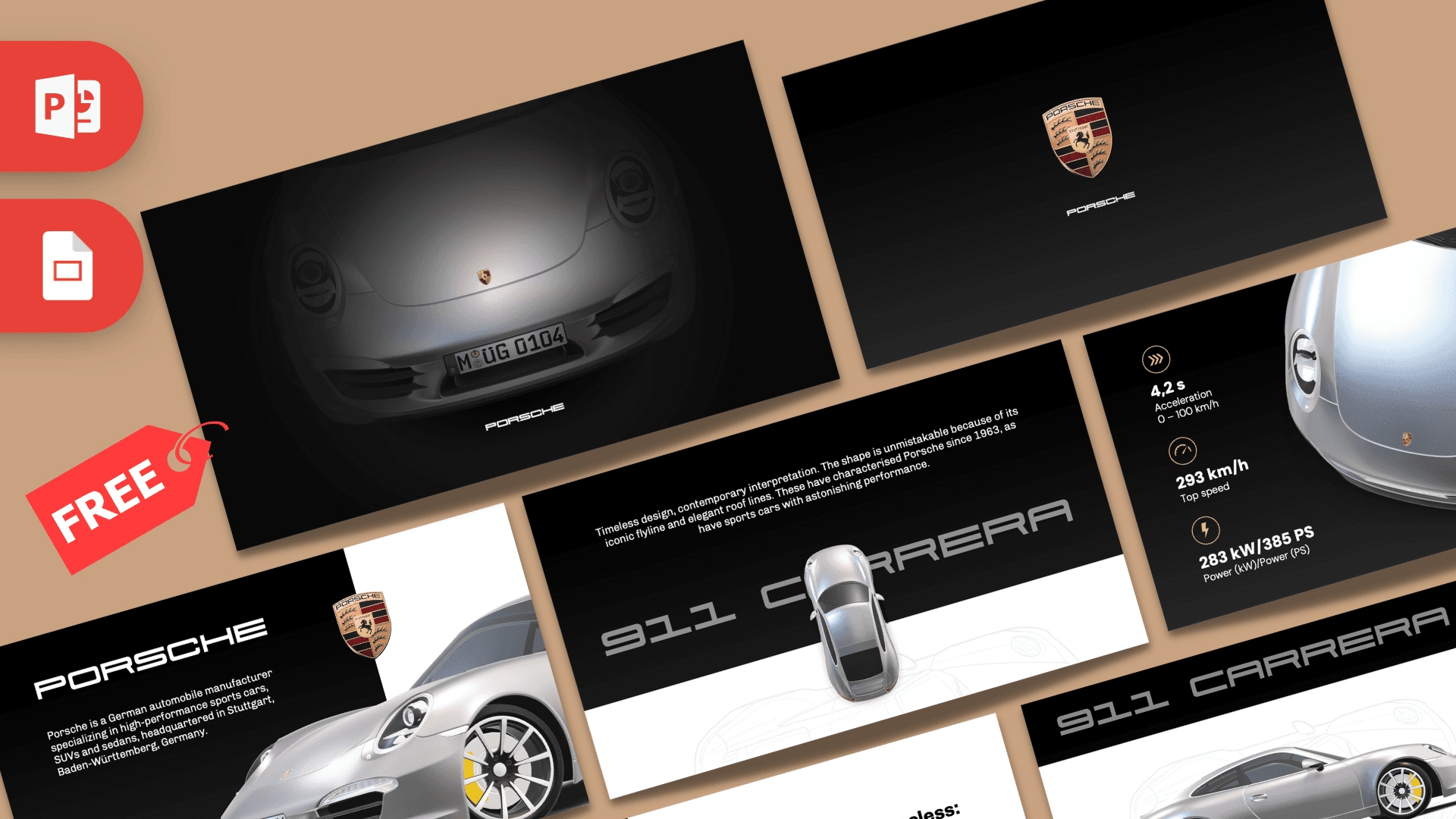
The Animated Porsche PowerPoint Template is a free, fan-made 10-slide deck in black, white and silver, built around a 3D model of a silver Porsche 911 Carrera. Morph transitions move the car, the crest and the text from slide to slide, so your presentation feels like a smooth product film. If you want a clean, elegant Porsche PPT template for a car presentation or a brand case study, this one does the heavy lifting.
What's Inside
Every slide is designed and the deck flows as one story, from a dramatic reveal to a clean closing crest:
- Slide 1, The reveal: the front of the 911 emerges from darkness under a soft spotlight, with the Porsche wordmark below.
- Slide 2, The crest: the Porsche crest centered on a black gradient. A simple pause slide before you get into content.
- Slide 3, About the brand: a black text panel with a short company intro, the crest and a close-up of the car's front wheel and headlight.
- Slide 4, 911 Carrera title: large "911 carrera" lettering with the car seen from above, plus a short paragraph of intro text.
- Slide 5, Design story: a white text slide with a bold headline, body copy and a faint line drawing of the car in the background.
- Slide 6, Side profile: the full silver car in profile on white, with the model name across a black band at the top.
- Slide 7, Key specs: three icon-led stat blocks for acceleration, top speed and power next to a close-up of the car. Swap in your own numbers.
- Slide 8, Interior: three rounded photo frames of the cockpit next to a headline and short description.
- Slide 9, Quote: a large quote set in bold capitals on black, with the car shown from the front.
- Slide 10, Closing: the crest and wordmark on black for a calm, premium ending.
The order of the slides follows a classic product story: build suspense, introduce the brand, show the hero product, explain its design, prove it with numbers, show the details and finish with a memorable line. You can reuse that structure for almost any car or product talk, even if your subject is a different model.
Design and Style
This deck is all about restraint. Deep black gradients and crisp white panels create strong contrast, and the silver of the car becomes the hero on every slide. The colorful Porsche crest is the only real splash of color, which makes it stand out each time it appears.
Typography is modern and minimal: light, wide-set sans serif body text, bold headlines and a distinctive display face for the "911 carrera" lettering. The layouts use lots of empty space, angled split screens and big product shots, much like a car brochure.
The highlight is the 3D car model, which PowerPoint can move and rotate between slides with Morph. That is what gives the deck its smooth, cinematic feel. This is a fan-made design and is not an official Porsche template or endorsed by Porsche.
Since most slides are black or white, keep the text in high contrast: white on black panels and black on white panels. The deck already uses small body text, so if you present in a large room, bump the font size up a little and cut the copy down to one or two sentences per slide.
Who Is This Template For?
- Car enthusiasts and clubs presenting a favorite model, a club meeting or a track day recap.
- Marketing and design students working on a luxury brand case study or a product launch assignment.
- Automotive sales teams who want inspiration for a clean, premium vehicle presentation.
- Engineering students explaining performance, aerodynamics or car design.
- Presenters who love motion design and want to see how Morph and 3D models work in a real deck.
Even if your topic is not cars, the structure works for any premium product: replace the car shots with your own product photos and keep the dark, minimal style.
How to Customize It
- Edit the text: click any text box and type. The intro copy and spec numbers are sample text, so replace them with your own facts.
- Change photos: right-click an image, such as the cockpit photos, and choose Change Picture to swap it while keeping the frame.
- Work with the 3D model: select the car and drag the rotation handle in the middle to turn it, or use 3D Model Views on the 3D Model tab. 3D models need a recent version of PowerPoint, such as Microsoft 365.
- Keep Morph smooth: Morph animates the same object across neighboring slides. If you copy a slide to add content, keep the car and crest on both slides so the movement still works.
- Recolor accents: the deck is mostly black and white, so a single accent color, like a racing red, can be added to icons or headings with Shape Fill or Font Color.
- Reorder slides: drag thumbnails in the left panel and preview with Slide Show to check the transitions.
Presentation Ideas
- The design history of the Porsche 911
- Luxury car brand case study: positioning and design language
- Car club meeting: upcoming drives, events and member cars
- How sports car performance is measured: acceleration, top speed and power
- A school report on German car makers
- Product launch mockup for a marketing class
A tip before you present: play the whole deck in Slide Show at least once on the computer you will use. 3D models and Morph transitions are smooth on most modern machines, but older computers may need a moment to load the first slide. If you need to share the deck with someone who does not have PowerPoint, export it as a video with File, then Export, then Create a Video, so the motion is kept.
Related Templates
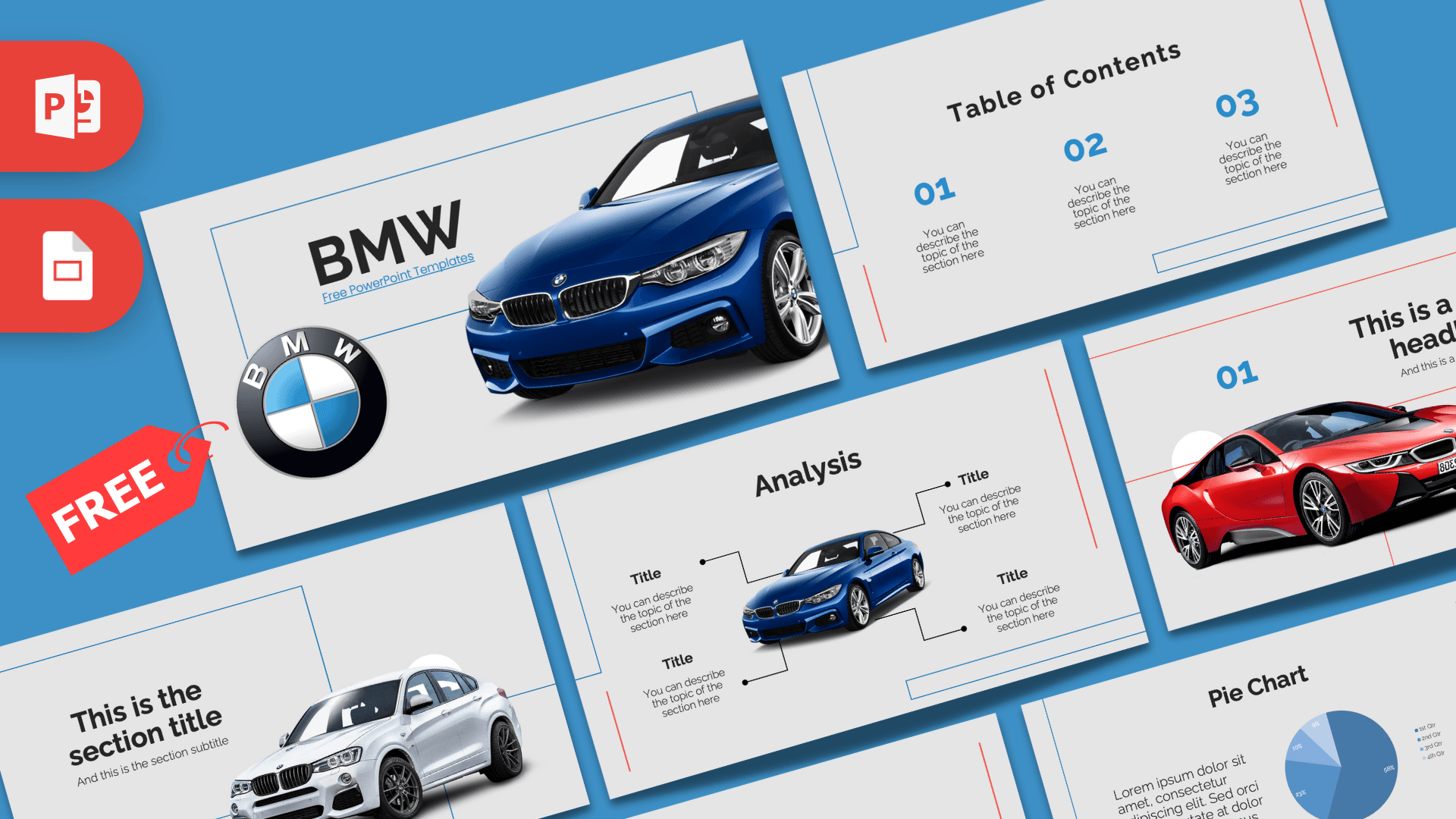
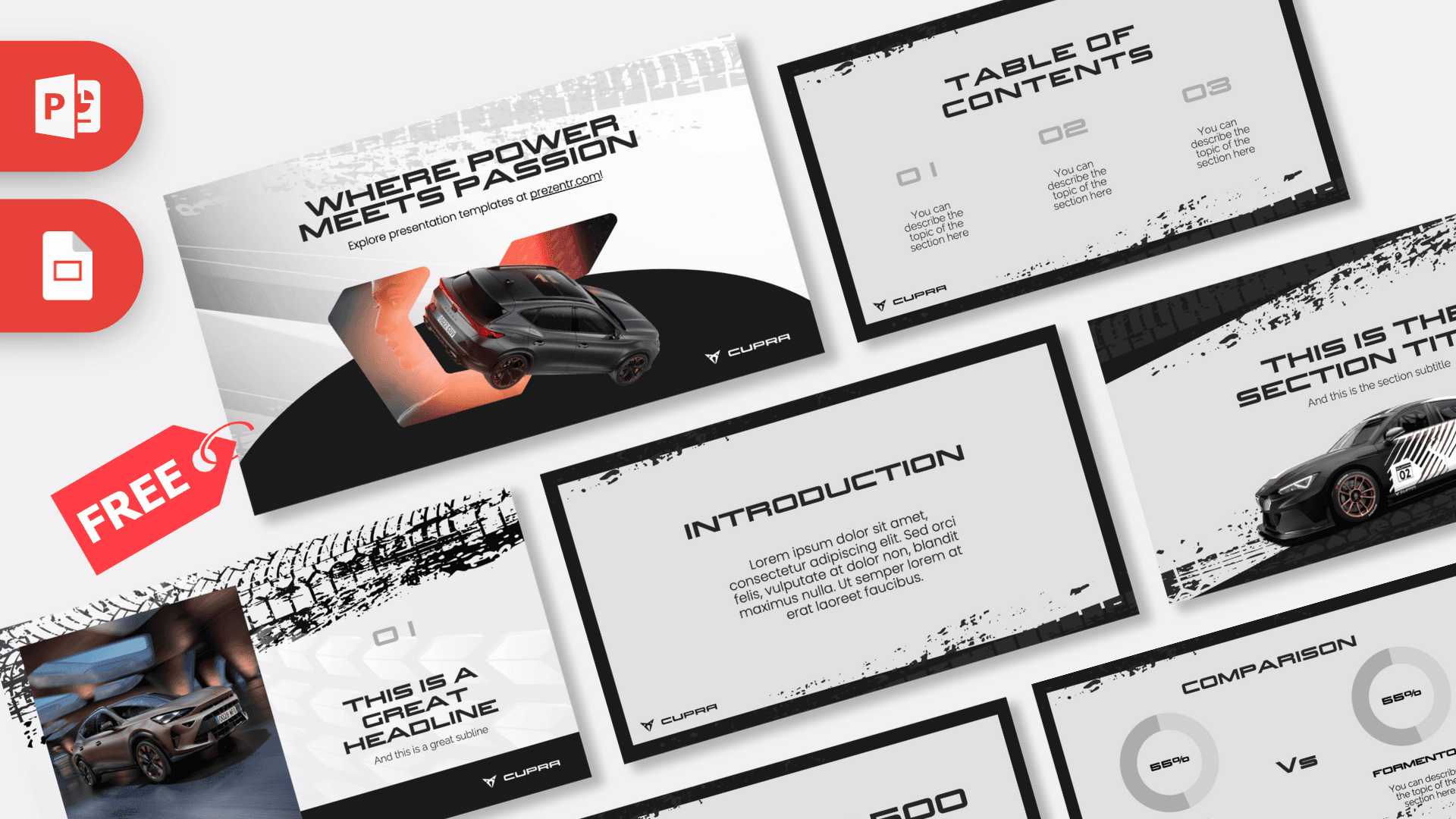
For more car designs, try the Ferrari PowerPoint Template, the BMW PowerPoint Template, the Mercedes PowerPoint Template or the Audi PowerPoint Template. You can also browse all animated templates.
Frequently asked questions
- Is the animated Porsche PowerPoint template free?
- Yes, it is free to download from Prezentr. It is a fan-made design and not an official Porsche file.
- How many slides does the Porsche template include?
- It includes 10 slides, from a spotlight reveal of the 911 to a specs slide, an interior slide, a quote slide and a closing crest.
- Does the Porsche template use a real 3D car?
- Yes, the deck uses a 3D model of a silver 911 Carrera that moves between slides with Morph. To edit and animate the 3D model you need a recent version of PowerPoint, such as Microsoft 365.
- Can I open the Porsche template in Google Slides?
- The deck is designed for PowerPoint and we have not confirmed Google Slides support. Google Slides does not support Morph or 3D models, so the animations would not play there.
- Can I change the car specs and text?
- Yes, every text box is editable. The spec figures and paragraphs are sample content, so replace them with your own verified information.
This is a fan-made template inspired by Animated Porsche PowerPoint Template. Prezentr is not affiliated with, endorsed by, or selling assets from Animated Porsche PowerPoint Template. All brand names, logos, and trademarks belong to their respective owners.
Previous version
This is an updated version of the Animated Porsche PowerPoint Template, redesigned in February 2024. The original version is still available here: