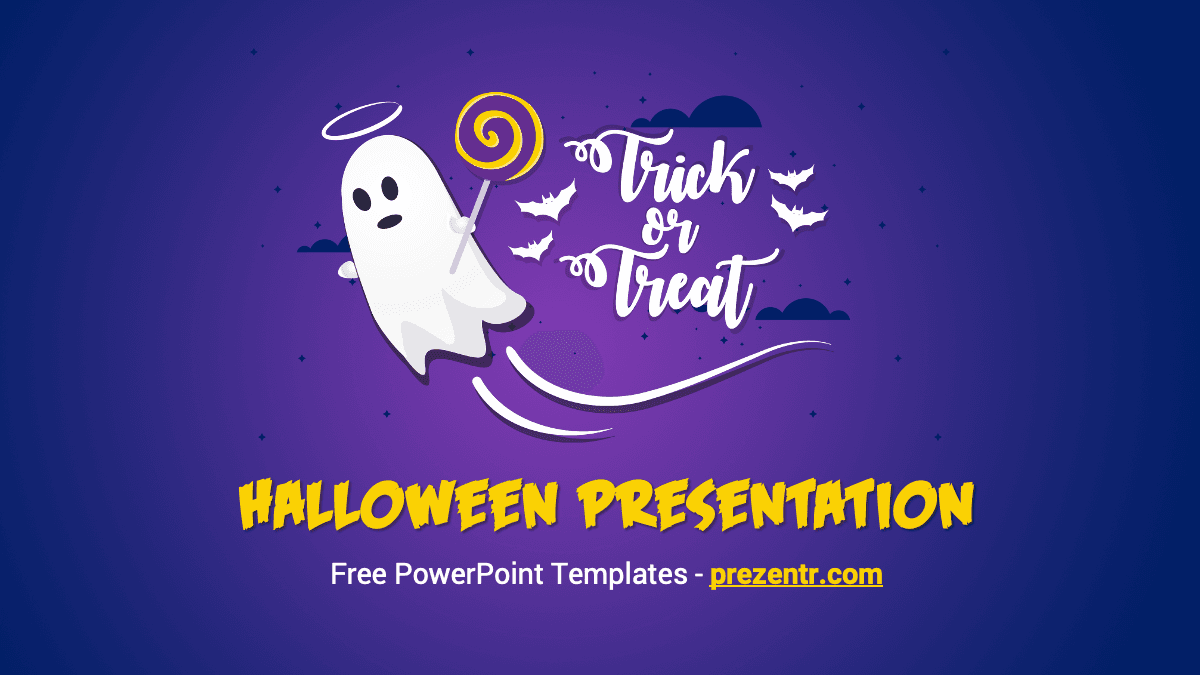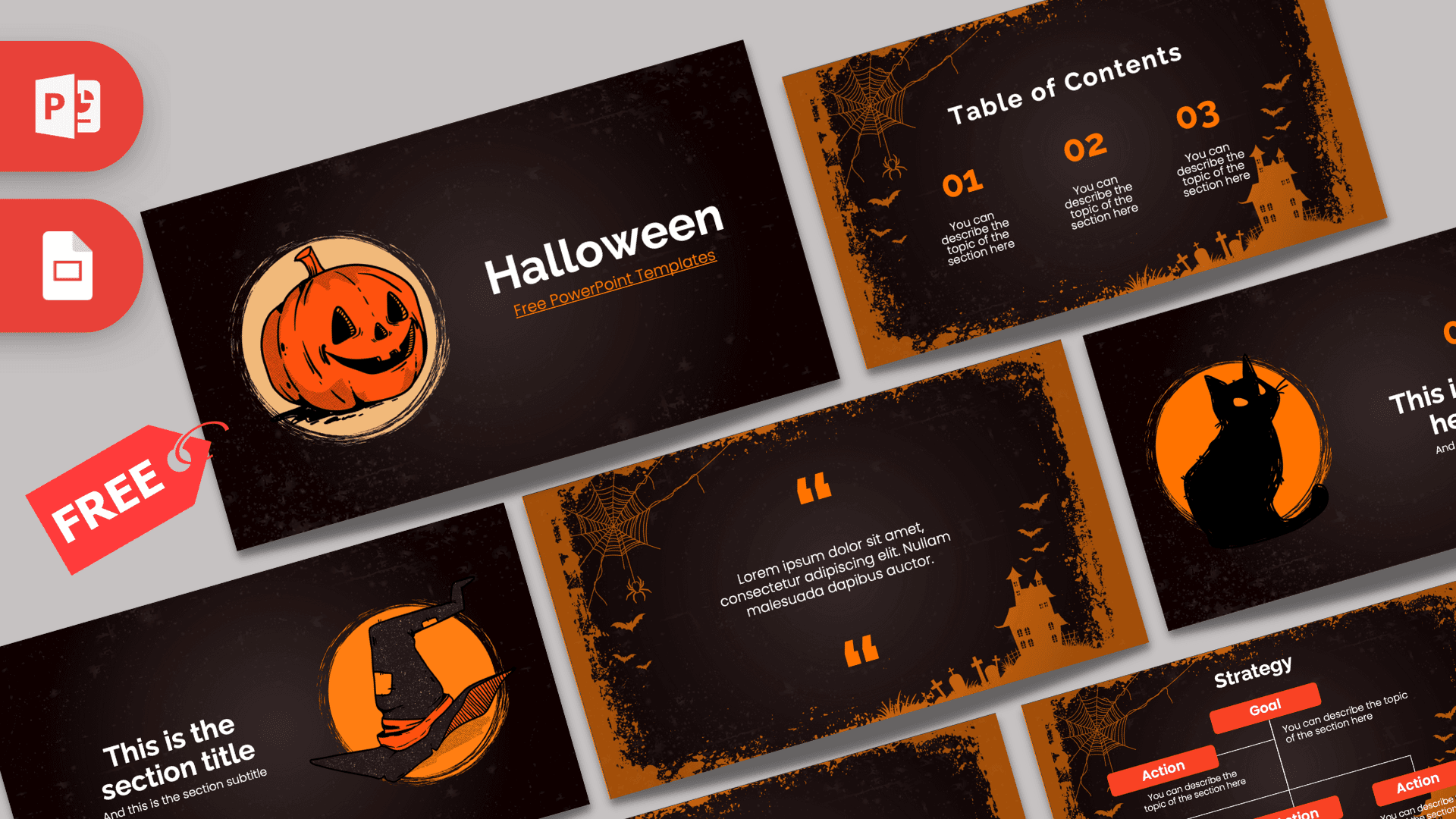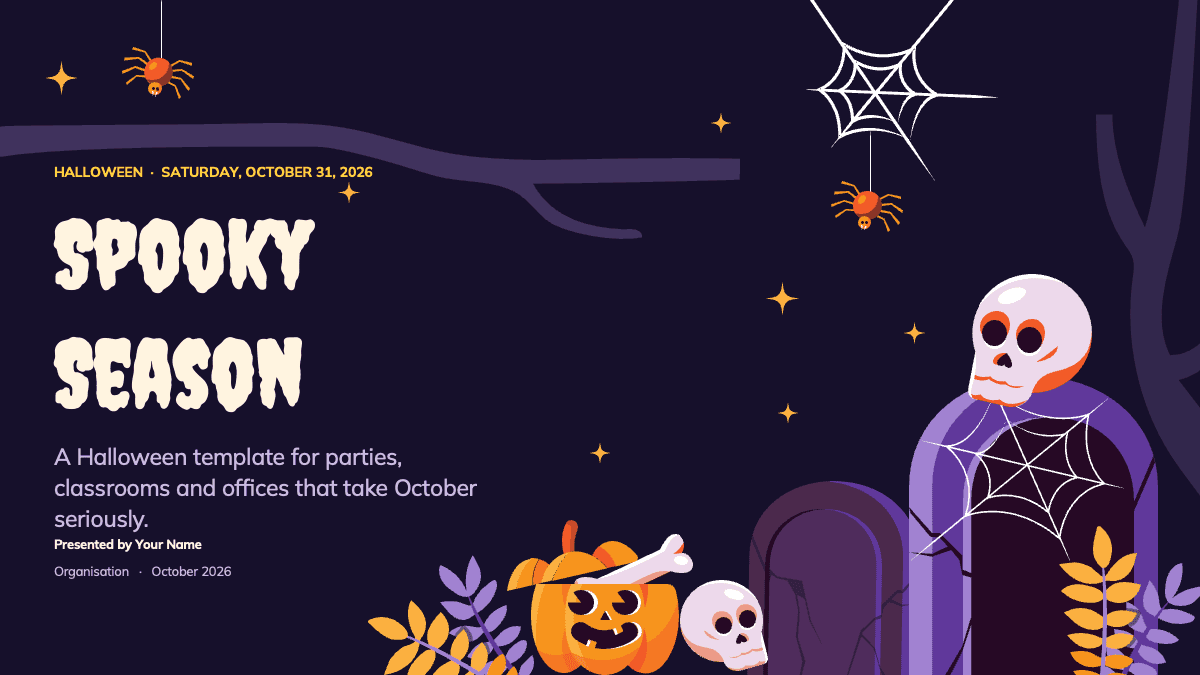
The Halloween 2026 PowerPoint template is a free, ready-to-edit deck for anyone planning something spooky this October. It contains 25 widescreen slides set on a deep midnight purple background, decorated with grinning jack-o'-lanterns, pastel skulls, cracked tombstones, cobwebs and dangling orange spiders. The hook is that the slides are already written for real Halloween planning: a party schedule, a costume contest, a haunted house plan, a checklist and an October 2026 calendar. You replace the sample text with your own details instead of starting from an empty page. The file also opens in Canva through the Canva button on this page.
What's Inside
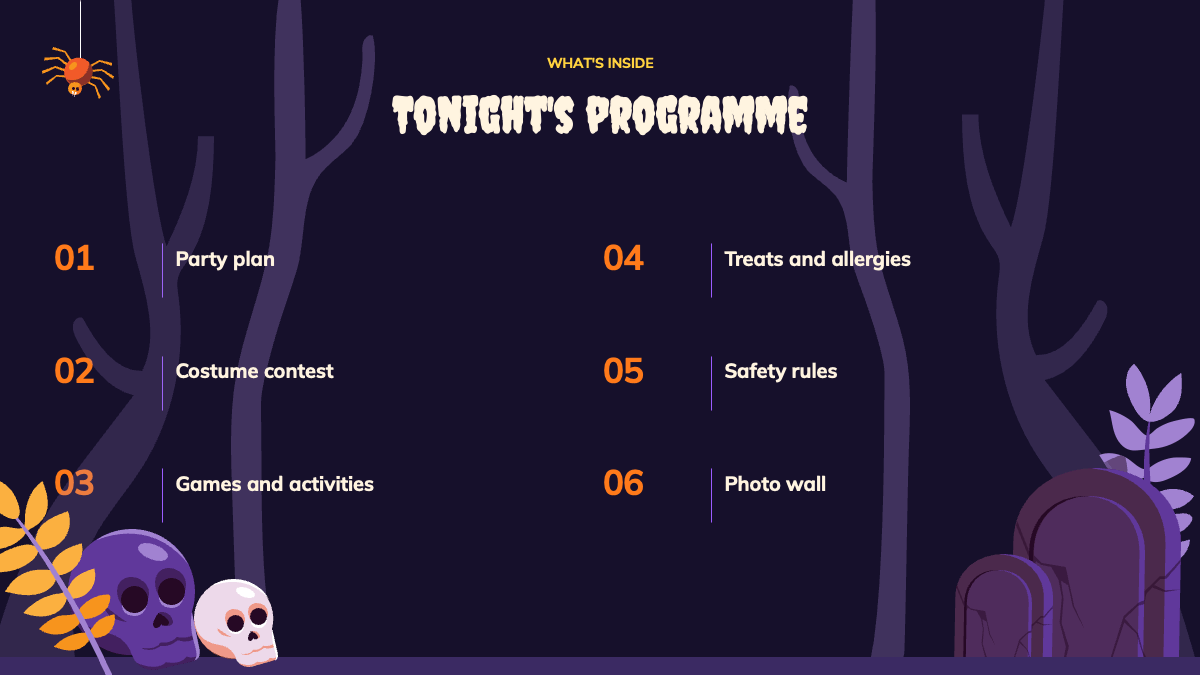
The deck has ten designed content slides, ten blank themed layouts and a short set of design resources at the end.
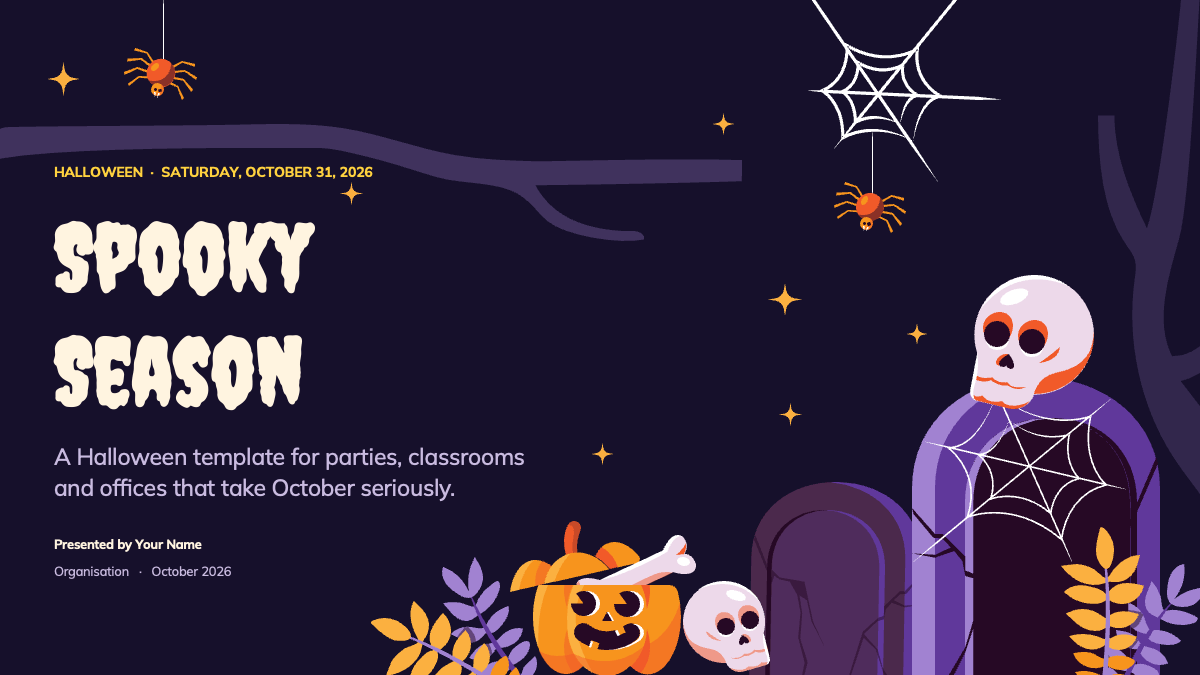
- Title slide: a large "Spooky Season" headline in a dripping horror font, a subtitle, presenter name and organization, framed by a tombstone, a skull and a carved pumpkin.
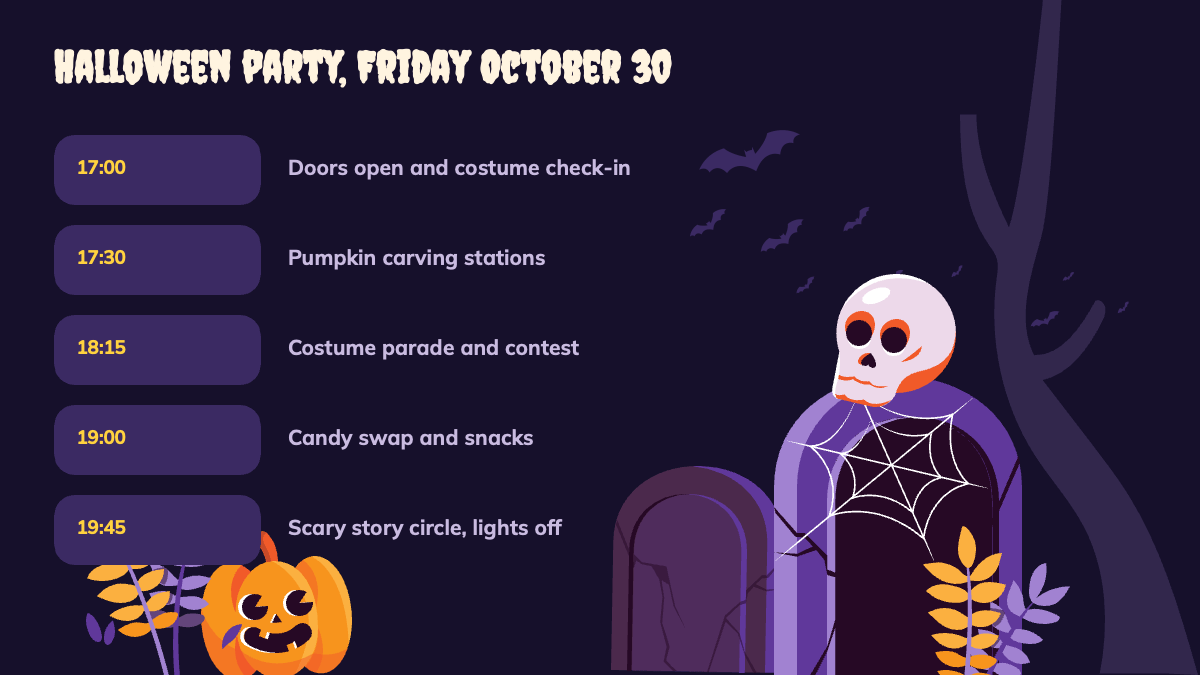
- Party schedule: a timeline of five time slots, from doors opening and costume check-in to a story circle with the lights off.
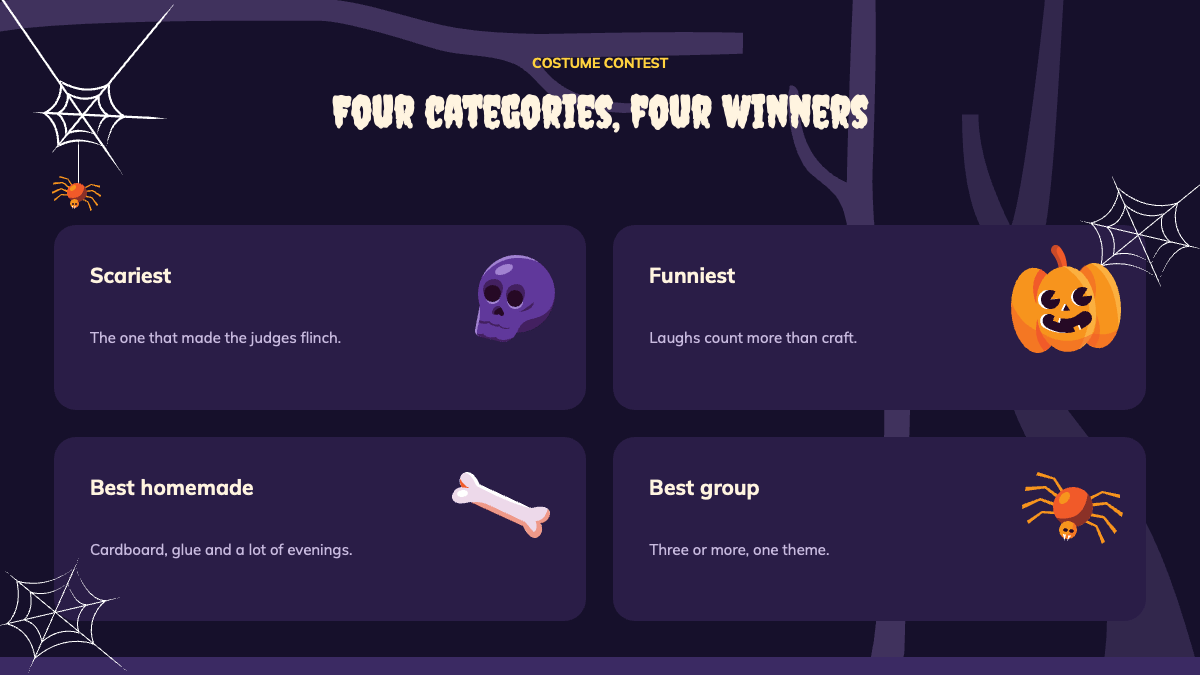
- Costume contest: four category cards (scariest, funniest, best homemade, best group) with a short judging note for each.
- How to host a haunted house: a five-step process diagram with numbered cards and arrows, from picking a theme to opening the doors.
- Party checklist: six items with icons covering decorations, costumes, food, music, games and safety.
- Chapter divider: a section break with a big pumpkin and skull illustration.
- Halloween by the numbers: three large stat cards for opening facts you can rewrite.
- Photo gallery: four captioned illustrations (a costume parade, a pile of candy, a haunted house on a hill and a misty trail) that work as placeholders for your own event photos.
- October 2026 calendar: a full month grid with highlighted dates and three event cards on the side.
- Closing slide: a "Happy Halloween" sign-off with a short safety reminder.
- Ten blank layouts: empty versions of the themed backgrounds, with card shapes, bats, branches and corner illustrations, ready for your own content.
- Design resources: a fonts slide, an elements slide with all the illustrations as separate pieces, an icon pack slide and a final slide with a link to more templates.
Design and Style
The look is playful spooky rather than gory, which keeps it suitable for schools and offices as well as adult parties. Backgrounds stay dark purple, with lighter violet cards for content, pumpkin orange and golden yellow for highlights and cream for headlines. Bare tree branches run across the top of most slides, and small gold sparkles fill the empty sky on the title and divider slides.
Titles use Creepster, a dripping display font, and body text uses Mulish, a clean sans serif that stays readable at small sizes. The fonts slide in the file names both and suggests a title size. The illustrations are flat vector art with soft shading, so they scale cleanly and can be recolored or resized. Content slides come with slide transitions and entrance animations, so lists, steps and cards build in as you present.
Who Is This Template For?
- Teachers running a Halloween class party, a costume parade or a seasonal lesson.
- Office managers and HR teams announcing a company Halloween event or costume contest.
- Parents, scout leaders and community groups organizing a neighborhood party or trunk-or-treat.
- Event planners and venues pitching a haunted house, a themed night or a fall festival.
- Students who need a fun deck for a Halloween history or traditions presentation.
- Social media and marketing teams preparing an October campaign kickoff.
How to Customize It
In PowerPoint, open the .pptx file and click any text box to replace the sample copy. Change the dates in the calendar grid by typing over the numbers, and move the pumpkin, skull and spider markers onto your own event days. To use your own pictures on the gallery slide, select an illustration, right click and choose Change Picture, then pick a photo from your computer. If you need more slides, duplicate one of the ten blank layouts and add text or images to the empty cards. The elements slide holds every illustration as a separate object, so you can copy a pumpkin or a cobweb onto any slide.
The animations are already set up. Open the Animations pane to change their order or timing, or remove them if you prefer a static deck for printing. If Creepster or Mulish is missing on your computer, install both free fonts before editing so titles keep their shape. For printed party plans or handouts, export the slides as a PDF from the File menu.
To work in Canva instead, use the Canva button on this page to open the template there. You can then edit text, swap images and share the design with your team from your Canva account.
Presentation Ideas
- A Halloween party run of show with the schedule, games and costume contest rules.
- An office Halloween announcement covering the date, dress code and prize categories.
- A haunted house planning deck for a school club, youth group or community center.
- A classroom lesson on Halloween traditions and where they come from.
- An October activity calendar for a library, daycare or after-school program.
- A post-event recap with photos from the night and the contest winners.
Related Templates
Looking for more seasonal designs? Try these Halloween and fall templates:
Frequently asked questions
- Is the Halloween 2026 PowerPoint template free?
- Yes. You can download the .pptx file for free and use it for parties, classes, office events and other presentations.
- How many slides are included?
- The file has 25 slides: ten designed content slides, ten blank themed layouts and five slides with fonts, elements, icons and closing information.
- Can I open it in Canva?
- Yes. Use the Canva button on this page to open the template in Canva, where you can edit the text and images in your own account.
- Is the template animated?
- Yes. The content slides include slide transitions and entrance animations. You can adjust or remove them in the Animations pane in PowerPoint.
- Which fonts does it use?
- Titles use Creepster and body text uses Mulish. Both are free fonts; install them before editing so the text looks the way it does in the previews.
- Can I change the calendar dates and event details?
- Yes. The October 2026 calendar is built from editable shapes and text, so you can retype dates, move the highlight markers and rewrite the event cards.
Unlock the full version
Premium template, part of Prezentr Pass
 +40 slides
- 44 slides, 19 more than the free version
- Same style, fonts and colors, fully editable
- Use it as a style in Prezentr Slides
Pass from €19. Pay once, no automatic renewal. The free version stays free.