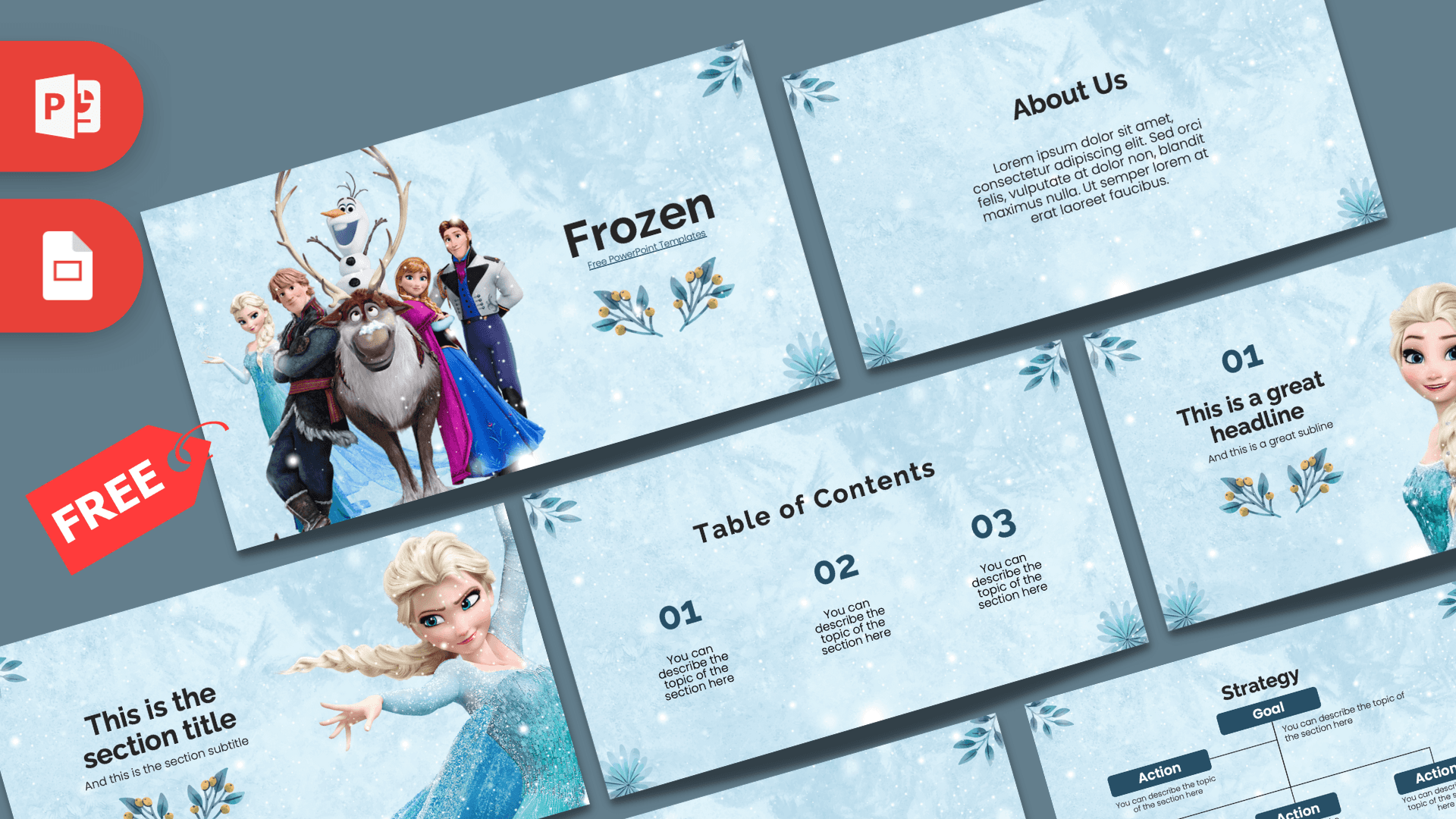
This free Frozen PowerPoint template wraps your content in a soft, icy blue world full of snowflakes, frosted textures and crystal ornaments, with Elsa, Anna, Olaf, Kristoff and Sven on the title slide. It includes 10 widescreen slides with clean navy text, so it looks magical but stays easy to read. Use it in PowerPoint or Google Slides for school projects, birthday parties or any winter-themed presentation.
What's Inside
The 10 slides cover every part of a typical presentation, and three of them feature the characters fans love most:
- Title slide: the main cast stands together on the left, including Elsa, Anna, Olaf, Kristoff and Sven the reindeer, beside a large navy "Frozen" heading decorated with small blue leaf sprigs.
- Table of Contents: three numbered sections with short descriptions, ideal for your agenda or the chapters of a story.
- Section title: Elsa in her sparkling ice-blue gown, arm outstretched as if casting a spell, next to a section heading and subtitle.
- Headline slide: Elsa and Anna side by side on the right, with a large "01", a headline and a subline on the left. Perfect for your first big point or a slide about the sisters.
- About Us: a centered heading and paragraph for an introduction, story summary or background information.
- Bullet Points (numbered): a title block plus five numbered points for facts, steps or reasons.
- Quote slide: navy quote marks frame a short sentence. Add a favorite line, a message or a key takeaway.
- Bullet Points (labeled): five points labeled ONE to FIVE for a ranked list or comparison.
- Strategy: a Goal box linked to several Action boxes in dark blue, handy for plans, story structure or cause and effect.
- Big number slide: one large figure with an arrow and a caption to highlight a key number.
Design and Style
The background of the Frozen PPT template looks like frosted glass covered in light snowfall, in pale blue and white tones that instantly suggest winter. Delicate crystal flowers made of ice sit in the corners of many slides, adding a decorative touch without getting in the way of your content. Text is set in dark navy, which gives strong contrast on the light background, and headings use a clean, rounded sans serif that feels friendly for children while still looking neat enough for adults. The character images are bright, full-color renders straight from the animated film style, so they stand out nicely against the soft background. The overall mood is calm, cool and magical, a great fit for winter topics, princess parties or anything with a touch of fairy tale. This is a free fan-made design and is not affiliated with or endorsed by Disney.
Who Is This Template For?
The gentle colors and well-loved characters make this deck a favorite with families and classrooms:
- Young students presenting a favorite movie, a book report or a story retelling.
- Teachers introducing winter topics such as snow, ice, weather or the water cycle with a theme kids recognize.
- Parents planning a Frozen birthday party who want an invitation slide, a party schedule or a photo slideshow.
- Dance schools and drama clubs preparing a show program or rehearsal plan for a winter performance.
- Kindergarten and daycare staff sharing a monthly newsletter or event plan with parents.
- Event organizers running a winter festival, holiday market or family movie night.
How to Customize It
You do not need design experience to adapt the Frozen PowerPoint template:
- Edit the text: click any heading or placeholder sentence, such as "You can describe the topic of the section here", and type your own content.
- Replace character images: right-click a picture and choose Change Picture to insert your own photo or illustration in the same position. This works nicely for party slides with photos of the birthday child.
- Update the strategy diagram: click each Goal or Action box to rename it, and copy and paste boxes if you need more steps.
- Change colors: select text or shapes and adjust the font or fill color. A deeper purple or silver pairs well with the icy background.
- Organize the deck: drag slides to reorder them, right-click to duplicate your favorite layouts, and delete the ones you do not need.
- Add a little magic: the slides are static, so you can add soft transitions like Fade or animations from the Animations tab to make snowfall-style reveals.
Google Slides: upload the PPTX to Google Drive, then right-click and choose Open with Google Slides. Text, shapes and images stay editable, and Replace image works for swapping pictures.
Presentation Ideas
- "My Favorite Movie": a student talk about the story, the characters and why Frozen is so popular.
- Sisters and friendship: a classroom discussion on kindness, family and teamwork using Elsa and Anna as examples.
- How snowflakes form: a simple science lesson on ice crystals, cold weather and winter.
- Life in cold climates: animals like reindeer and how people live in snowy places.
- A Frozen birthday party slideshow with the schedule, games and a thank you slide for guests.
- A winter show or holiday concert program for a school or dance studio.
Whatever you choose, the Frozen PowerPoint template works best with a light touch. For young audiences, keep text large and short, use one picture per slide and save the big number slide for a fun fact, such as how many guests are coming to the party or how many snowflakes the class counted.
Related Templates
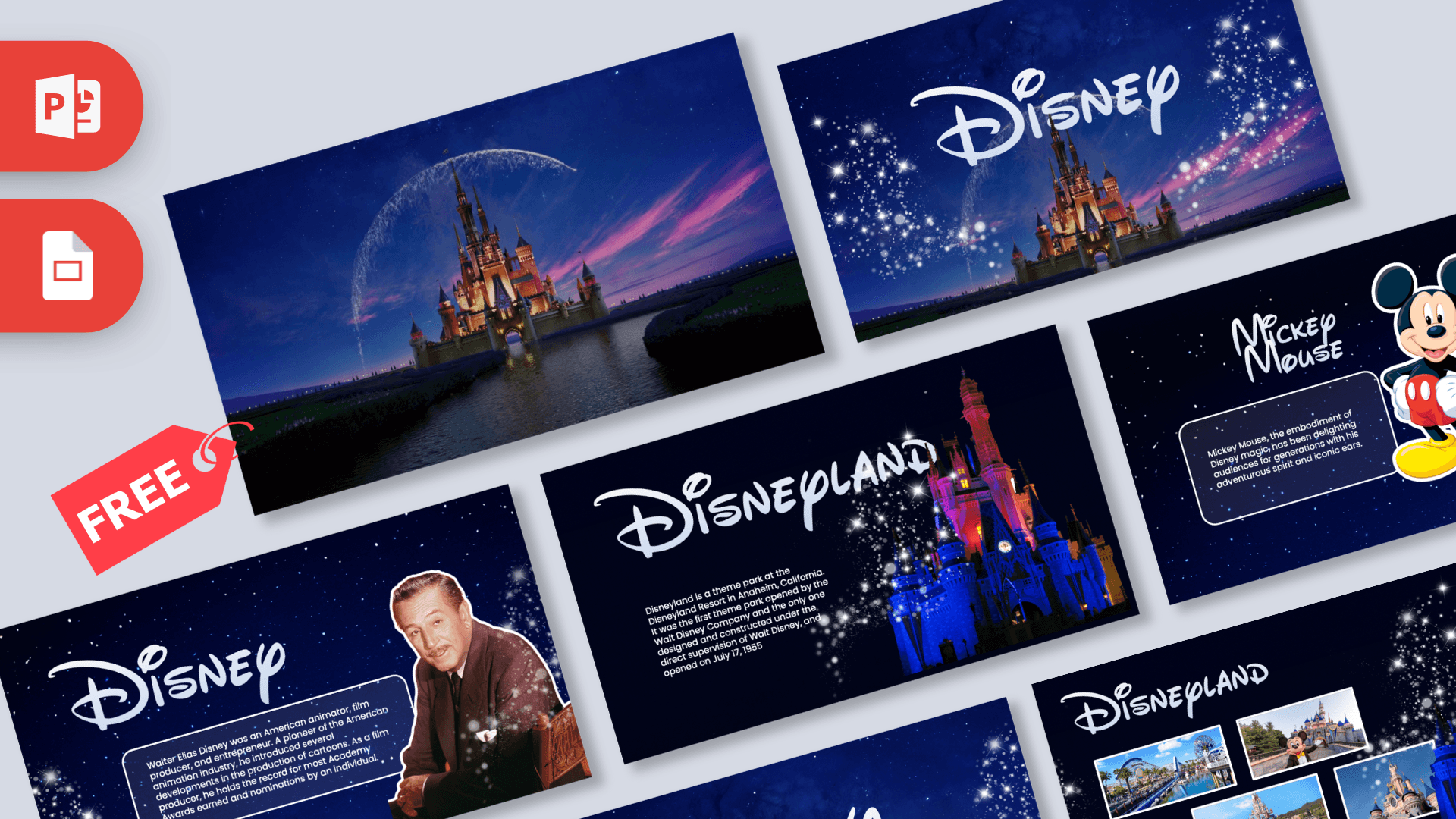
For more princess and animated movie magic, try the Disney PowerPoint Template, the Encanto PowerPoint Template and the Moana PowerPoint Template. Prefer a snowy look without characters? The Winter PowerPoint Template is a lovely alternative. See more film and TV designs in our movies and Netflix templates.
Frequently asked questions
- Is the Frozen PowerPoint template free?
- Yes, it is free to download for school, party and personal presentations. It is a fan-made design and not an official Disney product.
- How many slides are in the Frozen template?
- There are 10 slides: title, table of contents, section title, headline, About Us, two bullet point layouts, a quote, a strategy diagram and a big number slide.
- Which Frozen characters appear in the template?
- The title slide shows the main cast, including Elsa, Anna, Olaf, Kristoff and Sven. Elsa has her own section slide, and Elsa and Anna appear together on the headline slide.
- Can I use the Frozen template in Google Slides?
- Yes. Upload the PPTX file to Google Drive and open it with Google Slides. Everything stays editable.
- Can I add photos for a Frozen birthday party?
- Yes. Use Change Picture in PowerPoint or Replace image in Google Slides to swap the character images for your own photos.
- Is the Frozen template animated?
- No, the slides are static, but you can add your own transitions and animations in PowerPoint or Google Slides.