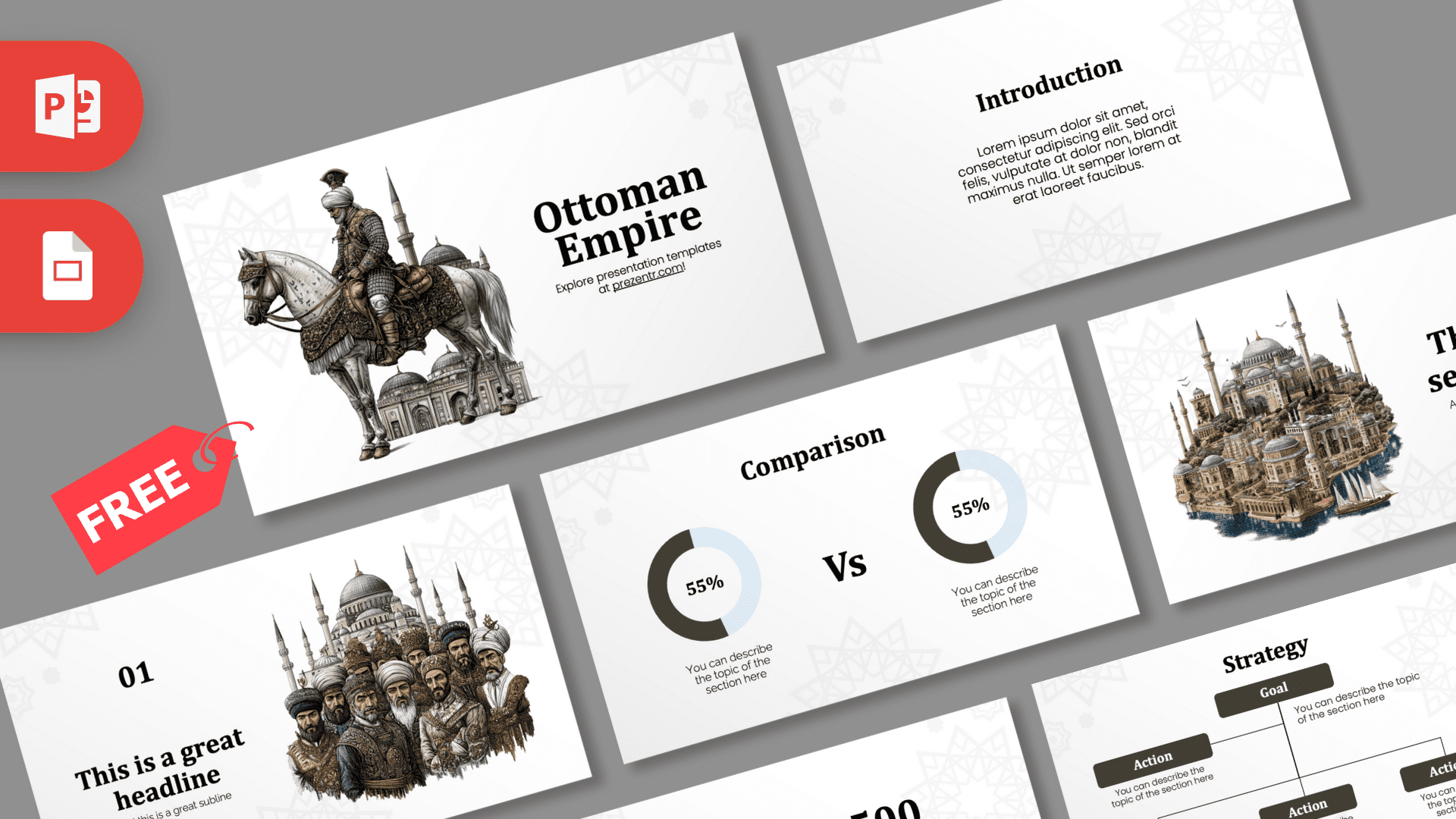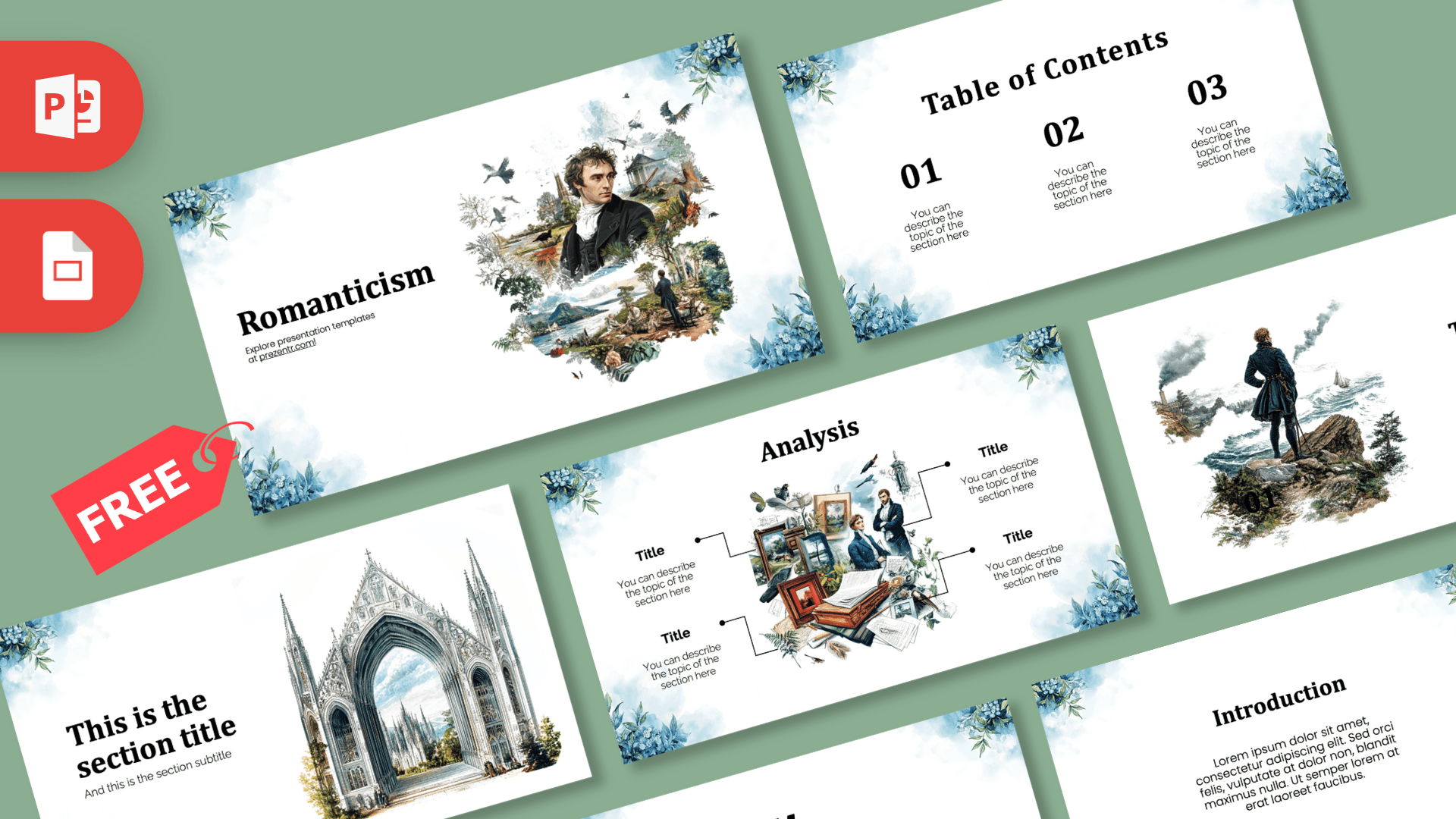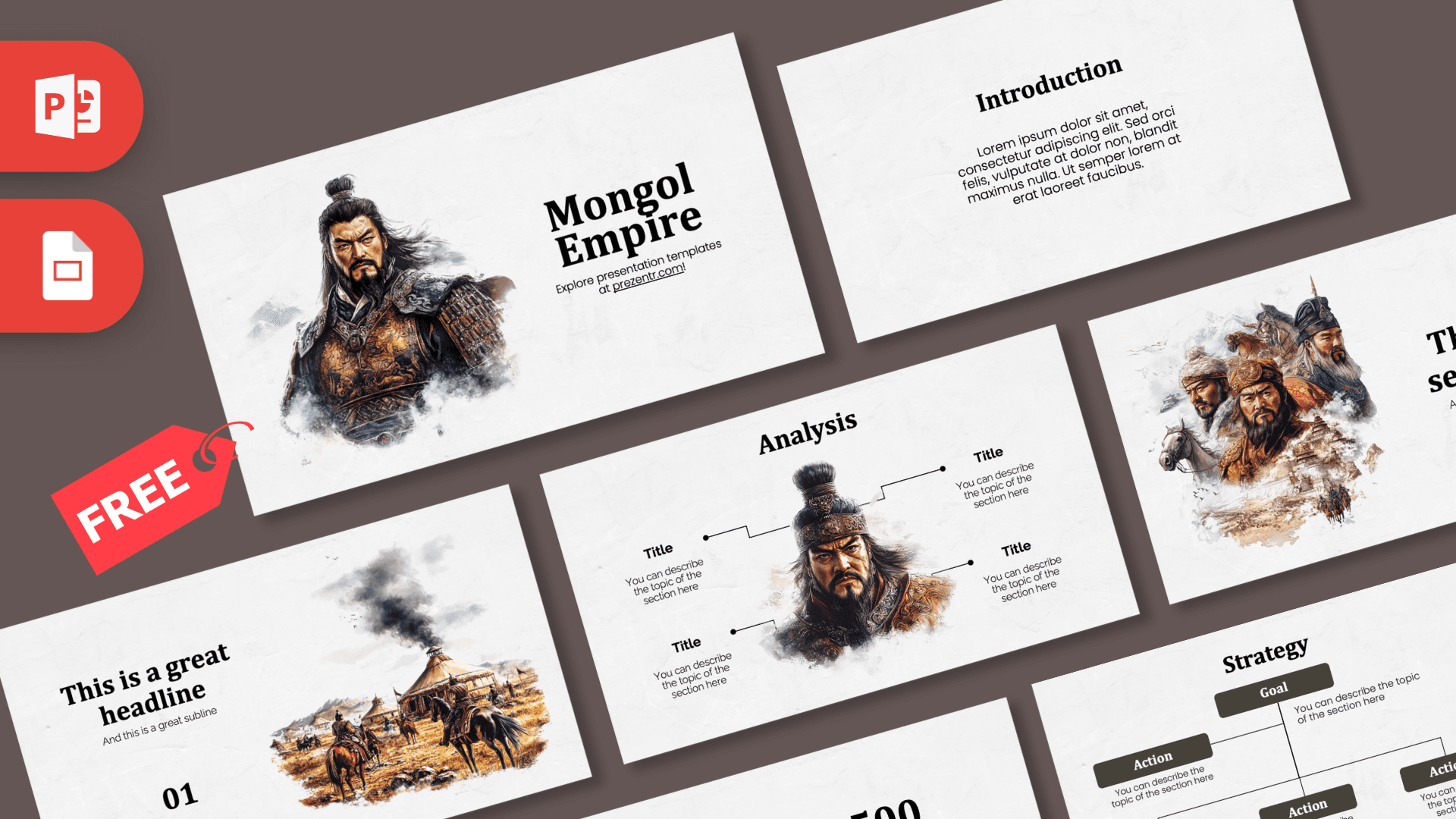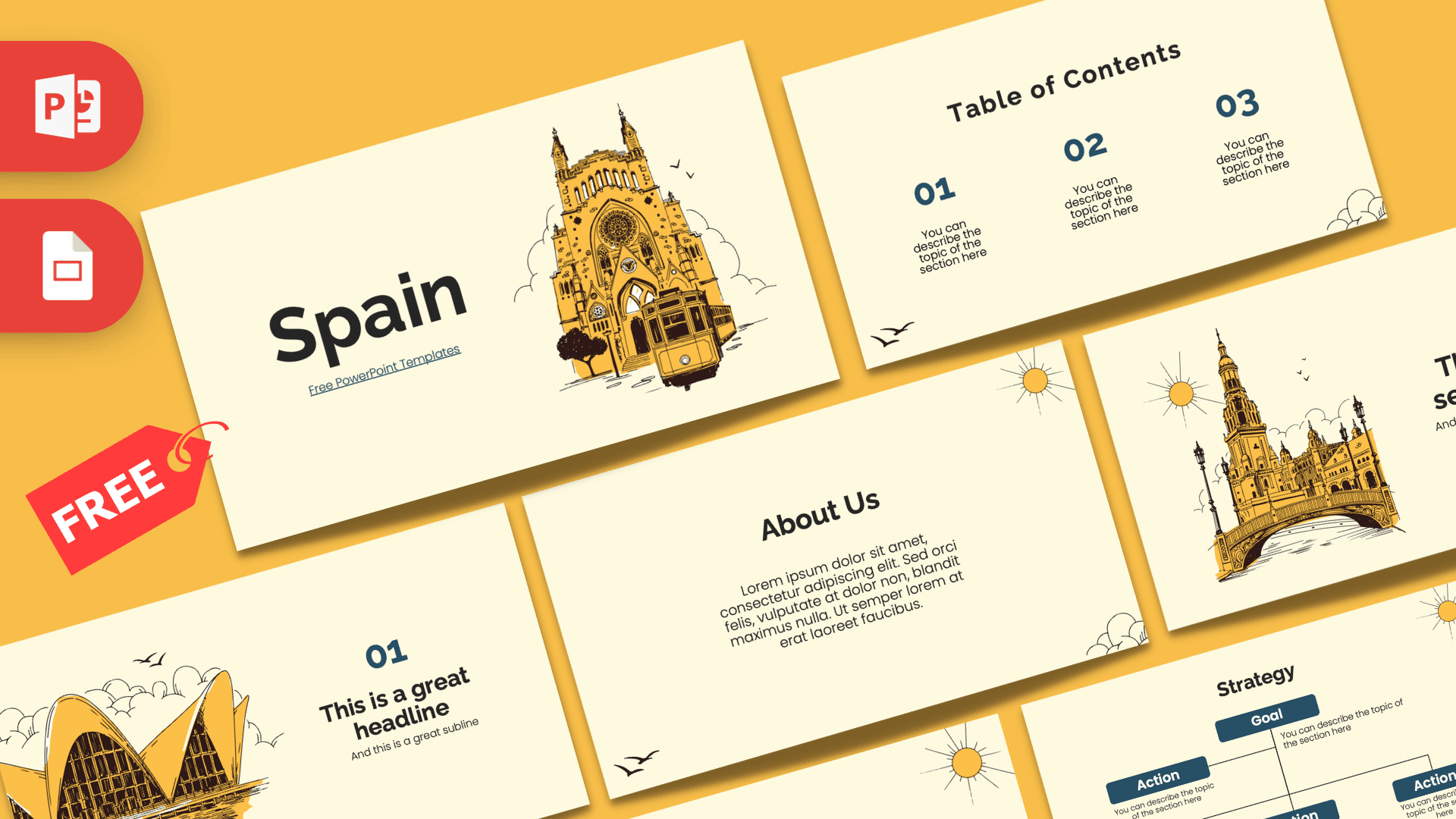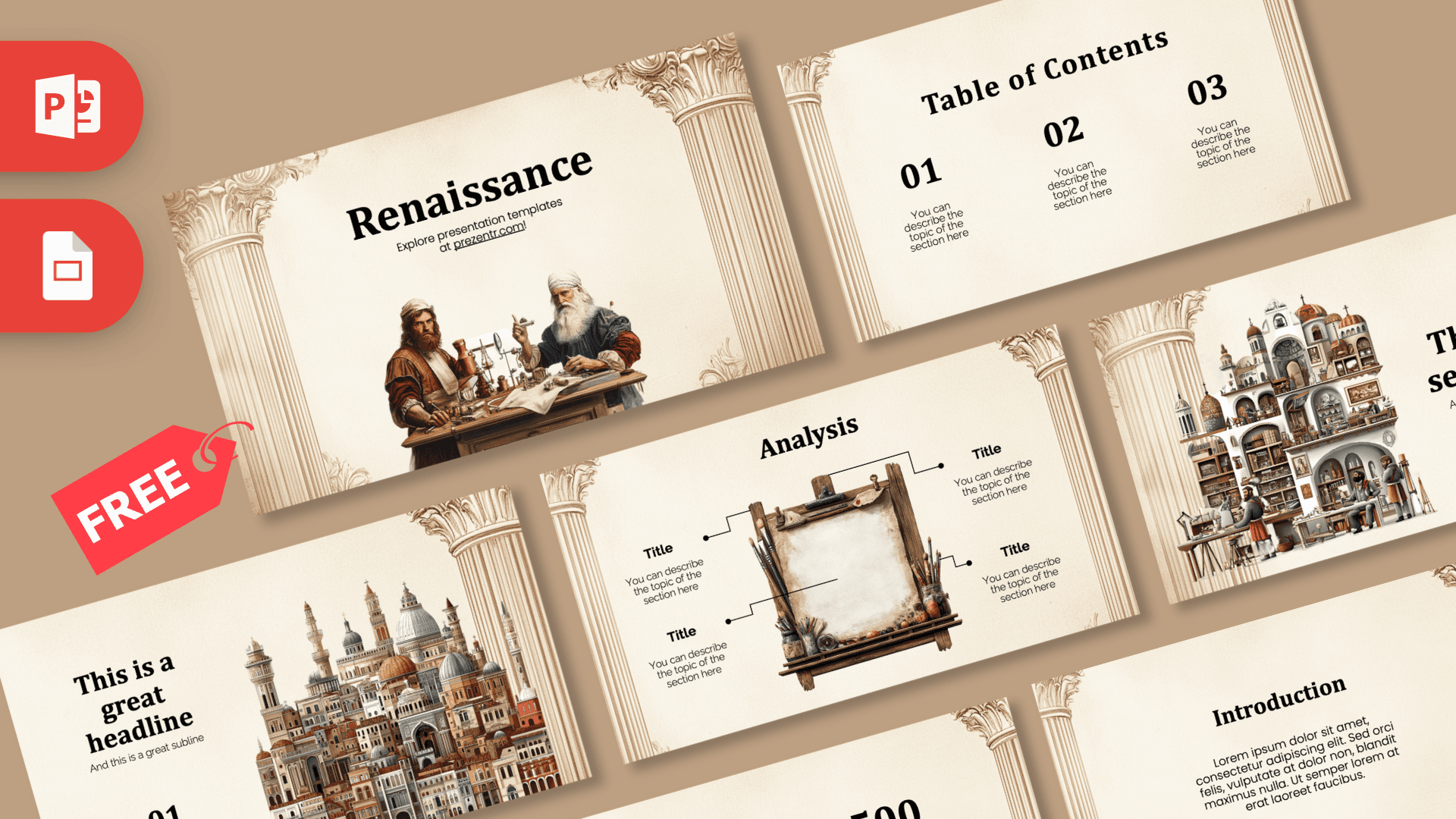
The Renaissance PowerPoint template is a free 10-slide deck that feels like a page from an old art history book: cream parchment, carved stone columns framing the edges and detailed illustrations of inventors at work, a crowded workshop and a city skyline full of domes and towers. Classic black serif headings sit on warm beige tones, giving every slide a calm, scholarly look. It works in PowerPoint and Google Slides.
What's Inside
The 10 slides in this Renaissance PowerPoint template cover the core layouts most history, art and culture presentations need:
- Title slide: a large "Renaissance" heading above an illustration of two bearded scholars working with tools and instruments at a wooden desk, framed by ornate columns on both sides.
- Table of Contents: three large numbered sections (01, 02, 03) with short descriptions, for a clear agenda.
- Section title: a bold heading and subtitle beside an illustration of a busy multi-level workshop with shelves, arches and craftsmen.
- Headline slide: a headline, subline and "01" marker next to a tall illustrated cityscape of domes, towers and terracotta rooftops.
- Introduction: a centered heading and paragraph, framed by columns. Good for context or a short overview.
- Four bullet points: four numbered points in a two-by-two grid, perfect for key ideas, artists or inventions.
- Five bullet points: five items labeled ONE to FIVE, with a heading and short description.
- Quote slide: large black quotation marks around a centered quote, ready for a line from a writer or artist of the period.
- Big numbers: one large figure with a caption and a thin arrow, for a key date or statistic.
- Analysis: an illustrated wooden easel with a blank canvas and paintbrushes in the center, surrounded by four labeled callouts. Great for breaking down a painting or comparing four ideas.
Placeholders use lorem ipsum and short instructions such as "You can describe the topic of the section here," so it is always clear where your content goes. The illustrated slides are best for openings and section breaks, while the text slides hold the detail.
Design and Style
The background is a soft, cream-colored paper texture with fluted classical columns and carved capitals in light sepia tones running down the sides. The columns change position from slide to slide, sometimes on both sides, sometimes only on one, which keeps the deck from feeling repetitive.
Headings use a strong, traditional serif that suits the period, while the body text is a clean modern sans-serif for easy reading. The color palette stays in beige, cream, sepia and black, with the illustrations adding muted reds, blues and browns. The illustrations themselves are detailed and painterly, showing scholars, craftsmen and a dense historic city, so the deck feels creative without being cartoonish.
Because the palette is so soft, the deck prints well and stays comfortable to look at during a long lecture. Black text on cream offers strong contrast, and the illustrations add just enough color to keep attention without distracting from your points.
The overall tone is creative and calm. It feels at home in an art history class, a museum talk or a culture-themed event, and it is formal enough for a university seminar.
Who Is This Template For?
This Renaissance PPT template fits anyone who needs a classic, historical look without a dark or heavy design.
- High school and college students preparing a history or art history presentation on the Renaissance.
- Teachers introducing a unit on European history, humanism or the arts.
- Art students and museum educators analyzing a painting with the easel layout.
- Book clubs and lecture series discussing writers, thinkers or inventors of the period.
- Creative professionals who want a classic, cultured look for a portfolio or brand story.
How to Customize It
- Replace the text. Click any heading or "You can describe the topic" placeholder and type your own content.
- Use the Analysis slide. Paste a painting onto the easel canvas area, then use the four callouts to label composition, color, subject and meaning.
- Swap illustrations. Right-click an illustration and choose Change Picture to use your own artwork or photo while keeping its size.
- Adjust colors. Change heading or number colors from the Home tab if you want a sepia or deep red accent instead of black.
- Reorder and duplicate. Drag slides in the thumbnail panel, and duplicate the bullet or Analysis slides when you need more.
To open the Renaissance slides in Google Slides, upload the PPTX to Google Drive and open it with Google Slides. Check the headings afterward and choose a similar serif from the font menu if anything looks different.
Once your slides are ready, you can export them as a PDF from the File menu for handouts or online sharing. The cream background and black text stay clear in print, which makes this deck a good choice for study notes and class packets.
Presentation Ideas
- An overview of the Renaissance: where it began, key ideas and lasting influence.
- A painting analysis using the easel slide and four callouts.
- Famous artists and inventors of the period, one per bullet point.
- How the printing press changed the spread of ideas.
- A comparison of Renaissance and medieval art.
- A walking tour plan for a historic European city.
- A biography of one Renaissance thinker, inventor or painter.
Tip: use the big numbers slide for one key date and the quote slide for a short line from a writer or artist of the period. A strong date and a memorable quote help an audience remember a history talk long after it ends.
If you need more room, duplicate the Introduction slide for extra text, or the Analysis slide to compare several paintings.
Related Templates
After this Renaissance PowerPoint template, continue through art history with the Baroque PowerPoint Template, the Romanticism PowerPoint Template and the Impressionism PowerPoint Template, or step further back with the Ancient PowerPoint Template. Find more classroom decks in the education templates category.
Frequently asked questions
- Is the Renaissance PowerPoint template free?
- Yes, it is free to download from Prezentr for school, teaching and personal projects.
- How many slides does the Renaissance template have?
- It has 10 slides: title, table of contents, section title, headline, introduction, four and five bullet point layouts, a quote, a big numbers slide and an Analysis slide with an easel.
- Does the Renaissance template work in Google Slides?
- Yes. Upload the PPTX to Google Drive and open it with Google Slides. You may need to pick a similar serif font if the headings look different.
- Can I use it to analyze a painting?
- Yes. The Analysis slide has a blank canvas on an easel with four labeled callouts, so you can place a painting in the middle and annotate it.
- Is the Renaissance template animated?
- No, the slides are static. You can add transitions or animations yourself in PowerPoint.
- Is it suitable for a history class?
- Yes. The parchment background, columns and period-style illustrations fit history and art history lessons, and every layout is fully editable.