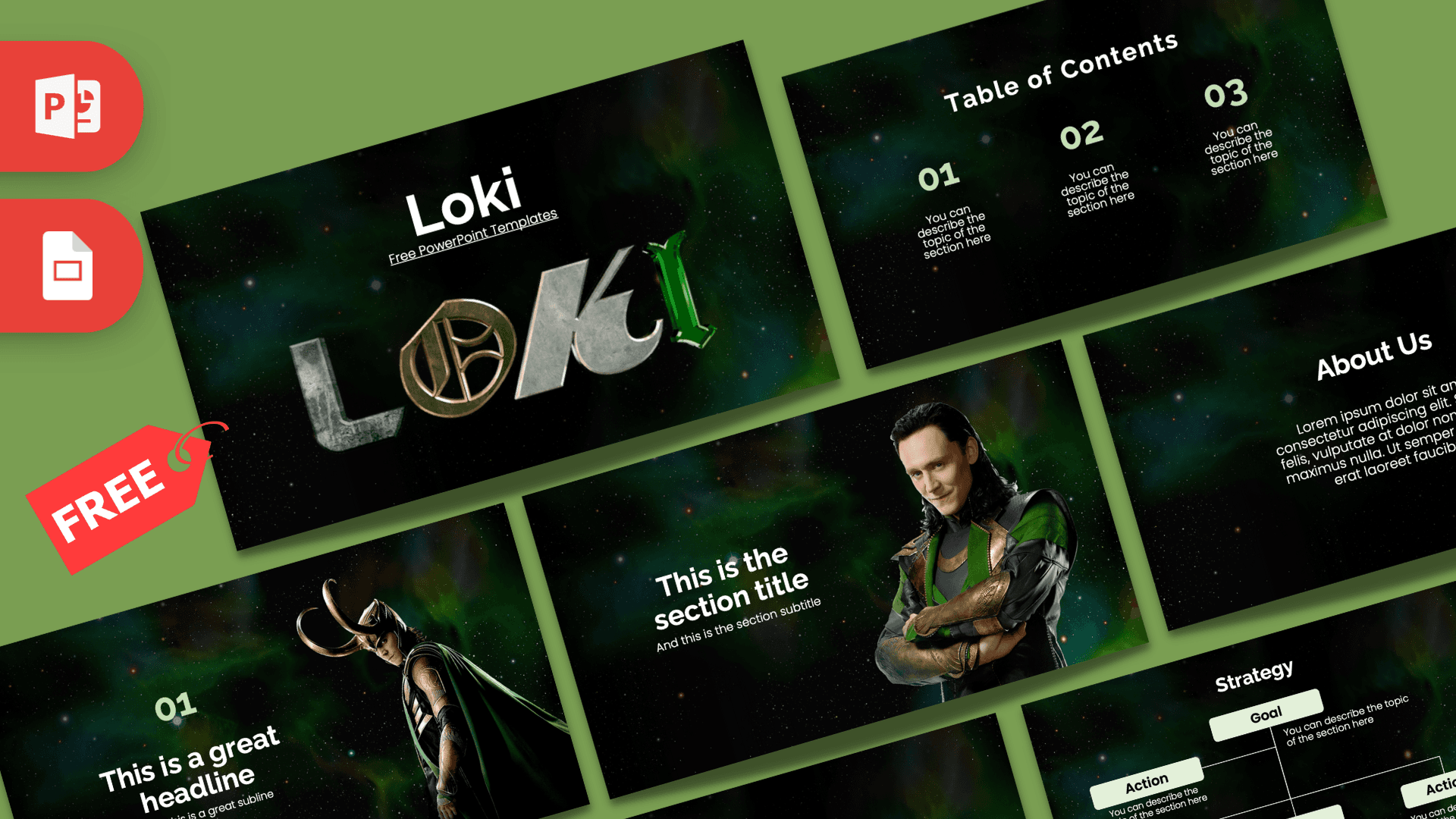
The Loki PowerPoint template is a free, fan-made deck inspired by the Marvel trickster, with a dark starry space background, a glowing green and teal nebula and the Loki title in metallic letters. It has 10 editable slides in 16:9 and works as a Google Slides theme too. The moody, mysterious look is great for Marvel fans, movie reports and anyone who wants a dramatic dark theme.
What's Inside
This Loki PPT template gives you a full set of everyday layouts, with character photos on the slides that set the scene:
- Title slide: your presentation title above the large Loki logo, with stone, gold and green metallic letters.
- Table of Contents: three numbered sections in pale green with short descriptions.
- Section Header: Loki in his green and gold costume, arms crossed and smiling, next to a section title.
- Headline Divider: a big "01" and headline, with Loki in his horned helmet and long cape.
- About Us: a heading and paragraph for your introduction.
- Five Bullet Points (numbers): five numbered points from 01 to 05.
- Quote: large quotation marks around a short line, perfect for a famous movie line in your own words or a key message.
- Five Bullet Points (words): the same layout labeled ONE to FIVE.
- Strategy: a goal box with action boxes branching below, for plans and step-by-step ideas.
- Big Numbers: one large figure with an arrow and caption.
Only three slides use character photos, so the rest of the Loki template stays flexible. You can use it for a full fan presentation or simply as a dark, green space theme for any topic. Duplicate the bullet point and big number slides as often as you need, and the starry background keeps every slide consistent.
Design and Style
The whole deck sits in deep space. Backgrounds are nearly black with tiny stars and soft clouds of green and teal light, which match Loki's signature green. White headings stand out clearly, and pale green numbers and buttons add color without being loud.
The Loki logo on the title slide is the big visual moment, with each letter in a different texture: weathered stone, gold and glossy green. The character photos are cut out and placed directly on the space background, so he looks like he is floating in the scene. Text uses clean, modern sans-serif fonts (Poppins and Raleway), which keep the slides readable even with a dark background.
The mix of dark tones, green highlights and plenty of empty space gives the deck a cinematic, slightly mysterious mood that fits a story about tricks, time and multiple timelines.
Who Is This Template For?
- Marvel fans presenting a character deep dive, a ranking or a theory about the story.
- Students doing a report on superhero movies, Norse mythology in pop culture or TV series.
- Film clubs planning a watch party or a review night.
- Teachers using a familiar character to introduce myths, storytelling or character analysis.
- Party hosts making a Marvel-themed birthday slideshow or quiz.
- Anyone who wants a dark green, space-style theme for a general presentation.
- Cosplayers sharing costume plans, materials lists and build steps for a convention.
How to Customize It
- Edit the text: click "Presentation Title" and the other placeholders and type your own words.
- Swap character photos: right-click a photo and choose Change Picture. Cut-out PNG images without a background blend best into the space scene.
- Recolor accents: change the pale green numbers and boxes with Font Color or Shape Fill, for example to gold for a different Marvel hero.
- Use the Strategy slide: write your main goal at the top and the steps below. Copy boxes with Ctrl+D if you need more.
- Install the fonts: the deck uses Poppins and Raleway, both free Google Fonts. Install them for the best match in PowerPoint.
- Add motion: the slides are static, so try a Fade or Morph transition from the Transitions tab for a smooth, cinematic feel.
- Google Slides: choose File, Import slides in Google Slides, upload the PPTX and select all slides. Poppins and Raleway are already available there.
Presentation Ideas
- A character analysis of Loki: hero, villain or something in between?
- A school report comparing Loki in Norse mythology and in Marvel stories.
- A ranking of your favorite Marvel characters or episodes.
- A watch party plan with episode order, snacks and quiz questions.
- A creative writing talk on tricksters and plot twists in storytelling.
- A fan theory presentation with evidence on the bullet point slides.
Tips for a Cinematic Deck
Dark backgrounds look great on screens, but small text can disappear, so keep body text at 18 points or larger and use white or pale green. Use one character image per slide and give it space. If you add screenshots from scenes, crop them tightly and add a thin pale green outline to tie them in. For a ten minute talk, plan around ten to twelve slides: title, contents, a section header per part, two content slides each and a strong quote or number to finish.
Talking about plot points? Warn your audience before spoilers, and put the big reveal on its own slide with the headline divider layout. When you quote a line from a show, paraphrase or keep it very short, and focus your slides on your own ideas, comparisons and theories. That makes the presentation more personal and more interesting for people who already know the story.
Related Templates
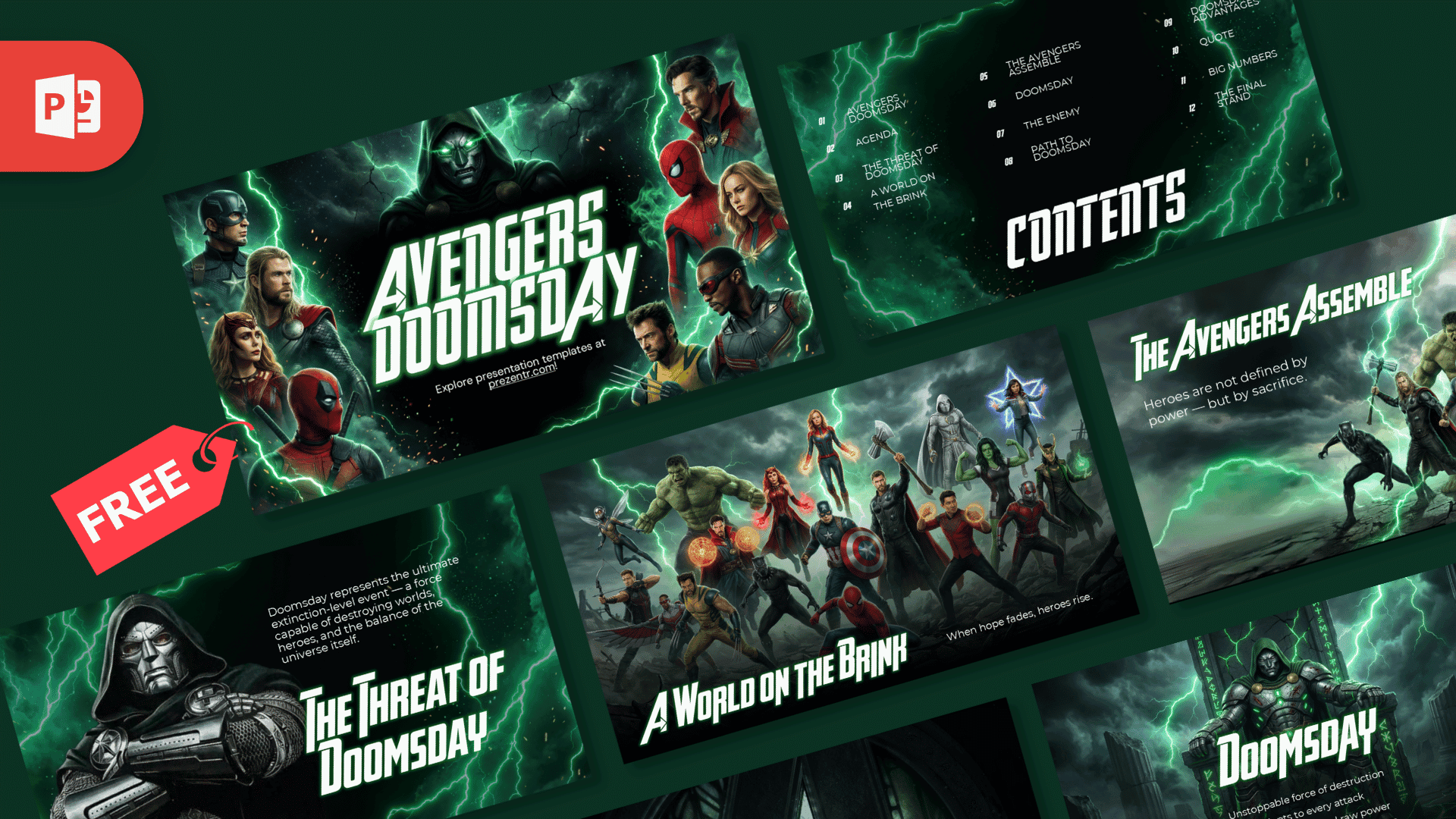
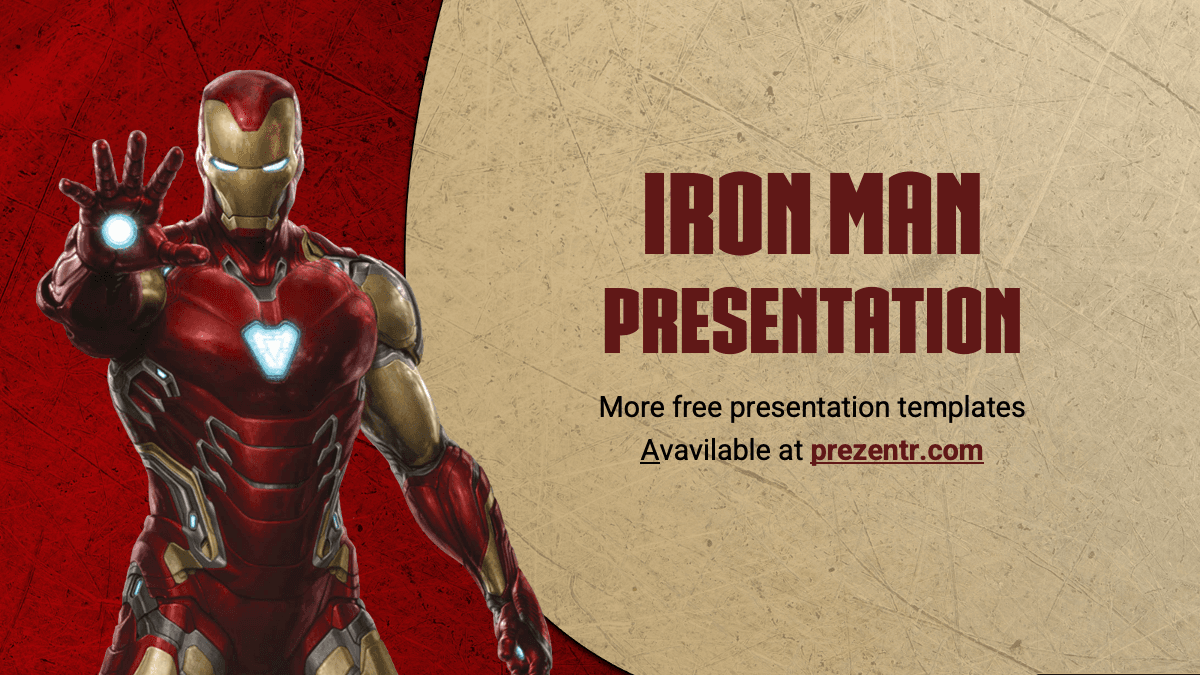
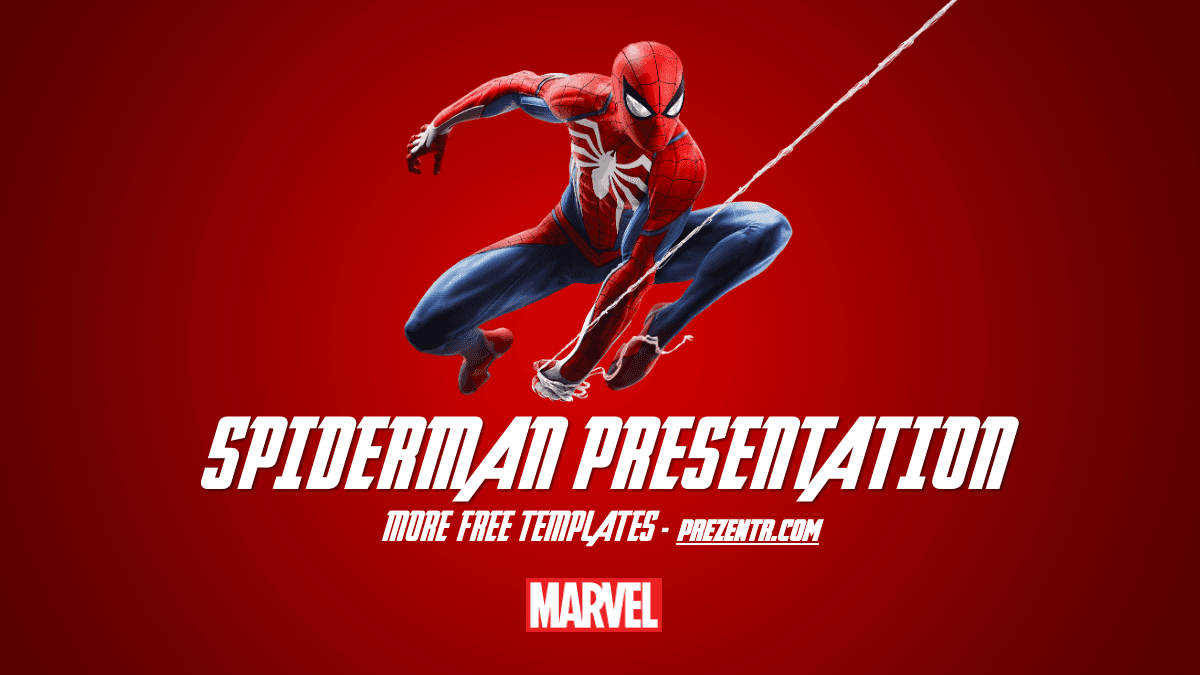
For more Marvel themes, try the Marvel PowerPoint Template, the Avengers PowerPoint Template and the Avengers Doomsday PowerPoint Template. If you want another hero, the Free Iron Man PowerPoint Template is a fan favorite. See more film and series designs in our movies and Netflix PowerPoint templates.
Frequently asked questions
- Is the Loki PowerPoint template free?
- Yes, it is free on Prezentr. It is a fan-made design and is not affiliated with or endorsed by Marvel or Disney.
- How many slides are in the Loki template?
- There are 10 slides in 16:9: title, table of contents, section header, headline divider, about us, two bullet point grids, quote, strategy and big numbers.
- Does the Loki theme work in Google Slides?
- Yes. Import the PPTX in Google Slides with File, Import slides. The Poppins and Raleway fonts are available there by default.
- Can I change the Loki photos?
- Yes. Right-click any photo and choose Change Picture. Cut-out PNG images look best on the space background.
- Is the Loki deck animated?
- No, the slides have no animations or transitions. You can add a Fade or Morph transition yourself.
- Can I use the Loki template for a class project?
- Yes. It works well for reports on superhero films, mythology or character analysis.