Updated October 2026: this template has been completely redesigned with 25 slides, new artwork and pre-filled content. The original 2022 version is still available as the legacy download on this page.
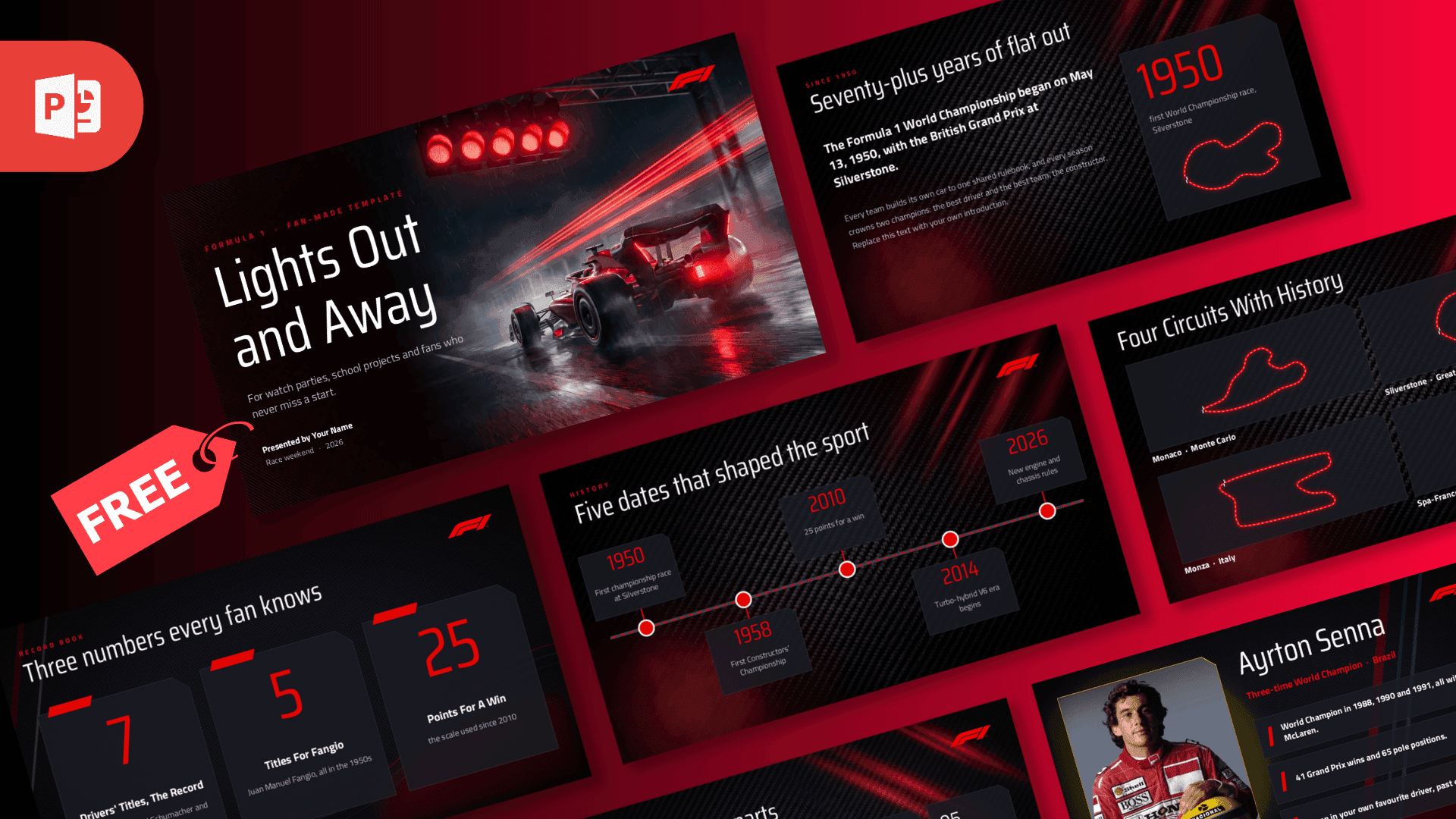
The Formula 1 PowerPoint Template is built on carbon-fibre black with F1 red accents, angled red and black bands and chequered-flag details. The cover shows a car at speed in the rain under five red start lights, and the circuit slides trace Silverstone, Monaco, Spa and Monza as glowing red lines. Saira Condensed gives the headlines a tall, race-livery look and Titillium Web keeps the body copy clean on the dark ground. Entrance animations build each slide in on click.
What's Inside
Ten content slides come pre-filled with evergreen Formula 1 facts. After the "Lights Out and Away" cover there is a history slide on the first World Championship race at Silverstone on May 13, 1950, a big-numbers slide (seven drivers' titles as the record, five for Fangio, 25 points for a win), a timeline of five dates that shaped the sport from 1950 to the 2026 regulations, a five-part race weekend from Friday practice to the flag, a six-flag guide for reading the marshals, a driver profile card for Ayrton Senna, a 1950 versus today comparison table, a four-circuit image grid and a "Chequered flag" closing slide. Reference slides for fonts, elements and icons are included, plus blank copies of every layout.
Who Is This Template For?
Made for fans running watch parties and Grand Prix previews, school and university projects on motorsport, karting and racing clubs, sports journalism and media coursework, and motorsport marketing or sponsorship pitches that want a paddock feel. The profile card works for any driver, the circuit grid takes your own track maps or photos, and the comparison table is ready for any two eras, teams or cars. This is a fan-made template and is not affiliated with or endorsed by Formula 1 or the FIA.
Related Templates
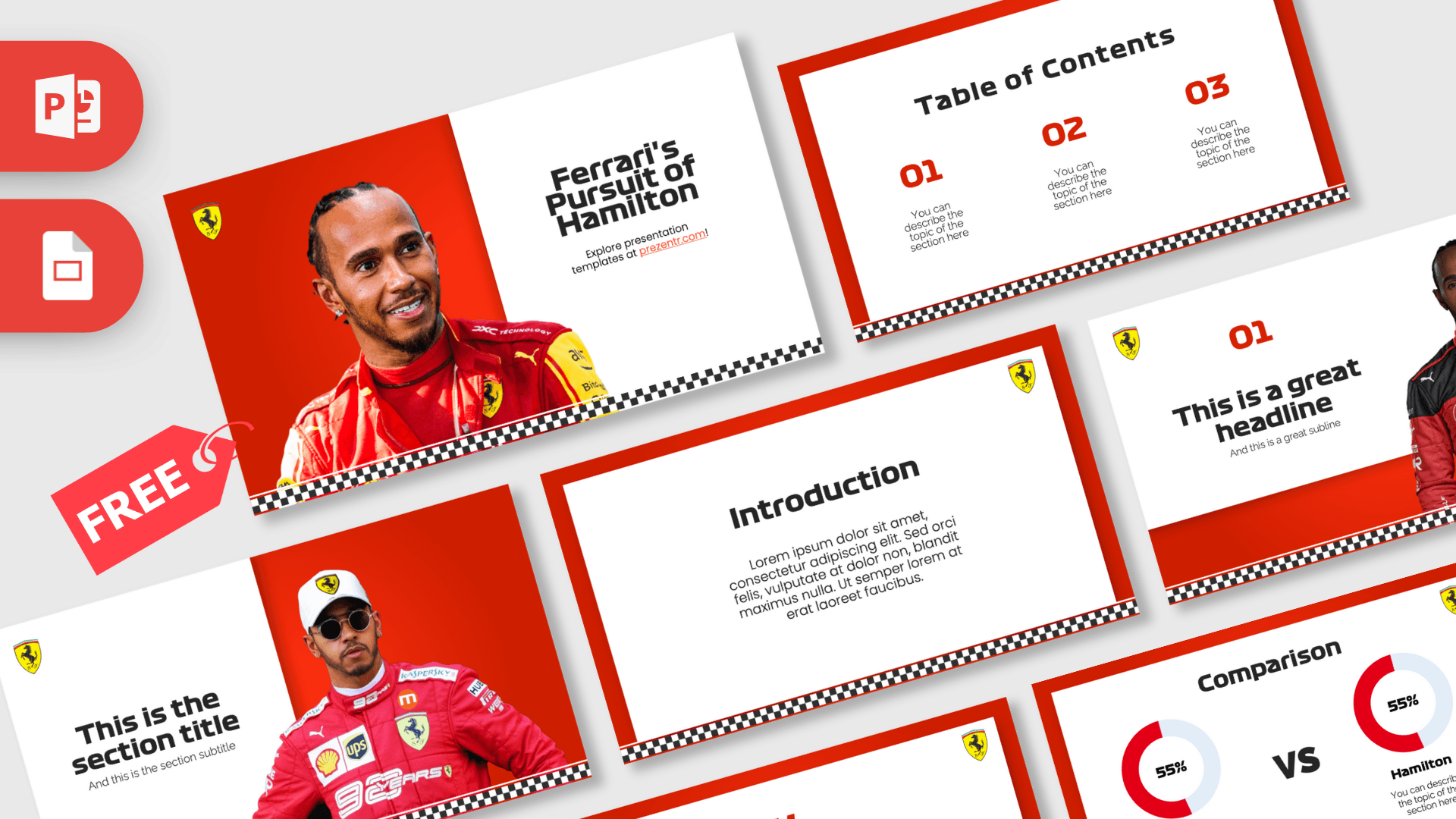
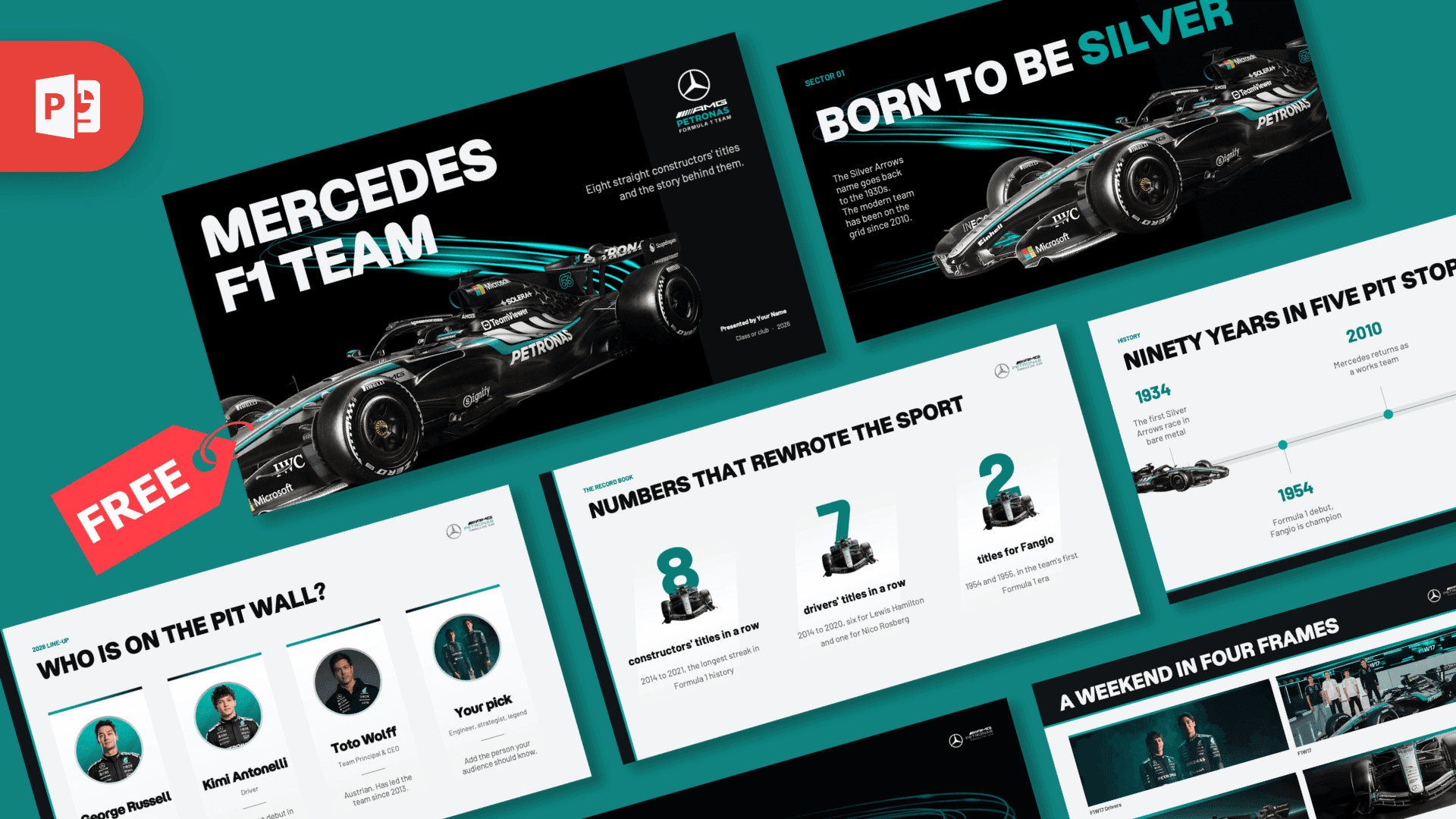
If you enjoyed this template, explore Red Bull F1 Team PowerPoint Template, Mercedes F1 Team PowerPoint Template, Ferrari PowerPoint Template. Browse all Sports templates.
Frequently asked questions
- Is the Formula 1 PowerPoint template free?
- Yes. You can download it from Prezentr at no cost. It is an unofficial, fan-made design and is not affiliated with or endorsed by Formula 1, the FIA or any team.
- How many slides are in the Formula 1 PowerPoint template?
- The file has 25 slides. Ten are pre-filled: a cover, a history intro, big numbers, a timeline, a five-part race weekend, a six-flag guide, a driver profile card, a comparison table, a four-circuit image grid and a closing slide. The rest are blank copies of each layout plus reference slides for fonts, elements and icons.
- Does the F1 PowerPoint template open in Google Slides?
- Yes. Upload the PPTX to Google Drive and open it with Google Slides. Animations and transitions can look different there, so check each slide after it opens.
- Which fonts does the F1 PPT template use?
- Headings are set in Saira Condensed and body text in Titillium Web. Both are free Google Fonts, so you can install them if the text looks different on your computer.
- Is the Formula 1 presentation template animated?
- Yes. All ten pre-filled slides have built-in entrance animations. You can change or remove them in PowerPoint from the Animations tab.
- What happened to the old version of the Formula 1 PowerPoint template?
- This page now has an updated version with 25 slides, new artwork and pre-filled content. The previous file is still linked at the bottom of the page.
This is a fan-made template inspired by Formula 1. Prezentr is not affiliated with, endorsed by, or selling assets from Formula 1. All brand names, logos, and trademarks belong to their respective owners.
Previous version
This is an updated version of the Formula 1 PowerPoint Template, redesigned in October 2026. The original version, first published in August 2022, is still available here: