Quick answer: On 22 October 2026 Apple added an Intelligent Assistant to Keynote, Pages and Numbers. In Keynote it builds and refines slides, writes presenter notes, adds animations, makes images and shapes, and pulls current facts from a web search into your deck. It is a beta, US English only, for iPhone and iPad on iOS 27 or iPadOS 27, and it needs an Apple Creator Studio subscription ($12.99 a month or $129 a year in the US). Everyone, subscriber or not, gets a second new thing: a beta Keynote Interchange Format (.keyx) for moving presentations in and out of other apps. The rollout was messy: Apple briefly pulled all three apps from the App Store the same day, and some subscribers still could not find the assistant a day later.
What Apple shipped on 22 October
There was no press release. The news arrived the way iWork news usually does: in the App Store release notes. Version 15.4.1 of Pages, Keynote and Numbers for iPhone and iPad described a new Intelligent Assistant for Apple Creator Studio subscribers, then the listings disappeared for a few hours. By the evening the apps were back, now as version 15.4.2, with notes that only mention bug fixes, performance improvements and support for the new iPhone Duo. The Mac versions were still on the September 15.4 release at the time of writing.
Reports from the first day disagree on what you actually get. One outlet found the assistant live for subscribers by Thursday evening. Macworld, with an active Creator Studio subscription, could not find or switch it on in either 15.4.1 or 15.4.2. 9to5Mac's writer updated all three apps and did not see it either, and suggested a server-side switch Apple may flip later. Our reading: the feature exists and is rolling out, but do not plan a presentation around it this week.
Apple itself has not said much yet. The Intelligent Assistant is not mentioned on the Creator Studio page at the time of writing, so the description below comes from the release notes and the coverage of them.
What the Intelligent Assistant does in Keynote
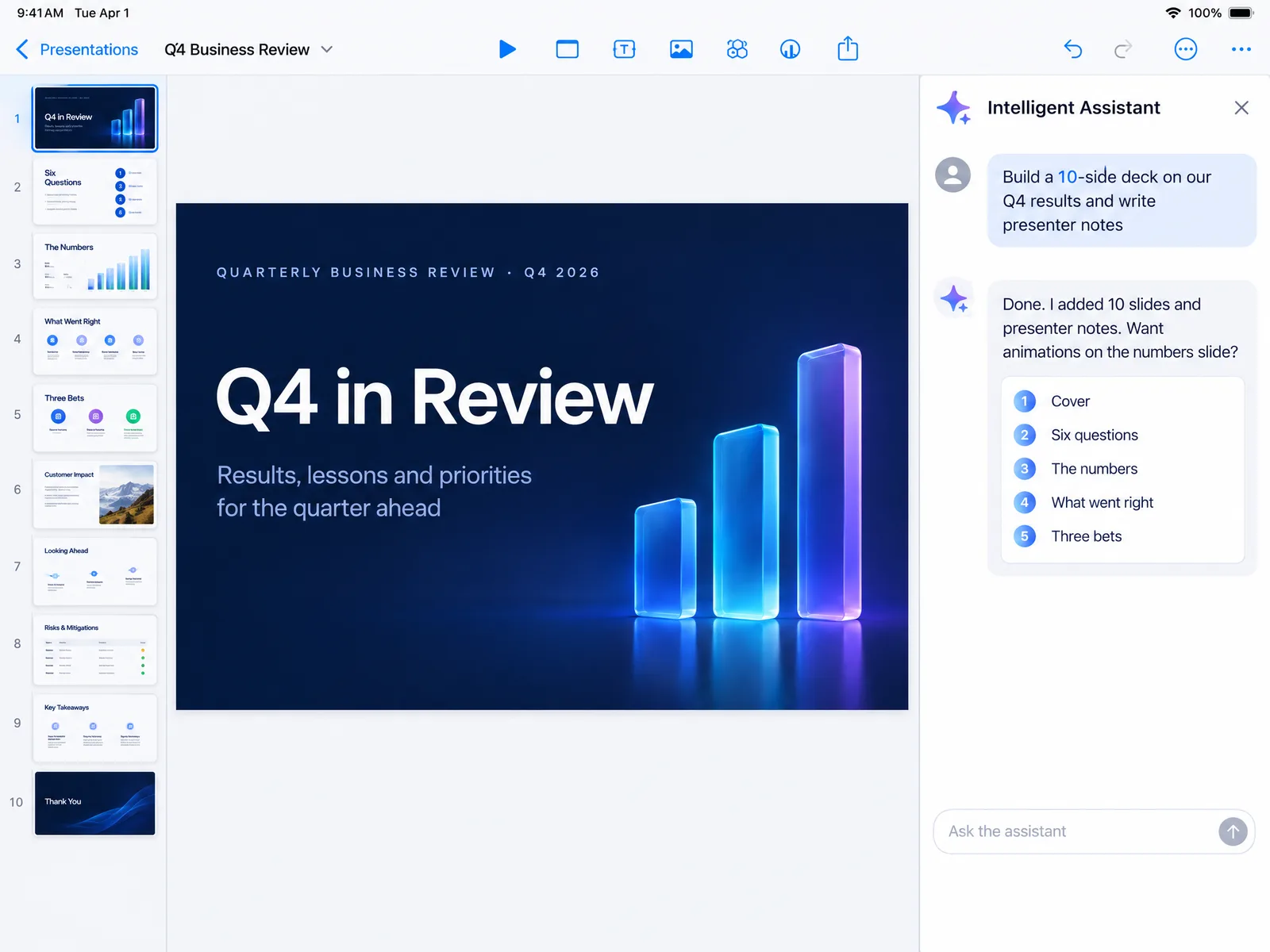
According to the release notes, the assistant is aware of the whole deck, not just the slide you have open. In Keynote it can:
- Help develop the story. You describe the talk, it helps shape the structure and refine individual slides with the rest of the presentation in mind.
- Generate slides and presenter notes from a natural-language request.
- Add animations and builds without you digging through the Animate panel.
- Make images and shapes from a description, on the slide where you need them.
- Search the web for current information on a topic and add it to your slides.
- Explain advanced features, guide you through unfamiliar tasks and suggest things to try.
Pages gets the writing equivalent (first drafts, drafting sections, adjusting tone, images and shapes, web search) and Numbers gets the spreadsheet equivalent (formulas from plain English, generated tables, suggested charts, insights from existing data, web search).
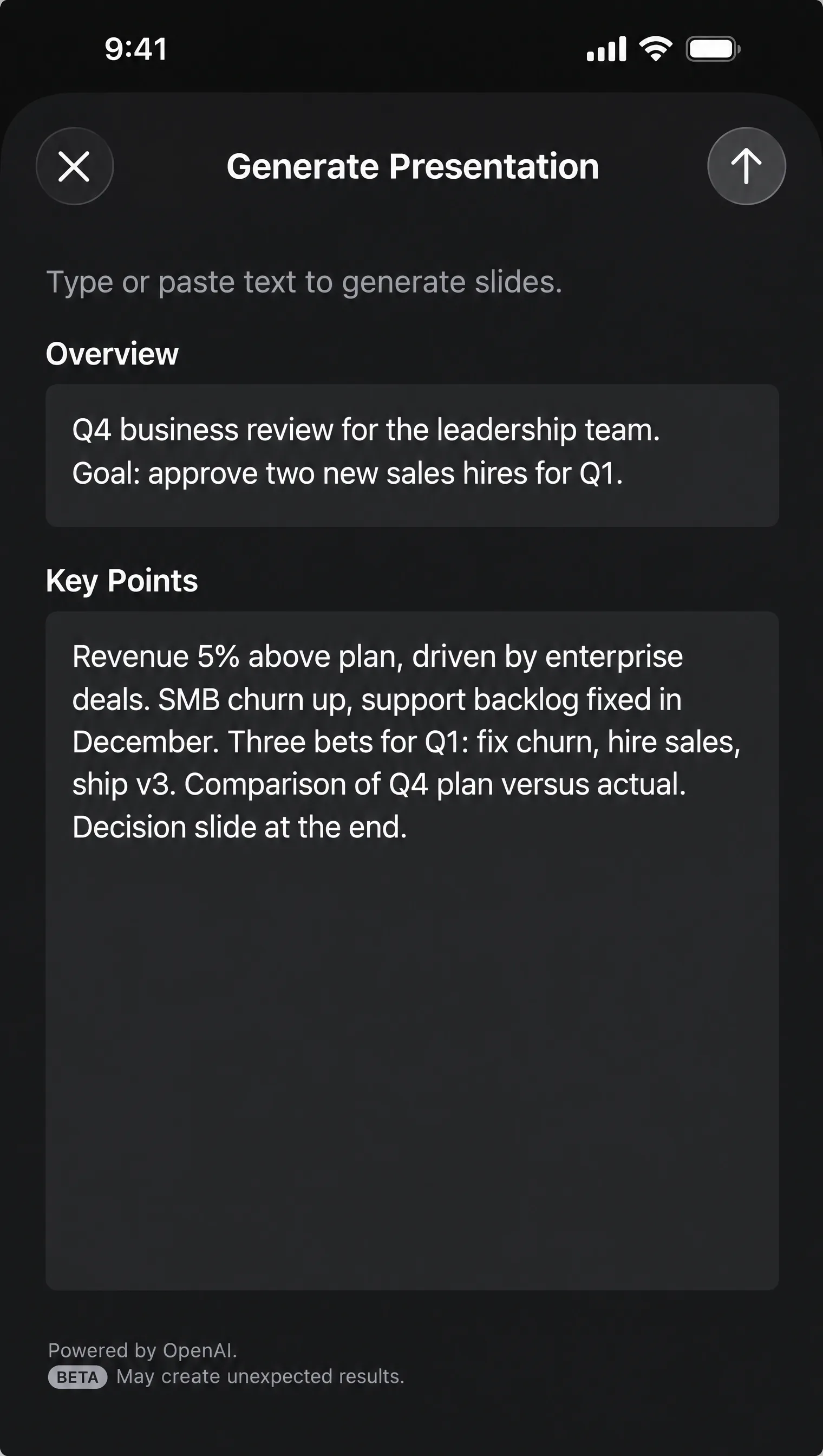 It builds on the Creator Studio features Keynote already had. Since the subscription launched in January, subscribers have had a beta Generate slides command that turns an outline into a deck with presenter notes, a Presenter notes generator, a one-tap Clean up slides that fixes layout, typography and alignment, image generation and editing, a Content Hub of Apple-curated photos and graphics, and premium templates and themes. The 15.4 update at the start of October added a beta that automatically creates new images for slides. The assistant wraps all of that in one conversation.
Who gets it, and what it costs
Four things have to be true at once:
- An Apple Creator Studio subscription. In the US that is $12.99 a month or $129 a year, with a one-month free trial. Students and educators pay $2.99 a month or $29.99 a year. If you buy a new iPad or Mac you get three months free. A standard subscription can be shared with up to five family members.
- An iPhone or iPad that supports Apple Intelligence, running iOS 27 or iPadOS 27 or later. The Mac apps had not received the update when we checked.
- Device language set to US English. The beta is English only for now.
- Version 15.4.1 or later of Keynote, Pages or Numbers.
Keynote, Pages and Numbers stay free for making, editing, presenting and collaborating on documents. Creator Studio is the same plan that bundles Final Cut Pro, Logic Pro, Pixelmator Pro, Motion, Compressor and MainStage, so if you only want the Keynote assistant you are paying for a lot of video and music software you may never open. Apple's own page says that if the subscription ends, existing documents stay editable but you cannot make new edits with the paid features.
The Keynote Interchange Format (.keyx), explained
The second change is the one we find more interesting, and it is free. Keynote can now import and export presentations in a new Interchange Format with the extension .keyx. Apple calls it an open file format that makes it easier to work with presentation content outside of the app. It is in beta and available to all users, not just subscribers.
Why it matters: until now, the only ways to get a deck out of Keynote were PowerPoint (.pptx), PDF, HTML, movie and image exports, and the only ways in were Keynote's own .key package or a PowerPoint file. The native .key format is a closed bundle that nothing else can read. An open interchange format means other presentation tools, converters and AI apps could, in principle, read and write Keynote decks directly without going through PowerPoint first.
What we do not know yet:
- Apple has not published a specification or documentation for .keyx, and has not named any app that supports it.
- It is not clear how much a .keyx file keeps of Keynote's own features (Magic Move, builds, themes) compared with a PowerPoint export.
- Whether the Mac version of Keynote gets it in the same release.
Our guess is that this is plumbing for the Intelligent Assistant and for third-party AI tools, since an open, structured format is much easier for an assistant to read and write than a closed package. We will test it as soon as it reaches our devices. If you want to move a deck between Keynote, PowerPoint and Google Slides today, the reliable route is still File, Export To, PowerPoint, then open the .pptx wherever you need it.
Using a Prezentr template in Keynote
None of this changes the fact that an AI-built deck looks like an AI-built deck. If you present from Keynote and want a design that does not look generated, start from a template:
- Download a template from Prezentr. Every template is a .pptx file, and the Apple-themed ones (Apple, iPhone 18 Pro, iPhone Duo) feel at home in Keynote.
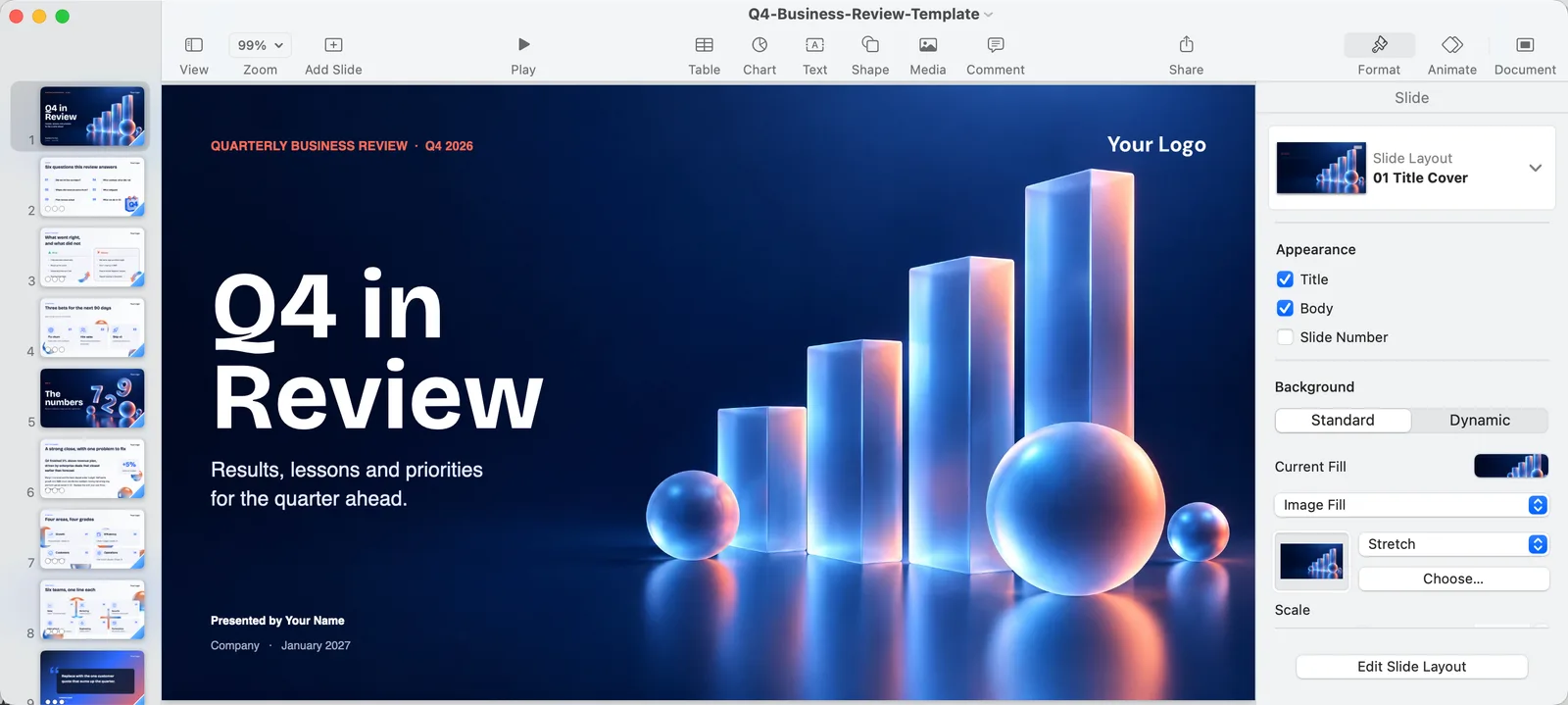 Open it in Keynote. Keynote imports PowerPoint files directly: on Mac, File, Open; on iPad or iPhone, open the file from Files and choose Keynote. Fonts that are not installed are swapped, so check the headline font and replace it if needed.
- Then bring in the assistant (if you have it) for what it is good at: presenter notes, the first draft of a slide's text, and research you would otherwise do in a browser. Keep the layouts, colours and type from the template.
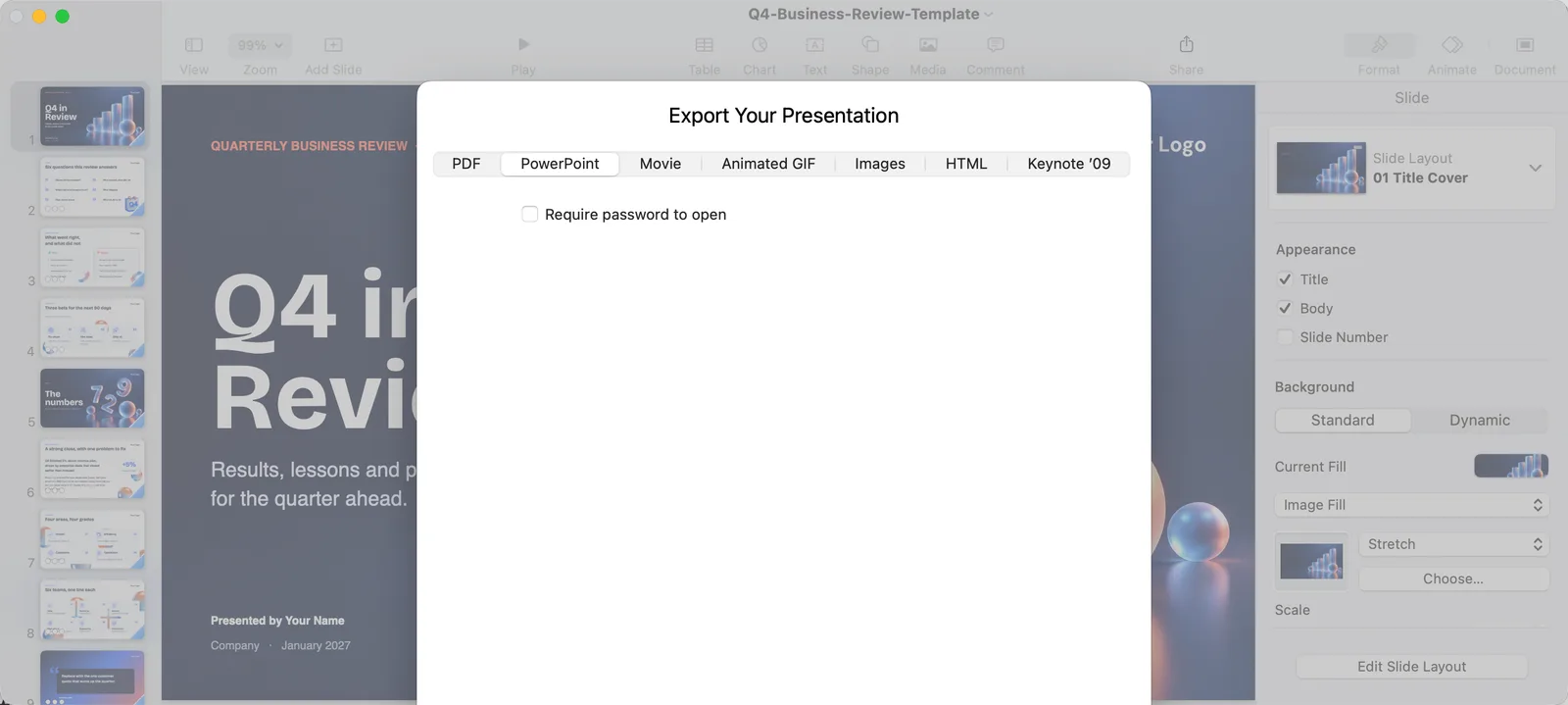 Export back to PowerPoint if the deck has to travel: File, Export To, PowerPoint. Keynote keeps most layouts intact on export, and a .pptx opens anywhere, including Google Slides. On the Mac version we tested (15.4), the new Interchange Format is not in this list yet.
Should you subscribe for this?
Not yet, unless you already use Final Cut Pro or Logic Pro and the subscription makes sense on its own. The assistant is a beta that is rolling out unevenly, Mac is not covered, it only speaks US English, and Apple has not shown it doing anything that Copilot in PowerPoint, Gemini in Google Slides or ChatGPT Slides cannot already do. A reader comment under the 9to5Mac story summed up the mood: useful, but not $12.99 a month useful.
The Interchange Format is the one to watch. If Apple documents it and other tools adopt it, Keynote stops being a dead end for presentations that need to move between apps. We will update this post when we have tested both.
