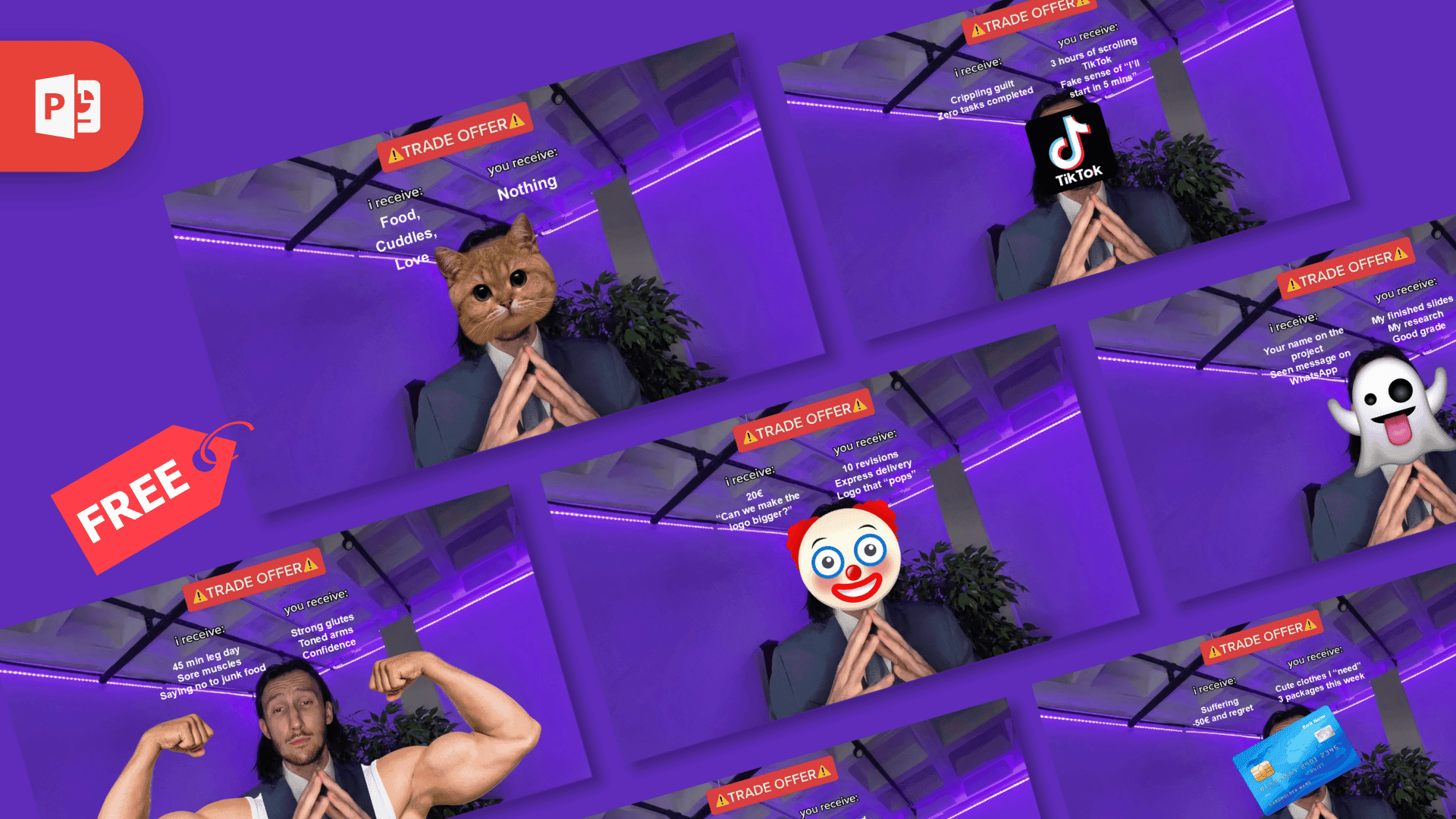
This free trade offer meme template is a 10-slide PowerPoint file with the meme already built for you: the purple room, the man in the suit with his fingertips pressed together, the red TRADE OFFER banner and the "i receive" and "you receive" columns. You type your two lists, save the slide as a PNG or JPG, and your trade offer meme is ready to share. You do not need an image editor, only PowerPoint or Google Slides.
What's Inside
The download is a ZIP file with one PPT file (PPTX format) in 16:9 widescreen. All 10 slides use the same layout, and each one comes filled in with a finished joke. On eight slides a picture covers the man's face. On the other two his face stays visible and a picture is added around him.
- Cat: a cat face over the head. I receive: food, cuddles, love. You receive: nothing.
- TikTok: the app logo as the head, trading three hours of scrolling for crippling guilt and zero tasks completed.
- Clown: a clown emoji with a design client joke: 20 euros and "Can we make the logo bigger?" on one side, 10 revisions, express delivery and a logo that "pops" on the other.
- Ghost: a ghost emoji with a group project joke: your name on the project and a seen message on WhatsApp in return for finished slides, research and a good grade.
- Gym: the man's own face with two huge flexing arms, trading a 45 minute leg day and sore muscles for strong glutes, toned arms and confidence.
- Overthinking: a worried orange cartoon character offering every possible worst-case scenario in return for zero peace and a stomach ache.
- Online shopping: a blue credit card over the face, with cute clothes I "need" on one side and suffering, minus 50 euros and regret on the other.
- Red flag: a red flag covering the face, with mixed signals on one side and emotional support and deep late-night talks on the other.
- Diet: a Nutella jar as the head, trading one salad for a 2 AM Nutella spoon and "I'll start again on Monday".
- Social battery: the man's face next to an almost empty battery icon. You receive: me coming to the event. I receive: three business days to recover.
Looking for a blank trade offer meme? In PowerPoint, click New Slide and choose the layout called Meme Template. You get the background with the banner and both labels, two empty text boxes and a picture placeholder.
How to Make Your Meme
- Step 1. Open the file. Unzip the download and open the PPTX in PowerPoint.
- Step 2. Pick a slide. Choose the sample closest to your idea, or add a blank slide with the Meme Template layout.
- Step 3. Edit the text. Click the list under "i receive" and type what you get. Do the same under "you receive".
- Step 4. Swap the picture. Click the picture over the face and press Delete. Then use Insert > Pictures to add your own photo, logo or emoji and drag it into place. If you want the man's face to show, add nothing.
- Step 5. Save the slide as an image. Go to File > Export (or File > Save As), choose PNG or JPG as the file type, and export only the current slide when PowerPoint asks.
You can use the trade offer template in Google Slides too. Upload the PPTX to Google Drive and open it with Google Slides, edit the text the same way, then choose File > Download > PNG image to save the slide you are on.
Design and Style
Every slide has the same background: a photo of a man in a dark suit and tie, hands pressed together in front of his chest, in a room with a line of small lights along the ceiling and a plant behind him. The photo has a strong purple tint and a flat, almost painted look. At the top sits a red banner with TRADE OFFER in white capitals between two warning signs. Below it, the "i receive:" and "you receive:" labels sit side by side, and your lists go under them in white Arial, centered.
The banner and the two labels are part of the background image, so they stay in place while you edit. Because the slides are 16:9, the saved image is wide rather than square. The format comes from a TikTok video trend that spread in 2021.
Who Is This Template For?
- Anyone who wants a meme fast and already has PowerPoint or Google Slides open.
- Students who want a funny slide in a class presentation, or a joke about the group project.
- Teachers who like to open a lesson with something light, or state a class deal in a way students remember.
- Social media managers and creators who need a quick post in a familiar format.
Meme Ideas
- Pet edition. I receive: half your sandwich. You receive: eye contact.
- Teacher edition. I receive: homework on time. You receive: no quiz on Friday.
- Sibling edition. I receive: the front seat. You receive: control of the music.
- Monday edition. I receive: five more minutes of sleep. You receive: me, late.
Related Templates
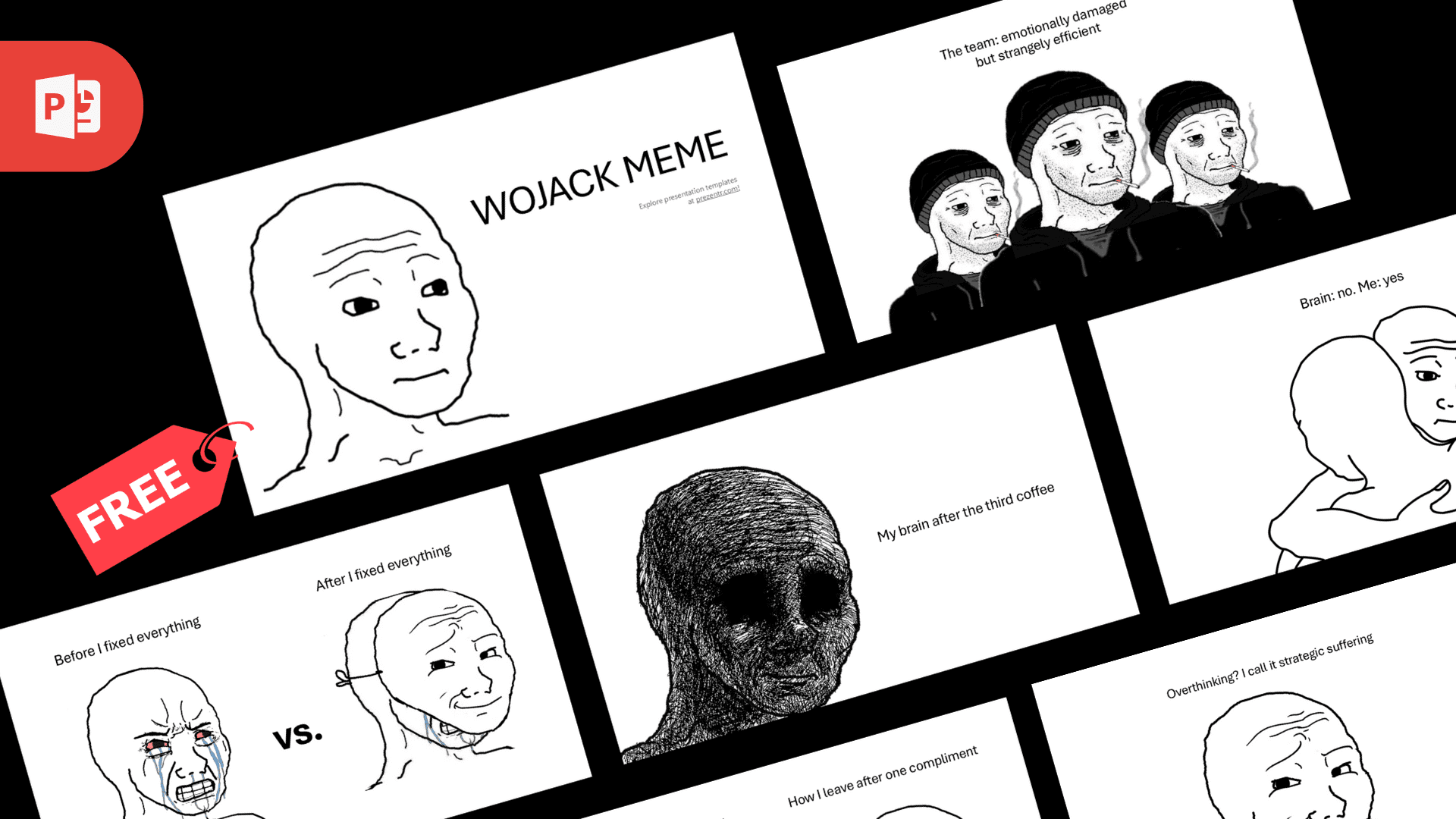
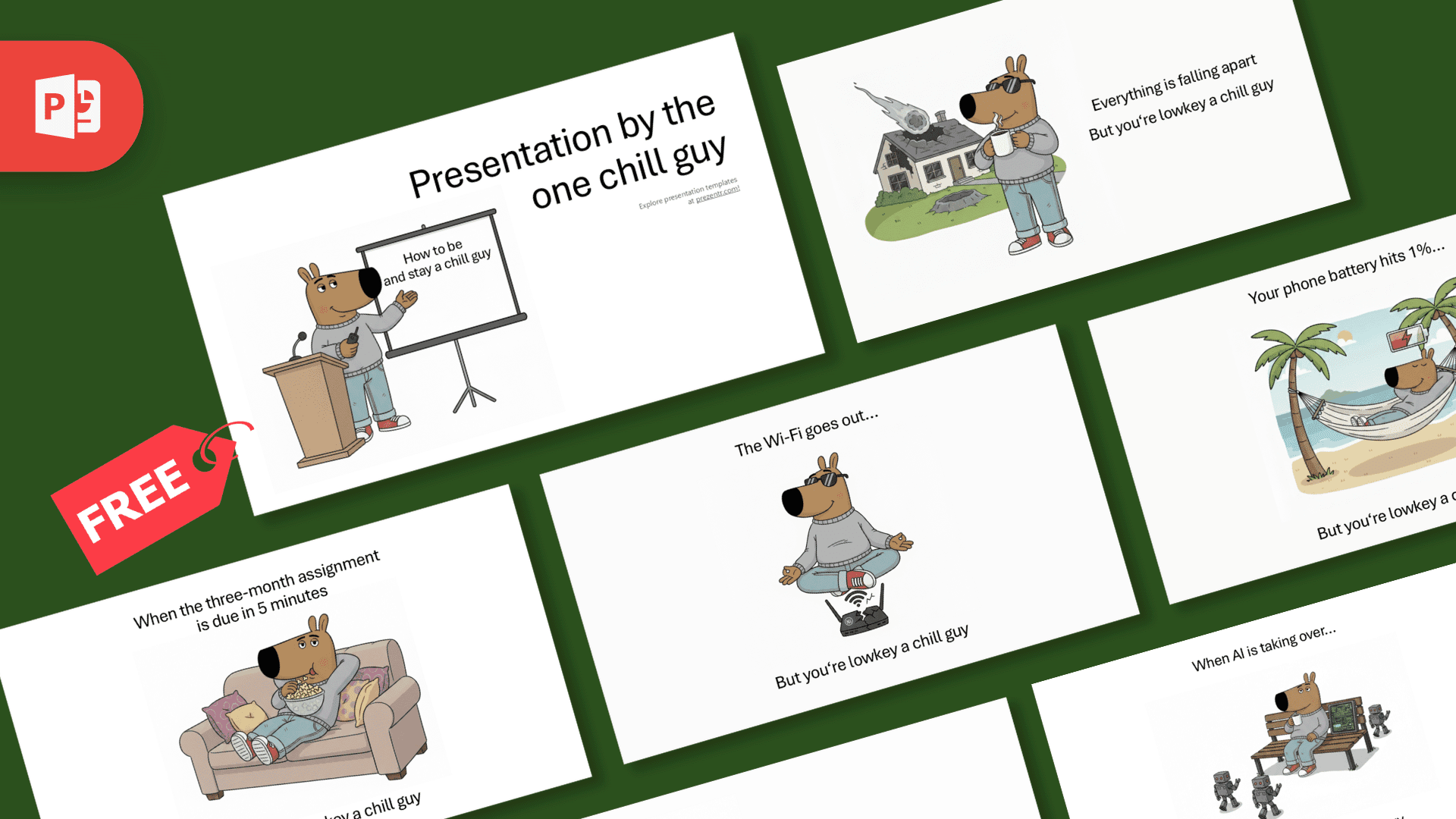
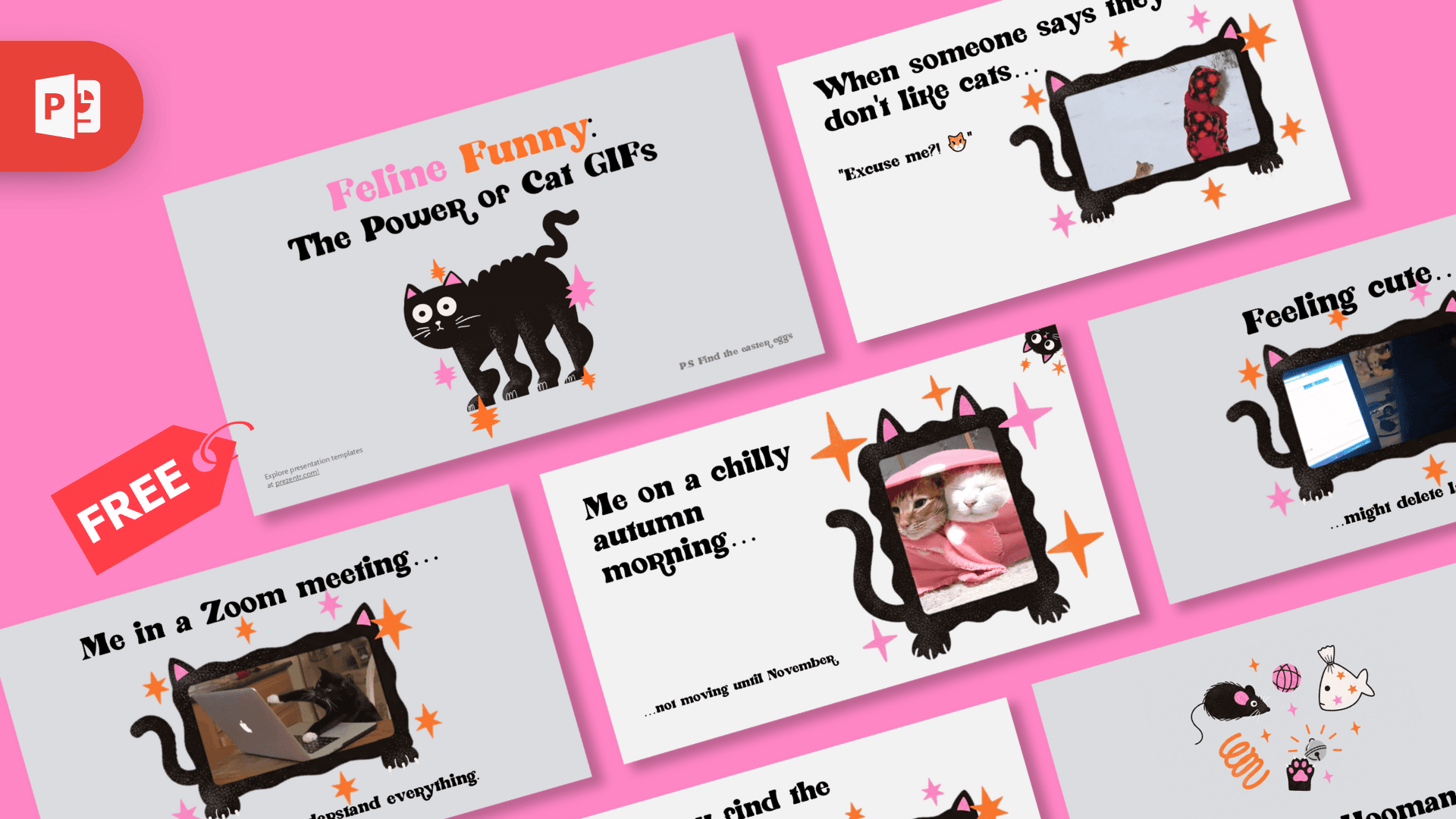
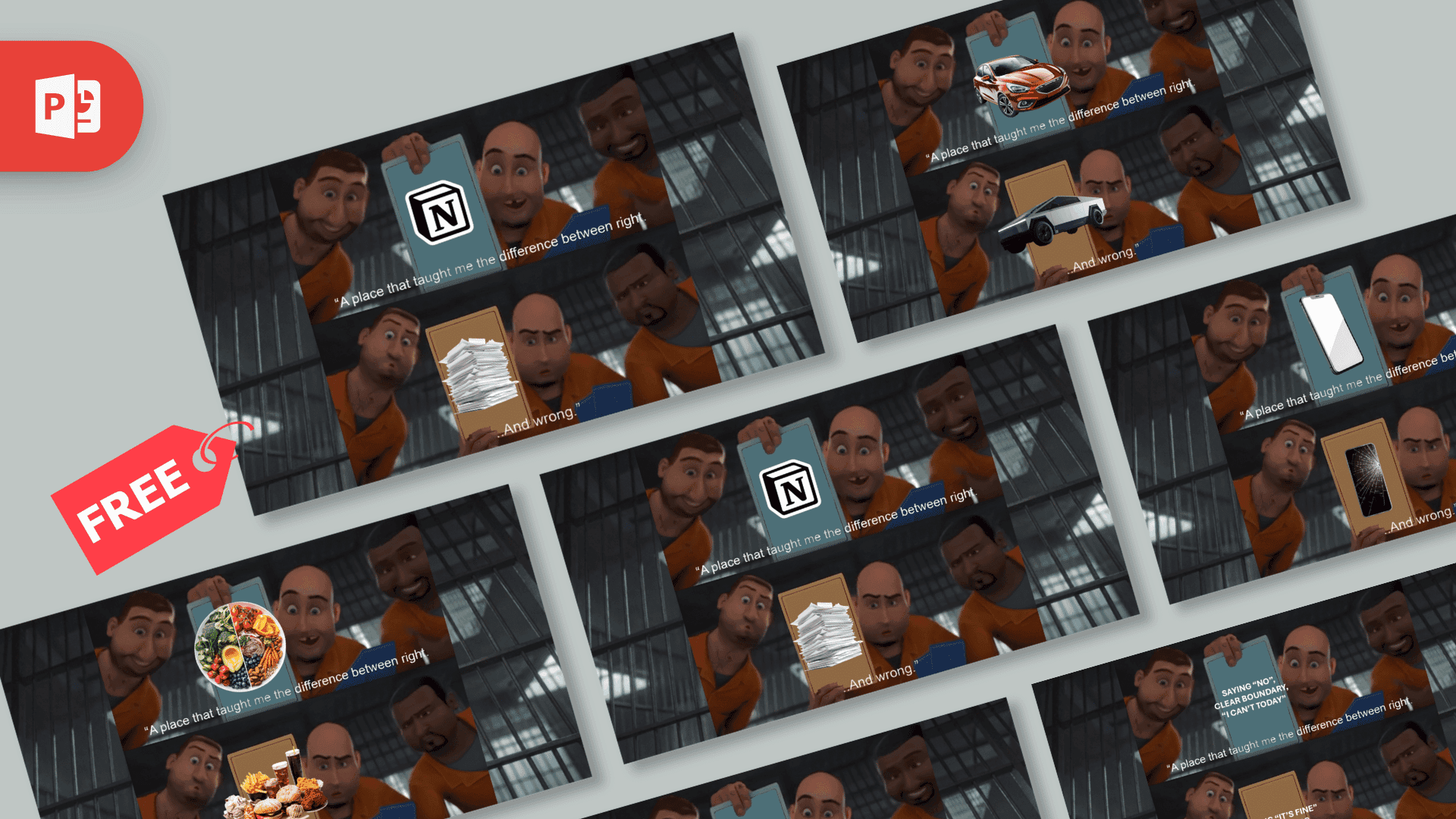
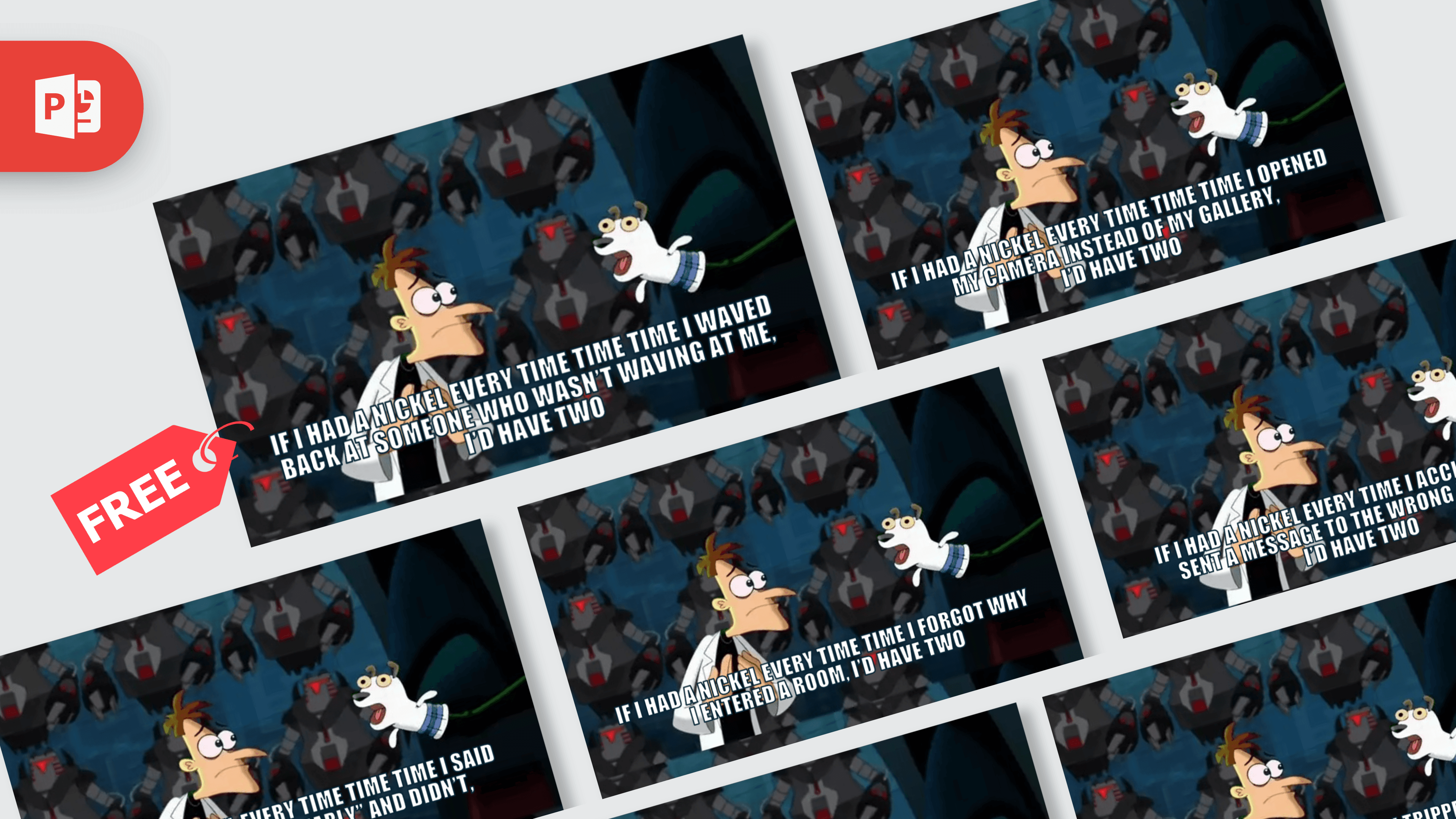
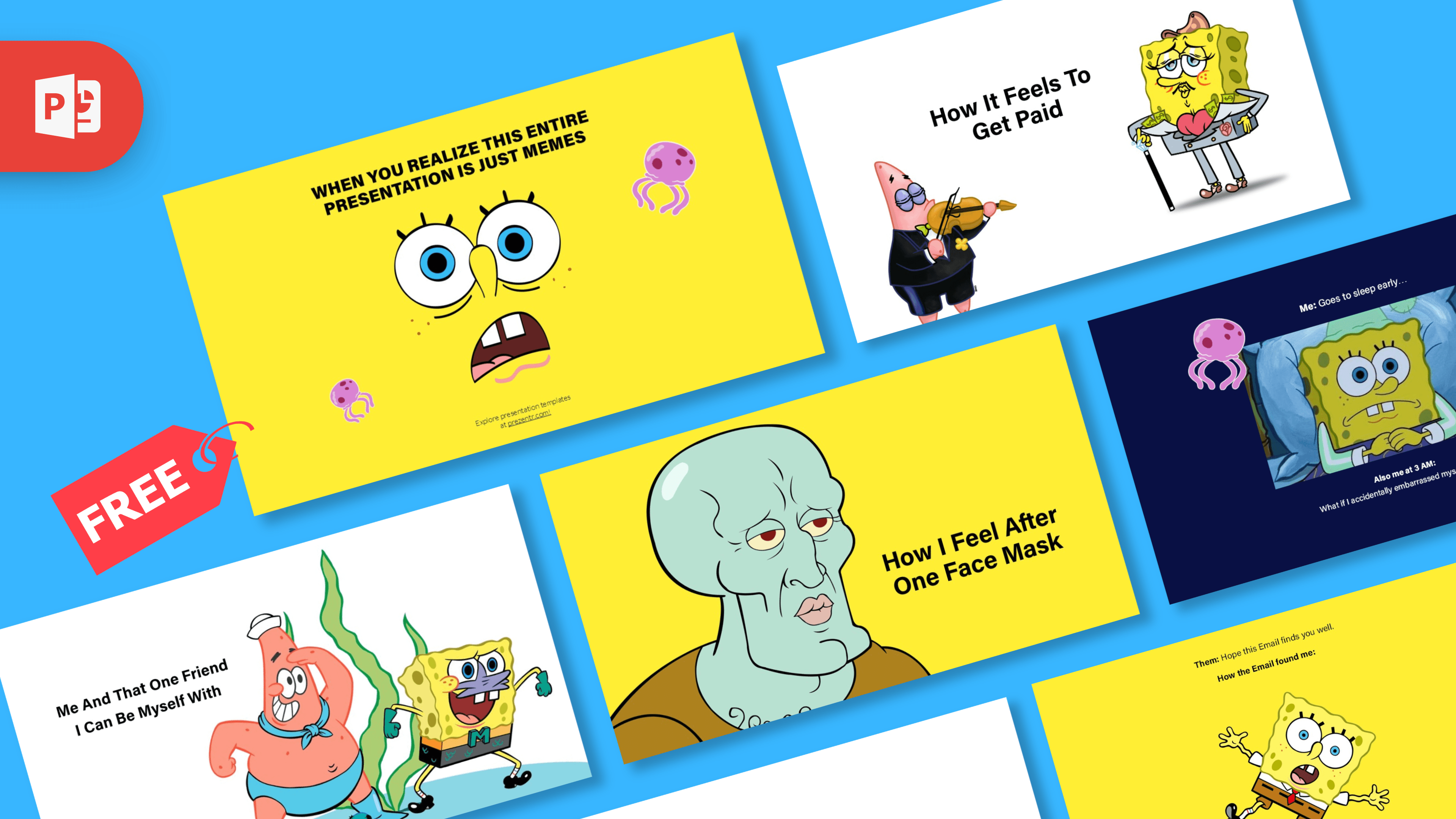
If you like this one, try the If I Had a Nickel Meme Template, the Wojack Meme Template or the Megamind Jail Meme Template, or browse all of our meme templates. The TikTok logo, the Nutella jar and the other pictures on the sample slides belong to their owners. This is an unofficial, fan-made meme template and is not affiliated with or endorsed by them.
Frequently asked questions
- Is the trade offer meme template free?
- Yes. The download is free, and the license on the page is free for personal use.
- How many slides are in the file?
- There are 10 slides in 16:9 format. Each one is a finished sample meme with its own picture and two editable lists.
- How do I turn a slide into an image?
- In PowerPoint, go to File > Export or File > Save As, choose PNG or JPG, and export only the current slide. In Google Slides, choose File > Download > PNG image.
- Can I use the trade offer template in Google Slides?
- Yes. Upload the PPTX to Google Drive and open it with Google Slides. You can edit the two lists there and download the slide as a PNG image.
- Is there a blank trade offer meme in the file?
- Yes. Add a new slide with the layout called Meme Template to get the background, banner and labels with two empty text boxes and a picture placeholder. You can also clear the text and delete the picture on any sample slide.
- Can I change the TRADE OFFER banner or the labels?
- No. The banner and the "i receive" and "you receive" labels are part of the background image. The two lists, set in Arial, and the picture over the face are the parts you edit.