This free timeline PPT template has 8 slides, and five of them are finished timeline designs: a step by step row, a six year arrow chart, a week by week bar, a month by month layout and a vertical year timeline. They all share a light graph paper background and the same five colors, so you can mix them in one deck. Pick the design that fits your dates, type over the sample text and your timeline is done in a few minutes.
What's Inside
The file holds five timeline slides plus three support slides: a cover, a text slide and a section title. All slides are 16:9.
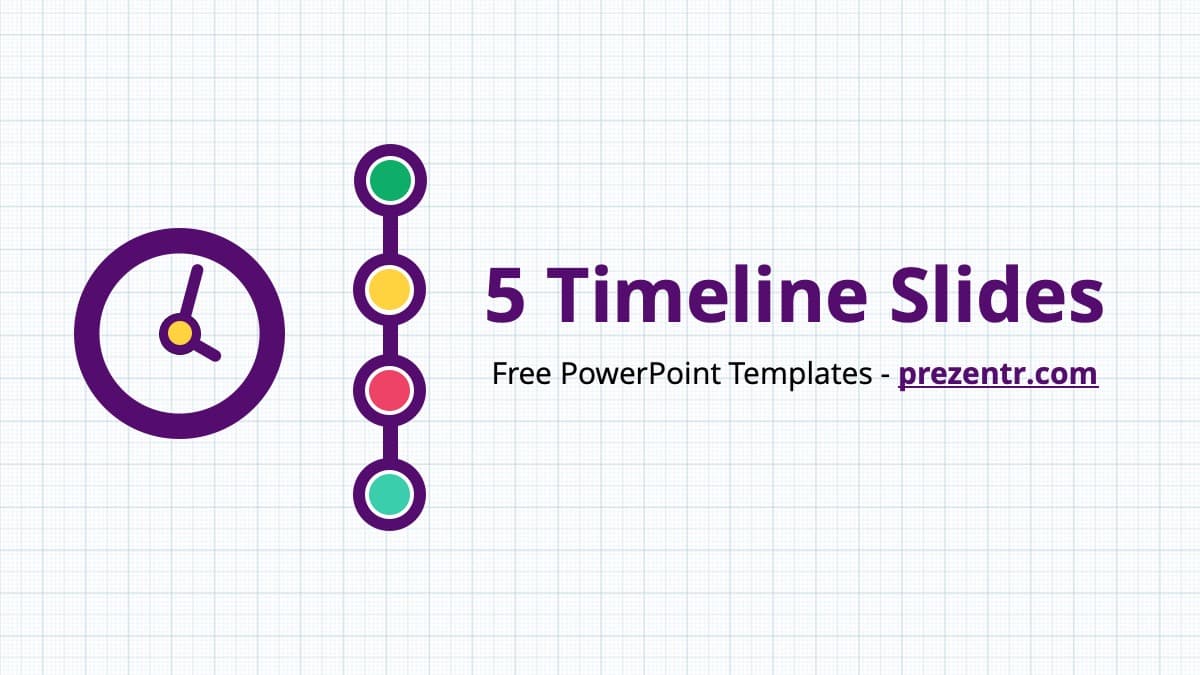
- Slide 1, cover: the title 5 Timeline Slides next to a purple clock icon and a vertical row of four colored dots.
- Slide 2, Step by Step Timeline: a horizontal black line with four milestones. Each one has a rounded triangle label (green, yellow, pink and teal) that points down at a dot on the line, with a bold heading and a short description below. Use it for a process with four stages.
- Slide 3, six year arrow timeline: a black line that rises from the lower left to the upper right, with six ribbon arrows wrapped around it, labeled yr 1 to yr 6. The arrows point down and up in turn, and each has its own text block. This is the only design with six milestones.
- Slide 4, Week by Week Timeline: one horizontal bar cut into four arrow segments (purple, yellow, pink and green) for Week 1 to Week 4. A round icon sits above each week (paper clip, document, chart and clipboard), with text below.
- Slide 5, Month by Month Timeline: the month names May, June, July and August on a thin line with four dots. Under each month is a tall colored panel with room for a full paragraph. Choose this one when each milestone needs more explanation.
- Slide 6, vertical year timeline: a black line down the middle of the slide with four milestones, Year 1 to Year 4, placed left and right in turn. Each has a large icon circle on one side and a short text on the other.
- Slide 7, title and content: a plain slide with a title and bullet points for notes or an introduction.
- Slide 8, section title: a section heading with a row of four linked dots.
Design and Style
The style is flat, colorful and simple. Every slide has a white background with a fine pale blue grid, like graph paper. The shapes use five colors: dark purple, pink, yellow, teal and green. Purple is also the color of the slide titles, and the main timeline lines are black. There are no photos, only simple icons. The text is set in Open Sans, with bold headings and regular body text. Slide 7 names the font and includes a link where you can get it for free.
Who Is This Template For?
- Project managers who need a project timeline slide for a kickoff, a status update or a plan with phases.
- Students working on a history report, a biography or the schedule for a science project.
- Teachers who want to show a unit plan, a semester overview or a chain of historical events.
- Small business owners who want to show company history or plans for the coming years.
How to Customize It
- Open the file. Unzip the download and open the timeline PowerPoint template in PowerPoint. Install Open Sans first if you do not have it, so the text looks the same as in the preview.
- Keep only what you need. Delete the timelines you will not use, or copy a single slide into your own presentation.
- Replace the labels. Step 1, Week 1, May and Year 1 are plain text. Click them and type your own dates, phases or names. Week 1 to Week 4 can just as well become Q1 to Q4.
- Replace the sample text. Each milestone has a short heading or a description. Keep it brief on slides 2, 3, 4 and 6, and use slide 5 when you need longer text.
- Change the colors. Select a shape and pick a new color from the Shape Fill menu to match your school or company colors.
- Add or remove a milestone. Delete one milestone and spread the others out, or copy one and line the set up again with Align, then Distribute Horizontally.
Need a timeline template for Google Slides? Use the Google Slides link on this page. You can also save the file as a PPTX in PowerPoint, upload the PPTX to Google Drive and open it with Google Slides.
Presentation Ideas
- A project kickoff that shows the four phases from planning to launch on the step by step slide.
- A four week sprint or a monthly status report on the week by week bar.
- A summer program or a quarter plan on the month by month slide.
- Six years of company or club history on the arrow slide.
- A history lesson with four key events in order on the vertical timeline.
- A thesis or science fair schedule with one milestone per month.
Related Templates
If you need a full deck around your timeline, the Project Management PowerPoint Template is the closest match. For money topics, see the Budgeting PowerPoint Template, and for a bank style look, the Citi PowerPoint Template.
Frequently asked questions
- Is the timeline PPT template free?
- Yes. You can download it from Prezentr at no cost, with no payment needed.
- How many timelines are in the file?
- Five. The file has 8 slides: a cover, five timeline designs, a title and content slide and a section title slide.
- How many milestones does each timeline have?
- The step by step, week by week, month by month and vertical year timelines have four milestones each. The arrow timeline on slide 3 has six. You can delete or copy milestones to change the number.
- Does it work in Google Slides?
- Yes. Use the Google Slides link on this page, or save the file as a PPTX, upload it to Google Drive and open it with Google Slides.
- Which font does the timeline template use?
- Open Sans. Slide 7 of the file names the font and includes a link to get it for free.
- Are the timeline slides animated?
- No. The slides are static, which keeps them simple to edit. You can add your own animations in PowerPoint from the Animations tab.