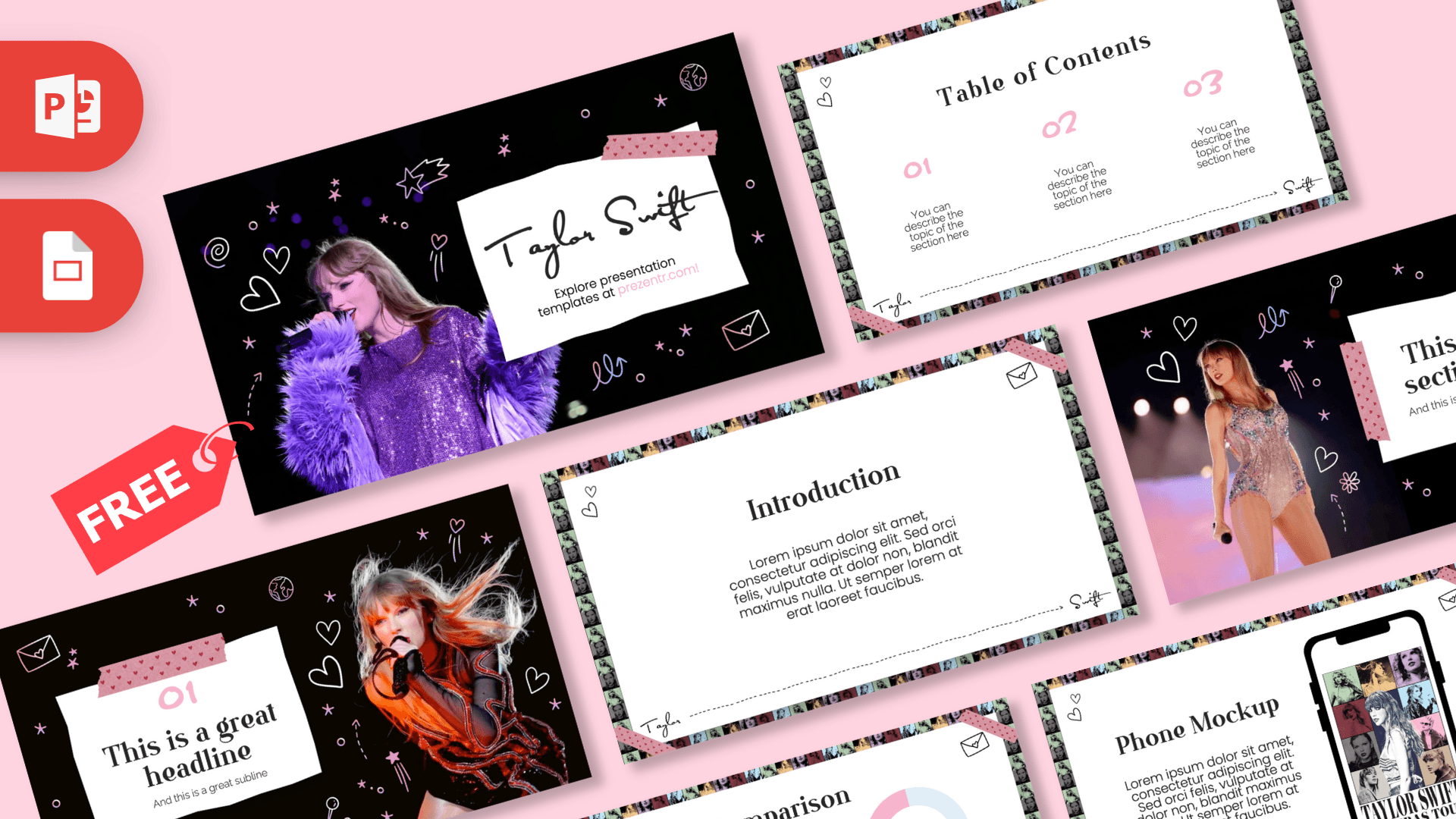
This free Taylor Swift PowerPoint template looks like a fan's scrapbook: concert photos on a black background, hand-drawn doodles, torn paper notes held down with pink washi tape and a signature-style title. The 10-slide deck pairs black and white with soft pink, and the content slides are framed by a colorful mosaic of portrait tiles. It works in PowerPoint and Google Slides, so it is ready for a class report, a fan club meeting or a birthday surprise.
What's Inside
The deck alternates bold photo slides with bright white content slides, so it never feels repetitive:
- Title slide: a concert photo of Taylor in a purple sequined outfit on a black background full of white and pink doodles, next to a torn paper card with a handwritten "Taylor Swift" signature.
- Table of Contents: three sections numbered in pink handwriting, inside a white frame with a "Taylor to Swift" dashed line along the bottom.
- Section title: a stage photo in a sparkly bodysuit beside a paper card trimmed with washi tape, for opening each part of your talk.
- Numbered headline: a dramatic performance photo in red and orange light with a big "01", headline and subline on a taped paper note.
- Introduction: a clean white slide with a serif heading and a centered paragraph.
- Five Bullet Points: five numbered blocks with pink handwritten numbers, good for facts, reasons or a top-five list.
- Phone Mockup: a smartphone showing an Eras Tour poster next to a text block. Drop in a screenshot of a playlist, an app or a social post.
- Quote slide: one centered line between pink quotation marks.
- Big number: a large hand-lettered figure with a pink arrow pointing to a caption, made for a standout statistic.
- Comparison: two pink and light blue donut charts labeled Folklore and Lover with "Vs" between them, ready for comparing two albums, songs or anything else.
Text is placeholder copy you can type over, and the slides are 16:9 widescreen.
Design and Style
The style mixes two looks. Photo slides use a black background scattered with white and pink line doodles: hearts, stars, an envelope, a globe, a microphone and a ring. Content slides are white, framed by a border of small portrait tiles in green, red, blue and yellow, with a heart doodle and an envelope in the corners and a strip of pink polka-dot washi tape.
Typography does a lot of the work. Headings use an elegant serif, numbers are written in a pink hand-drawn marker style, the title is a flowing signature script and body text is a simple sans-serif that stays readable. The result feels personal and creative, like a page from a journal, while still being tidy enough for a graded school project. These Taylor Swift slides are not animated, which keeps them easy to edit and quick to present.
Who Is This Template For?
The Taylor Swift PowerPoint template balances a fun, fan-made look with clear, readable layouts, so it works for many kinds of presentations:
- Students presenting a music report, a biography project or an analysis of a famous performer's career.
- Teachers who want a pop culture hook for a lesson on songwriting, poetry, media or the music business.
- Fan clubs and Swifties sharing album rankings, tour memories or trivia at a meetup.
- Party planners making a birthday slideshow, a listening party schedule or a friendship bracelet workshop.
- Music and marketing students breaking down a tour, a fan community or an album rollout.
- Content creators drafting a video outline or a social media recap in a familiar visual style.
How to Customize It
In PowerPoint, most edits to the Taylor Swift PowerPoint template take a few clicks:
- Replace the text: click any heading, number or paragraph and type your own.
- Change the photos: right-click a photo and choose Change Picture to put in your own concert shots or images. If a picture cannot be selected, it is part of the slide background: right-click the slide, choose Format Background and insert a new picture there.
- Update the phone screen: replace the poster on the Phone Mockup slide with your own screenshot using Change Picture.
- Edit the comparison: type your own percentages and rename the Folklore and Lover labels. If you resize a ring, hold Shift while dragging a corner so it stays round.
- Recolor accents: select pink numbers or quote marks and pick a new Font Color to match a favorite era.
- Reorder and add slides: drag slides in the left panel or right-click and choose Duplicate Slide. Add animations from the Animations tab if you want items to appear one by one.
For Google Slides, open the Google Slides version from this page and choose File, then Make a copy. Edit text directly, use Replace image in the right-click menu for photos, and check the fonts on each slide after copying, since handwriting and script fonts can be swapped for defaults.
Presentation Ideas
- Taylor Swift's songwriting: storytelling, imagery and how lyrics follow a narrative arc.
- Album versus album, using the comparison slide to weigh two records side by side.
- How a world tour works: planning, stages, crews and fan experiences.
- My top five songs and why, using the Five Bullet Points slide.
- The power of fan communities online, from friendship bracelets to fan theories.
- A birthday tribute slideshow for a friend who loves her music.
- Scrapbook design basics: how photos, doodles and handwriting work together to tell a story.
Related Templates
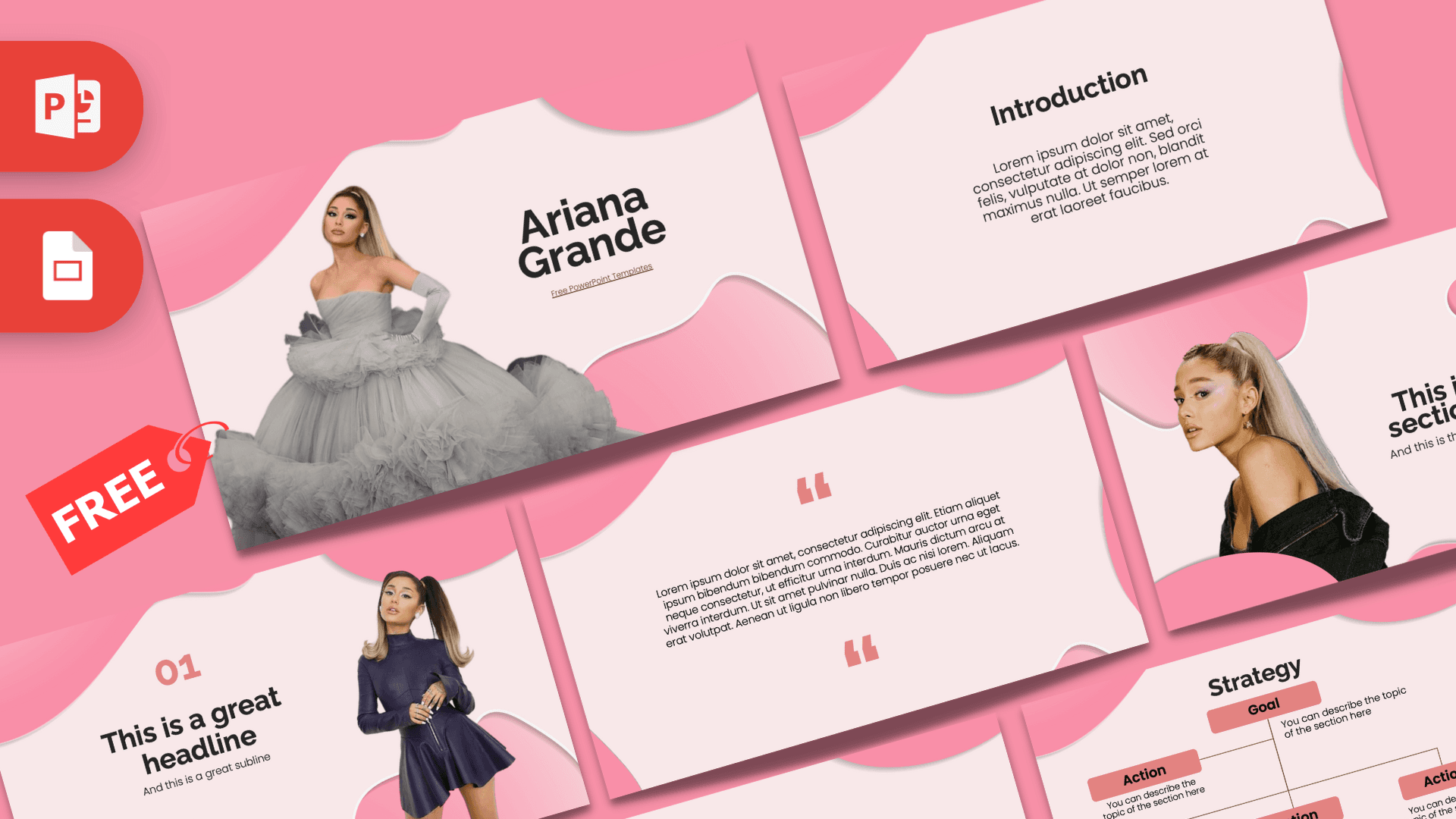
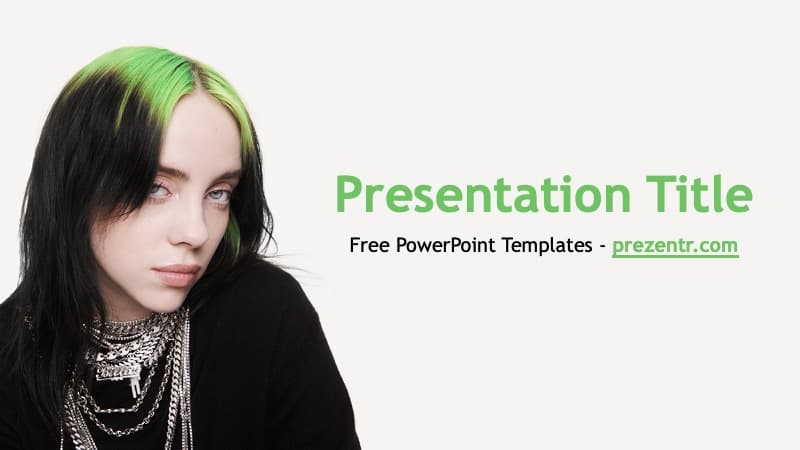
Into pop music? Check out the Ariana Grande PowerPoint Template and the Billie Eilish PowerPoint Template for more singer-inspired decks. Building a playlist or concert presentation? Try the Spotify Template for PowerPoint and Google Slides or the Music Festival PowerPoint Template. You can find more themes that open in Google Slides in our Google Slides templates.
Frequently asked questions
- Is the Taylor Swift PowerPoint template free?
- Yes. You can download it for free on Prezentr and use it for school, fan events and personal projects.
- How many slides does the Taylor Swift template include?
- It includes 10 slides: a title slide, table of contents, section title, numbered headline, introduction, five bullet points, phone mockup, quote, big number and a comparison slide with donut charts.
- Can I open the Taylor Swift template in Google Slides?
- Yes. Open the Google Slides version from this page and make a copy to your Drive, then check that the handwritten and script fonts came through.
- Is the template animated?
- No, the slides are static. You can add your own entrance effects in PowerPoint from the Animations tab.
- Can I put my own concert photos in it?
- Yes. Right-click a photo and choose Change Picture, or, if the photo is part of the background, use Format Background to insert your own image.
- Is this template made by Taylor Swift or her team?
- No. It is a free fan-made design and is not affiliated with or endorsed by Taylor Swift or her management.
This is a fan-made template inspired by Taylor Swift PowerPoint Template. Prezentr is not affiliated with, endorsed by, or selling assets from Taylor Swift PowerPoint Template. All brand names, logos, and trademarks belong to their respective owners.