This free Paris Summer Olympics 2024 PowerPoint template is a 10-slide, fan-made deck inspired by the look of the Paris 2024 Games, with bold geometric patterns in navy, bright blue, pink and gold. Clean white content areas sit beside colorful blocks of arches, circles and dots, so your text stays readable while the design still feels like a celebration of sport. It works in PowerPoint and Google Slides and suits everything from school projects to sports club recaps.
What's Inside
You get 10 slides in 16:9 format, each built for a clear purpose, so you can go from a blank file to a finished talk quickly.
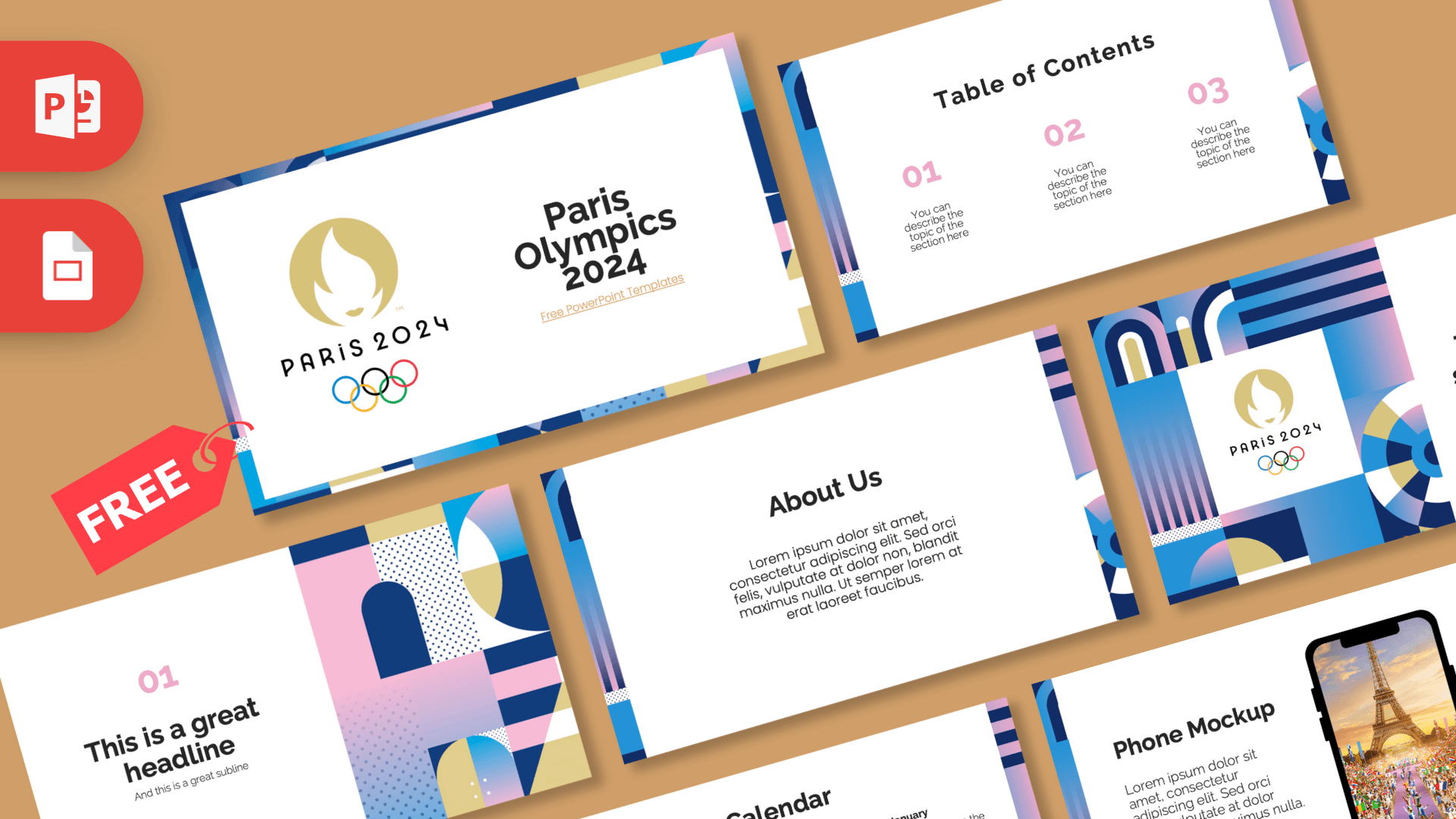
- Title slide: a gold Paris 2024 emblem and the Olympic rings on the left, with a large "Paris Olympics 2024" heading on the right, all framed by a patterned border.
- Table of contents: three numbered sections in pink with short descriptions, edged by a thin patterned strip.
- Section title: a big block of geometric shapes holding the emblem, next to a heading and subtitle. Use it to divide your talk into parts.
- Headline slide: a pink "01" and headline on the left, and a full-height panel of arches, dotted squares and gradient circles on the right.
- About Us: a centered text block for an introduction or background.
- Four bullet points: four numbered items in a two-by-two grid, good for key facts or event highlights.
- Quote slide: large pink quotation marks around a short line of text.
- Big number: one oversized figure with a pink arrow pointing down to a caption.
- Calendar: a full month grid with three highlighted dates and matching notes, ideal for schedules or training plans.
- Phone mockup: a smartphone showing a photo of the Eiffel Tower above a crowd waving flags, next to a text block. Replace the screen image with your own content.
Design and Style
The design leans on flat geometric art: arches, half circles, stripes and dotted squares in navy, sky blue, soft pink and a sandy gold, with gentle pink-to-blue gradients in places. These shapes frame the edges of each slide or fill a whole side panel, while the main content area stays white. That contrast makes the slides feel lively without making text hard to read.
Pink is the main accent for numbers and quote marks, and headings use a bold, rounded sans serif in near-black. The emblem and rings appear only on the title and section slides, so most of the deck can be used for any summer sports topic. The overall mood is bright, modern and festive.
The patterns also give you a ready-made color system for anything you add. Charts look at home in navy, blue and pink, and photos of athletes, stadiums or Paris streets fit well inside the white areas. If a slide starts to feel busy, simply delete one of the decorative strips; the layout still holds together.
Please note that this is an unofficial, fan-made template. It is not affiliated with or endorsed by the International Olympic Committee or the Paris 2024 organizers. If you are presenting publicly or commercially, you may want to remove the emblem and rings and keep only the patterns.
Who Is This Template For?
- Students preparing a report on the Olympic Games, Paris or a favorite sport.
- PE and history teachers building a lesson about the Olympics, host cities or fair play.
- Sports clubs and coaches sharing season plans, training calendars or a recap of a big event.
- Office teams running a sports-themed quiz, a step challenge or a summer games day.
- Travel fans putting together a Paris trip presentation.
- Event organizers planning a watch party or a community sports day who need a quick, colorful agenda.
How to Customize It
Open the Paris Summer Olympics 2024 PowerPoint template in PowerPoint and click any placeholder to type your own text. To change the photo inside the phone mockup, right-click the image and choose Change Picture. You can recolor the pink accents through Font Color or Shape Fill if you want to match a team or school color, although the navy, blue and gold patterns look best left as they are.
The calendar is made of simple text and shapes, so you can change the dates, move the highlight boxes and rewrite the three notes on the right. Duplicate any slide by right-clicking it in the thumbnail panel, then drag slides to reorder them. Delete the emblem from the title and section slides if you prefer a fully generic sports look. When you add your own photos, crop them to fill the white areas fully; wide, bright images of crowds, tracks or pools suit this Paris 2024 PPT template best.
For Google Slides, open Google Slides, choose File, then Import slides or Open, and upload the PowerPoint file. Edit text and images the same way as in PowerPoint. If any font changes after import, choose a similar rounded sans serif.
Presentation Ideas
- A school project on how the Olympic Games began and how they have changed.
- A look back at the Paris 2024 Games, with one section for the city, one for your favorite sports and one for memorable moments.
- A training calendar for a running club or school team, using the calendar slide.
- A presentation on Paris landmarks, with the phone mockup showing your own travel photos.
- An office summer games day plan with teams, events and a big number slide for the final score.
- A class debate on the pros and cons of hosting a major sporting event, using the four bullet points slide for each side's main arguments.
Related Templates
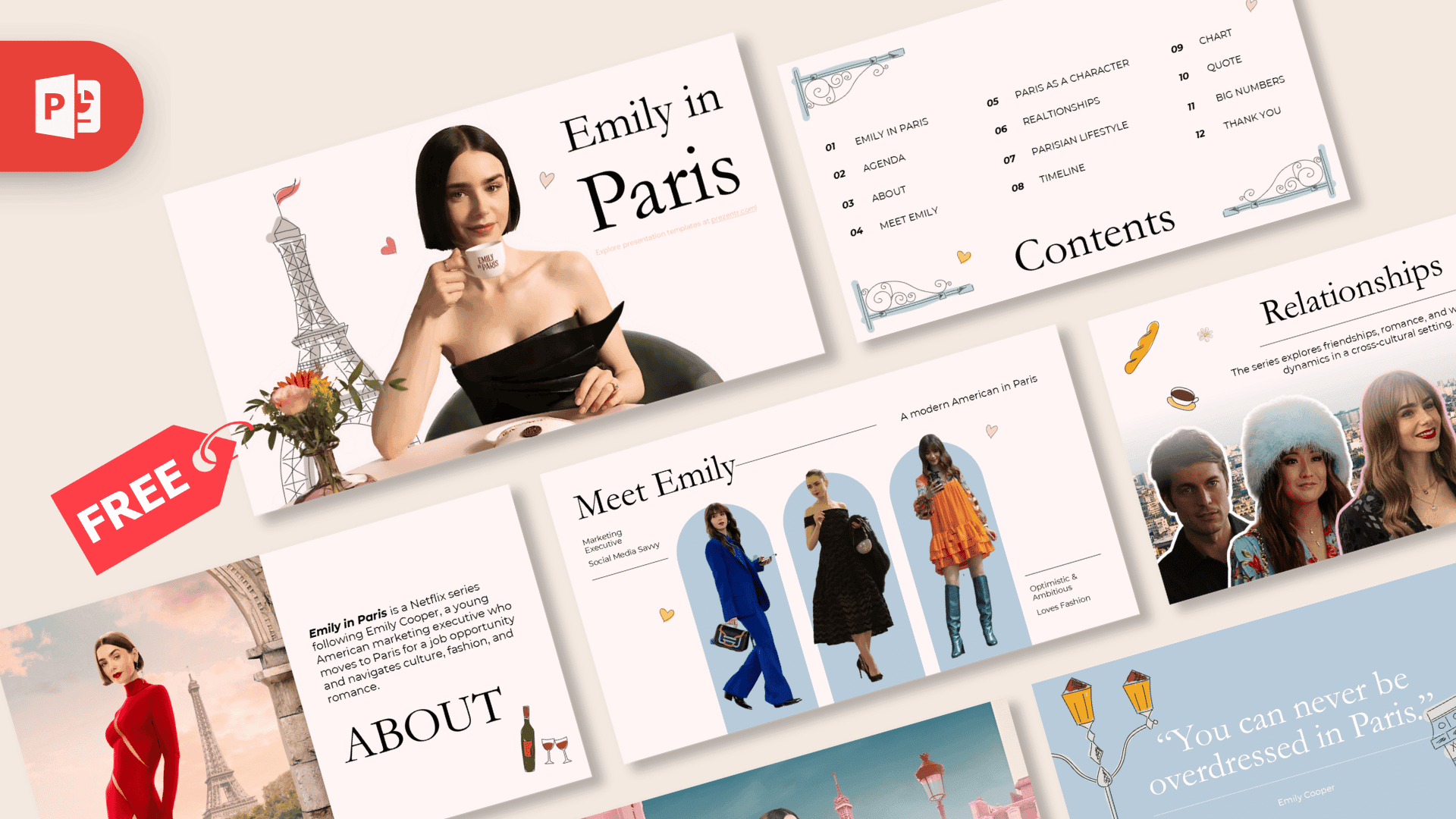
For more Olympic and sports slides, try the Olympic Games Tokyo PowerPoint Template and the Running PowerPoint Template. If your talk is more about the host city, the Paris PowerPoint Template and the France PowerPoint Template are good matches. You can also browse all Google Slides templates.
Frequently asked questions
- Is the Paris Summer Olympics 2024 template free?
- Yes, you can download it free from Prezentr. It is a fan-made design and is not an official Olympic product.
- How many slides does the Paris 2024 template include?
- It includes 10 slides: title, table of contents, section title, headline, About Us, four bullet points, quote, big number, calendar and a phone mockup.
- Can I use these Olympic slides in Google Slides?
- Yes. Import the PowerPoint file into Google Slides through File, then Import slides or Open, and edit it there.
- Can I remove the Paris 2024 emblem and Olympic rings?
- Yes. They are separate images on the title and section slides, so you can select and delete them and keep the geometric patterns.
- Is this template good for a school project about the Olympics?
- Yes. The clear layouts, calendar and big number slide work well for reports on the Games, host cities or individual sports.
- Does the template include animations?
- No, the slides are static. You can add transitions or animations yourself in PowerPoint or Google Slides.