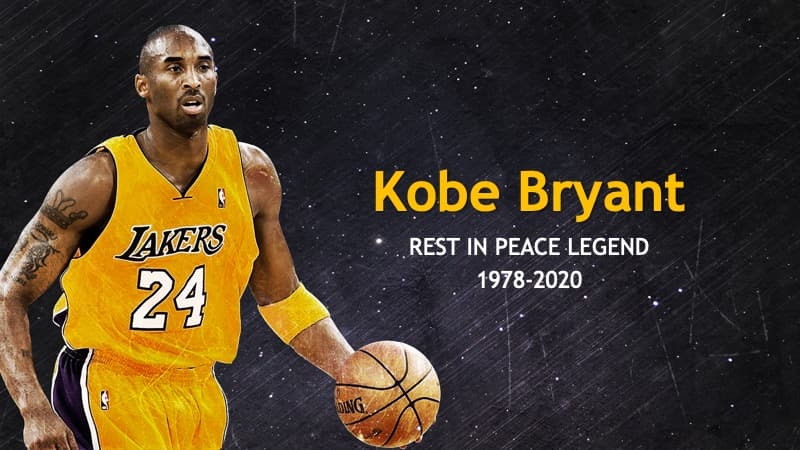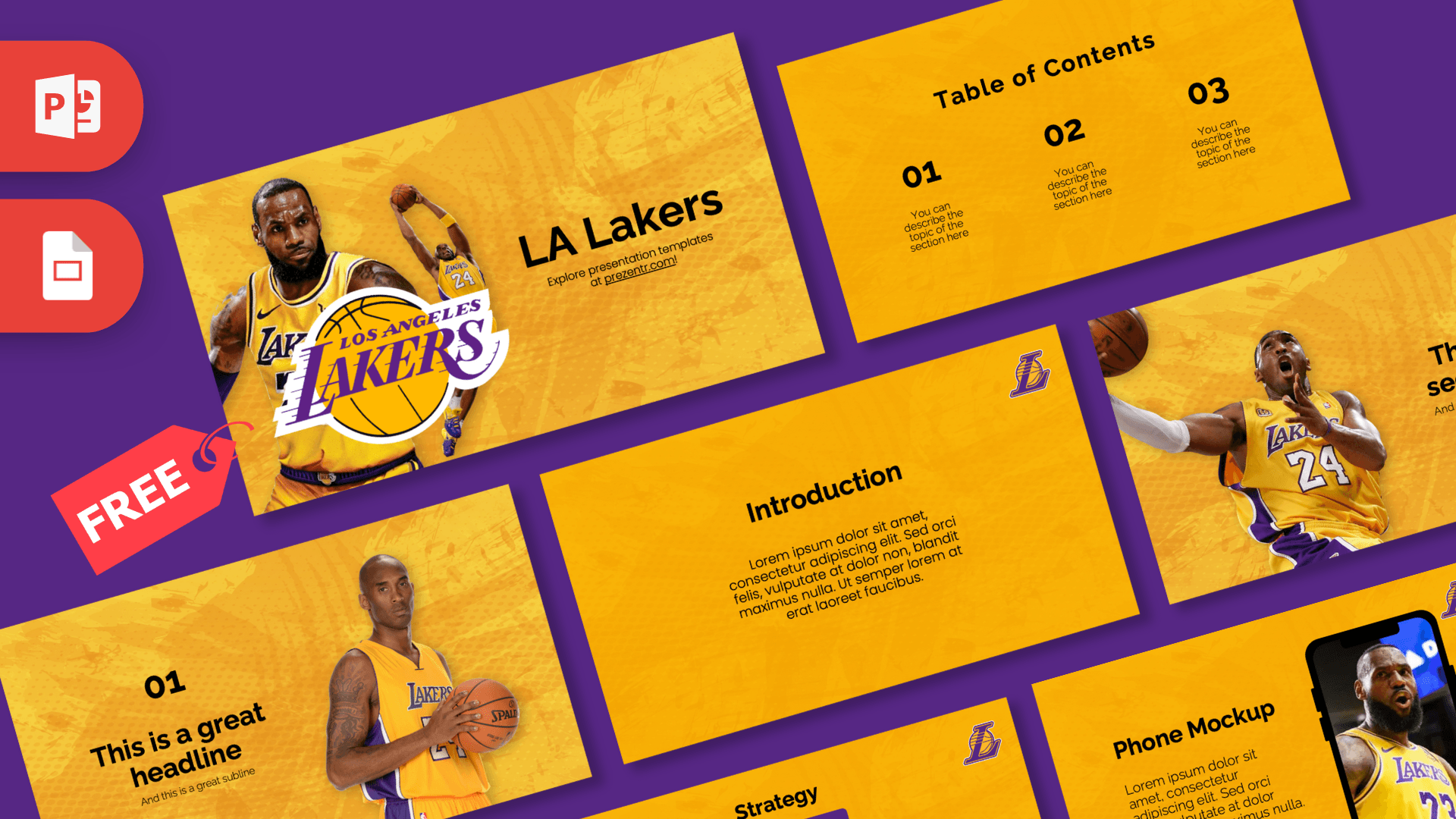
The LA Lakers PowerPoint template is a free, fan-made deck in the team's famous gold and purple, with a textured gold background, the Lakers logo and action photos of players in gold jerseys. It has 10 editable slides in 16:9 and also works as a Google Slides theme. If you are a basketball fan or need an LA Lakers PPT template for a sports talk, this deck brings game-day energy to your slides.
What's Inside
The slides cover the basic building blocks of a presentation, with player photos on the most visible ones:
- Title slide: the big Los Angeles Lakers logo in front of two player photos, next to the "LA Lakers" title.
- Table of Contents: three numbered sections with short descriptions and a small logo in the corner.
- Section Header: a player in mid-air reaching for the ball, with room for a section title.
- Headline Divider: a big "01" and headline, with a player holding a basketball on the right.
- Introduction: a centered heading and paragraph.
- Five Bullet Points: five numbered points with a label block on the left.
- Quote: large quotation marks for a favorite line or key message.
- Big Numbers: one large figure with an arrow and caption, ideal for a score or season stat.
- Strategy: a purple goal box with action boxes below, perfect for a game plan.
- Phone Mockup: a smartphone showing a player photo, with a heading and paragraph, good for an app, social media page or video.
The mix of photo slides and clean text slides means you can build a short fan talk in minutes or stretch the deck into a longer report. Duplicate the Big Numbers slide for every stat you want to highlight, and the Five Bullet Points slide for lists like starting lineups, key games or team records you have checked.
Design and Style
Gold is everywhere. Each slide uses a warm gold-yellow background with a subtle grunge texture and faint dot pattern, which keeps it from looking flat. Purple is the accent color, used for the logo and the boxes on the Strategy slide, and headings are bold and black so they read clearly on the bright background.
The player photos are cut out and placed directly on the gold, so they feel like part of the design. They appear on the title, section and headline slides, while the rest of the deck stays clean with just the small Lakers logo in the top right corner. Text uses a rounded, modern sans-serif that matches the sporty feel.
The result is a bold, high-energy theme that still has enough empty space for your own content, stats and photos.
Who Is This Template For?
- Basketball fans sharing their favorite team moments, players or season predictions.
- Students doing a report on the NBA, sports history or the city of Los Angeles.
- Youth teams and coaches presenting a game plan, practice schedule or season recap.
- Sports bars and fan clubs promoting watch parties on a screen (as a fan-made design, not official team material).
- Teachers using a sports theme for math with statistics or a PE lesson.
- Party hosts planning a basketball birthday or a playoff night.
- Sports journalism students practicing a game preview or a team profile.
How to Customize It
- Edit the text: click any placeholder and type. The numbers on the contents and bullet slides are regular text.
- Swap player photos: right-click a photo and choose Change Picture to show your own team, players or yourself in a jersey. Cut-out images look best on the gold texture.
- Use the phone mockup: right-click the photo inside the phone and choose Change Picture to show a screenshot of a team app, a social post or a video thumbnail.
- Recolor: change the purple boxes with Shape Fill if you want another team's colors.
- Build a game plan: use the Strategy slide for the main goal and three actions, like defense, offense and rebounding.
- Add or reorder slides: duplicate any slide from the thumbnail panel and drag it into place.
- Google Slides: in Google Slides, choose File, Import slides, upload the PPTX and select all slides.
Presentation Ideas
- A team history talk covering eras, famous players and memorable seasons.
- A season preview with predictions and key stats on the Big Numbers slide.
- A school report on how basketball became one of the world's most popular sports.
- A youth team season recap with highlights, MVP awards and thank yous.
- A watch party plan with schedule, snacks and a fan quiz.
- A sports marketing case study on team branding, logos and colors.
Tips for a Winning Sports Deck
Stats are the heart of most sports talks, so give each important number its own slide using the Big Numbers layout. Keep player and team names in bold black for easy reading on the gold. If you add charts, use purple bars with black labels to match the theme. When you replace photos, choose action shots with the same energy as the originals. For presentations about real athletes, check your facts and dates from a reliable source before you present. Finally, rehearse with the slides on the screen you will use: gold backgrounds can look brighter on projectors, so make sure black text stays bold and large enough to read from the back of the room. A short, punchy deck of ten to twelve slides usually beats a long one.
Related Templates
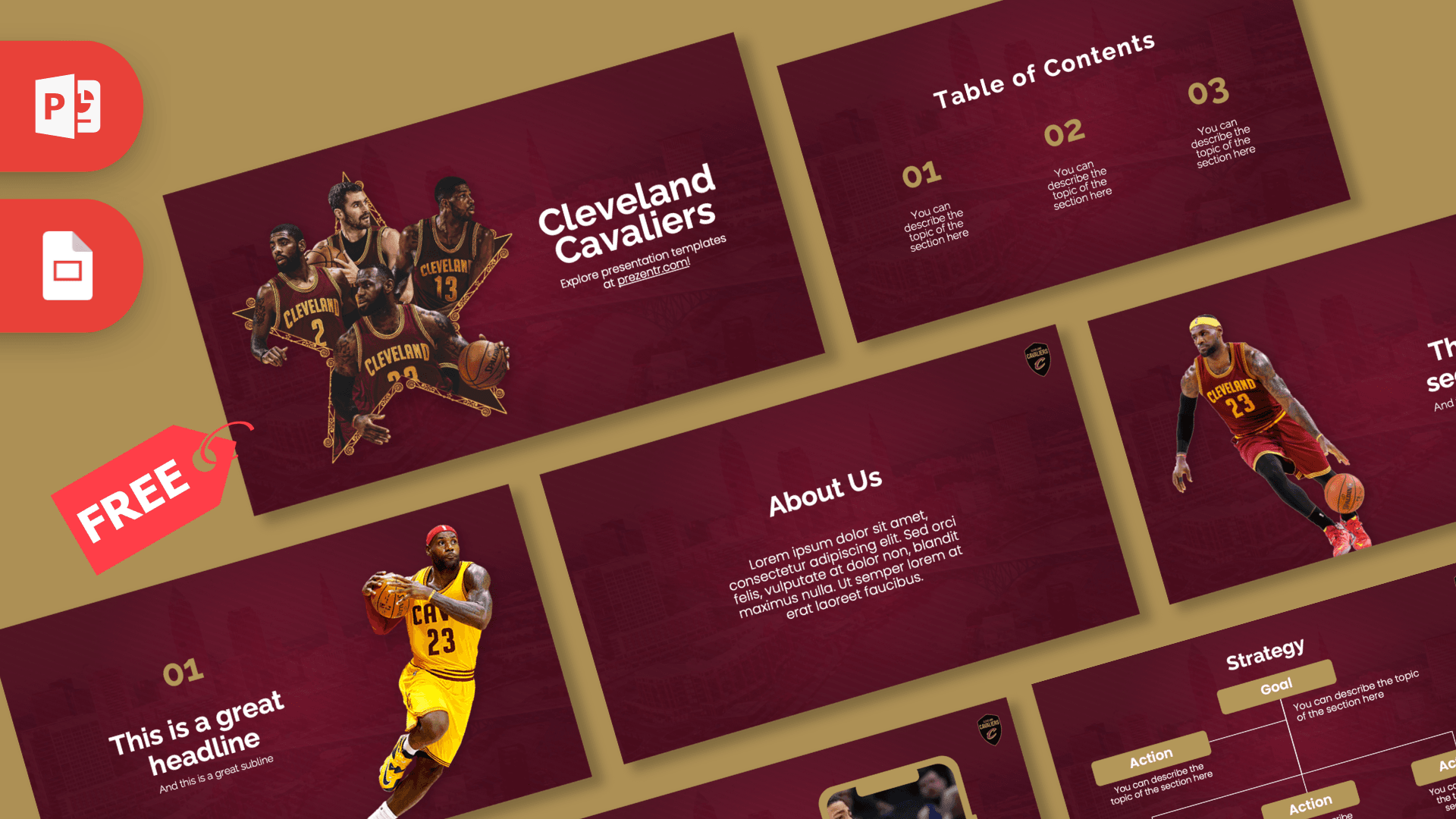
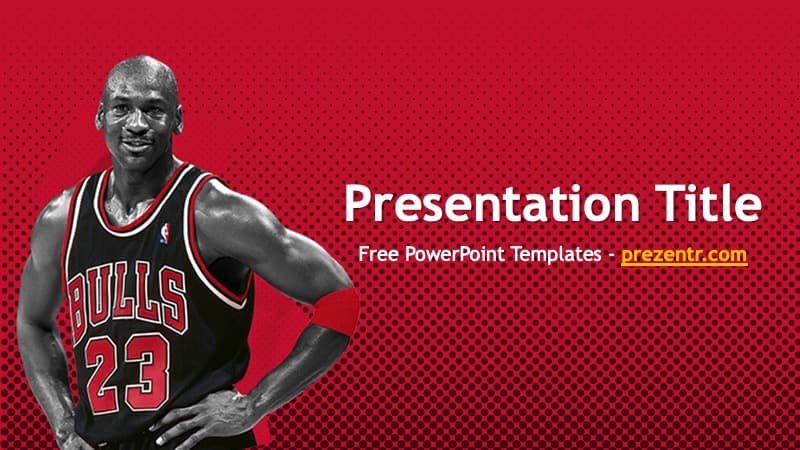
For more basketball, try the Basketball PowerPoint Template, the Animated Basketball PowerPoint Slides and the NBA PowerPoint Template. If you follow other teams, see the Golden State Warriors PowerPoint Template and the Cleveland Cavaliers PowerPoint Template. You can find more decks that open in Google Slides in our Google Slides templates.
Frequently asked questions
- Is the LA Lakers PowerPoint template free?
- Yes, it is free on Prezentr. It is a fan-made design and is not affiliated with or endorsed by the Los Angeles Lakers or the NBA.
- How many slides are in the Lakers template?
- There are 10 slides in 16:9, including a title, contents, section header, headline divider, introduction, bullet points, quote, big numbers, strategy and a phone mockup.
- Does the LA Lakers template work in Google Slides?
- Yes. Import the PPTX in Google Slides with File, Import slides and all slides stay editable.
- Can I replace the player photos?
- Yes. Right-click any photo and choose Change Picture. Cut-out images without a background fit the gold texture best.
- Is the template animated?
- No, the slides are static. You can add your own transitions or animations if you want movement.
- Can I use it for a school sports project?
- Yes. The clear layouts work well for reports on basketball, team history or sports statistics.