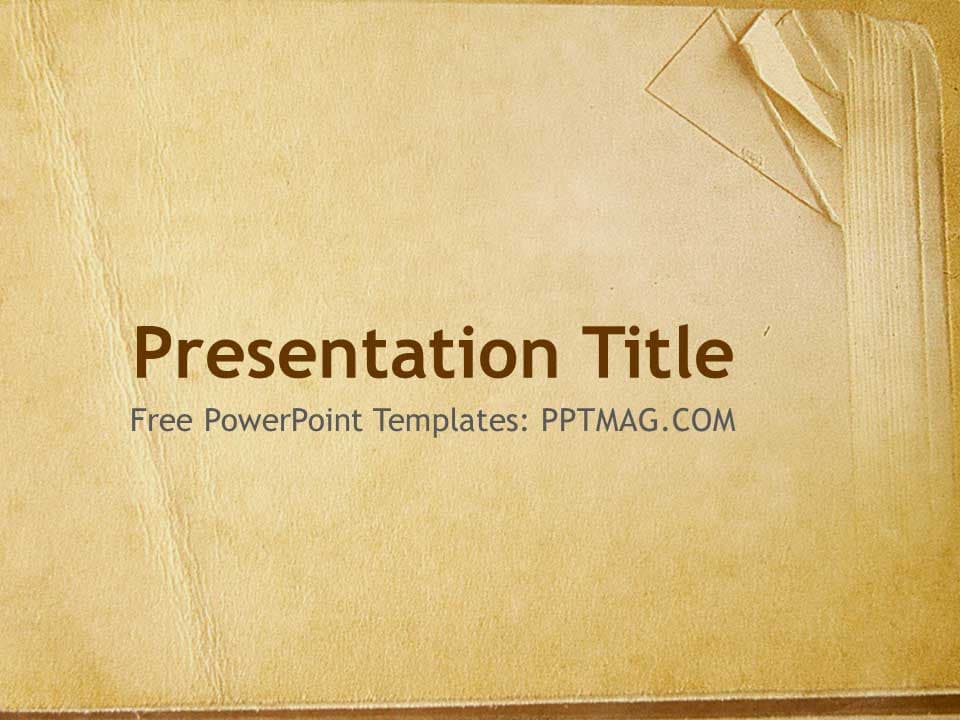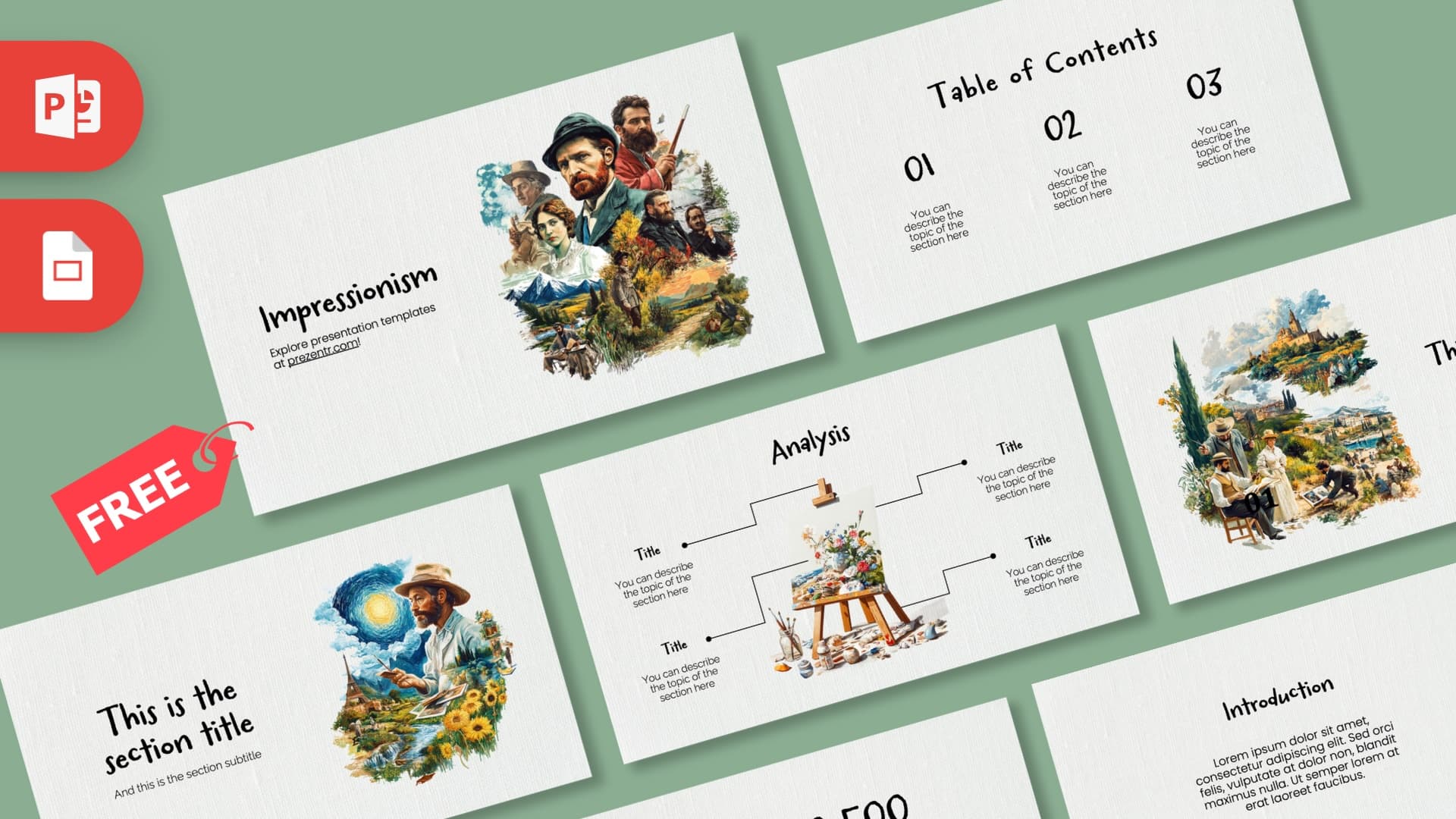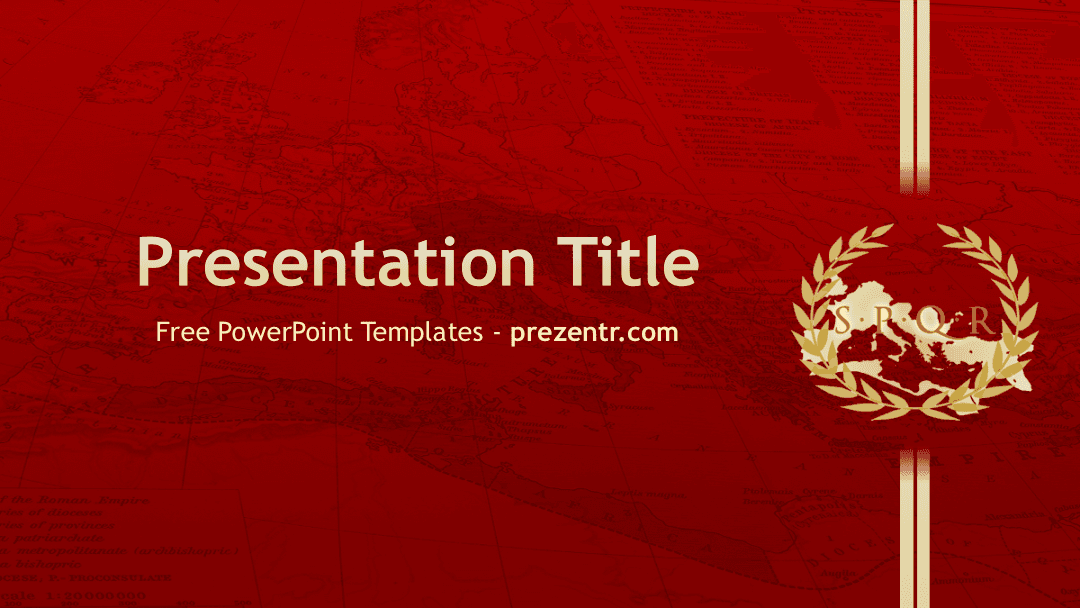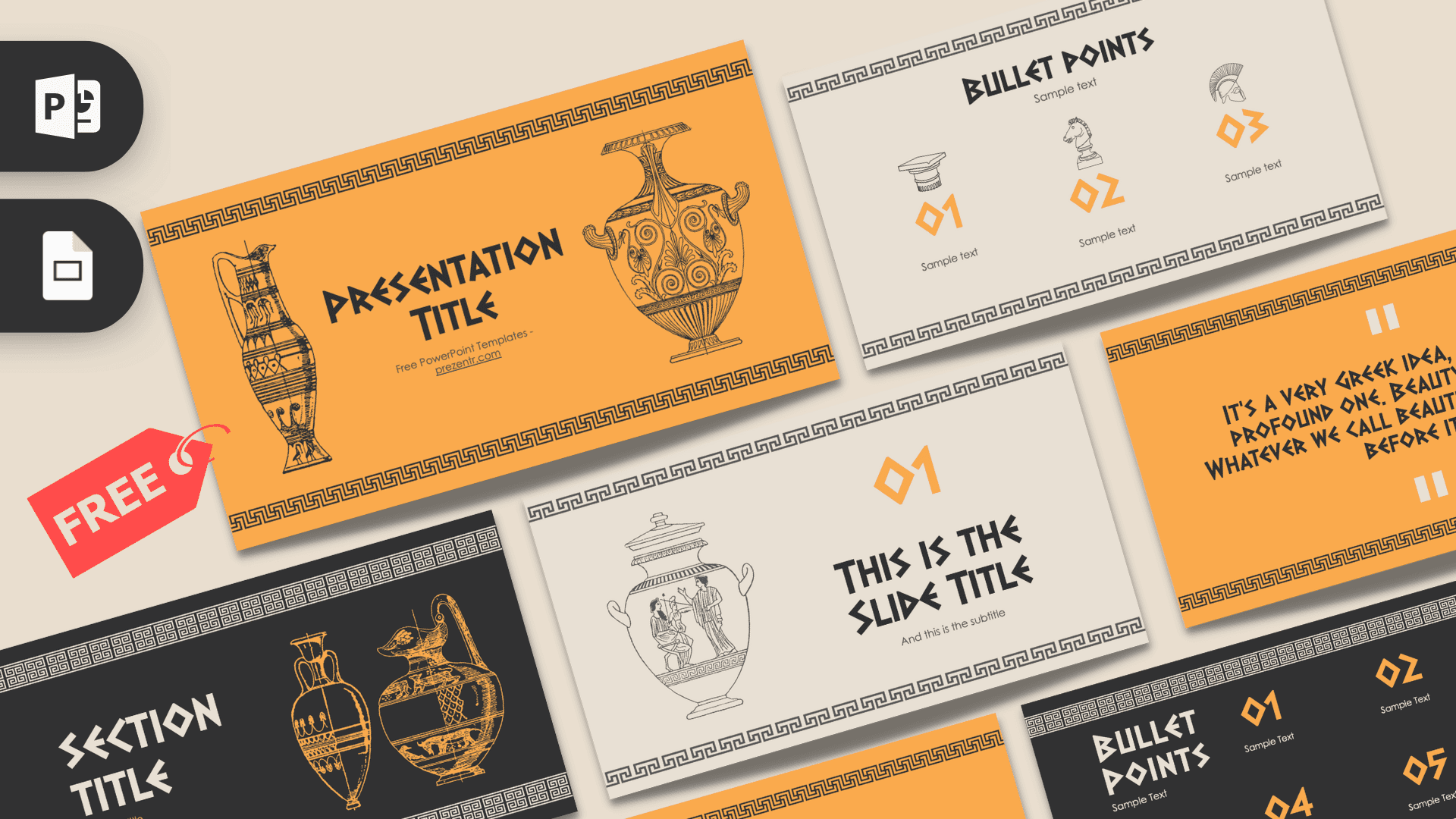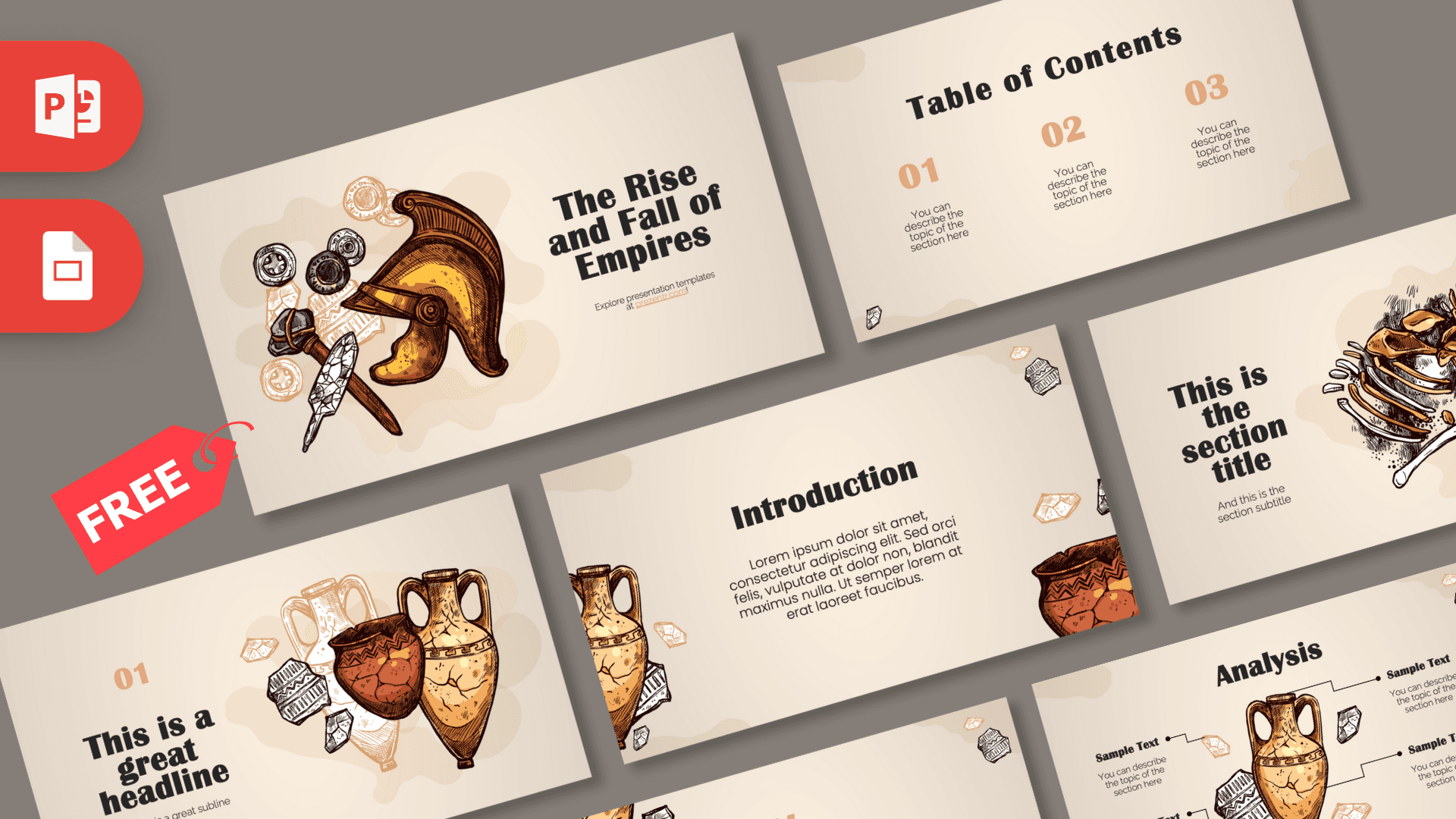
The History PowerPoint template is a free, illustrated deck with 10 slides on a warm cream background, decorated with hand-drawn ancient artifacts: a crested helmet, old coins, a stone axe, cracked clay vases and even a dinosaur fossil. Terracotta and ochre accents, bold dark headlines and plenty of open space make it easy to read from the back of a classroom. It works in PowerPoint and as a Google Slides theme, so it fits school projects and lectures alike.
What's Inside
The 10 slides in this history PowerPoint template cover the building blocks of most history presentations:
- Title slide: "The Rise and Fall of Empires" next to a cluster of illustrated artifacts, including a gold crested helmet, coins, a stone axe and a spearhead. Swap in your own topic title.
- Table of Contents: three numbered columns (01, 02, 03) with short descriptions, ideal for laying out the eras or chapters you will cover.
- Section title: a large headline beside an illustrated dinosaur skeleton and an excavation brush. Use it to open a new part, especially for prehistory or archaeology.
- Numbered headline: a big "01" with a headline and subline, paired with a group of cracked clay vases. Good for introducing each section by number.
- Introduction: a centered heading and paragraph framed by an amphora and a decorated clay pot. Useful for background, context or a summary.
- Four Bullet Points: four numbered points in a two by two grid, perfect for causes, consequences or key facts.
- Quote slide: a centered line of text between two large quotation marks, for a quote from a historical source or a key takeaway.
- Big number slide: one large figure with an arrow and a short caption. Use it for a date, a population or a distance.
- Analysis: an illustrated amphora in the middle with four labeled callouts around it. Great for describing an artifact, a person or a civilization from four angles.
- Process: three numbered steps joined by arrows, which works well as a simple timeline or a cause and effect chain.
Together these cover a full talk: open with the title, show your plan on the table of contents, use section and numbered headline slides to move between eras, and fill the middle with bullet points, quotes, numbers and analysis. Duplicate any slide when you need more of the same layout.
Design and Style
The look is warm and earthy, and the history slides feel hand-made rather than corporate. Every slide sits on a soft cream to beige background with faint tan shapes, like stains on old paper. The accent color is a muted terracotta orange, used for the big numbers, arrows and quotation marks, while headlines are set in a heavy dark serif that feels a little like a museum label. Body text uses a light, rounded sans serif that stays readable at small sizes.
The illustrations are the star. They are drawn in a sketchy ink style with brown, gold, orange and white fills: amphoras with Greek-style patterns, broken pottery shards, rough gemstones and a fossil being uncovered. Small pottery fragments sit in the corners of most slides to tie the deck together. The style is friendly rather than dusty, so it suits younger students as well as university audiences.
Because the background is light and the text is dark, the slides stay readable on classroom projectors and print well as handouts. The large numbers and short text areas also nudge you to keep each slide focused on one idea, which helps when you only have a few minutes to present.
Who Is This Template For?
- Students preparing a history, archaeology or social studies presentation.
- Teachers building lessons on ancient civilizations, empires or prehistory.
- Museum and heritage educators introducing an exhibition or a collection to visitors or school groups.
- History clubs and quiz organizers running a trivia night or a club talk.
- Researchers and tour guides who want a light, visual way to present a site or a period.
How to Customize It
- Edit the text: click any placeholder and type. The sample titles are there to show how much text each layout holds.
- Move or remove illustrations: click an artifact to move, resize or delete it. Keep one or two per slide so the content stays the focus.
- Add photos: insert a photo of a ruin, map or artifact, then right-click it and use Change Picture to swap it later without losing its size and position.
- Recolor accents: select a number or arrow and change its color with Font Color or Shape Fill. A deep red or olive green also looks good on the cream background.
- Reorder slides: use Slide Sorter view to drag slides around, or duplicate a layout with Ctrl+D when you need more sections.
- Use Google Slides: open the Google Slides version linked on this page, make a copy to your Drive, then edit text and images the same way. Use Insert, Image to add pictures.
Presentation Ideas
- The rise and fall of the Roman Empire, using the Process slide as a timeline.
- Daily life in ancient Greece, with the Analysis slide describing a vase or temple.
- An introduction to archaeology and how fossils and artifacts are dug up.
- Great inventions of the ancient world, one per numbered section.
- A local history project about your town, school or family.
- A history slides review session before an exam, with key dates on the big number slide.
- A museum visit recap, with each artifact the class saw described on its own Analysis slide.
Whatever the era, start with a clear question on the title slide, such as "Why did the empire fall?", and let each section answer part of it. A focused question keeps a history PowerPoint template from turning into a list of dates.
Related Templates
For more decks about the past, try the Ancient PowerPoint Template, the Egyptian PowerPoint Template or the Rome PowerPoint Template. If your topic leans toward myths and legends, the Greek Mythology PowerPoint Template is a good match. You can also browse all education templates for classroom-friendly designs.
Frequently asked questions
- Is this history PowerPoint template free?
- Yes, it is free to download on Prezentr. Pick PowerPoint or Google Slides and start editing.
- How many slides are in the history template?
- The previews show 10 slides: a title slide, table of contents, section title, numbered headline, introduction, four bullet points, quote, big number, analysis and process slide.
- Is there a Google Slides version?
- Yes. The template is available for Google Slides as well as PowerPoint, so you can edit it in your browser and share it with classmates.
- Can I use it for a school history project?
- Yes. The layouts are built for typical school needs like an agenda, key points, a quote, a timeline-style process and an artifact analysis.
- Can I remove or move the illustrations?
- Yes. The artifacts are separate graphics you can move, resize or delete, and you can add your own photos next to them.
- Is the history template animated?
- No, it has no built-in animations, which keeps it simple to edit. You can add your own animations from the Animations tab if you like.
This is a fan-made template inspired by History PowerPoint Template. Prezentr is not affiliated with, endorsed by, or selling assets from History PowerPoint Template. All brand names, logos, and trademarks belong to their respective owners.