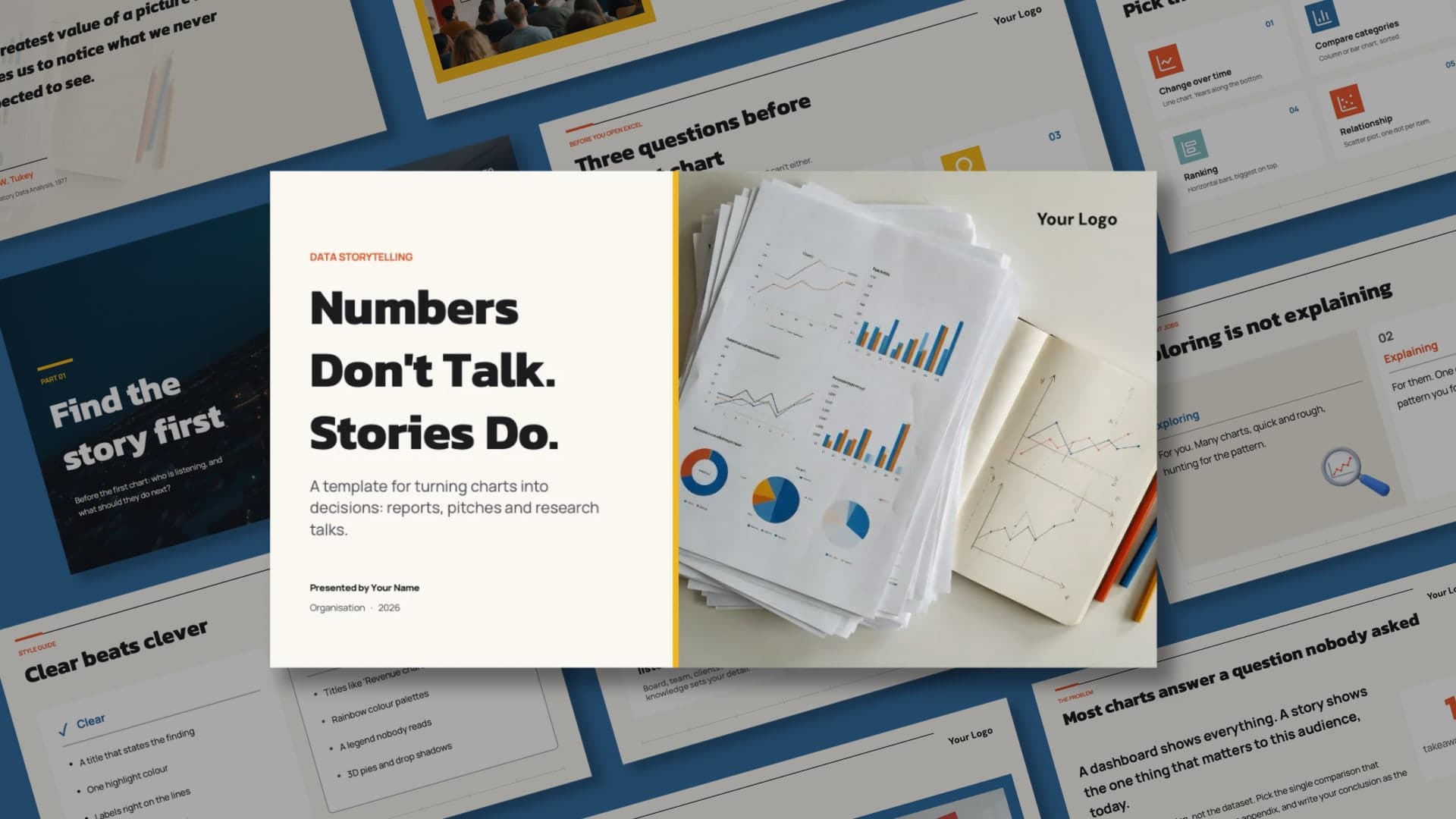
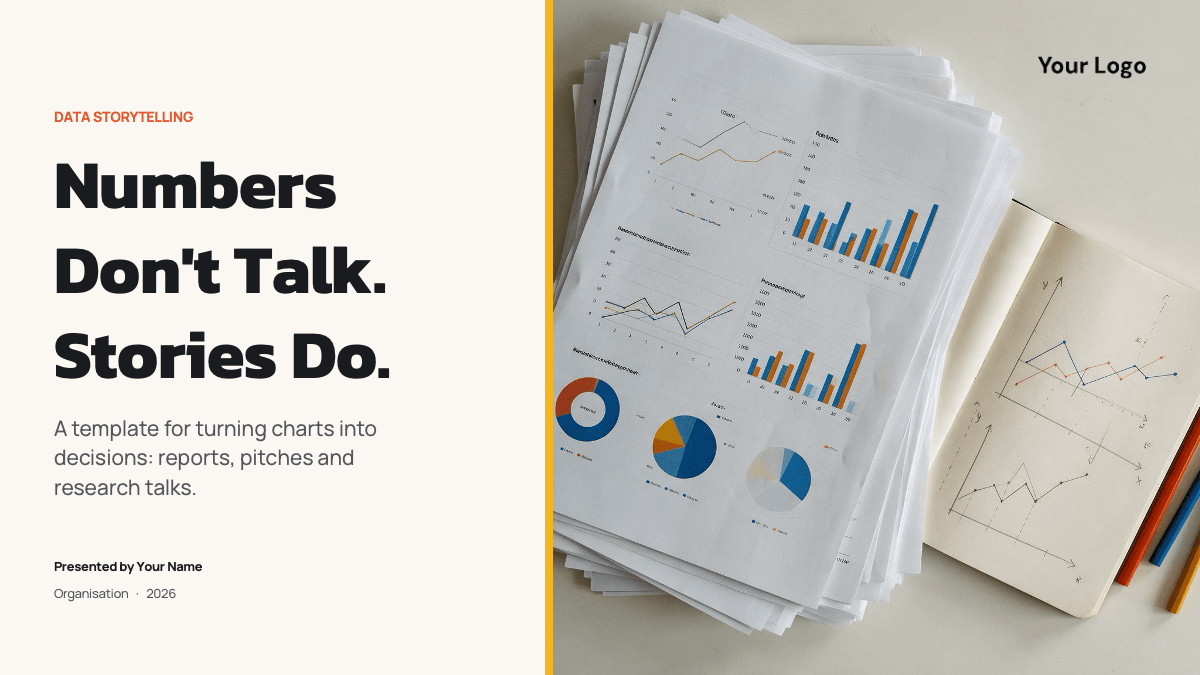
The Data Storytelling PowerPoint Template is a clean editorial deck about turning charts into decisions. The cover pairs an off-white title panel with a photo of printed charts and a sketchbook, the section divider is a city at night with light trails, and the content slides sit on off-white with navy text, thin rules and square icon tiles in blue, orange-red and yellow. Kanit gives the headlines a sturdy geometric weight and Manrope keeps the body copy light and readable. A "Your Logo" slot sits in the top corner of every content page.
What's Inside
Ten content slides come pre-filled with teaching content you can present as it is or replace. After the "Numbers Don't Talk. Stories Do." cover there is a "Find the story first" section divider, a John W. Tukey quote, the three beats every data story needs (context, conflict, resolution), three questions to answer before the first chart, a "Clear beats clever" style guide of dos and don'ts, a headline slide on why most charts answer a question nobody asked, a "Pen before pixels" sketch-first slide, a chart chooser that matches six kinds of question to a chart type and an "Exploring is not explaining" two-column slide. Reference slides for fonts, elements and icons are included.
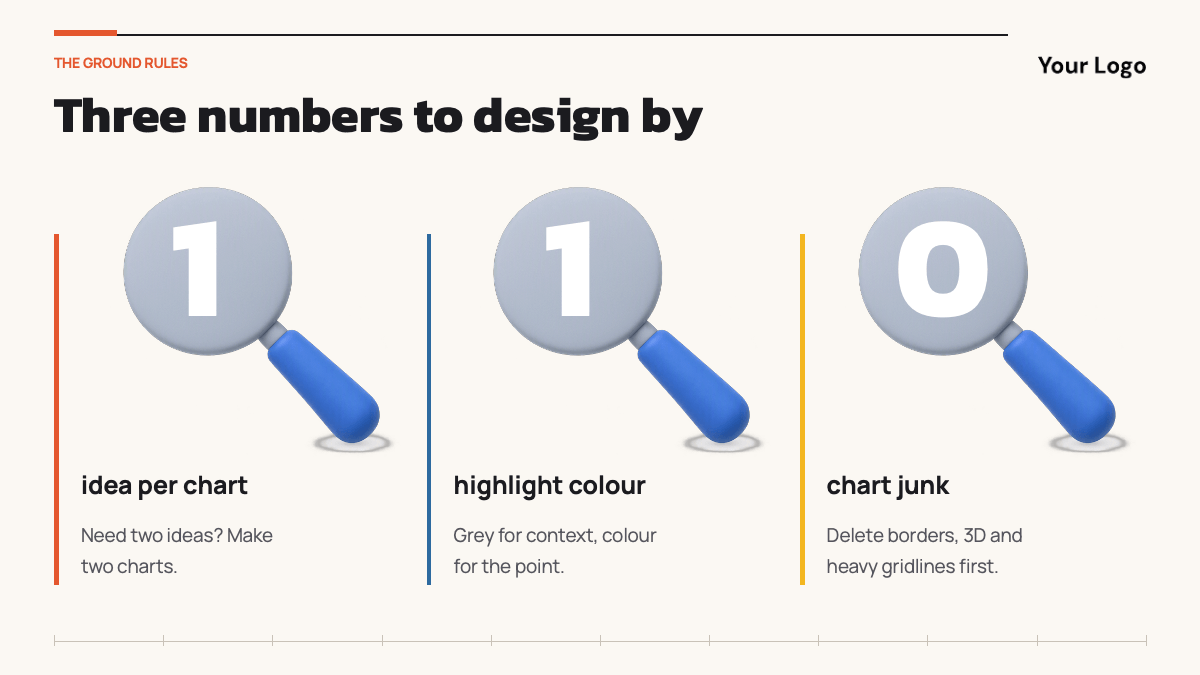
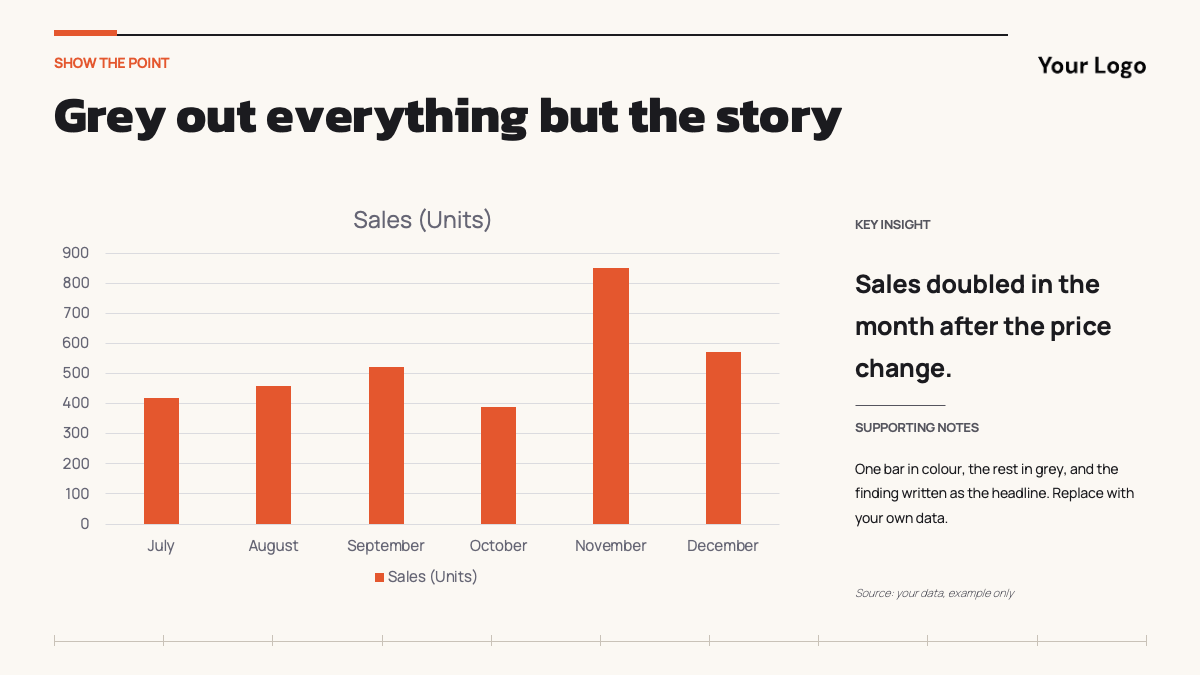
The full version adds ten more layouts: three numbers to design by, a bar chart with one highlighted bar, a data dump versus data story comparison table, a five-step method from spreadsheet to story, a timeline of charts that changed minds from 1786 to 2006, a four-picture image grid, a checklist to run before you present, a full-bleed picture slide, a contact slide and a "Questions are data too" closing slide.
Who Is This Template For?
Made for analysts and BI teams presenting findings to decision makers, consultants and marketers building a report or pitch around numbers, researchers and students preparing a talk, and trainers teaching data visualisation or presentation skills. The teaching content works as a ready workshop, and every layout takes your own charts and findings without redesign.
Related Templates
If you enjoyed this template, explore Data PowerPoint Template, Big Data PowerPoint Template, Storytelling PowerPoint Template. Browse all Business and Finance templates.
Frequently asked questions
- Is the Data Storytelling PowerPoint template free?
- Yes. The free version with ten pre-filled content slides is free to download for personal, school and work presentations. The full version with twenty content slides is a paid upgrade.
- How many slides are included?
- The free file has 14 slides: ten content slides and reference slides for fonts, elements and icons. The full version has 24 slides with twenty content slides.
- Which fonts does it use?
- Kanit for headlines and Manrope for body text. Both are free Google Fonts; install them before opening the file so the slides look like the preview.
- Is the template animated?
- No. The slides use simple transitions and no entrance animations, so it presents cleanly and is easy to edit.
- Does it work in Google Slides?
- There is no direct Google Slides link for this template. Upload the PPTX file to Google Drive and open it with Google Slides; the layouts, images and fonts carry over. Install the fonts first for the closest match.
- Can I present the content as it is?
- Yes. The slides are written as a short workshop on data storytelling, from finding the story to choosing the chart, so you can present them as they are or swap in your own findings.
Unlock the full version
Premium template, part of Prezentr Pass

 +20 slides
- 24 slides, 10 more than the free version
- Same style, fonts and colors, fully editable
- Use it as a style in Prezentr Slides
Pass from €19. Pay once, no automatic renewal. The free version stays free.